


Generate themed video highlight reels from your interviews
Conveo picks key moments from your interviews and groups them by theme into a video reel. Add or remove quotes, regenerate, and share with stakeholders.
 Dieter De Mesmaeker
At a glance
- Describe the theme or reactions you want and Conveo selects the clips
- Key moments are grouped by theme across every interview in the study
- Add or remove quotes and regenerate the reel until it tells the story
- Preview the reel, then render it and share it from Outputs
Fifteen interviews about a new snack range produce hours of video, and somewhere in them a shopper explains in ten seconds why the pack reads as a diet product. That is the clip the brand team needs to see. Finding it meant scrubbing through each recording, cutting the moment in a video tool and stitching it to the next one, so most teams settled for a quote in italics on a slide. Quote reels do the selecting and the stitching for you.
Sixty seconds on quote reels and why a finding travels further on camera, no sound needed.
How it works
Describe what you want to show. From your study's Analyze page, choose New Quote Reel and describe the theme or the reactions the reel should cover.
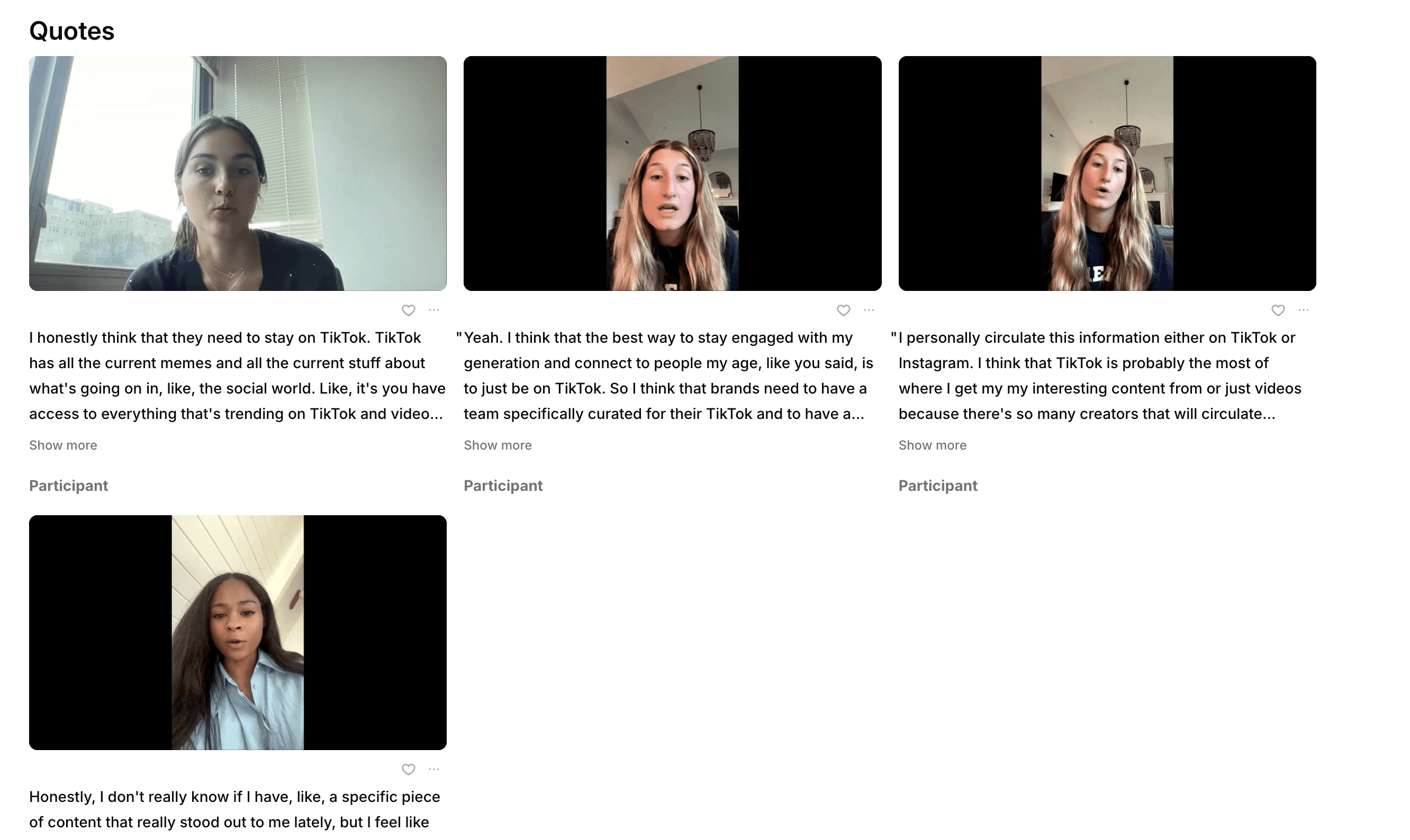
Conveo selects the moments. The AI research assistant picks the key moments from across your interviews and groups them by theme, so one reel can show several participants making the same point.
Adjust the selection. Add or remove quotes and regenerate the reel until it tells the story you need.
Preview and render. Watch the reel before you finalize it, then render it. Saved reels sit under Outputs, ready to download or share.
Research teams asked for it in five situations
These come from teams we work with in consumer goods, food and drink, retail, financial services, home security, travel and research agencies. We kept them anonymous.
The point made across interviews. A reel that brings forward what several participants said about the same theme, so the pattern shows on camera instead of in one person's words.
Clips inside the report. A video embedded in the report or deck next to the finding, where a quote in italics used to sit.
A short version for leadership. A minute or two of participants on the key findings, for stakeholders who will watch a video but will not open the full report.
Skipping the scrub. Teams that used to open each recording and pause at the right second wanted the moments found and cut for them.
Workshops and brand sessions. Innovation workshops and sales meetings where the consumer saying it on camera convinces a room faster than a chart.
What this means for your research
Your stakeholders see participants say it, in their own words and grouped by the theme you asked for, without a separate video tool. The reel comes straight from the study's recordings, so every clip links back to the interview it came from.
Two limits to know. A reel is a selection, so keep enough of each clip that the participant's meaning stays intact, and check the surrounding interview before presenting clips as representative findings. Clips also show participants' faces and voices, so think about who the reel is for before you share it beyond the team.
Three minutes on getting your insights into the room
Three minutes, narrated, on how a reel puts your participants in front of the people who decide.
Read the quote reels guide for creating, editing and sharing reels.