
TL;DR
If you are choosing the best transcription software for qualitative research, the right option depends less on accuracy alone and more on how easily transcripts connect to analysis and insight generation.
Here are the strongest tools in 2026, depending on your research workflow:
Best overall for end-to-end qualitative workflows: Conveo
Best standalone transcription: Sonix
Best for multilingual fieldwork: Sonix
Best for human transcription: Rev / GoTranscript
Best for QDA-integrated workflows: NVivo Transcription
Best for research repository + UX teams: Marvin
Most teams can generate transcripts quickly. The harder step is turning interviews into themes, evidence, and stakeholder-ready findings. If that is where your workflow slows down, a research platform like Conveo is often a better fit than standalone transcription software.
Why transcription is no longer the blocker in qualitative research
Transcription used to be the slowest step in qualitative research. Today, teams can generate transcripts from audio recordings and video files in minutes with the right tool. The definition of transcription has not changed, but what those transcripts can support has.
Modern transcription now strengthens contextual referencing across interviews, making it easier to trace themes back to exact moments, speakers, and evidence. Instead of acting as a bottleneck, transcripts increasingly function as the backbone of structured qualitative analysis.
The real delay now happens after transcripts are created, when teams move between transcription tools and analysis workflows before findings become usable qualitative data stakeholders can act on.
We’ve curated a list of the best transcription software for qualitative research in 2026 to help you close that gap. You can compare tools across categories, understand what supports real research workflows, and find the right fit for your team.
How to choose the right transcription solution for your research workflow
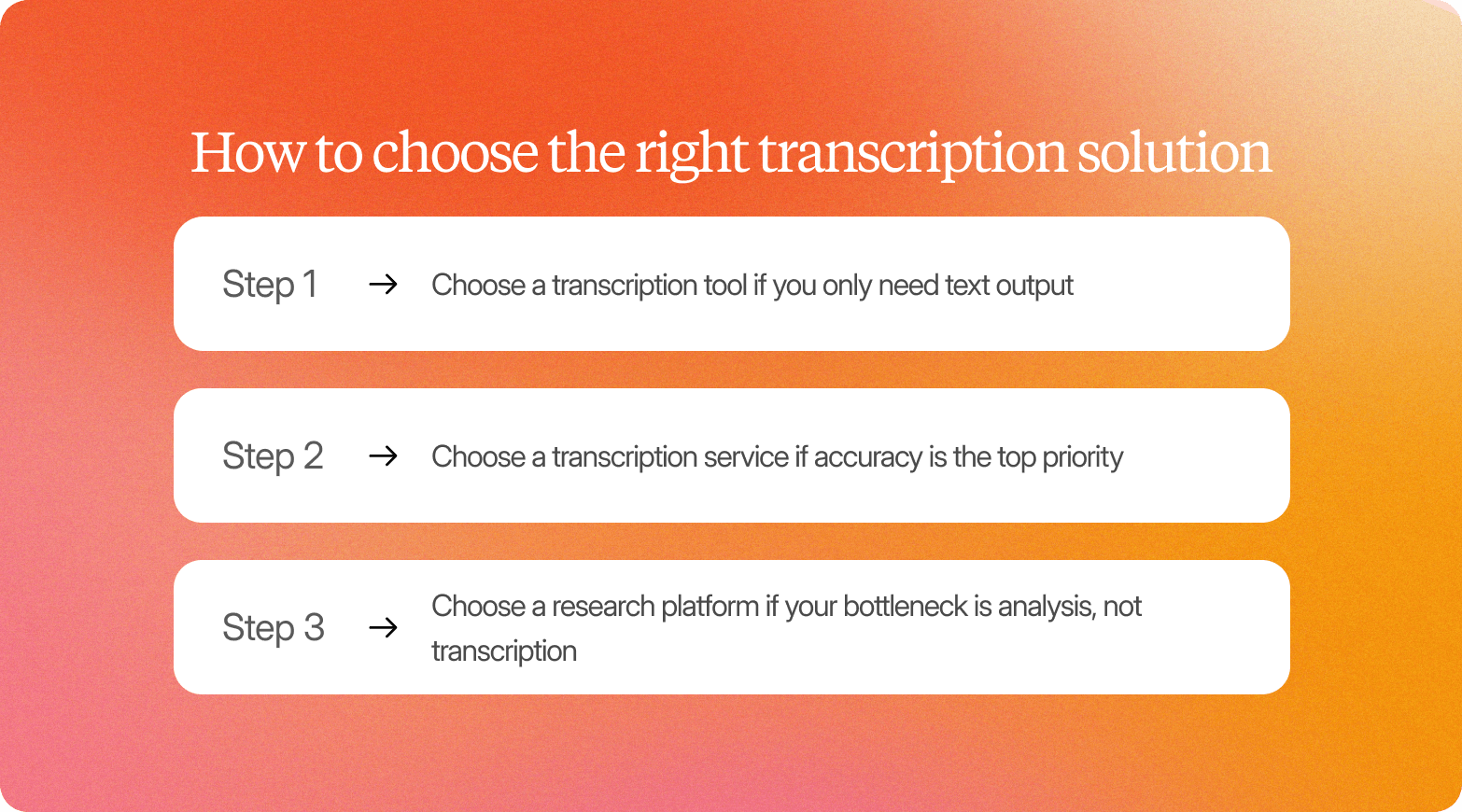
Start by identifying which step in your workflow slows research down the most. The answer usually points directly to the type of transcription solution you need.
Step 1: Choose a transcription tool if you only need text output
A standalone transcription tool works well when your team already has an established analysis process. If transcripts move straight into coding software or internal synthesis workflows, faster text generation is often all you need.
A simple check: once a transcript is ready, does the rest of your workflow already run smoothly?
Step 2: Choose a transcription service if accuracy is the top priority
Human transcription services are worth considering when recordings are difficult to process automatically or when precision matters more than turnaround speed.
This often applies to noisy field interviews, technical subject matter, or research used in regulated or publication contexts.
A useful question here: would a small transcription error create risk for your study or stakeholders?
Step 3: Choose a research platform if your bottleneck is analysis, not transcription
Many research teams can generate transcripts quickly. The harder step is turning interviews into themes, quotes, clips, and reports stakeholders will actually use.
If synthesis, alignment, or reporting slows your work more than transcription itself, a research platform can remove friction across the entire workflow instead of improving just one step.
For teams trying to move faster from interviews to themes, quotes, and stakeholder-ready outputs, it makes sense to look beyond standalone transcription tools to end-to-end research platforms.
Comparison table: Best software for transcribing interviews
This overview compares how each tool supports the transcription process for qualitative research, from automatic transcription of audio and video files to human transcription workflows that produce accurate transcripts faster.
Tool | Best for | AI / human / hybrid | Key research features | Multilingual support | Pricing model |
Conveo | End-to-end transcription software for qualitative research | AI | Interview capture, automated transcription software, synthesis support, stakeholder-ready outputs | Yes | Subscription |
NVivo Transcription | NVivo-based qualitative data coding workflows | AI | Speaker identification, timestamps, export to Word document and NVivo projects | Yes | Credit-based / bundled with NVivo |
Marvin | Research repositories managing existing audio recordings | AI | Repository tagging, transcript organization, qualitative data reuse | Yes | Seat-based subscription |
Listen Labs | AI-assisted interview analysis workflows | AI | Automated transcripts, clustering, insight extraction using natural language processing | Yes | Subscription |
Otter.ai | Fast speech-to-text meeting notes and interview capture | AI | Live transcription, summaries, and integration with Microsoft Teams and Google Meet | Limited compared to research-native tools | Free plan + subscription tiers |
Sonix | Multilingual transcription services for audio files and video files | AI | Speaker labels, browser text editor, captions export | 50+ languages | Usage-based + subscription |
Rev | Highly accurate professional transcription | Human / hybrid / AI | Human transcription with strong transcription accuracy for difficult audio data | Yes | Per-minute pricing |
GoTranscript | Manual transcription for compliance-sensitive recordings | Human | Multi-step review workflows supporting accurate transcriptions | Yes | Per-minute pricing |
Descript | Transcript editing with audio and video production tools | AI | Edit recordings via transcript directly, filler word removal, and caption support | Yes | Subscription tiers |
Fireflies.ai | Meeting capture across recurring stakeholder interviews | AI | Automatic transcription, searchable transcripts, collaboration access | Yes | Free plan + subscription tiers |
Seeing how these tools differ helps narrow your options. The next step is identifying the features that matter most when selecting transcription software for qualitative research.
The 10 best transcription tools for qualitative research
Some transcription tools simply convert audio or video into text. Others support the full research process, from interviews to analysis and stakeholder-ready findings.
This list compares both so you can choose the right fit for how your team actually works.
1. Conveo
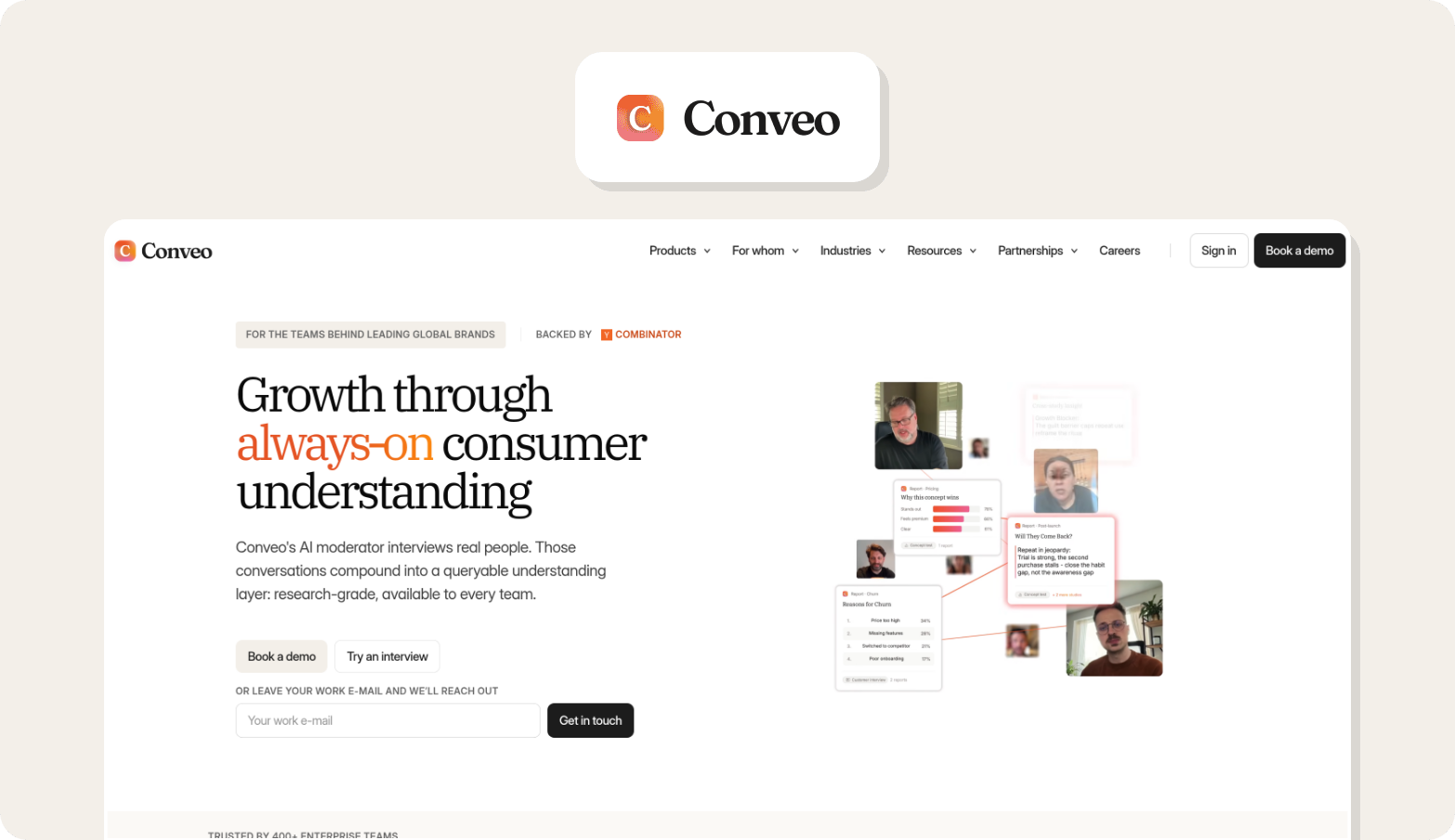
Conveo is a qualitative research platform augmented with video-first AI capabilities, where transcription happens during fieldwork rather than after it.
Interviews are transcribed automatically and linked to discussion guides, participants, and themes so teams can move from transcripts to analysis without exporting files between tools.
Best for
Research teams that want transcription built into a full qualitative research workflow rather than handled as a separate step.
Strengths
Conveo keeps the transcription process inside the research workflow. Interviews are transcribed automatically and remain linked to questions, participants, and themes, reducing the need to move audio or video files between transcription tools and analysis environments. That said, Conveo also supports the uploading of external recordings and transcriptions as well.
It also supports synthesis across multiple interviews, helping researchers identify patterns with traceable quotes instead of reviewing transcripts individually. Because the platform works with video as well as text, teams can interpret tone and delivery alongside spoken responses.
Might not be a fit if
The primary need is converting audio or video files into text only
Your workflow depends on standalone transcription services or manual transcription steps
You mainly capture meeting-style recordings in Microsoft Teams or Google Meet
Pricing model
Platform subscription or pay-as-you-go.
Agency customers can choose between a platform subscription or a fully flexible pay-as-you-go option, with no mandatory platform fee.
Fit for qualitative research
A strong option for teams running recurring qualitative research programs where transcripts need to connect directly to thematic analysis and stakeholder-ready outputs rather than remain standalone documents.
"The AI doesn't just summarize, it surfaces patterns I wouldn't have spotted reading transcripts."
CMI Manager, Edgard & Cooper
2. NVivo Transcription
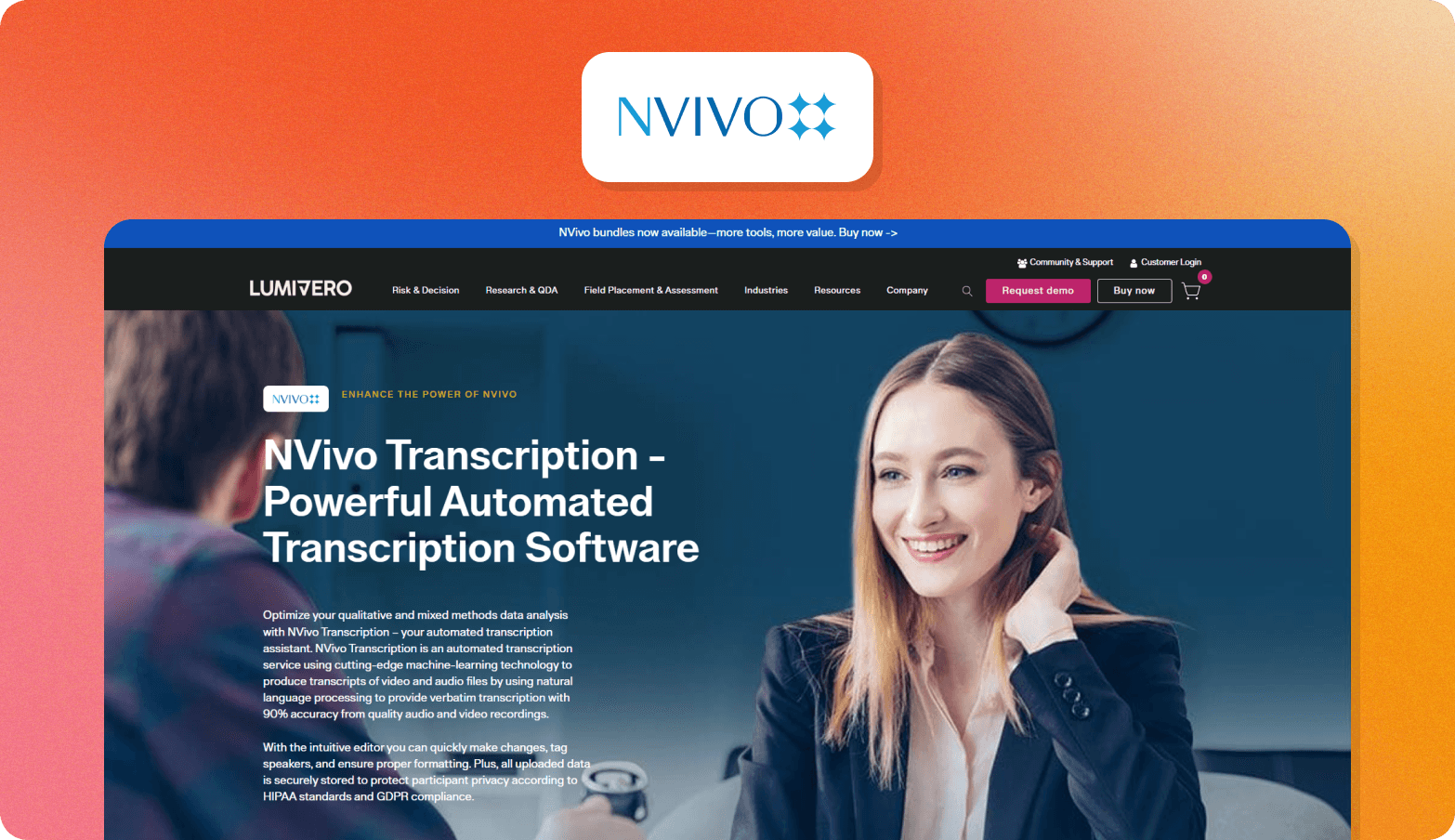
NVivo Transcription converts audio and video into text that feeds directly into NVivo for structured qualitative analysis. It supports speaker identification and exports suited for coding workflows.
Best for
Teams already using NVivo who want transcripts ready for formal qualitative coding.
Strengths
Works smoothly inside established QDA workflows and supports multilingual transcription designed for research use, not general meeting notes.
Might not be a fit if
You want built-in interview capture instead of post-upload transcription
Your workflow focuses on rapid synthesis over structured coding
You are not using NVivo in your research stack
Pricing model
Credit-based usage, with access bundled in some NVivo plans.
Fit for qualitative research
Best suited to researchers running structured coding projects rather than fast insight-sharing workflows.
3. Marvin
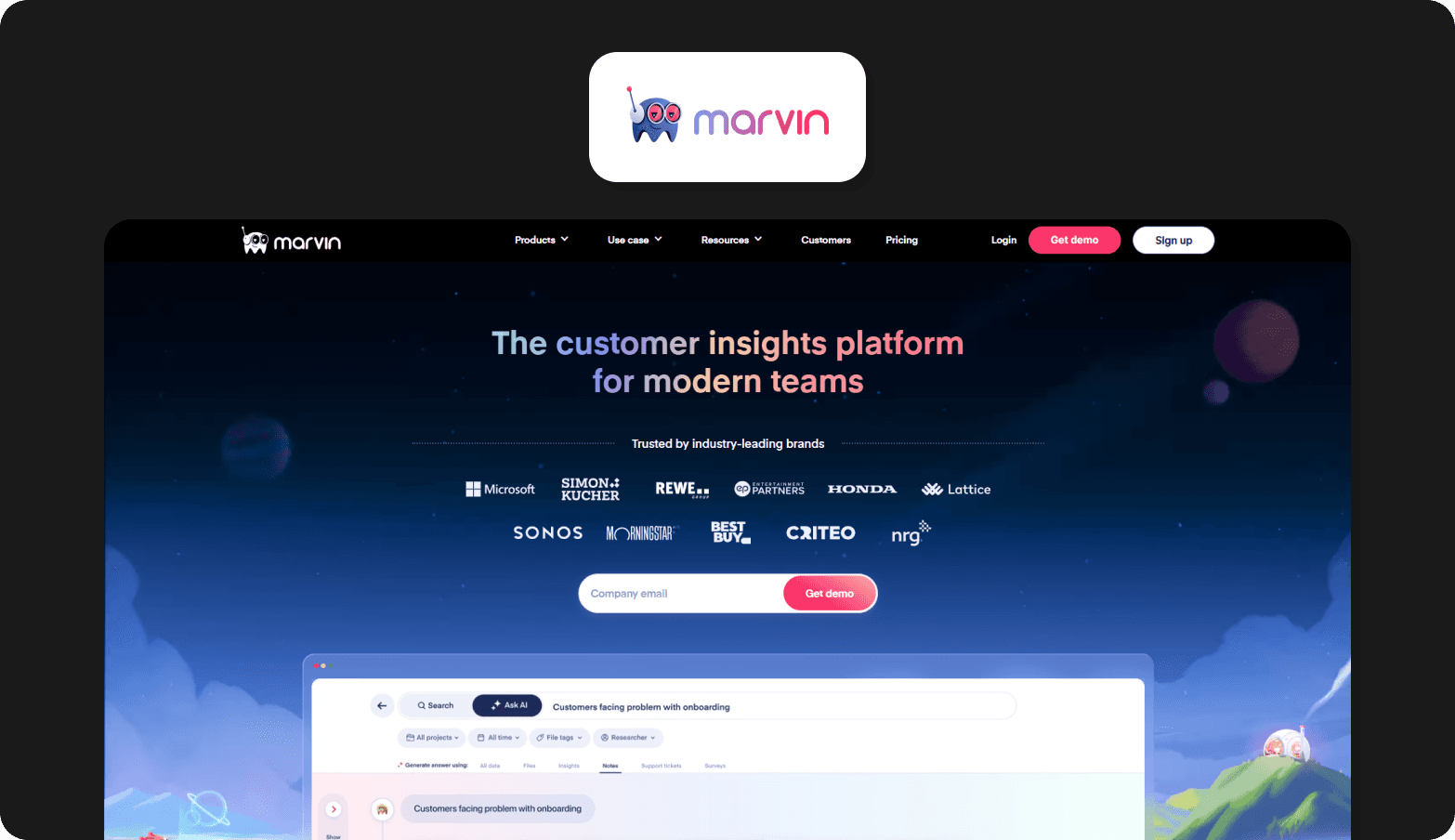
Marvin is a qualitative research repository that stores interviews, notes, and recordings in a searchable workspace with tagging and organization features. Transcripts can be generated and attached to research artifacts inside the repository.
Best for
UX and insights teams managing large volumes of existing research materials.
Strengths
Designed as a centralized research library where teams can organize interviews, tag findings, and make prior work easier to reuse across projects.
Might not be a fit if
You need built-in participant recruitment
Your workflow starts with interview capture inside the same tool
Transcription is your primary requirement rather than repository management
Pricing model
Seat-based subscription plans.
Fit for qualitative research
Best suited to teams building a long-term research repository rather than running end-to-end interview workflows inside one environment.
4. Listen Labs
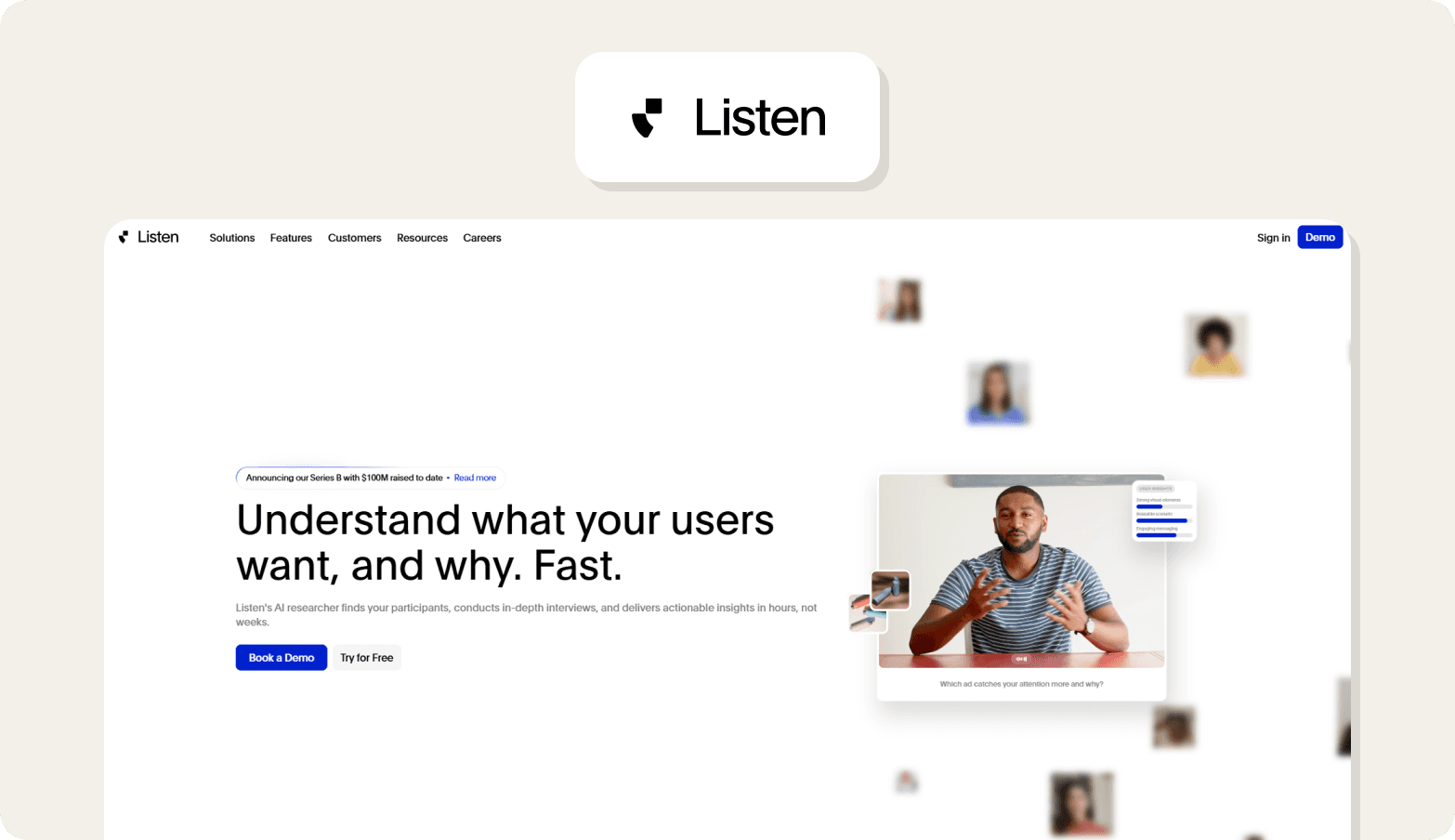
Listen Labs provides AI-assisted interview analysis with transcription, tagging, and synthesis features designed to help teams review conversations faster.
Best for
Teams exploring automated qualitative analysis workflows.
Strengths
Supports transcript-based insight extraction and clustering to help researchers review interviews more efficiently across studies.
Might not be a fit if
You want discussion guide creation inside the same tool
Your workflow includes participant recruitment management
You need a single system covering the full research lifecycle
Pricing model
Subscription pricing based on usage and team access.
Fit for qualitative research
A strong option for transcript-driven synthesis workflows where automated analysis plays a central role.
5. Otter.ai
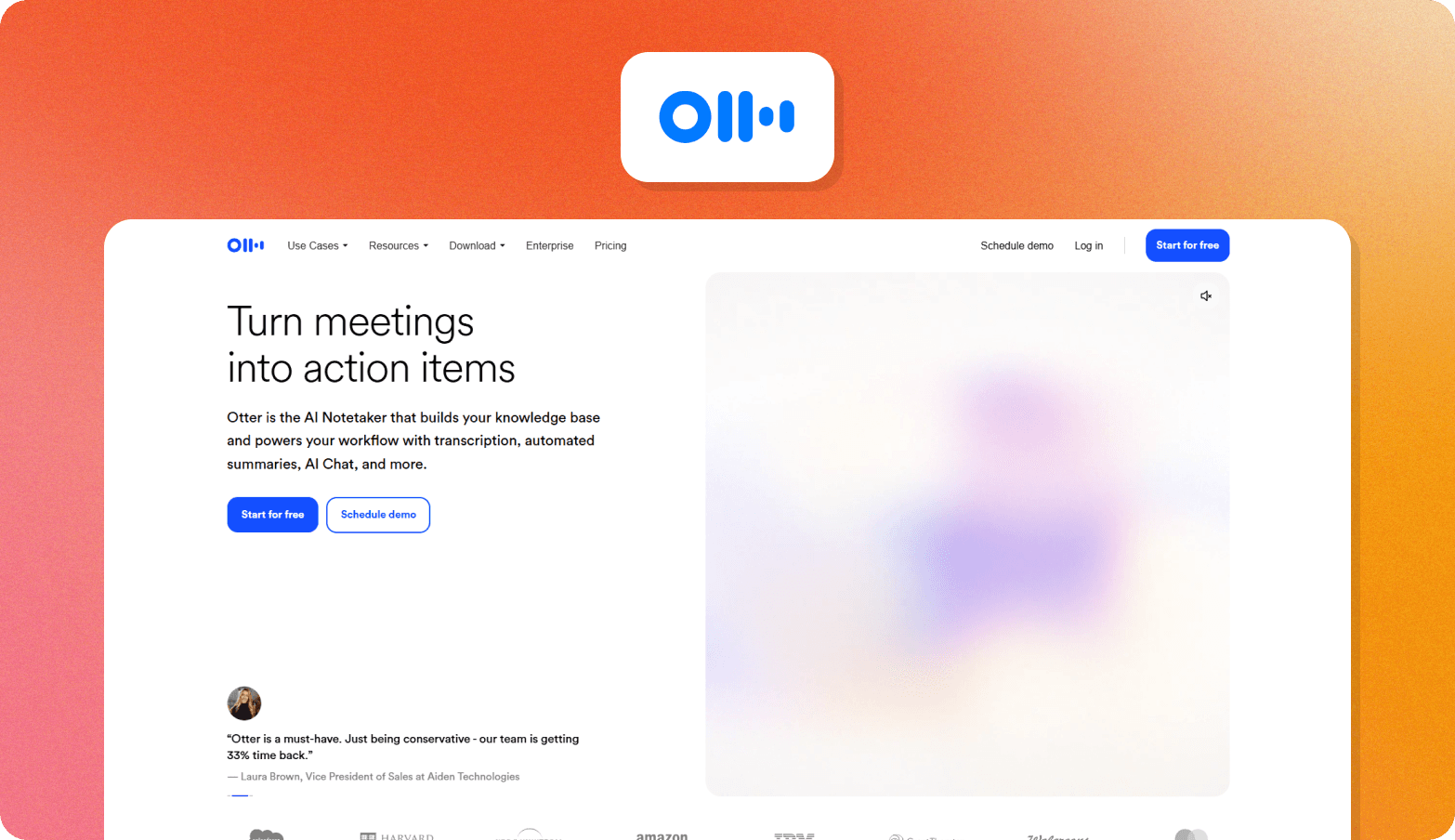
Otter.ai provides real-time transcription for meetings and recorded conversations, with integrations for Zoom, Google Meet, and Microsoft Teams. It also supports searchable transcripts and AI meeting summaries.
Best for
Fast transcript capture for internal interviews and conversations.
Strengths
Live transcription and automatic meeting capture make it easy to document conversations without manual note-taking.
Might not be a fit if
You need structured support for IDIs or focus groups
Transcripts must connect to coding workflows
Your team runs recurring qualitative research programs
Pricing model
Free tier with usage limits, plus paid subscription plans.
Fit for qualitative research
Useful for lightweight transcript capture, but designed primarily for meetings rather than research synthesis workflows.
6. Sonix
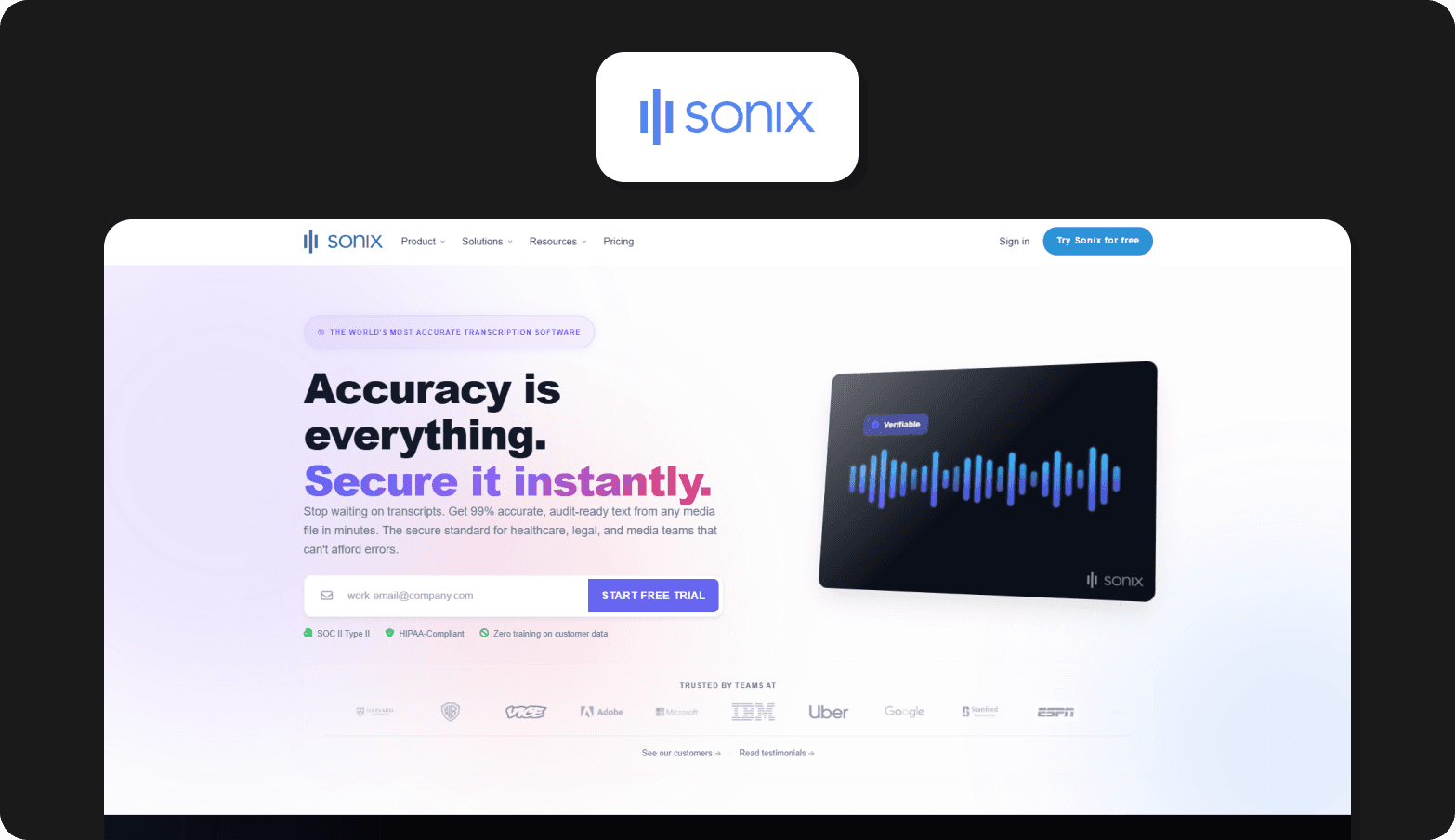
Sonix automatically transcribes audio and video with speaker identification, timestamps, and a browser-based editing interface. It supports transcription in more than 53 languages.
Best for
Multilingual transcription across international research projects.
Strengths
Offers language coverage, searchable transcripts, and an in-browser editor that lets users review and refine transcripts quickly.
Might not be a fit if
You want built-in coding workflows
Transcripts must connect directly to repositories
Your workflow includes synthesis inside the same tool
Pricing model
Usage-based pricing per transcription hour, with subscription options.
Fit for qualitative research
Strong when transcript accuracy and language coverage are the main requirements.
7. Rev
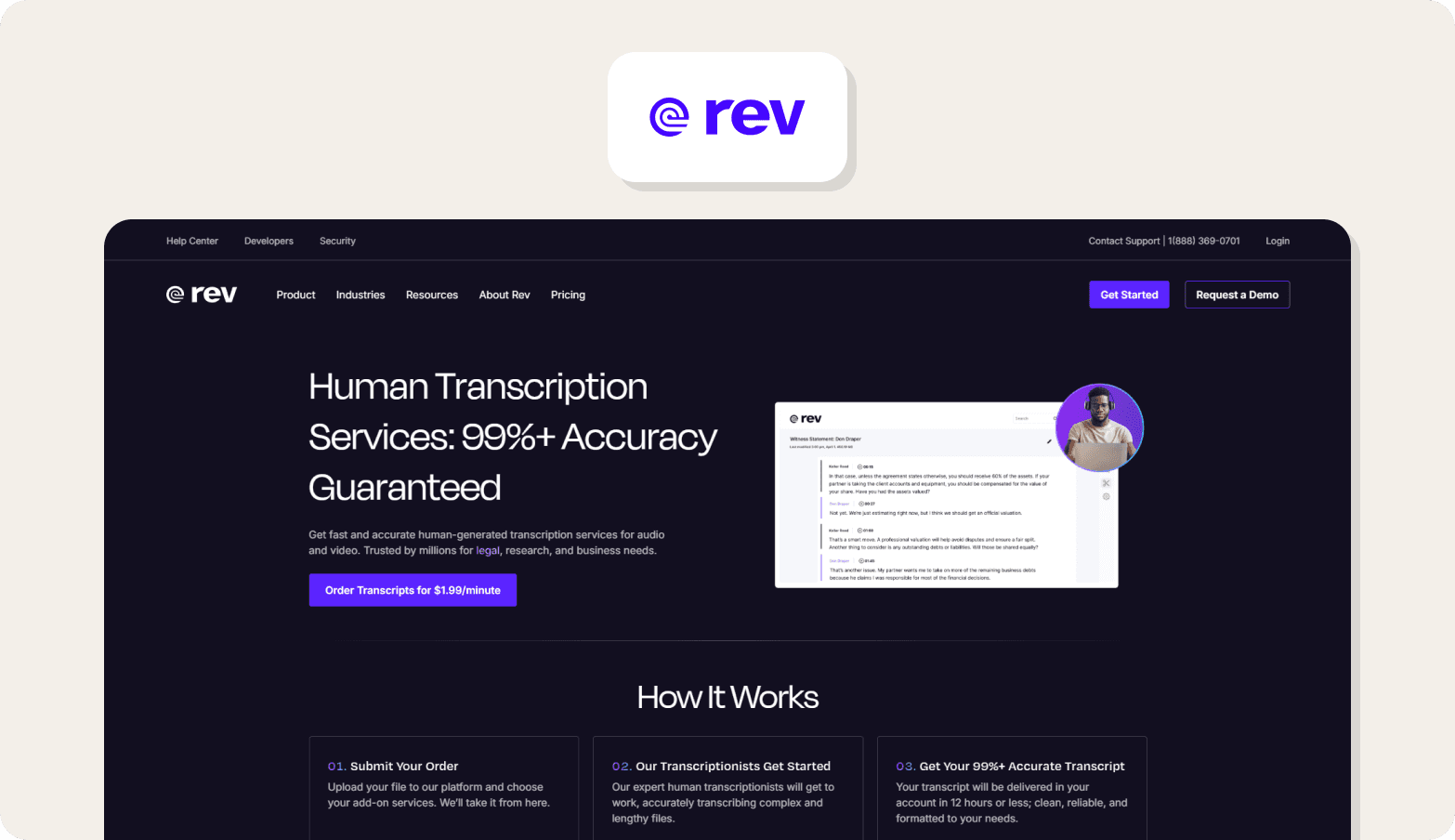
Rev provides human transcription and AI-assisted transcription services for audio and video recordings, with optional faster turnaround tiers depending on urgency.
Best for
Projects where highly accurate transcripts are required for reporting, compliance, or publication.
Strengths
Human transcription helps handle background noise, overlapping speakers, and different accents more reliably than automated transcription software alone.
Might not be a fit if
Fast turnaround is more important than transcript precision
Large interview volumes make per-minute pricing difficult to scale
Transcripts need to connect directly into qualitative analysis workflows
Pricing model
Per-minute pricing based on turnaround speed and transcription type.
Fit for qualitative research
A strong choice for high-stakes qualitative research transcription where accuracy matters more than speed.
8. GoTranscript
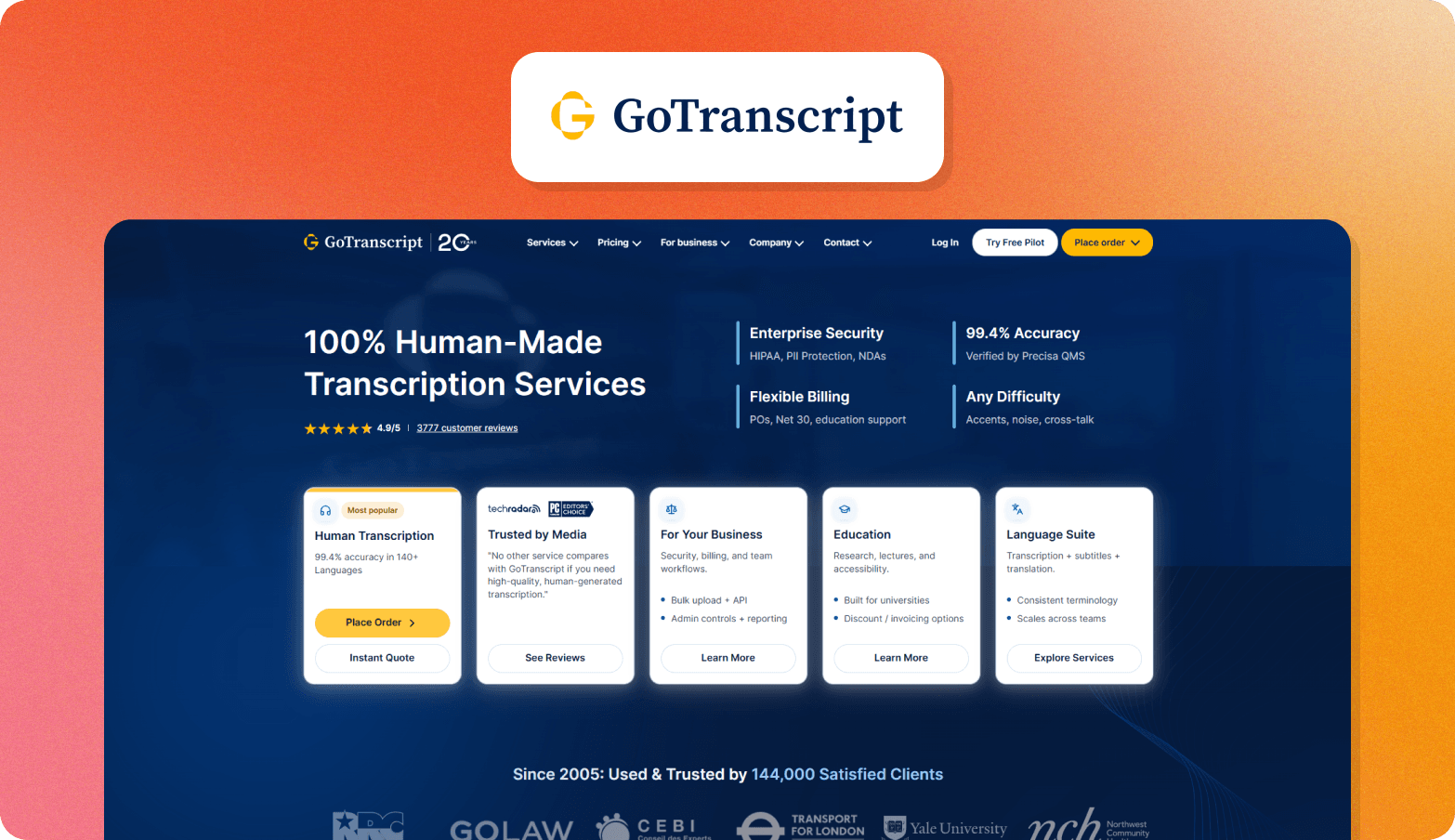
GoTranscript provides manual transcription services with human review designed for recordings that require consistent transcription accuracy across interviews.
Best for
Research interview transcription services where verbatim transcripts are required across multiple sessions.
Strengths
Manual transcription supports difficult audio recordings, multiple speakers, and technical terminology common in qualitative research interviews and focus groups.
Might not be a fit if
You need an immediate transcript turnaround
Budgets depend on predictable automation-based pricing
Your workflow relies primarily on automated transcription software
Pricing model
Per-minute pricing depending on turnaround time and service level.
Fit for qualitative research
Well-suited to teams prioritizing accurate transcripts for evidence tracking, compliance, or publication-ready research outputs.
9. Descript
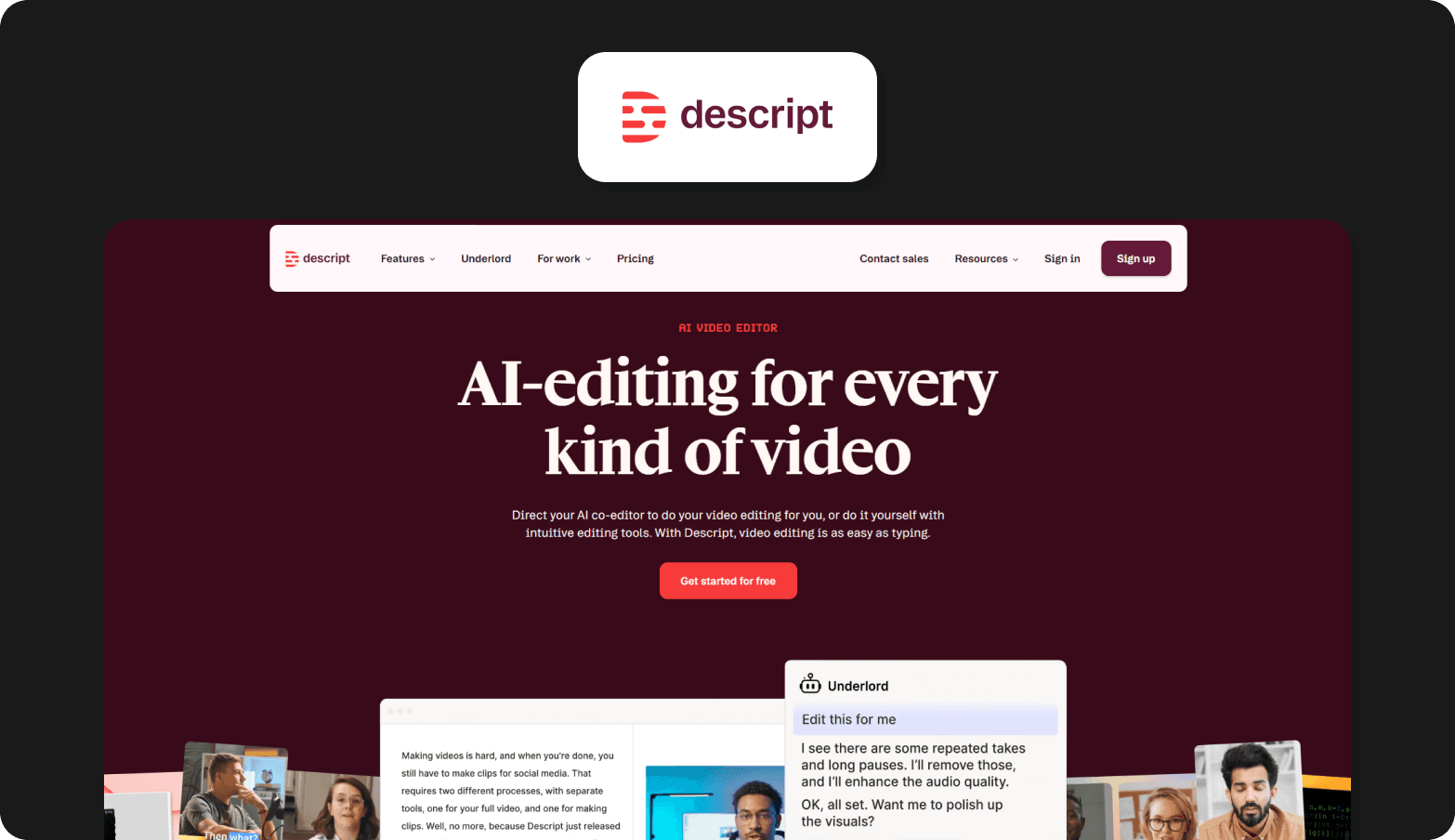
Descript combines transcription with audio and video editing, allowing users to edit recordings by editing the transcript text. It also supports screen recording and multitrack media editing workflows.
Best for
Teams editing interviews for podcasts, presentations, or published media.
Strengths
Transcript-based editing makes it easier to refine recordings while keeping audio and text aligned.
Might not be a fit if
Your workflow centers on thematic coding
Transcripts must support structured research traceability
You need research-specific export formats
Pricing model
Subscription tiers based on transcription and editing features.
Fit for qualitative research
Useful for editing recorded material, but not designed as a research analysis environment.
10. Fireflies.ai
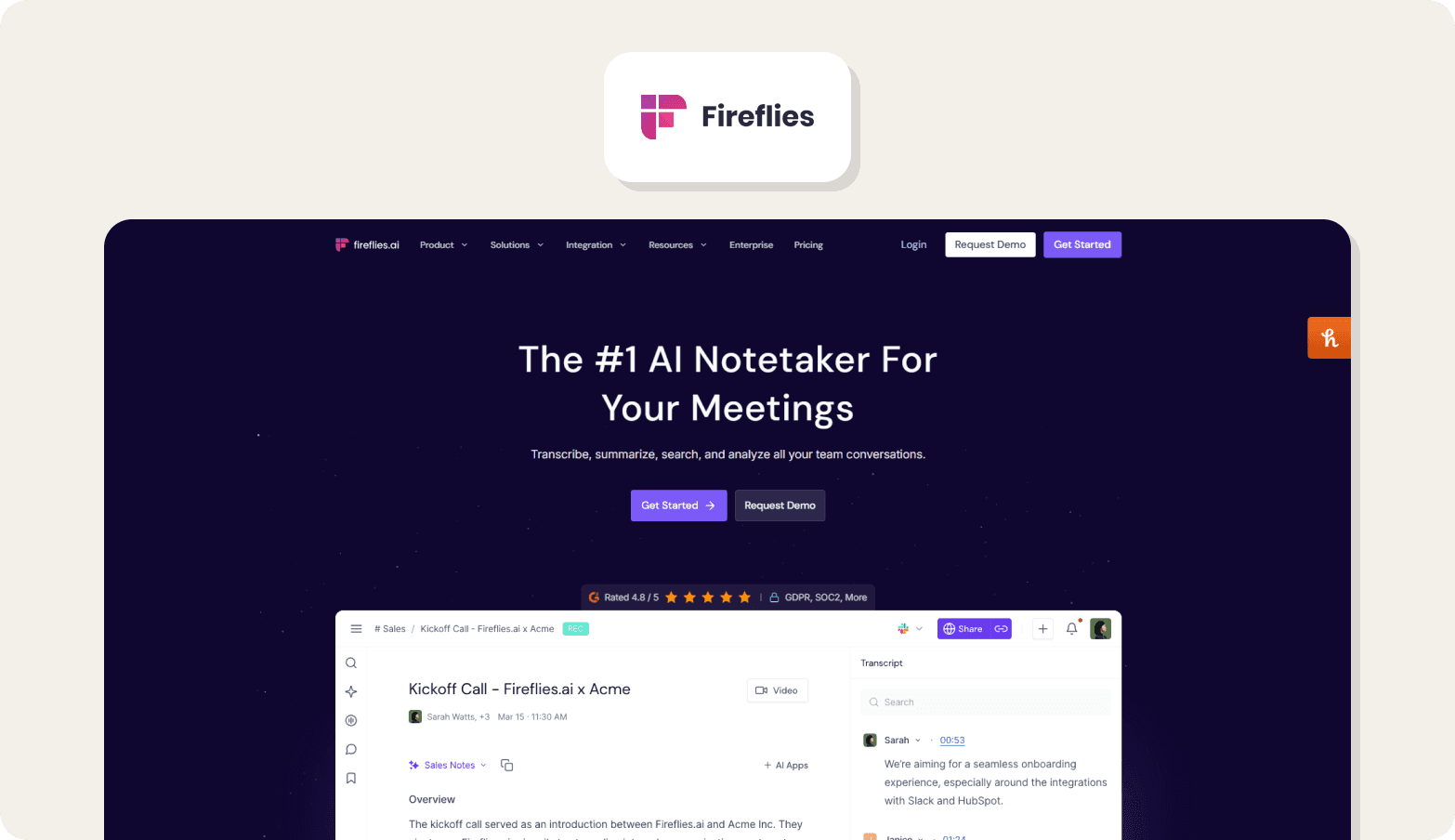
Fireflies.ai records meetings automatically, generates transcripts, and produces summaries with action items across video conferencing platforms. It also allows transcripts to be searched across conversations.
Best for
Capturing recurring stakeholder, sales, or internal conversations.
Strengths
Automated meeting recording and searchable summaries help teams review discussions without manual documentation.
Might not be a fit if
You run structured qualitative interview programs
Your workflow depends on discussion guides
Transcripts must support formal research synthesis standards
Pricing model
Free plan with usage limits plus paid team tiers.
Fit for qualitative research
Best suited to meeting capture rather than structured qualitative research analysis.
Together, these tools highlight how transcription support varies widely, which makes it easier to compare them directly in the shortlist below.
5 Key features to look for in transcription software for qualitative research
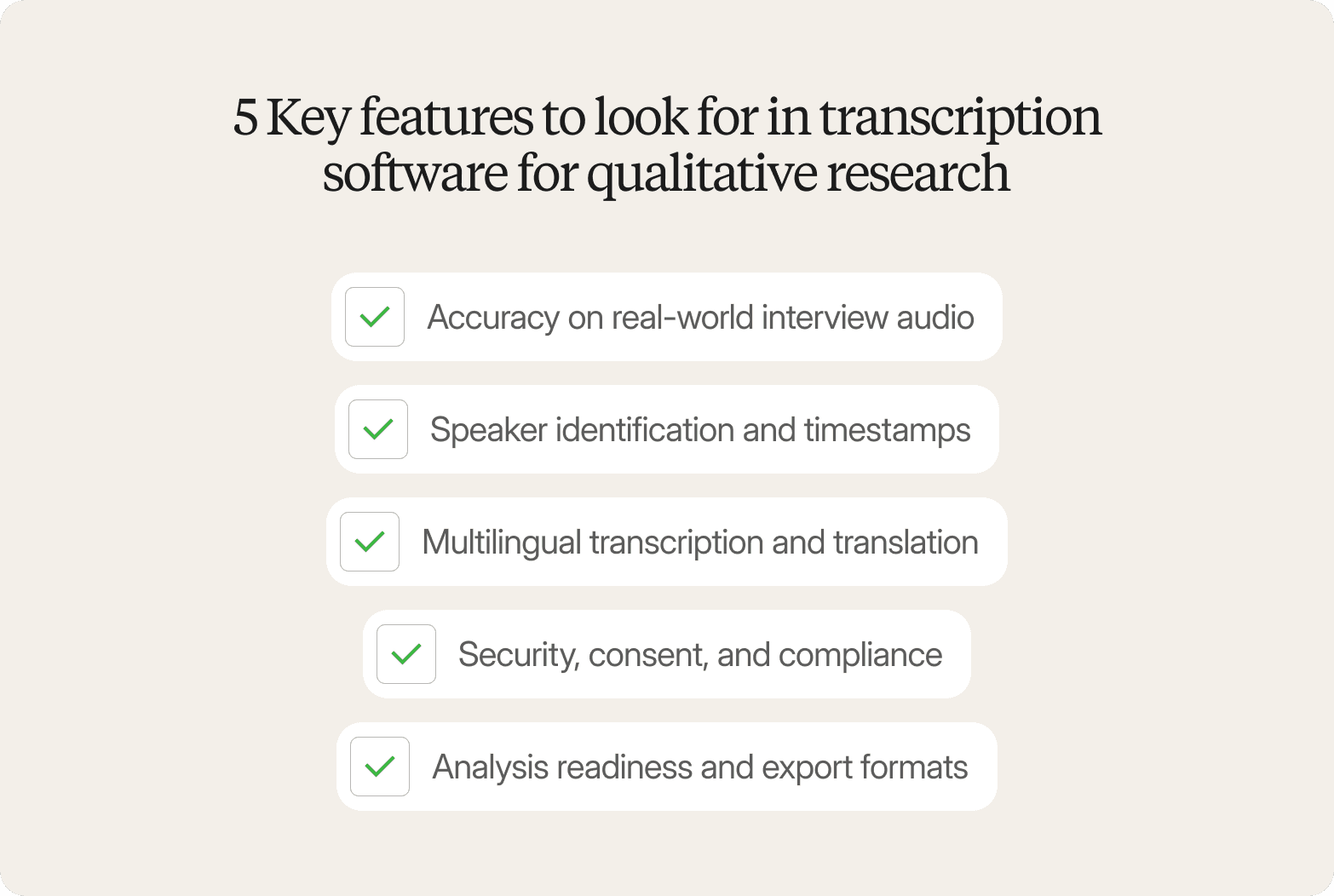
Transcription software for qualitative research is no longer just a documentation step. As AI makes it possible to run more interviews, more often, transcripts now need to support faster synthesis across teams and studies. Tools that cannot support that shift quickly become bottlenecks.
The features below are no longer optional. They determine whether transcripts can move directly into analysis workflows without slowing research down.
Accuracy on real-world interview audio
Qualitative research rarely happens in controlled recording conditions. Background noise, overlapping speakers, technical vocabulary, and long responses all affect transcription quality.
Reliable transcription software must perform consistently on real interview data, not just clean meeting recordings. Test tools using your own audio whenever possible.
Speaker identification and timestamps
Speaker attribution and timestamps support quote traceability across IDIs, focus groups, and recurring research programs.
As interview volume increases, transcripts increasingly function as evidence inside synthesis workflows. Without structured speaker labeling, coding becomes slower and harder to scale.
Multilingual transcription and translation
Global qualitative research programs now run continuously across regions rather than as occasional one-off studies.
Transcription software that supports both multilingual transcription and translation within the same workflow helps teams move directly into synthesis without manual handoffs between tools.
Security, consent, and compliance
Interview transcripts often contain identifiable participant feedback and commercially sensitive insights.
As transcripts circulate more quickly across research and product teams, security controls, consent handling, and storage policies become part of the evaluation process, especially in enterprise environments.
Analysis readiness and export formats
Transcripts increasingly move directly into synthesis platforms instead of being cleaned manually first.
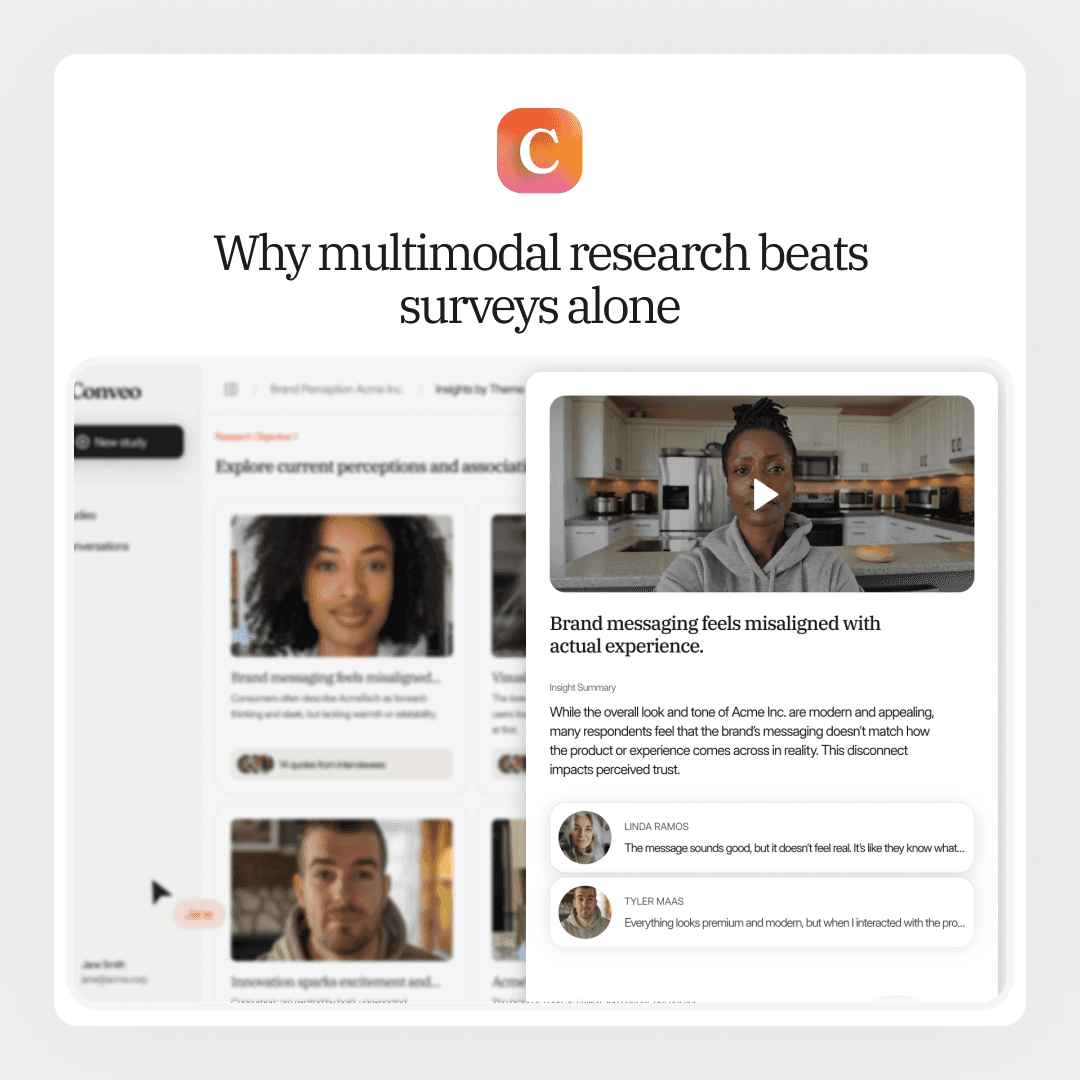
Support for structured export formats such as DOCX, TXT, CSV, and SRT helps teams connect transcription outputs to downstream qualitative analysis without extra processing steps. This becomes especially important when working across interview formats such as multimodal research vs. surveys, where transcripts need to support structured synthesis across sources.
At this point, the decision typically shifts from comparing transcription features to choosing the right transcription approach.
AI transcription vs. human transcription for qualitative research
Before selecting transcription software for qualitative research, decide whether automated transcription, human transcription services, or a hybrid workflow best supports your research standards and timelines.
Best used when | Tradeoff to consider | |
AI transcription/auto transcription | Internal interviews, exploratory qualitative research, and recurring research programs where fast turnaround matters and small wording differences do not affect interpretation | May require light review for background noise, overlapping speakers, or technical terminology |
Human transcription services | Compliance-sensitive studies, publication-ready qualitative research transcription, or recordings with multiple speakers and difficult audio | Higher cost and longer turnaround time than automated transcription software |
Hybrid workflow | Large interview sets using automated transcription first, then human review for selected transcripts that require higher transcription accuracy | Requires deciding which transcripts need manual verification |
Together, these capabilities define whether transcription software can support modern qualitative research workflows at scale.
What makes transcription software good for qualitative research?
Not all transcription software is built for qualitative research workflows, and that difference shows up once analysis begins.
Research transcription is different from meeting transcription
Research interviews, IDIs, concept testing sessions, and focus groups produce qualitative data that researchers need to analyze, not just read as meeting notes.
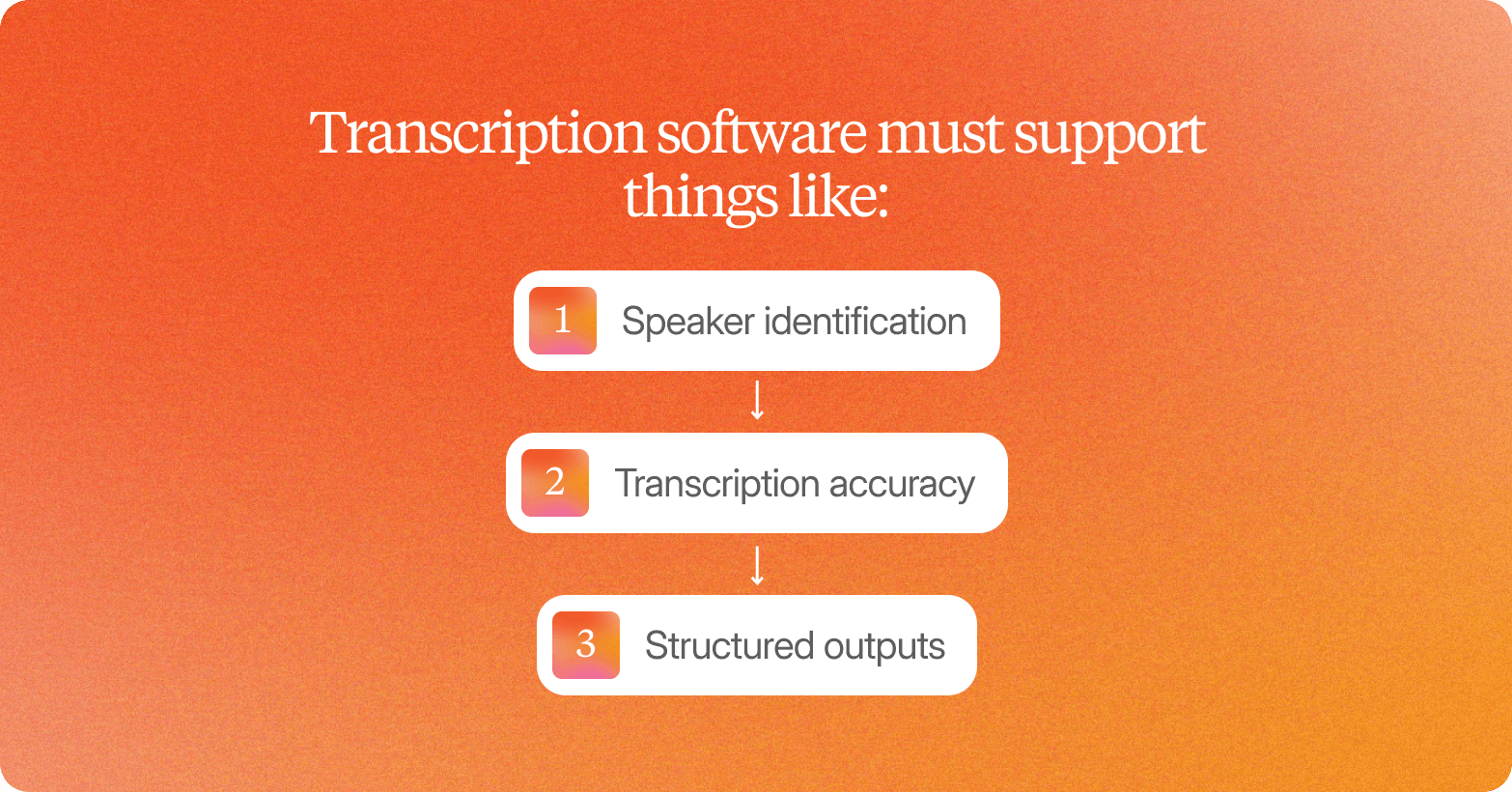
That means transcription software must support things like:
speaker identification
transcription accuracy
structured outputs
This helps researchers work with audio recordings, audio files, and video files across the research process.
Unlike basic speech-to-text tools, qualitative research transcription depends on accurate transcripts that connect directly to analysis.
The best tools reduce time from interview to insight
The best transcription software for qualitative research helps teams move from audio and video files to key insights faster, without relying on manual transcription or switching between transcription services.
Instead of cleaning automated transcripts before synthesis, researchers can move directly from transcribing audio workflows into analysis-ready transcripts.
The right tool helps researchers spend less time preparing transcripts and more time generating insights stakeholders can act on.
With those criteria in mind, here are the best transcription software tools for qualitative research in 2026.
Why Conveo stands out for qualitative research teams
Earlier, we saw how transcription software for qualitative research has improved dramatically. Generating transcripts is no longer the main constraint. The challenge is now turning growing volumes of interviews into themes, evidence, and stakeholder-ready findings fast enough to keep research useful.
Conveo is designed for that shift. It closes the gap between transcription and decision making.
Speed meets rigorous research
Speed comes from a stronger foundation, not shortcuts.
Conveo starts with structured discussion guides and real voice and video interviews rather than lightweight chat style inputs. That keeps the research process reviewable from the start while allowing teams to run more interviews without losing confidence in the results.
As interview programs scale, speed without structure creates risk. Researchers still need transparency, traceability, and methodological control across studies.
From transcripts to stakeholder-ready output in one workflow
Traditional transcription software stops at text. Researchers still have to extract themes, validate quotes, and prepare outputs manually across multiple tools.
Conveo removes that gap. Interviews, transcription, thematic analysis, and reporting happen in the same environment, so teams move directly from recordings to themes, quotes, and highlight clips with evidence still attached to the source conversation.
This makes transcripts immediately usable instead of becoming another step in the workflow.
Built for continuous research, not one-off projects
Many teams now run recurring studies across brand, product, and customer experience instead of isolated interview rounds.
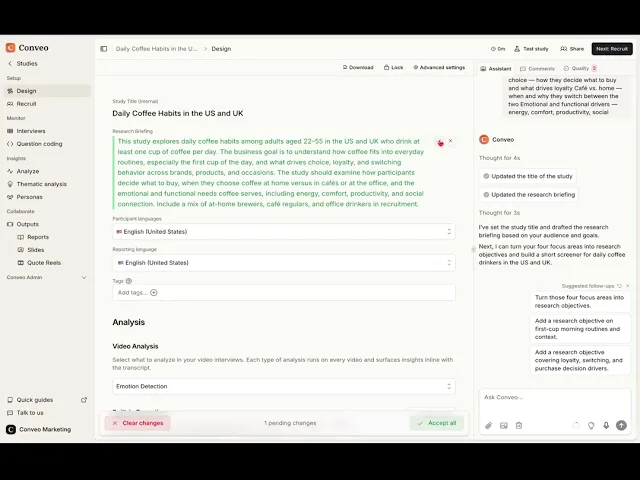
Discover how to build and launch a study in Conveo:
Conveo supports research programs where insights accumulate across studies rather than sitting in disconnected transcripts. Each new interview adds context that makes patterns easier to detect and decisions faster to support.
Over time, transcription becomes part of a growing evidence base instead of a static deliverable.
Frequently Asked Questions
What is the best transcription software for qualitative research?
Is automated transcription accurate enough for qualitative research?
When should research teams choose human transcription instead of AI transcription?
What features matter most in transcription software for qualitative research?
Is transcription software enough for qualitative research analysis?
How is Conveo different from a standalone transcription tool?