In this article
TL;DR
AI-moderated interviewing platforms run the full research workflow from recruitment through analysis, generating primary research at scale without the overhead of manual moderation.
Usability testing platforms measure task completion, prototype performance, and click-path behavioral data with quantified metrics.
Synthesis and repository tools organize, tag, and surface findings from user research you already have.
General-purpose LLMs support planning tasks like discussion guide drafting and survey design, but aren't reliable for decision-making insights.
The trust gap that matters most is evidence traceability: findings need to link back to source quotes and recordings for you to act on them with confidence.
Teams that use an end-to-end research platform eliminate the coordination overhead that slows many research programs.
AI has reshaped what qualitative research can deliver. Not just in speed, but in depth, scale, and the quality of evidence, UX researchers can present to stakeholders.
In 2026, UX teams can run AI-moderated video interviews at scale, get multimodal analysis that captures tone, hesitation, and expression alongside the words, and build a searchable research repository that becomes more valuable with every study they run. The old tradeoff between research depth and speed is quickly disappearing.
But the operational reality is that most teams aren't capturing this potential. Not because the tools don't exist, but because their tooling is fragmented. One platform handles recruitment, another moderation, another synthesis. The disconnect between these tools creates more manual work and can make a weekly research cadence feel impossible.
This guide maps the full landscape of AI tools for UX research: the four categories, what each is built for, and an evaluation framework teams can use in vendor conversations.
The 4 categories of AI tools for UX research
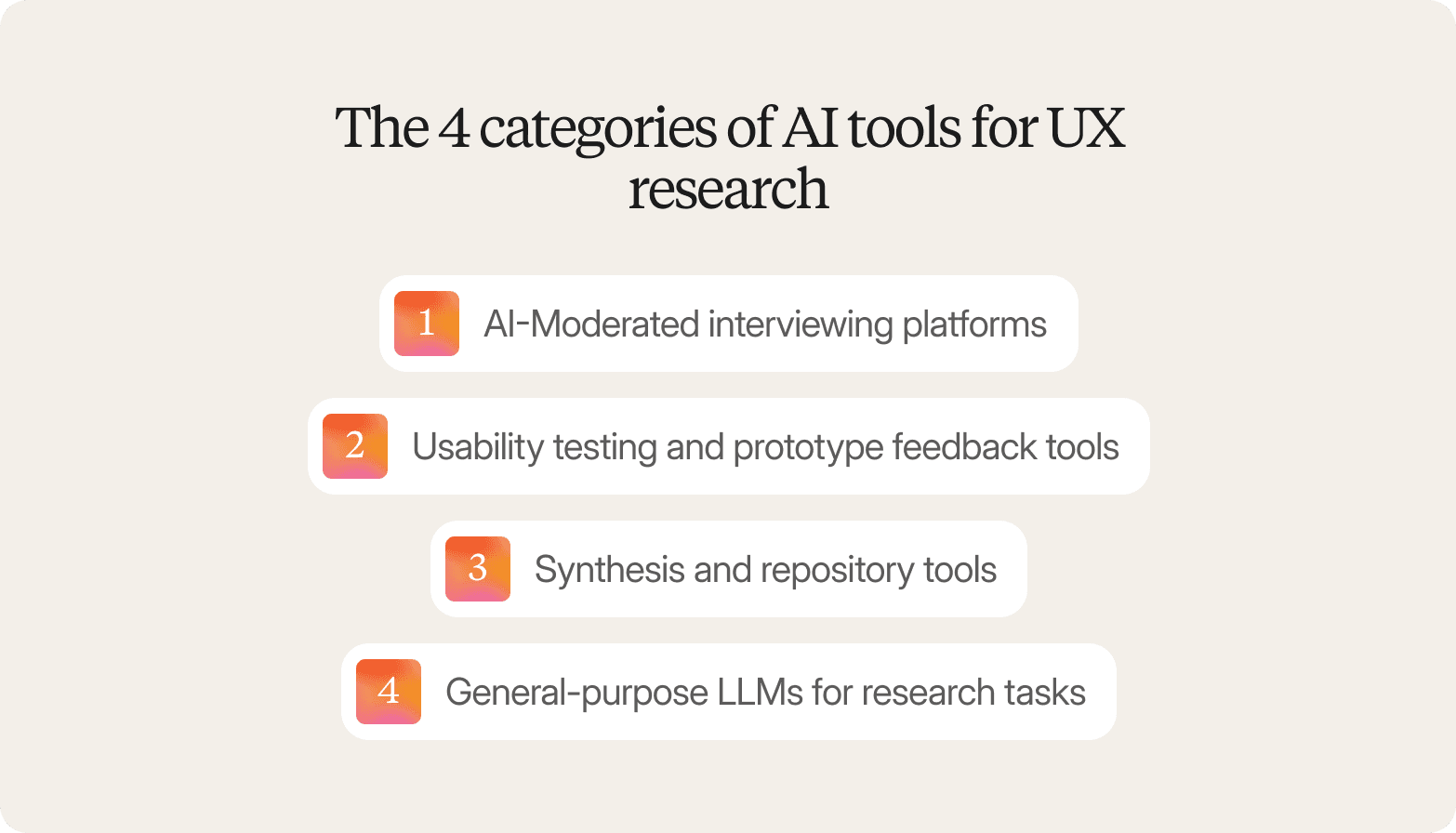
AI UX research tools cover a broad spectrum of use cases, but they generally fall into one of four categories. The category that best fits your needs depends on your research goals and the specific job you need the tool to run.
1. AI-Moderated interviewing platforms
AI-moderated interview tools carry out user interviews from start to finish. They cover everything from finding interviewees and scheduling to moderation, transcription, and the analysis process.
These tools are a good choice if you need to conduct interviews at scale and don’t want the bottleneck of human oversight. AI tools are also more efficient if you need to trace user quotes or themes back to the specific moments in the video clip.
2. Usability testing and prototype feedback tools
Usability testing tools evaluate designs. They focus on task completion, prototype testing, and click-path analysis to give you quantified data on how people interact with an interface.
These tools are appropriate for knowing whether a design works, not why users think or feel the way they do. If your question is measurable (e.g., can users complete this task, where do they drop off, which prototype performs better), this is the right category.
3. Synthesis and repository tools
Synthesis and repository tools pick up where user interviews end. They focus on transcription, coding, and thematic analysis to help you organize and surface your findings.
These tools are a good choice if you already have research assets and need help making sense of them. One important distinction is that they work with what you bring to them. They don't generate new research.
4. General-purpose LLMs for research tasks
General-purpose LLMs like ChatGPT and Claude aren't purpose-built for UX research, but they're useful for supporting tasks like designing surveys and ad hoc analysis.
Using AI for UX research tools is suitable if you want flexible assistance with research planning or text-based data synthesis and don't need an end-to-end workflow. The trade-off is that there's no evidence of traceability, no way to verify participant authenticity, and no governance infrastructure.
The 15 best AI tools for UX research in 2026: Category-by-category breakdown
The best UX research AI tools in this article are organized by category. Each profile includes a primary use case, a key differentiator, and fit guidance to help you narrow your shortlist.
AI-moderated interviewing tools
The five user interview platforms below differ in workflow scope, target audience, and governance credentials.
1. Conveo
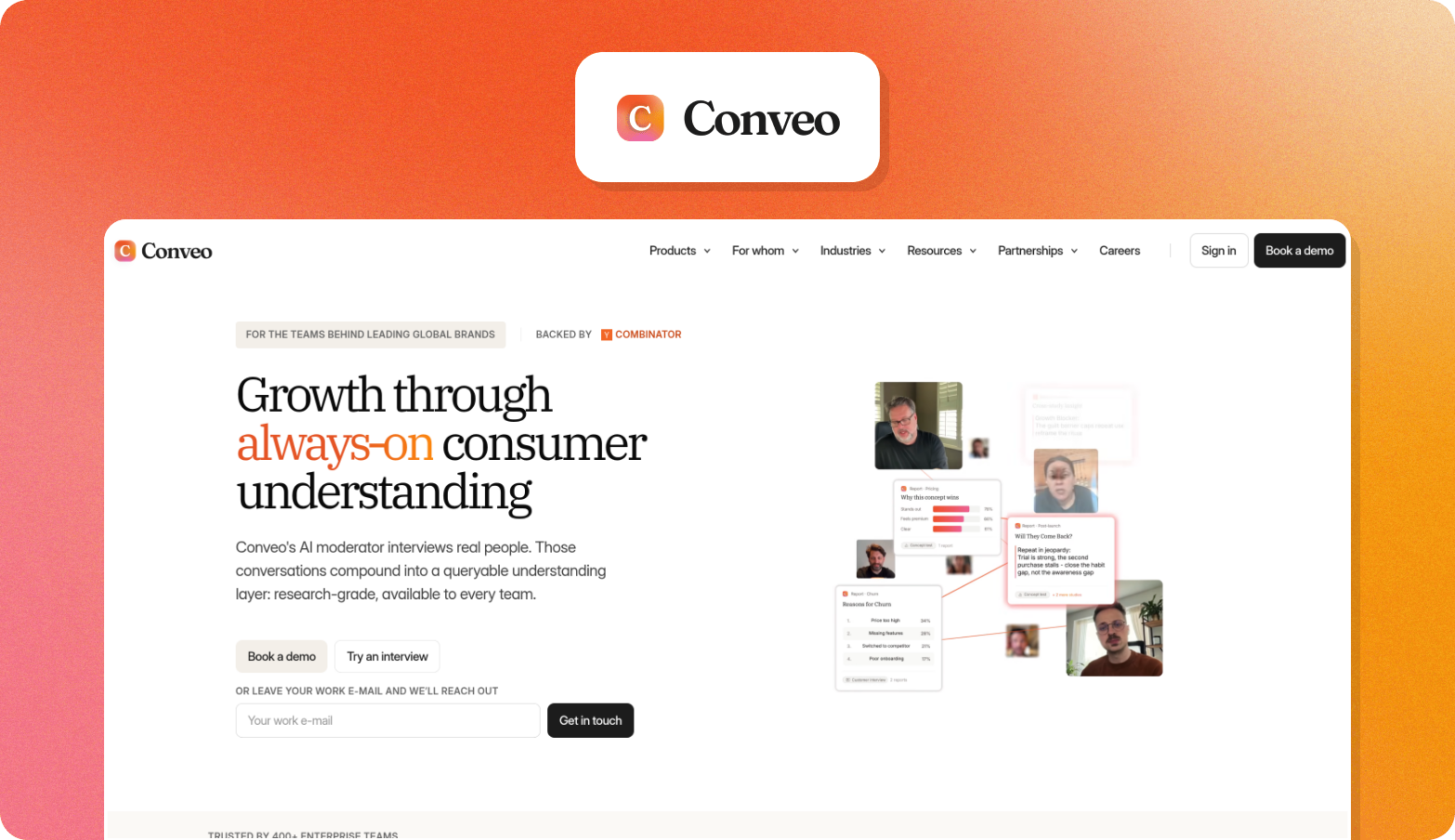
Conveo is an end-to-end AI research platform that turns qualitative research into reusable, stakeholder-ready evidence, managing the full workflow from participant recruitment through multimodal analysis and a searchable insight library that compounds across studies.
Primary use case
Continuous discovery for UX and product teams who need to run video interviews with real users at scale and turn findings into stakeholder-ready evidence without manual moderation.
Key features for UX research
Study design and recruitment: Studies launch in days rather than weeks because recruitment, screening, and incentives all happen inside the platform, without coordinating multiple tools or vendors.
AI-moderated video interviews: UX and product teams can validate prototypes and concepts with real participants at scale without moderator availability becoming the bottleneck. Participants speak with an AI interviewer that asks questions based on what they say rather than following a fixed script.
Multimodal analysis: Findings are ready to share the same day a study begins. Analysis captures tone shifts, facial cues, and visible context alongside spoken responses, surfacing signals that you can’t capture with transcript-only tools.
Insight library: Teams stop losing research between projects because findings are stored in a searchable repository that connects evidence across studies rather than resetting with each new brief.
Key differentiator
A video-first methodology captures verbal, tonal, and visual signals that you might otherwise miss, with a full evidence chain from the overall theme to verbatim quote to timestamped video clip. Conveo is SOC 2-certified, GDPR-compliant, and offers EU regional data hosting as standard.
Best for
Teams running continuous discovery who need end-to-end workflow coverage and enterprise governance, not just a faster way to transcribe existing recordings.
Book a demo and see how Conveo works in practice.
"Conveo's video-first approach is a real differentiating methodological advantage. The ability to distill insights from reactions and not just hear answers adds context you simply can't get from transcript-only tools, or any other tool in the market for that matter."
Senior Marketing Research & Insights Manager, Google
2. Listen Labs
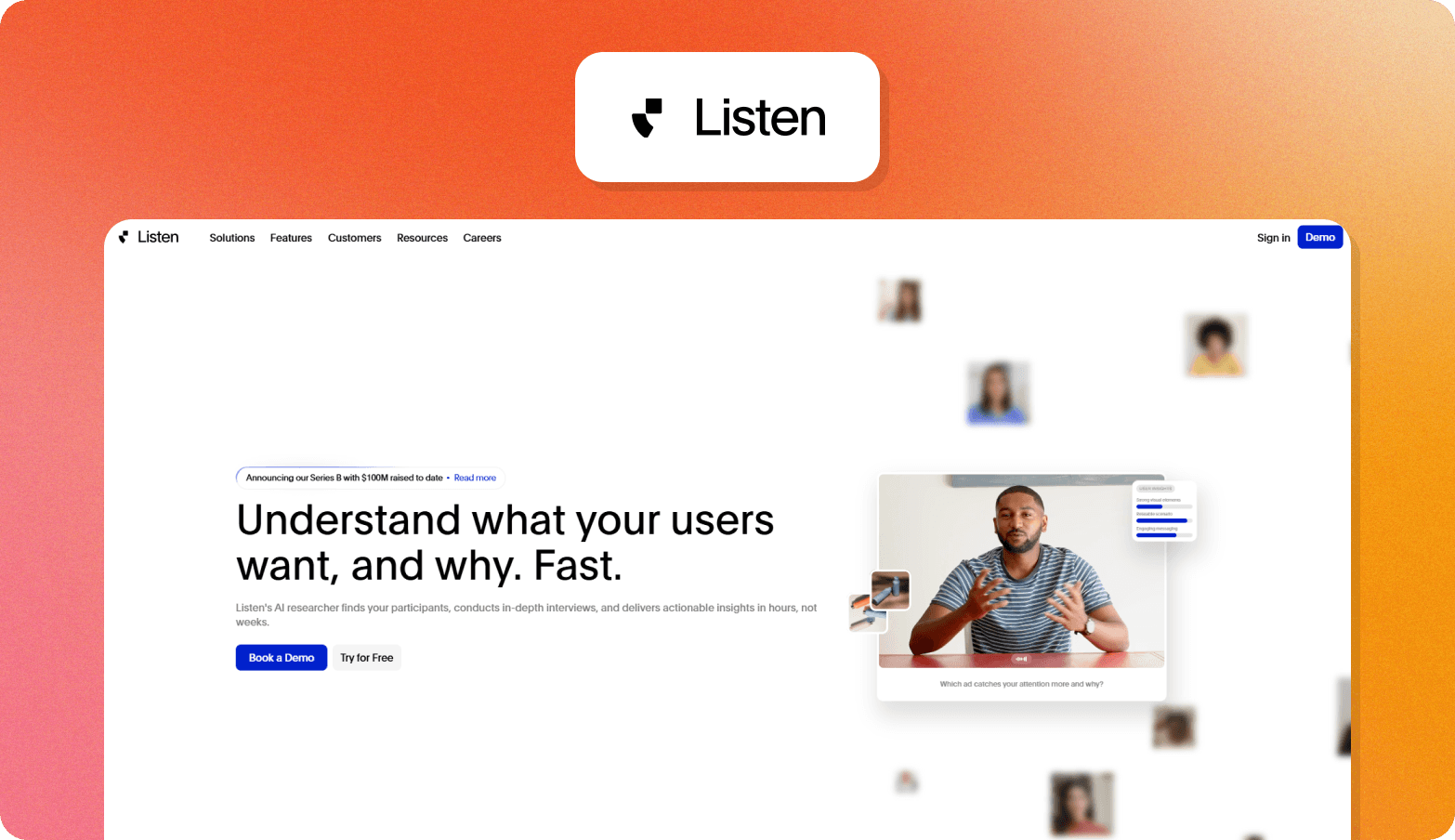
Listen Labs is an AI tool for UX research that sources participants, runs adaptive AI-moderated user interviews at scale, and delivers structured findings with themes, quotes, and video evidence.
Primary use case: High-volume concept testing, brand research, and consumer studies for B2C marketing and insights teams.
Key differentiator: Speed of turnaround across high sample sizes, with participant sourcing, moderation, and analysis integrated in one workflow.
Best for: B2C marketing, insights, and product teams at enterprise companies that need fast, high-volume qualitative data without building out research ops infrastructure.
3. Outset
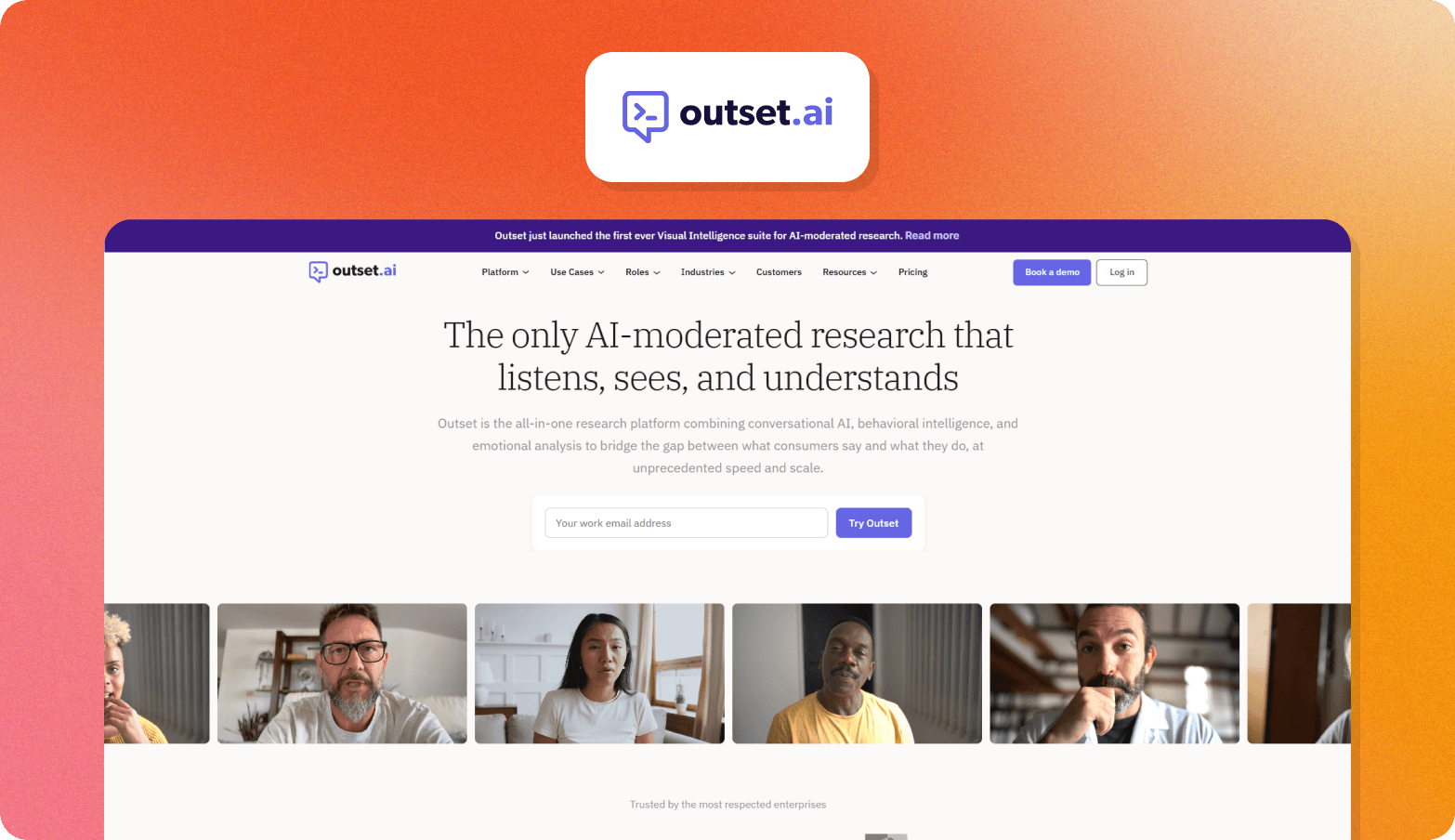
Outset is an AI-moderated research platform that runs adaptive, conversational user interviews at scale, with an AI interviewer that asks questions based on participant responses rather than following a static script.
Primary use case: Product discovery, concept testing, and usability research for UX professionals who need qualitative depth across distributed participant groups.
Key differentiator: The AI model’s adaptive follow-up questioning goes beyond AI-powered transcription to explore motivation and context in real time.
Best for: Product, UX research, and UX design teams running frequent discovery and concept testing studies who need async flexibility and automated synthesis, but don’t need enterprise governance infrastructure or multimodal video analysis.
4. Discuss
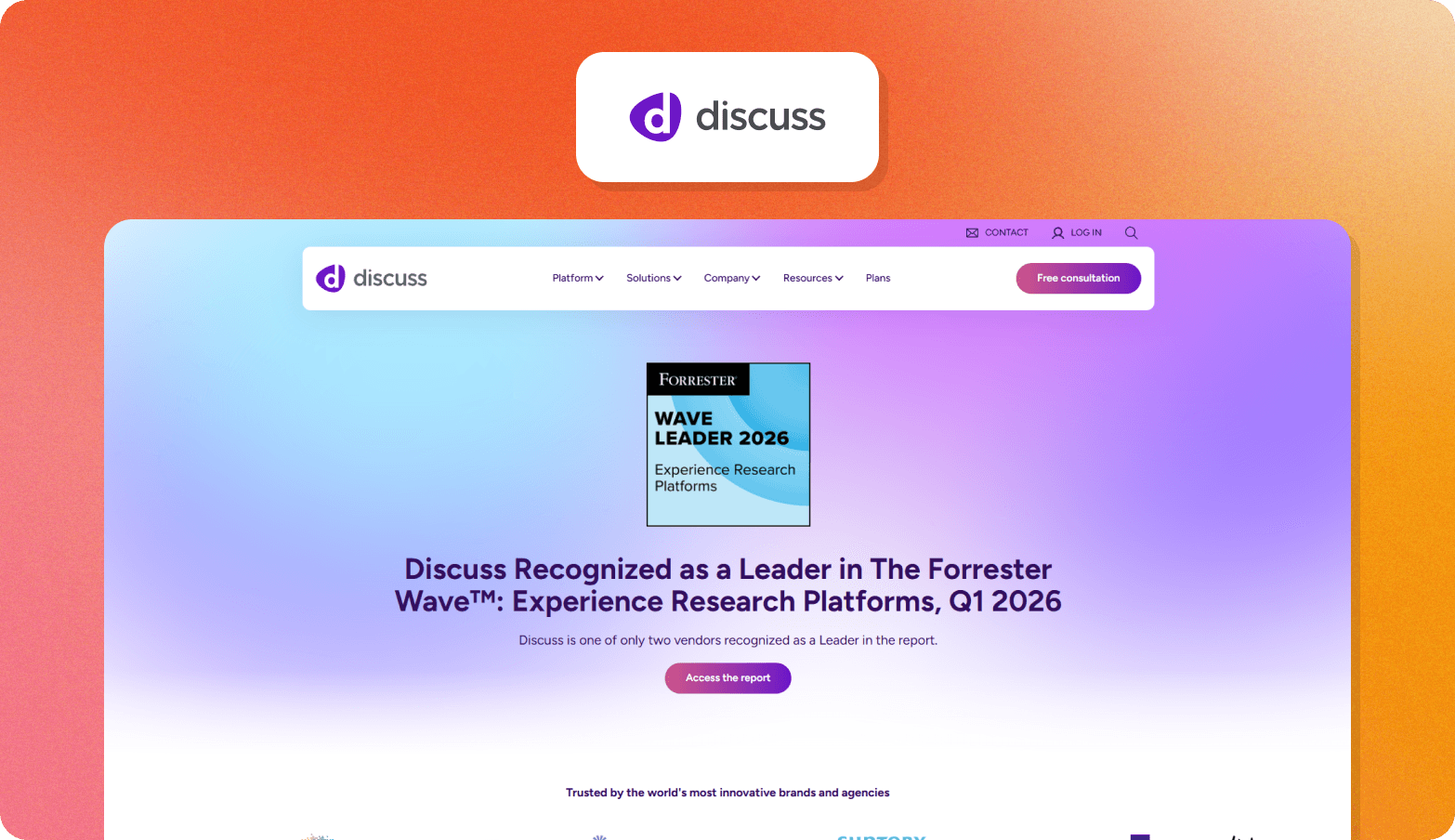
Discuss is a qualitative research platform that blends human-led and AI-led moderation within a single workflow.
Primary use case: Large-scale international qualitative research across multiple languages and audiences.
Key differentiator: Teams can move between AI-led and human-led sessions within the same platform based on how much depth you need.
Best for: Enterprise market insights teams running international qualitative data programs who want the flexibility to choose between human and AI moderators.
5. Koji
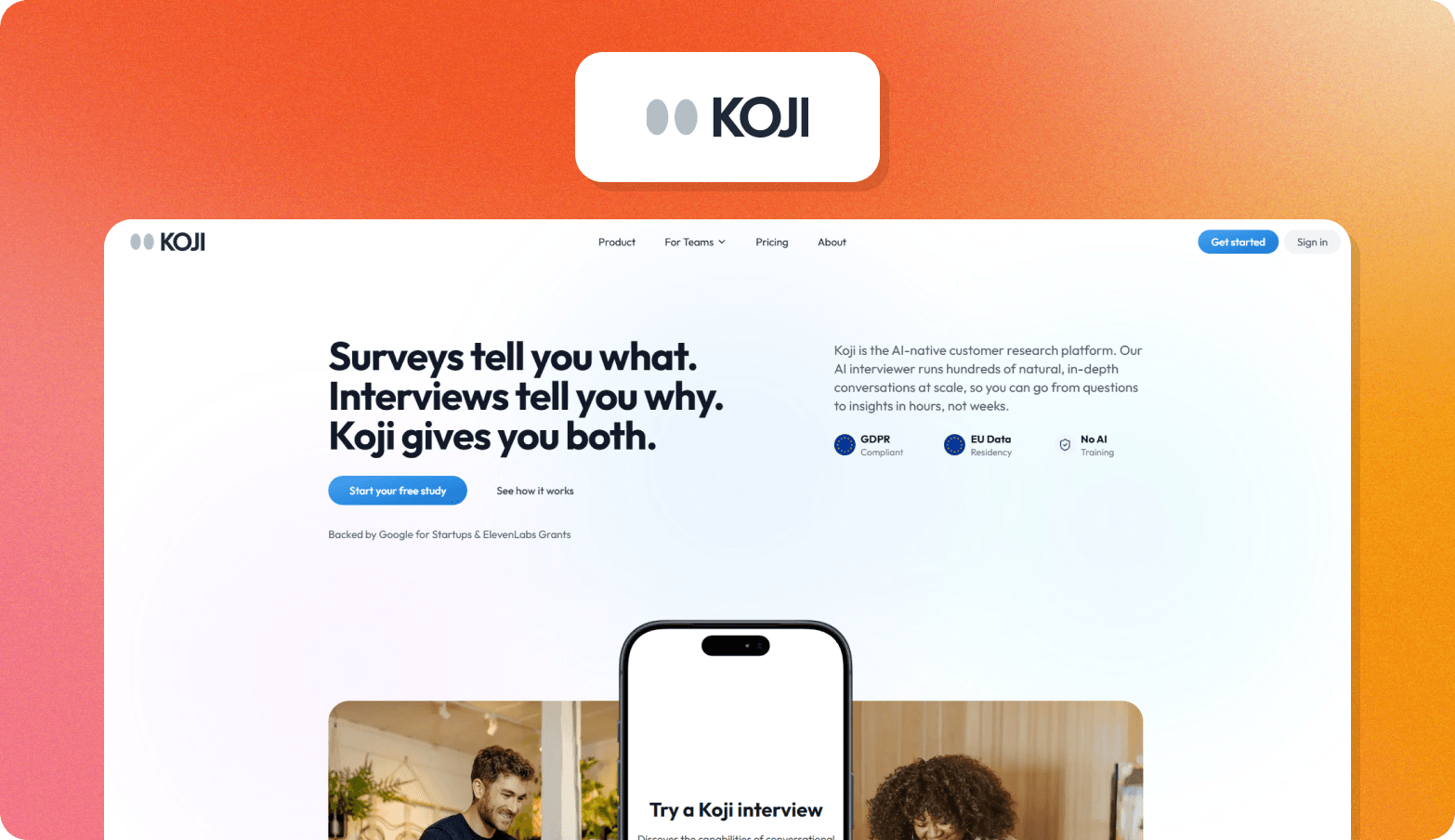
Koji is an AI-native research platform that runs autonomous voice and text interviews at scale.
Primary use case: Scaling qualitative interview programs without hiring moderators or scheduling logistics.
Key differentiator: Researchers design the interview guide and follow-up logic while the AI handles delivery.
Best for: Lean or solo research teams with European data compliance requirements.
Usability testing platforms
The three usability testing platforms below differ primarily in scale and specialization, from mobile-native testing to enterprise infrastructure.
6. Maze
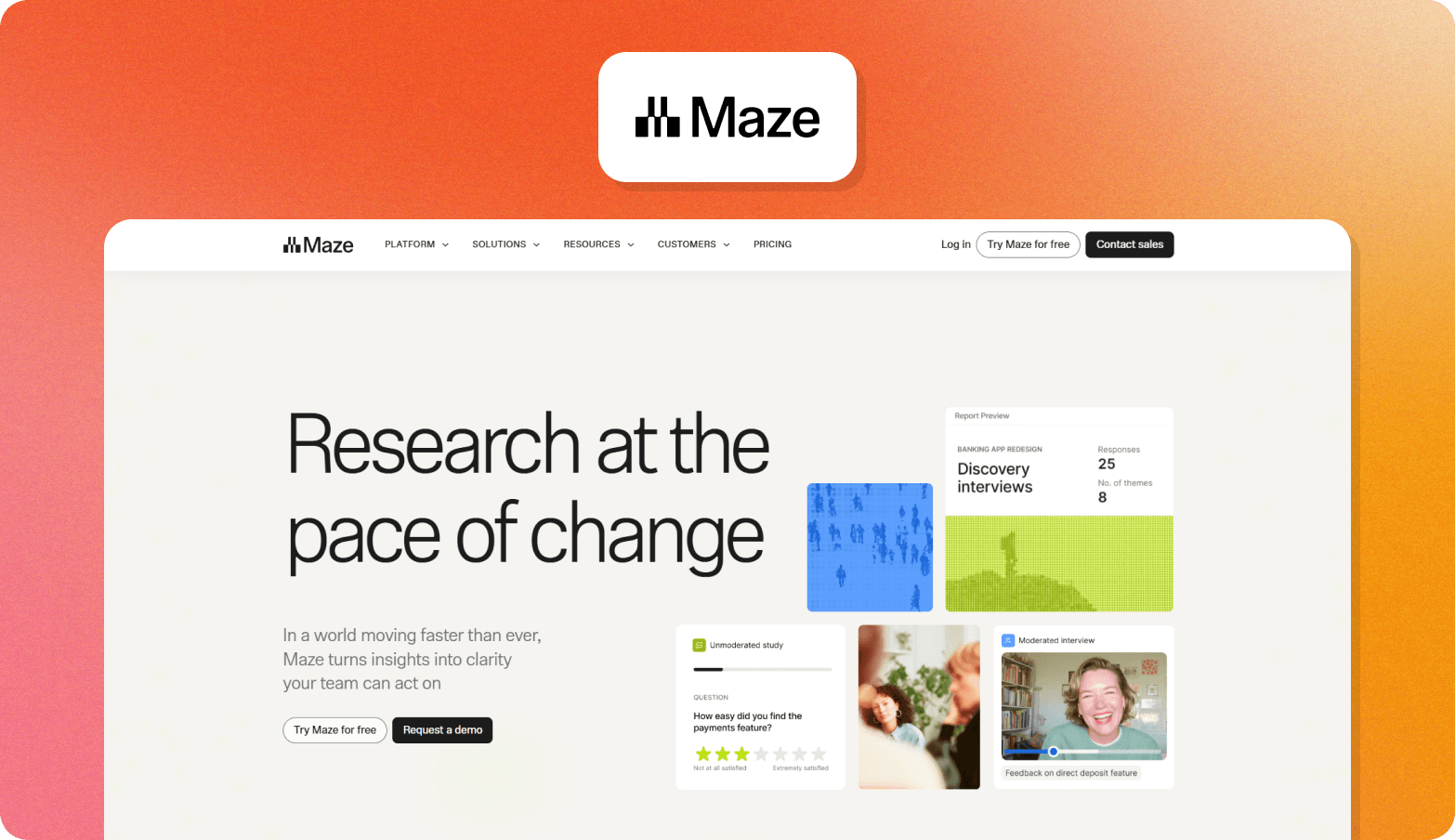
Maze is a product research platform that brings recruiting, usability testing, and AI synthesis together in one environment.
Primary use case: Prototype validation and task-based testing where participants complete studies independently, without a researcher present.
Key differentiator: AI synthesis runs inside the platform on unmoderated studies, so teams get structured findings without exporting raw data to a separate tool.
Best for: Product and UX research teams who need usability testing and lightweight discovery in a single platform and who need to run frequent studies tied closely to release cycles.
7. UserTesting
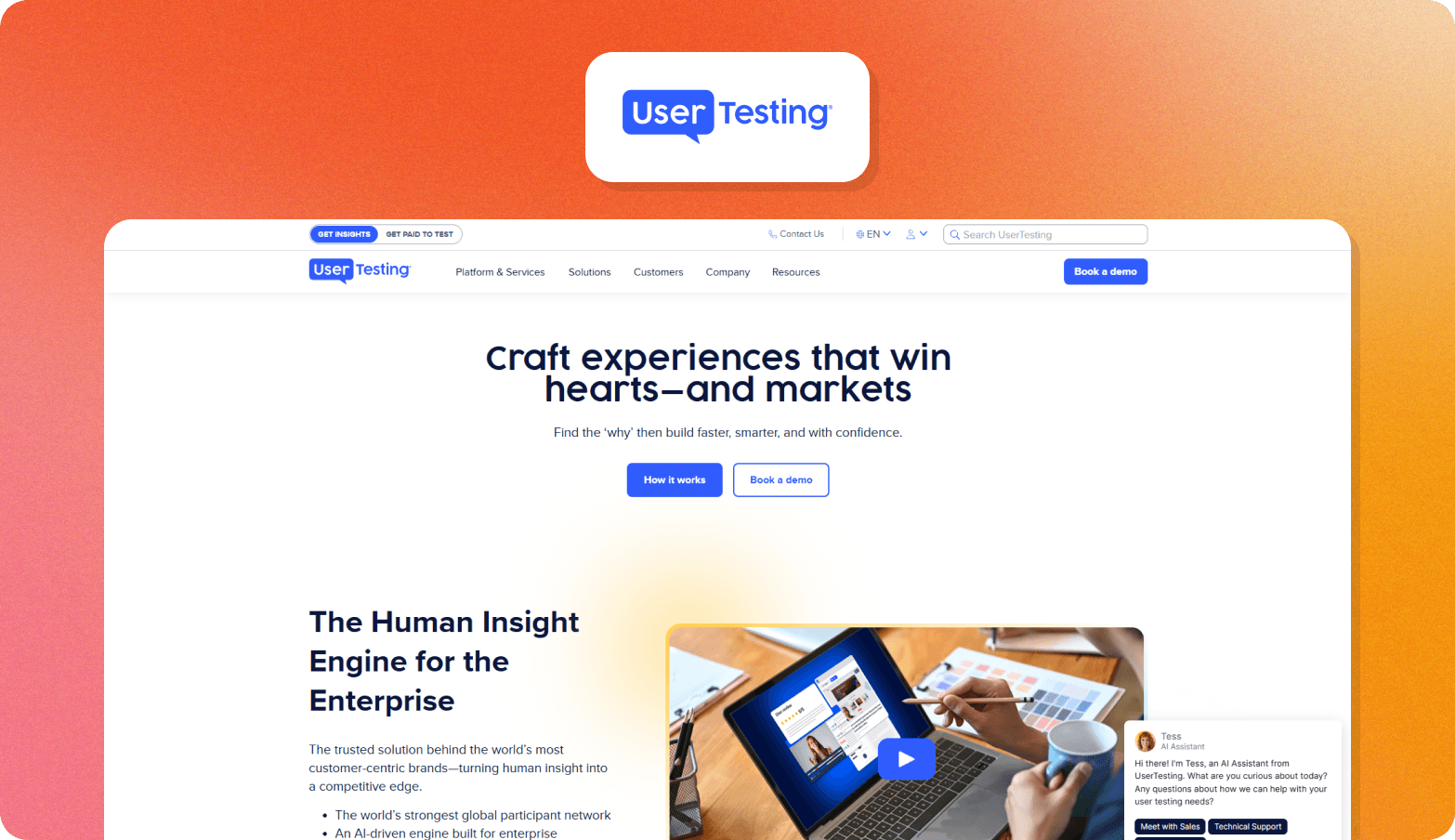
UserTesting is an enterprise human insights platform combining unmoderated testing, moderated live sessions, and an AI-powered analysis process with a participant panel spanning 60+ countries.
Primary use case: High-volume unmoderated usability testing and think-aloud studies for large organizations embedding user feedback continuously across the product development cycle.
Key differentiator: Scale and enterprise infrastructure, including unlimited test structures and a compliance stack covering SOC 2, ISO 27001, GDPR, and HIPAA.
Best for: Enterprise product, UX, and CX teams running high volumes of unmoderated user testing who need reliable participant access and stakeholder-ready reporting.
8. Lookback
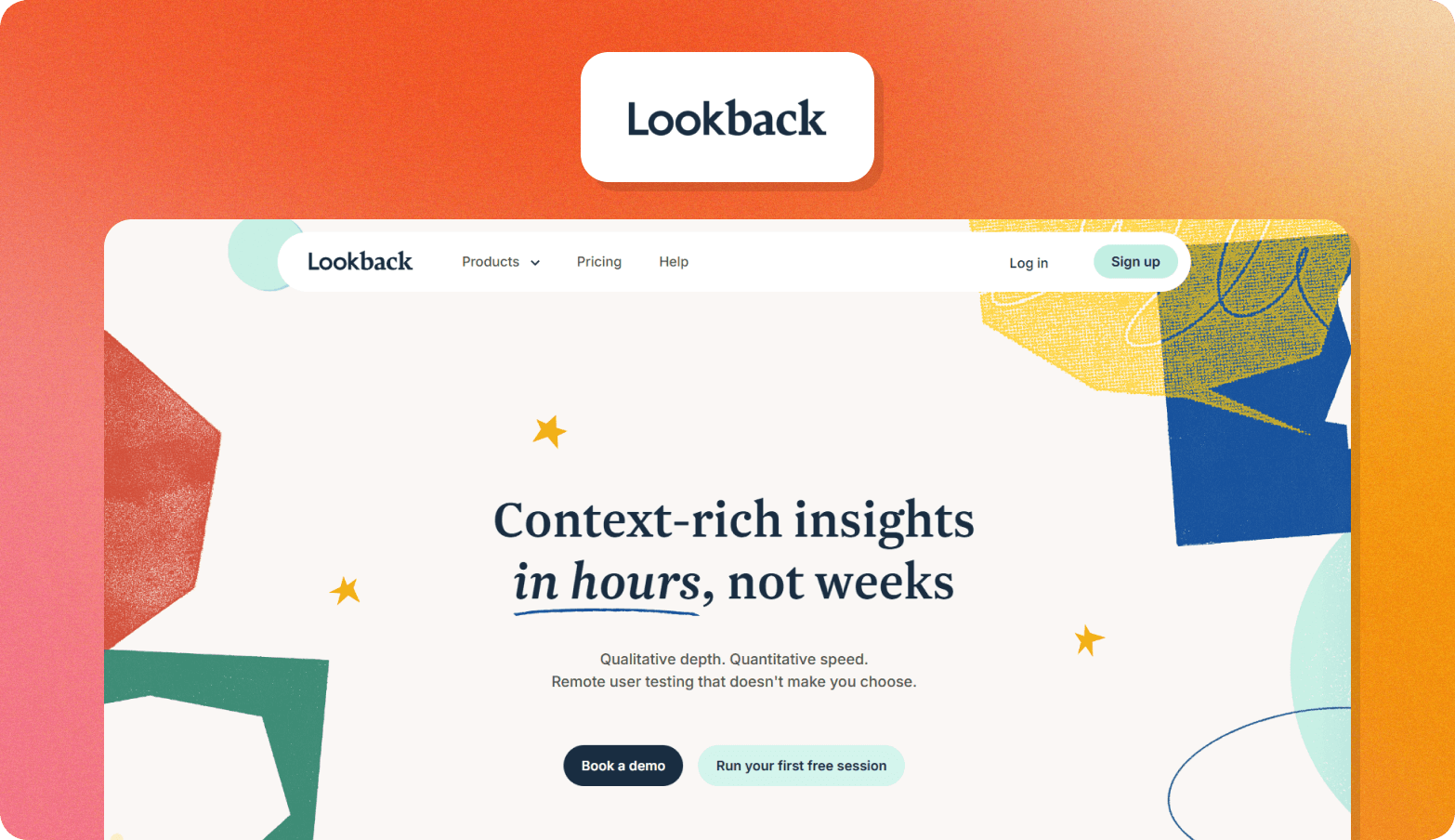
Lookback is a UX research platform for usability testing across mobile and desktop, with built-in session recording and team observation.
Primary use case: Usability testing with cloud-recorded sessions, timestamped note-taking, and team collaboration tools for reviewing and annotating recordings together.
Key differentiator: Strong mobile-native testing with touch indicators, gesture capture, and face cam alongside iOS and Android support. Participants don't need an account, which reduces drop-off in self-guided studies.
Best for: Product and UX teams running regular usability testing on apps and websites who need flexible formats for research sessions.
AI tools to synthesize UX research data: Repository and analysis platforms
The four AI-powered UX research repository tools and analysis platforms below range from dedicated research repositories to meeting recorders with synthesis features. The right fit depends on where your data lives and who needs access to the findings.
9. Dovetail
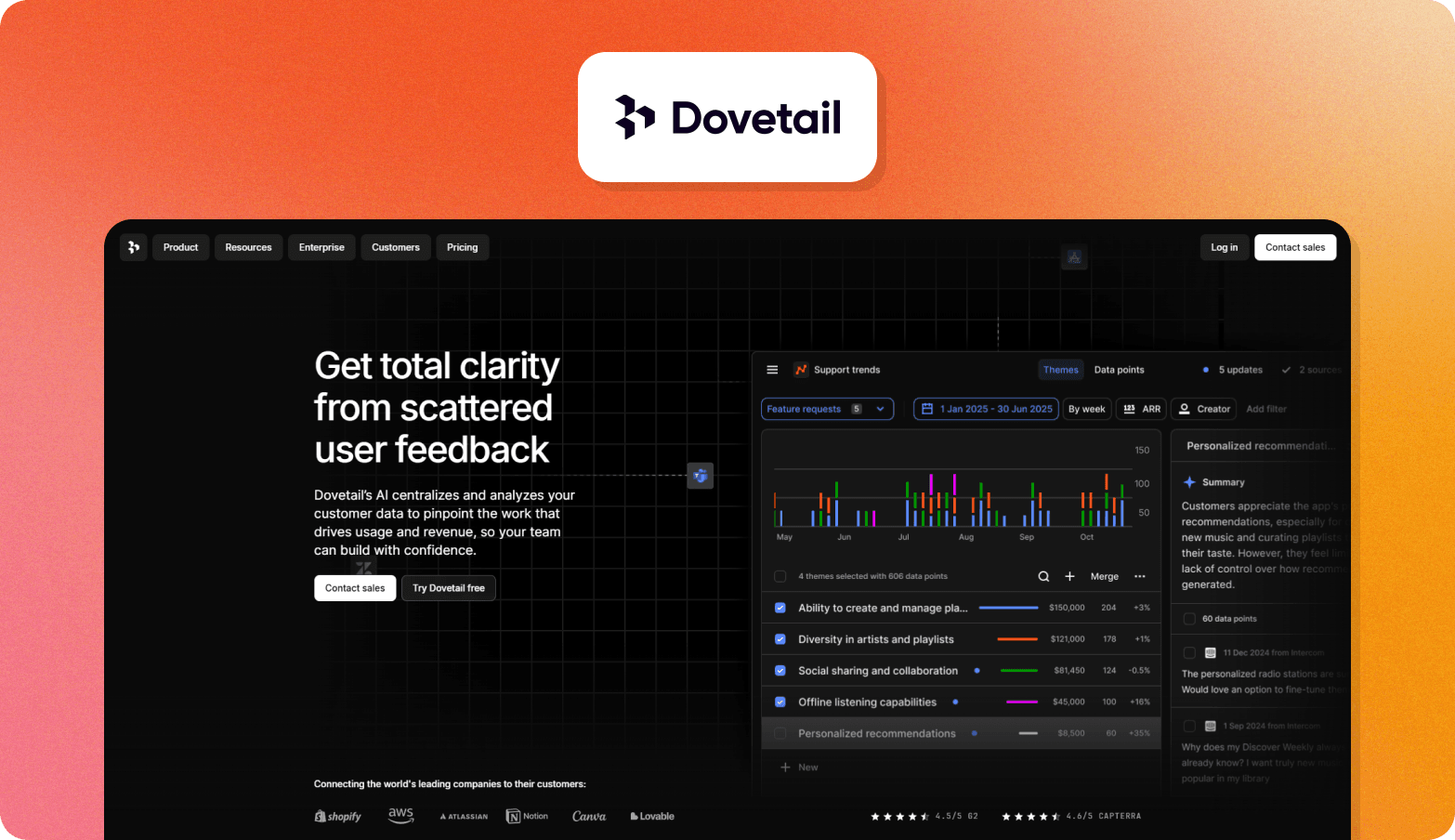
Dovetail is an AI-native customer intelligence platform that turns existing research assets, transcripts, sales calls, support tickets, and sentiment analysis into a searchable repository.
Primary use case: Analyzing themes, tagging data with AI, and combining actionable insights across studies for teams handling large volumes of qualitative research.
Key differentiator: Dovetail integrates with tools like Gong, Zoom, and Salesforce to pull in real data from across the business and surface trends that individual studies would miss.
Best for: Research ops and UX teams with existing recordings and customer data who need better synthesis, centralized storage, and visibility across teams.
10. Grain
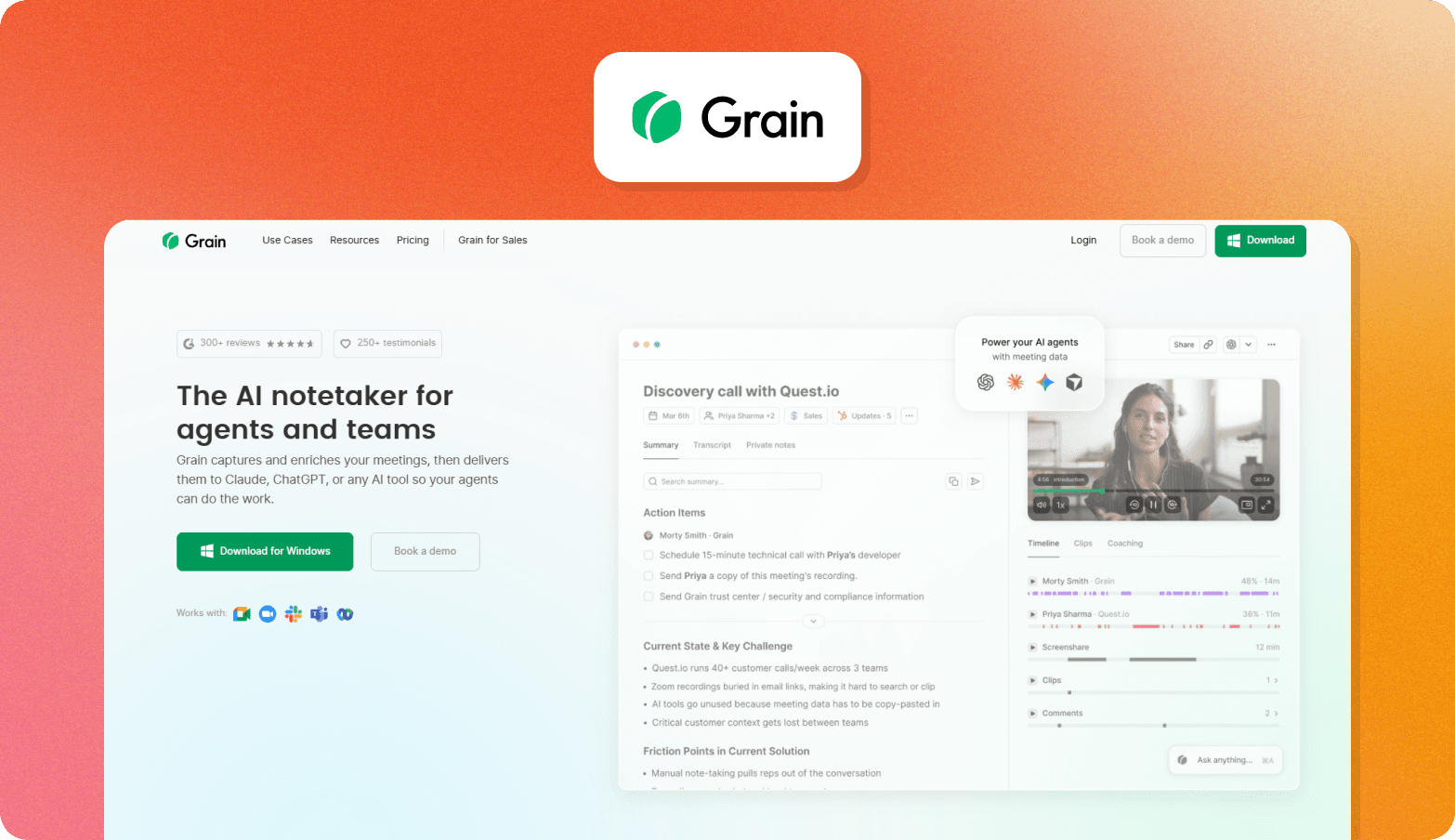
Grain is an AI meeting recorder and conversation intelligence tool that captures, transcribes, and synthesizes customer calls for sales, customer success, and product teams.
Primary use case: Recording and analyzing customer conversations with automatic notes, CRM sync, and shareable clips.
Key differentiator: Sends insights directly into CRM and product workflows rather than storing them in a research repository. That makes it useful beyond the research team.
Best for: Sales, CS, and product teams that want to capture and share customer conversation insights without a dedicated research function.
11. Looppanel
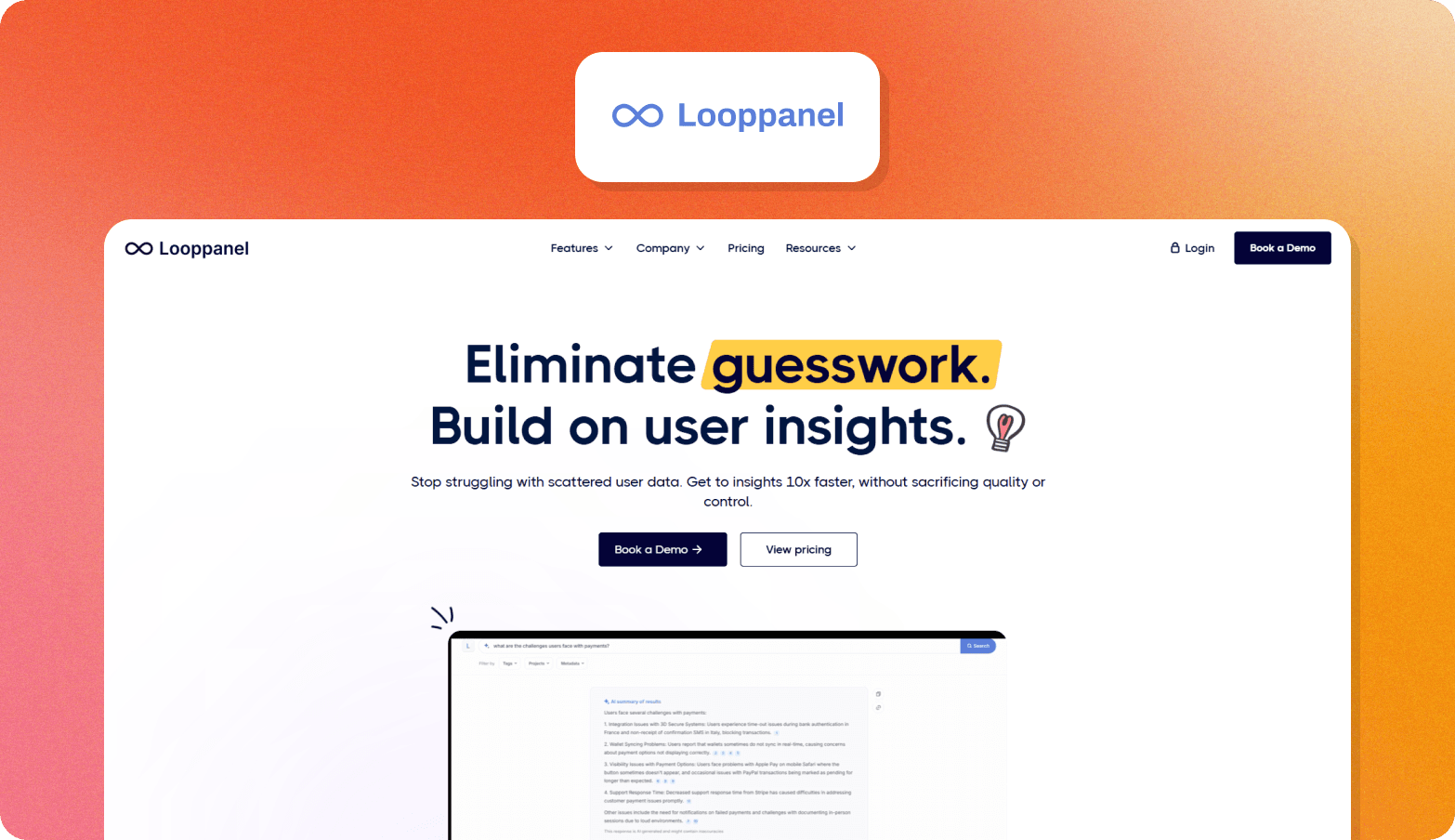
Looppanel is an AI-powered research repository that transcribes interviews, identifies themes, and stores insights in a searchable knowledge base.
Primary use case: Post-interview recording analysis and managing a repository where insights are built over time.
Key differentiator: Auto-enrichment keeps the knowledge base up to date without manual maintenance, so insights don’t go stale.
Best for: UX research teams that run regular interviews and need a scalable place to store and reuse insights.
12. Condens
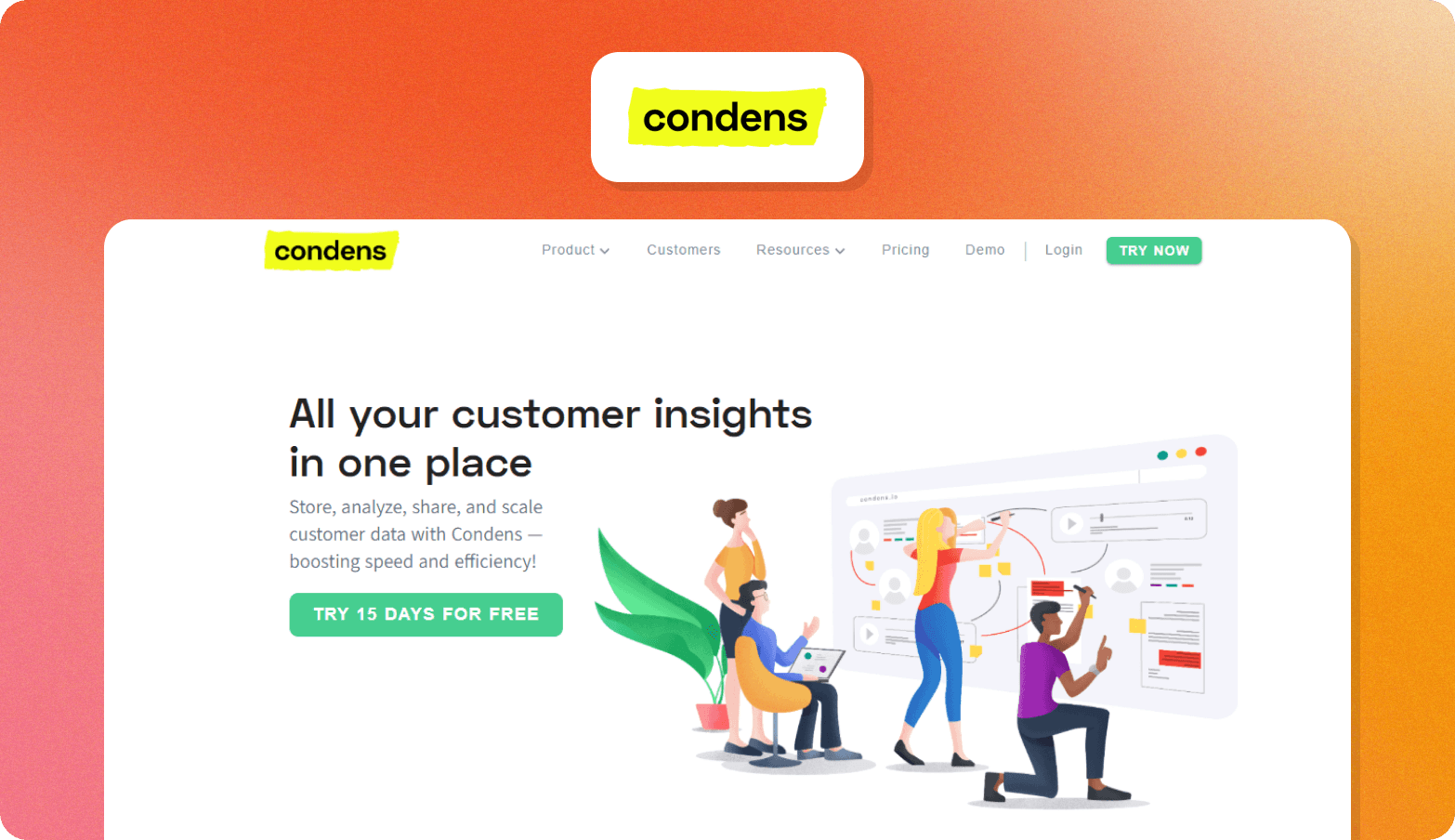
Condens is a research repository and analysis platform that brings interviews, usability tests, and feedback into a searchable, AI-powered knowledge base.
Primary use case: Centralizing and analyzing qualitative research data, while making insights easy for non-researcher stakeholders to access.
Key differentiator: The Insights Magazine is a self-serve portal where non-researchers can explore published findings and ask AI questions.
Best for: UX research teams that need strong analysis tools and a simple way to share insights with product, design, and business teams.
General-purpose LLMs
The three generative AI tools below suit different research planning tasks. None of them are appropriate for decision-grade insights, as you can’t verify evidence traceability or participant authenticity.
13. ChatGPT
ChatGPT is a general-purpose LLM widely used for research planning tasks, including discussion guide drafting, survey design, and quick synthesis from notes.
Primary use case: Fast, flexible support across research preparation tasks with minimal setup.
Key differentiator: Accessible starting point for non-researchers and research teams alike, with broad capability across short-form tasks like screener drafts, survey questions, and interview guides.
Best for: Researchers who need quick answers and flexible assistance across planning tasks.
14. Claude
Claude is a general-purpose LLM with strong performance on longer, more structured research writing tasks.
Primary use case: Complex discussion guide creation, multi-part research briefs, and synthesizing large volumes of notes into coherent findings.
Key differentiator: Handles nuanced, long-form research writing and structured brief interpretation better than most general-purpose tools.
Best for: Researchers needing a writing and thinking partner for planning tasks.
15. Perplexity (Deep Research Mode)
Perplexity Deep Research is an AI-powered secondary research tool that can run dozens of searches simultaneously and synthesize sources.
Primary use case: Building background context before primary research begins, including first draft competitive UX audits, domain scans, and pattern reviews across products.
Key differentiator: Every output cites external sources, making findings easier to reference in research briefs and stakeholder decks.
Best for: UX researchers who need a faster starting point for primary research planning.
Why UX teams are adopting AI research tools now
The problem with the traditional UX research process is that synthesis can only happen after moderation finishes. That wait contributes to the average study taking six weeks to complete.
At that pace, most teams can only run research quarterly, which means findings routinely arrive after teams have already locked roadmap decisions. Without the research findings, teams ship on assumptions rather than evidence.
The obvious benefit of AI features is speed, but these tools have also expanded what qualitative research can do. Now, the best AI UX research tools in 2026 help UX researchers run hundreds of conversations in parallel. They can catch signals like tone and non-verbal signals that transcripts miss. They can build insight libraries that grow with every study.
Research teams that adopt AI for user experience research move from periodic snapshots of research to continuous customer understanding that wasn’t possible before.
How to use AI for UX research: A 3-step framework for choosing the right tool
Choosing the right AI UX research tools often comes down to four questions:
How much of the workflow do you need to cover?
Can you trace findings back to the source?
Will it pass enterprise procurement review?
How does it affect your team's research capacity over time?
The table below maps each criterion across the four categories so you can identify the best tool type for your needs.
| Criterion | AI-Moderated Interviewing | Usability Testing Tools | Synthesis and Repository Tools | General-Purpose LLMs |
|---|---|---|---|---|
| Workflow coverage | Strong: recruitment through analysis in a single platform | Moderate: end-to-end for design evaluation, not broader research | Weak: requires existing assets, no data collection | Weak: supports tasks, does not own any stage of the workflow |
| Evidence traceability (theme to verbatim quote to timestamped video clip) | Strong: full chain from insight to source recording | Moderate: click-path and task data are traceable, qualitative findings less so | Moderate: depends on platform; transcript-level traceability is common, video timestamp linkage varies | None: no source material, no audit trail |
| Governance (SOC 2, GDPR, EU regional hosting) | Strong where certified: most platforms have not confirmed publicly | Varies: check per vendor | Varies: check per vendor | Weak: not designed for enterprise research governance |
| Continuous discovery ROI (studies per quarter, researcher hours per study) | Strong: parallel sessions and automated synthesis compress timelines significantly | Moderate: faster than manual usability sessions, limited to design evaluation use cases | Moderate: reduces synthesis time on existing assets | Weak: saves time on a first pass for planning tasks |
Trust and governance: What enterprise UX teams must verify before buying
The checklist below covers the criteria that most commonly block or delay enterprise approvals.
| Criterion | Question to ask the vendor | Confirmed? |
|---|---|---|
| SOC 2 Type II | Is your SOC 2 Type II report current and available under NDA? | ☐ |
| GDPR compliance | Do you have a signed DPA and documented sub-processor list? | ☐ |
| EU regional data hosting | Is EU data hosting a native configuration or a paid enterprise tier? | ☐ |
| Audit trails | Does the platform produce immutable logs of who accessed, modified, or exported research data, and for how long are they retained? | ☐ |
| Consent management | How is participant consent recorded, stored, and produced on request? | ☐ |
| Evidence traceability | Can every reported insight be traced back to a verbatim quote and source recording within the platform? | ☐ |
| Participant authenticity verification | What controls exist to detect and exclude synthetic or fraudulent participants? | ☐ |
Most vendors in the AI-moderated research space don’t publicly confirm SOC 2 certification or GDPR compliance. Conveo is SOC 2-certified, which provides security reviewers with what they need for sign-off.
For European procurement teams and legal counsel, Conveo has GDPR compliance paired with EU regional data hosting as a native configuration, not an add-on. Consent management is also built into the participant workflow to address data handling obligations.
The real participant question: Why can’t synthetic respondents replace human UX research
Synthetic respondents (AI-generated or avatar-based responses) can’t replace human UX research because they can’t capture signals such as hesitation or emotional responses that reveal usability problems.
When you make product or design decisions without those signals, you're building on a model's approximation of how users might behave, not evidence of how they do behave.
Even so, use of synthetic responses is rising fast. In a 2025 Qualtrics survey, 69% of researchers reported using synthetic responses in the past year. There’s a clear split in the market: platforms optimizing for speed by using synthetic data on one side, and platforms insisting on real participants for research credibility on the other.
Conveo sits firmly on the real participant side of that line. Its video-first approach means every session captures real people talking about pain points in their own words, and the non-verbal signals that no transcript can reproduce. If there isn't a user, it isn't user research.
Why research teams running continuous discovery choose Conveo
Point solutions break down in the gaps between them. One tool handles recruitment, another moderation, another analysis, and each handoff slows things down. That's why a weekly research cadence often feels out of reach.
When everything runs in one workflow, that friction disappears. Recruitment, AI-led moderation, transcription, analysis, and research reports all happen together, so research becomes continuous instead of something teams have to coordinate.
Conveo is built for that model:
Stakeholders act on the findings rather than question them because every insight links back to a verbatim quote and a timestamped video clip.
Findings withstand executive scrutiny because every session is an AI-moderated video interview with a verified participant, not a synthetic user.
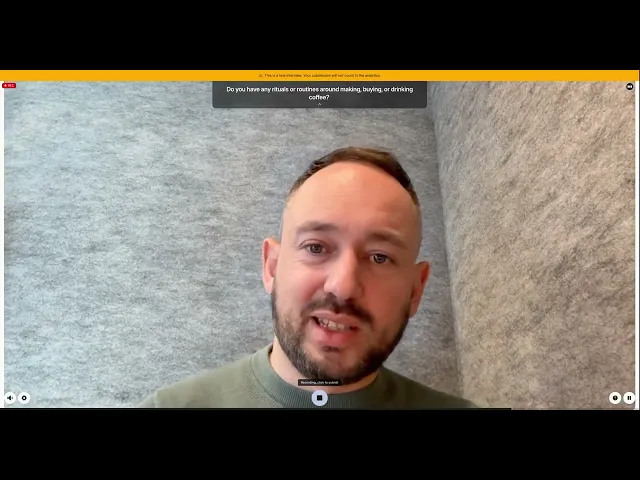
See the AI moderator in action
Every new study builds on what you already know, because insights are stored in a library instead of being lost in one-off reports.
Procurement moves faster because Conveo is SOC 2 certified, GDPR-compliant, and supports EU data hosting as standard.
Enterprise companies, including Google, Bosch, FOX, and Reddit, already run their research programs on Conveo.
Conveo is designed for UX, product, insights, and CMI teams at mid-market and enterprise companies running continuous research. If you're running a one-off study or don't have a research function, a simpler tool will likely be a better fit.
Frequently Asked Questions
How do I use AI for UX research without losing research rigor?
Understanding how to use AI for UX research effectively means knowing which category of tool handles which job. Artificial intelligence keeps research rigorous when it supports execution, but not methodology. Good tools link every insight back to a quote and video, so findings stay traceable. Rigor drops when teams rely on general-purpose AI to generate or interpret research instead of using it to scale what already works.
What is the difference between AI-moderated interviewing and usability testing platforms?
AI-moderated interviews focus on open conversations to understand how users think and feel. Usability testing looks at whether users can complete tasks and where they struggle. The difference comes down to the question: attitudes and behavior vs task performance.
What should enterprise UX teams look for when evaluating AI research platforms?
Traceability should be a baseline for AI-powered UX research tools, with every insight linked to a source. Teams should also verify participants, especially for tools that handle recruitment. Integrations and access controls matter too, so research fits into existing systems and governance.
Can AI tools synthesize UX research data accurately?
Artificial intelligence can reliably spot patterns, tag themes, and surface repeated language across large datasets. Accuracy depends on clean inputs and clear frameworks. It speeds up synthesis, but it won’t fix poor research design or weak data.
What is the difference between a synthesis tool and an end-to-end AI research platform?
AI tools to synthesize ux research data help organize and analyze raw data you already have. End-to-end platforms handle the full research process, from recruitment to analysis. The key question is where your bottleneck is: collecting data or making sense of it.
How does AI-moderated research compare to traditional moderated interviews?
Human moderation offers flexibility, judgment, and the ability to follow unexpected paths. AI moderation trades that for consistency and scale across many sessions. It works well for most research, but humans are still better for sensitive topics or exploratory work.

About the author
Alex de Hemptinne
Business Impact Lead
Alex is a Business Impact Lead at Conveo, partnering with enterprise teams to embed AI-led research into their workflows. From the first study to full-scale rollout, she helps customers shift from project-based research to continuous customer intelligence.
Meet Alex on film →Qualitative insights at the speed of your business.
Conveo runs AI-moderated video interviews and structures everything they say.