In this article
TL;DR
AI tools for thematic analysis automatically identify patterns, codes, and themes across qualitative data, replacing hours of manual coding with faster, structured outputs
This guide compares purpose-built AI thematic analysis tools across three categories: end-to-end research platforms, AI-native analysis tools, and legacy thematic analysis software with AI add-ons
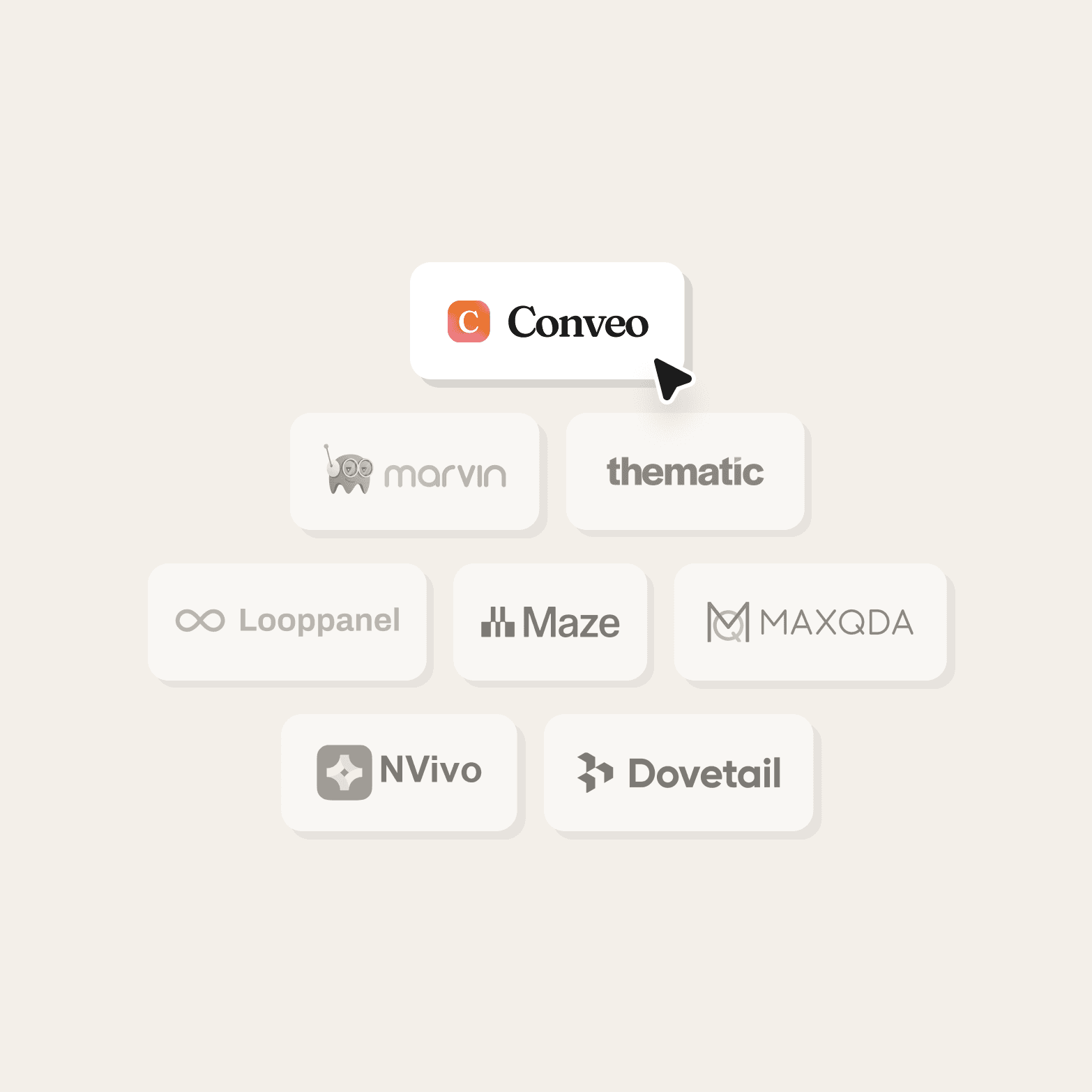
Best end-to-end platform for interviews, theme identification, and reporting: Conveo
Best for teams analyzing existing interview transcripts and research repositories: Marvin
Best for large-scale CX and feedback datasets: Thematic (GetThematic)
Best for academic and longitudinal qualitative research: MAXQDA and NVivo
Best for UX research teams running mixed-method studies: Maze
The right AI tool for thematic analysis depends on whether you need support with data collection, analysis only, or the full qualitative research workflow
Jump to the comparison table or tool profiles below
Manual thematic analysis doesn’t break because researchers lack skill. It breaks at scale. A few interview transcripts are manageable. Hundreds of transcripts across different markets are not.
Today, AI tools for thematic analysis support different parts of the thematic analysis workflow. Some assist with thematic coding after data collection. Others run AI-powered thematic analysis inside research platforms. Some legacy qualitative data analysis software now adds AI layers.
This guide compares the best AI tools for thematic analysis so insights, UX, and research operations teams can choose the right fit for their workflow.
3 categories of AI thematic analysis tools
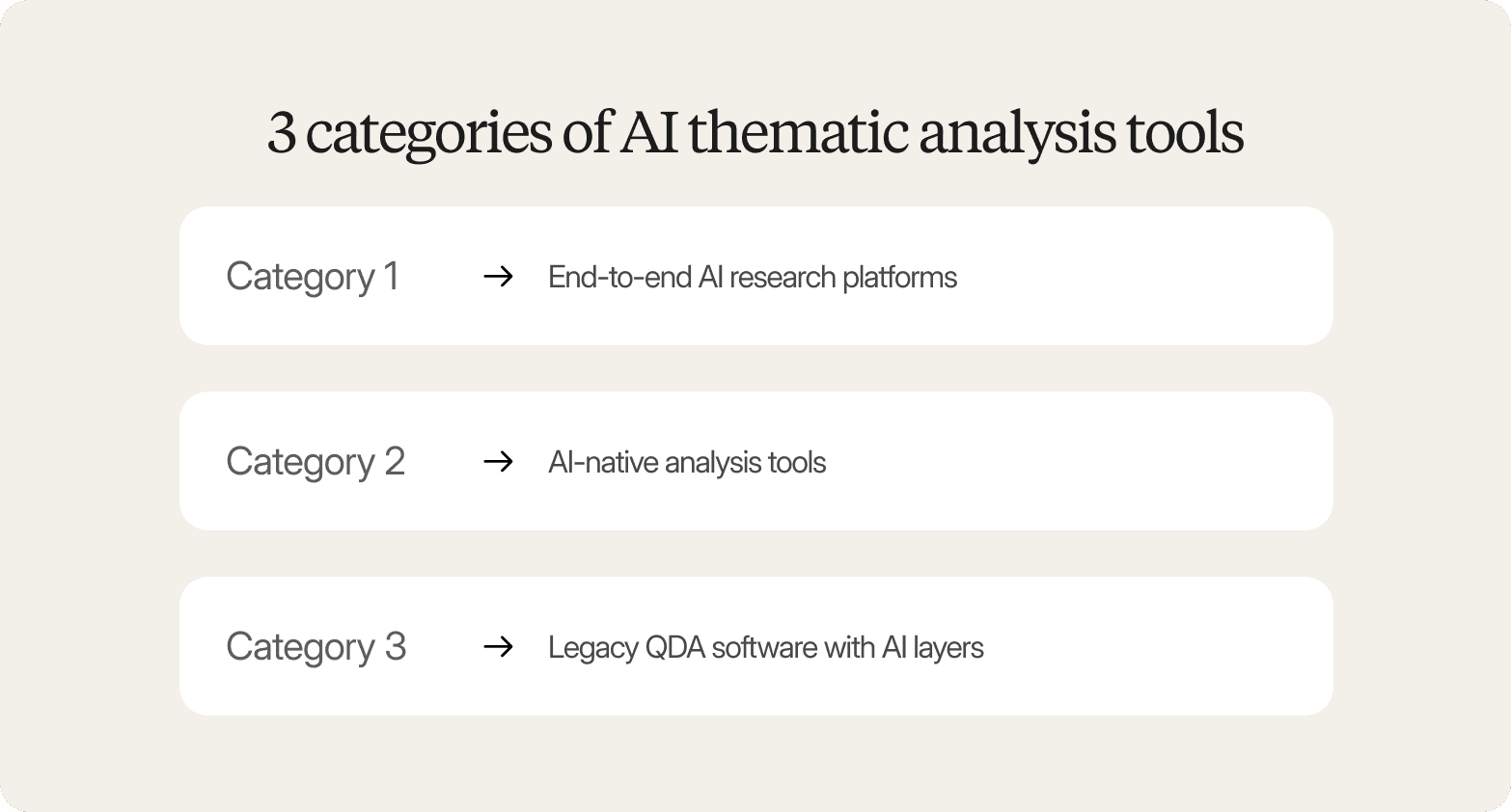
When you’re trying to decide what works best for your business and teams, the category matters more than the feature list. Why? Because not all these tools do the same job.
Category 1 - End-to-end AI research platforms
End-to-end AI research platforms support study design, recruitment, AI-moderated interviews, thematic coding, and reporting within a single workflow.
They are often the best AI tool for thematic analysis for teams running continuous research programs, especially CMI insight teams and CX insight teams working across large qualitative datasets.
Category 2 - AI-native analysis tools
AI-native analysis tools analyze existing transcripts, recordings, and survey responses. They apply AI thematic analysis to code data and identify patterns after collection, making them a strong thematic analysis AI tool when research infrastructure already exists.
Category 3 - Legacy QDA software with AI layers
Established qualitative data analysis software now includes AI-assisted coding alongside manual workflows.
This category is often the best AI for thematic analysis and qualitative research, where teams must keep existing thematic analysis AI software processes or academic standards.
With those categories in mind, the next step is to compare the best AI tools for thematic analysis in 2026 and determine where each one fits.
The 8 best AI tools for thematic analysis in 2026
Not every thematic analysis tool does the same job. Some focus on coding interview transcripts and survey responses. Others support the full thematic analysis workflow from data collection to reporting.
This list helps you see which tools fit different qualitative research needs.
1. Conveo: Best for end-to-end AI-powered thematic analysis across the full research workflow
Category:
End-to-end AI qualitative research platform
Teams can move from interviews to stakeholder-ready themes faster and with less manual coordination when their entire thematic analysis workflow lives in one platform. Conveo enables this by supporting the full process, from AI-moderated voice and video interviews through to automated theme generation and reporting, without requiring researchers to upload and analyze interview transcripts separately.
Key capabilities include:
Automatic transcription and translation across 50+ languages
Objective-based thematic coding aligned with research questions
Multimodal AI analysis across speech, tone, and visual context
Sentiment analysis across interviews, focus groups, and open-ended survey responses
Thematic clusters and coded segments linked to source clips
A searchable insight workspace for reuse across studies
Teams at Google, Unilever, and Bosch use Conveo for continuous qualitative research and scalable thematic analysis.
| Field | Content |
|---|---|
| Best for | Enterprise insights teams and UX research teams running recurring qualitative research |
| Data types | Video sessions, audio files, interview transcripts, survey responses, textual data |
| Languages supported | 50+ |
| Workflow coverage | Data collection → AI-moderated interviews → thematic coding → qualitative data analysis → reporting |
| Key analysis outputs | Thematic clusters, sentiment analysis signals, coded segments, meaningful themes, highlight-ready clips |
| Security | SOC 2 certified, encryption at rest, SSO, regional hosting |
| Pricing model | Subscription |
2. Marvin: Best for AI-assisted coding on existing interview data
Category:
AI-native analysis tool
Marvin is one of the most practical thematic analysis AI tools for teams analyzing qualitative data from existing interview transcripts, survey responses, and notes.
It suggests initial codes, supports theme identification, and helps organize qualitative data inside a shared research repository.
Researchers stay in control of the thematic analysis process by editing code definitions, refining coded segments, and validating meaningful themes.
Recent AI-moderated interviewing expands data collection, but Marvin remains strongest as qualitative analysis software for synthesis and documentation.
| Field | Content |
|---|---|
| Best for | UX research teams analyzing qualitative data from existing interviews |
| Data types | Interview transcripts, notes, survey responses, audio files |
| Languages supported | 40+ for AI-moderated interviews |
| Workflow coverage | Repository → thematic coding → theme clustering → qualitative data analysis |
| Key analysis outputs | Initial codes, coded segments, key themes, evidence-linked summaries |
| Security | Workspace permissions and collaboration controls |
| Pricing model | Subscription |
3. Thematic (GetThematic): Best for customer feedback and CX data at scale
Category:
AI-native analysis tool
Thematic is thematic analysis software designed for large-scale qualitative analysis of survey responses, support tickets, and other textual data. Using natural language processing, machine learning, and large language models, it automatically identifies themes across thousands of feedback records and tracks sentiment analysis trends over time.
The platform connects themes across multiple data sources and helps teams move from raw data to actionable insights quickly. It works best for structured feedback workflows rather than interview-based qualitative research.
| Field | Content |
|---|---|
| Best for | CX and VoC teams analyzing qualitative data at scale |
| Data types | Survey responses, support tickets, reviews, open-ended survey responses, and textual data |
| Languages supported | Multilingual text analysis depending on integrations |
| Workflow coverage | Data ingestion → theme identification → sentiment analysis → trend tracking |
| Key analysis outputs | Theme frequency, sentiment signals, emerging issues, overarching themes |
| Security | Enterprise deployment with role-based permissions |
| Pricing model | Subscription |
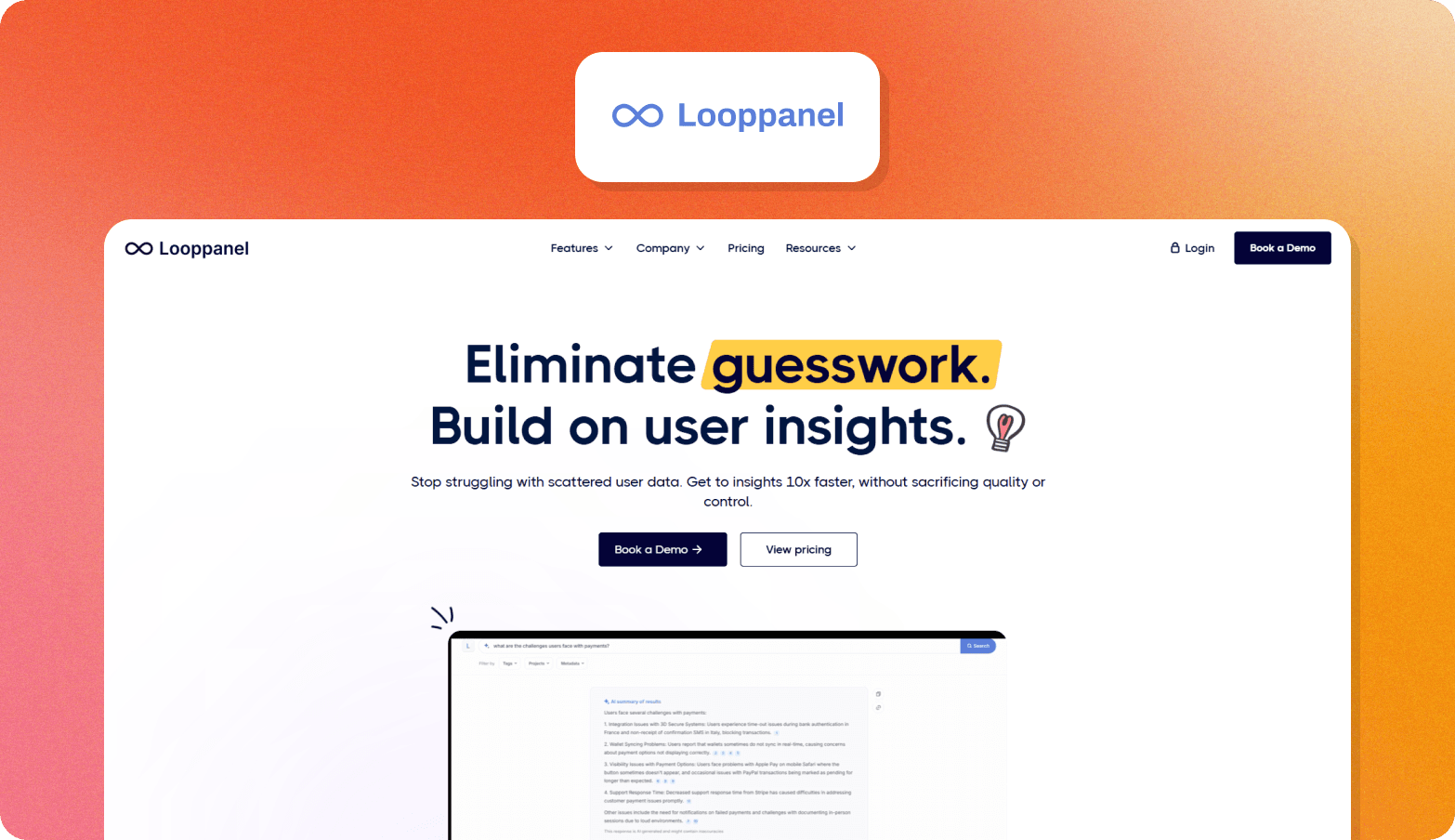
4. Looppanel: Best for UX researchers analyzing interview recordings
Category:
AI-native analysis tool
Looppanel streamlines thematic analysis for UX research teams working with interviews, usability tests, and focus group discussions. It records sessions, generates interview transcripts, and supports thematic coding aligned with research questions.
The platform helps teams structure transcripts, extract video clips, and identify patterns across sessions. These features support faster analyzing qualitative data without extending the manual analysis timeline.
| Field | Content |
|---|---|
| Best for | UX research teams analyzing interviews and usability testing sessions |
| Data types | Video sessions, audio files, interview transcripts, focus groups |
| Languages supported | Multilingual transcription support |
| Workflow coverage | Recording → transcription → thematic coding → synthesis |
| Key analysis outputs | Suggested themes, coded segments, highlight clips, meaningful themes |
| Security | Workspace permissions and collaboration controls |
| Pricing model | Subscription |
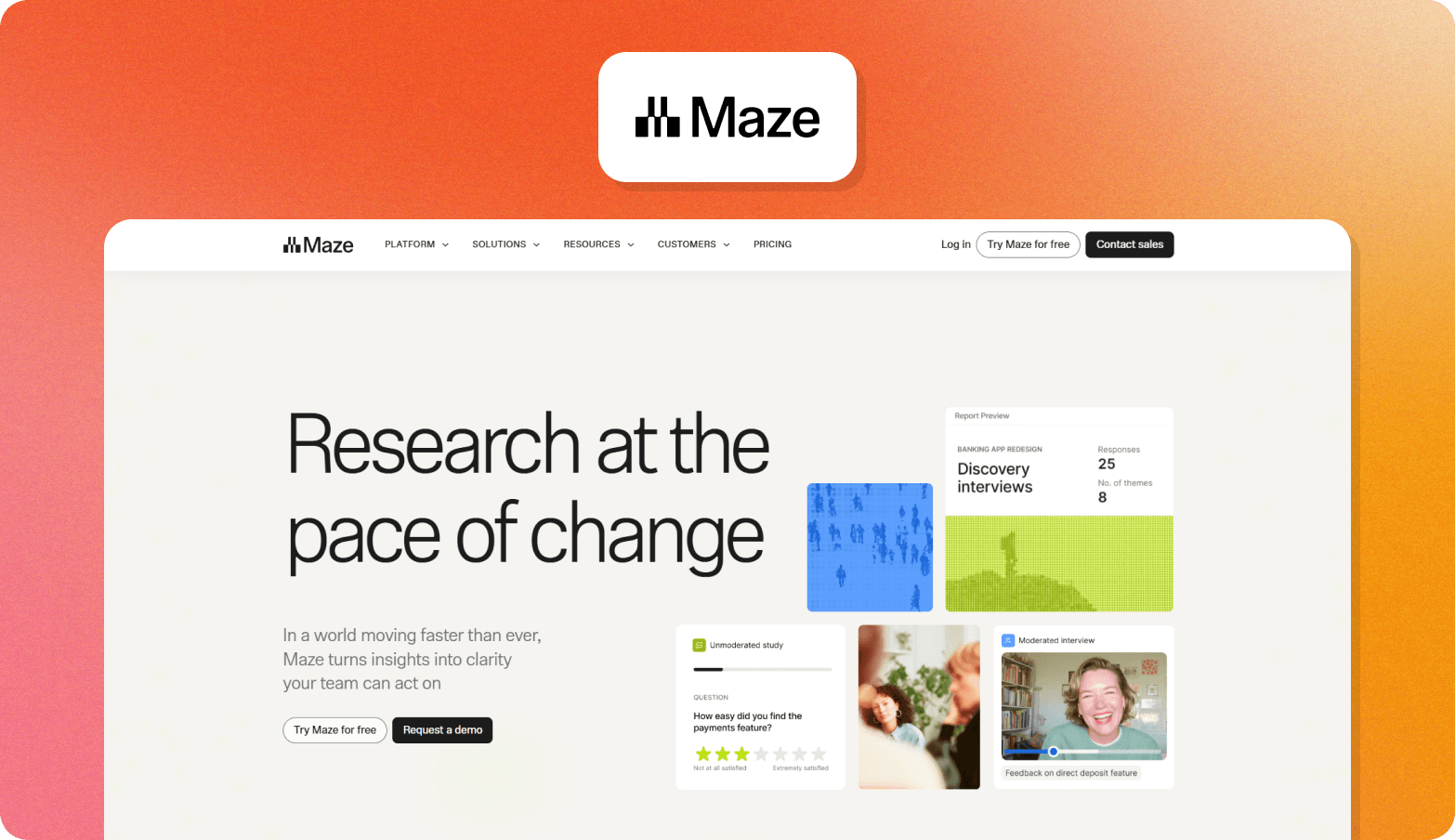
5. Maze: Best for unmoderated UX research with AI synthesis
Category:
End-to-end UX research platform with AI analysis
Maze supports thematic analysis inside unmoderated usability testing, prototype testing, and survey workflows.
It synthesizes open-ended responses and interview-style feedback collected within Maze studies, helping teams identify patterns without exporting data to separate qualitative data analysis software.
AI summaries highlight themes linked to research questions and usability signals, making Maze useful for fast product decision cycles rather than deep standalone qualitative analysis.
| Field | Content |
|---|---|
| Best for | Product and UX research teams running unmoderated studies |
| Data types | Survey responses, usability tests, prototype feedback, interview-style responses |
| Languages supported | Multilingual study support, depending on the setup |
| Workflow coverage | Study setup → response capture → AI synthesis → thematic summaries |
| Key analysis outputs | Theme summaries, usability insights, response clustering, and synthesized findings |
| Security | Enterprise-grade permissions and compliance controls |
| Pricing model | Subscription |
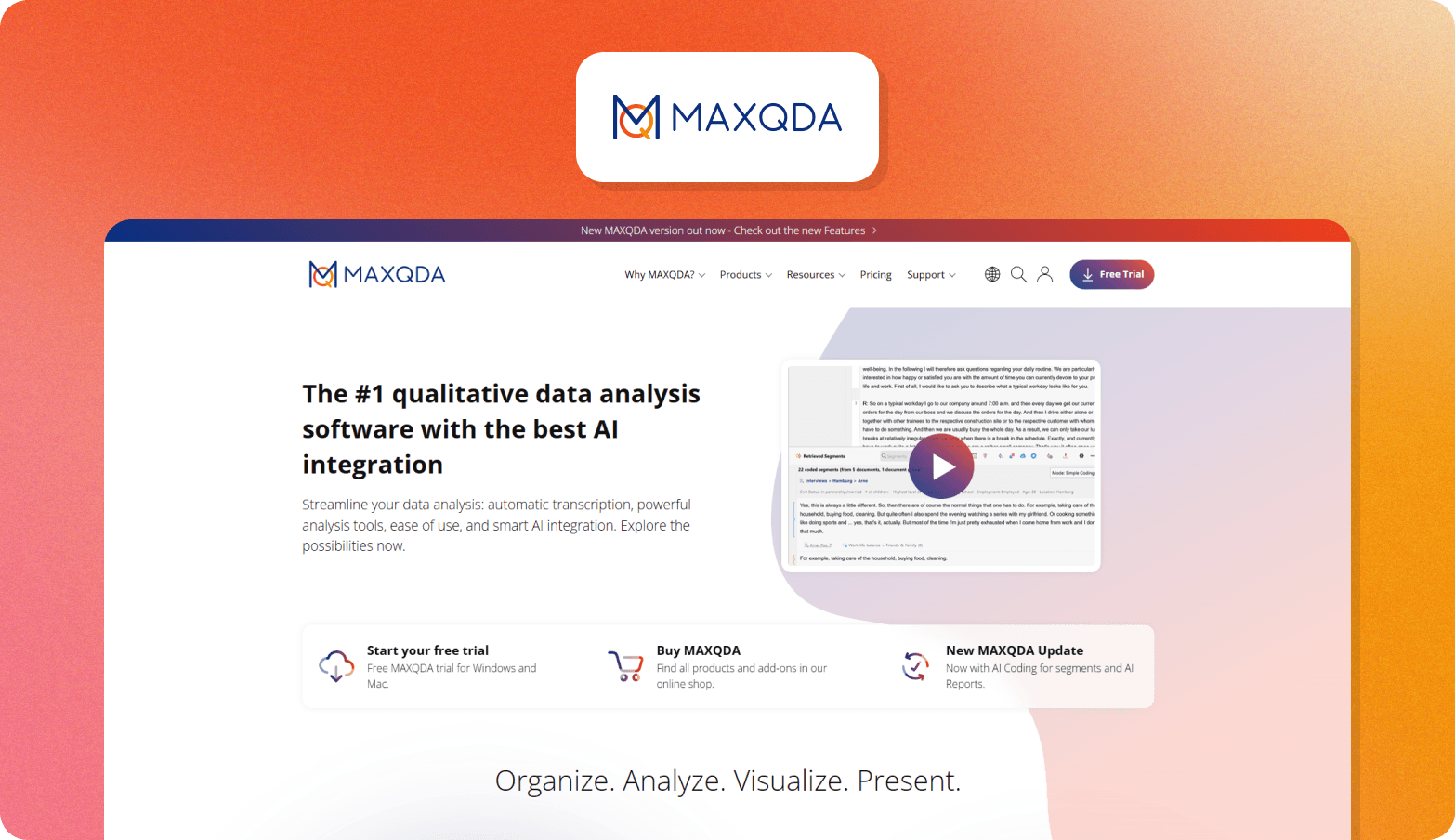
6. MAXQDA: Best for academic and mixed-methods research
Category:
Legacy QDA with an AI layer
MAXQDA is an established qualitative data analysis software widely used in academic qualitative research and mixed-methods studies. Its AI Assist feature supports thematic coding, summarization, and literature-based analysis across structured datasets.
The platform supports rigorous thematic analysis workflows with transparent coding structures, making it suitable for teams that require documentation, traceability, and methodological consistency across complex qualitative analysis projects.
| Field | Content |
|---|---|
| Best for | Academic researchers and mixed-methods research teams |
| Data types | Interview transcripts, documents, survey responses, multimedia files |
| Languages supported | Multilingual analysis support |
| Workflow coverage | Data import → thematic coding → mixed-methods analysis → reporting |
| Key analysis outputs | Code systems, coded segments, thematic structures, methodological documentation |
| Security | Local and secure institutional deployment options |
| Pricing model | License-based |
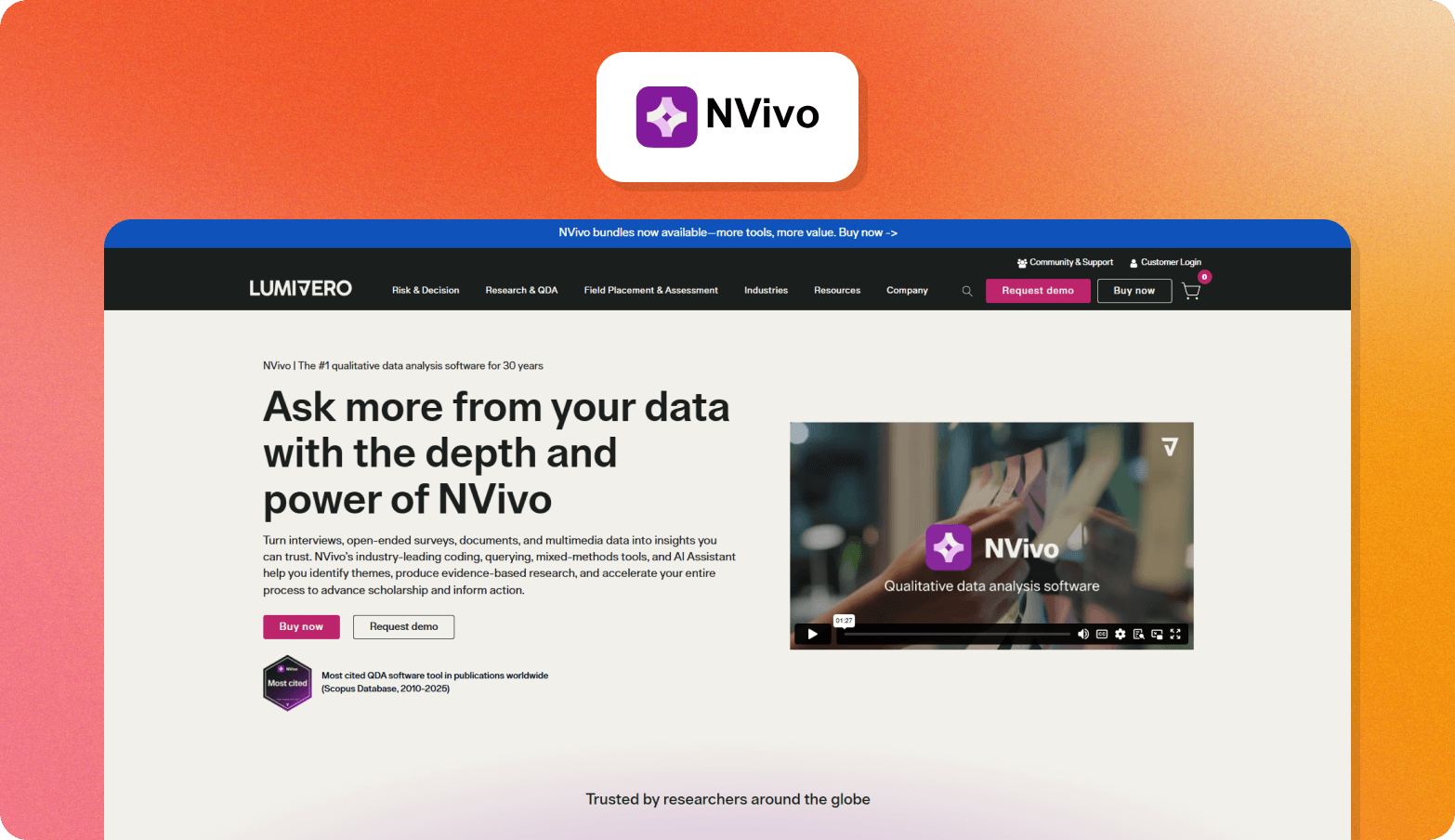
7. NVivo by Lumivero: Best for enterprise teams requiring audit-trail QDA
Category:
Legacy QDA with an AI layer
NVivo supports structured thematic analysis for enterprise, healthcare, and policy research environments that require audit trails and defensible qualitative analysis processes.
Its AI features assist with coding suggestions, sentiment tagging, and summarization across large qualitative datasets.
NVivo is designed for teams managing compliance-heavy qualitative research where transparency, documentation, and reproducibility matter more than speed.
| Field | Content |
|---|---|
| Best for | Enterprise, healthcare, and policy research teams |
| Data types | Interview transcripts, documents, survey responses, multimedia files |
| Languages supported | Multilingual analysis support |
| Workflow coverage | Data import → thematic coding → sentiment tagging → structured reporting |
| Key analysis outputs | Coding frameworks, sentiment signals, coded datasets, and audit-ready documentation |
| Security | Enterprise and institutional deployment options |
| Pricing model | License-based |
8. Dovetail: Best for centralizing research across a product team
Category:
AI-native analysis tool and research repository
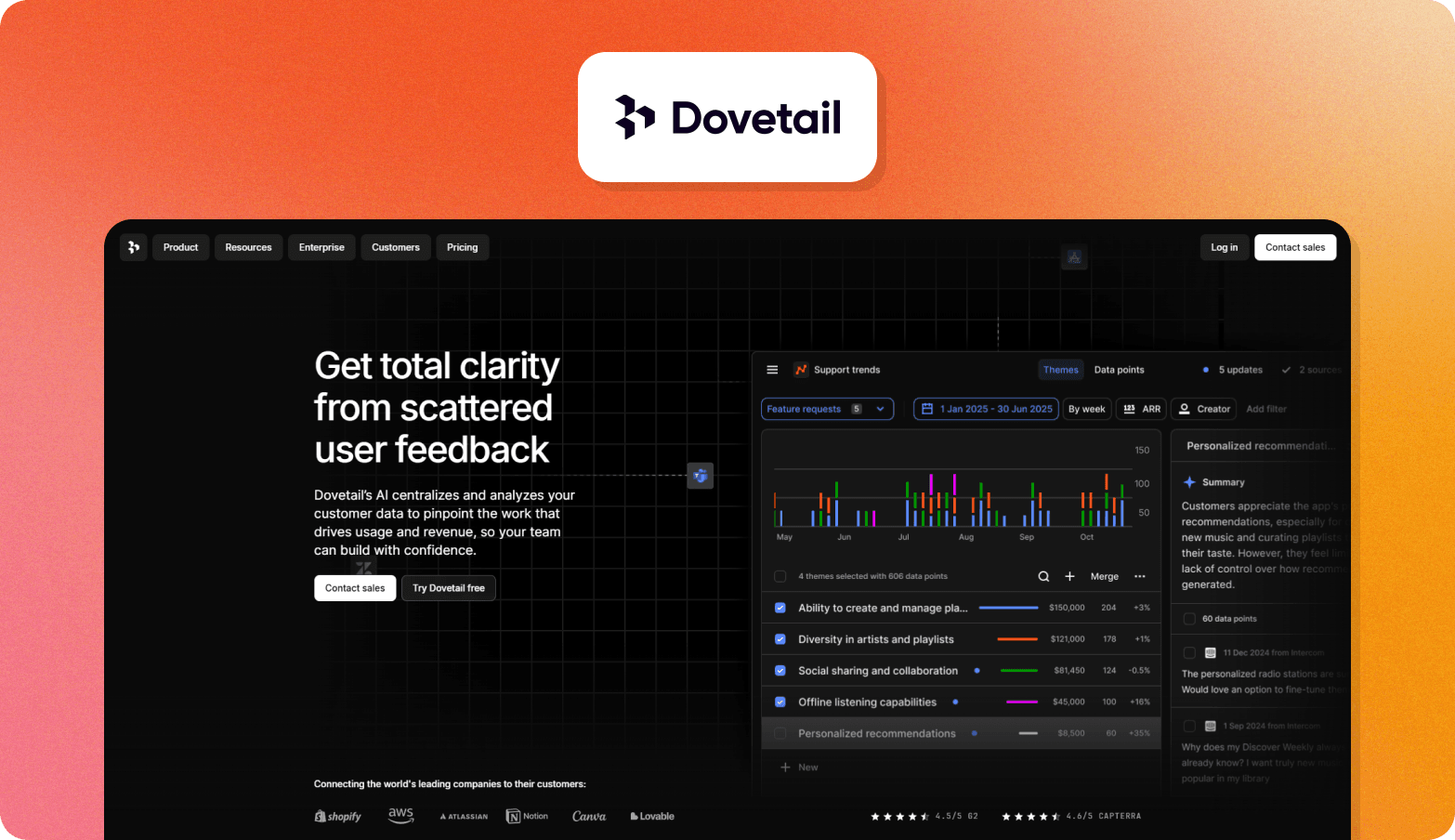
Dovetail combines a research repository with AI-powered thematic analysis tools that help product teams organize qualitative data across interviews, survey responses, and usability research.
It supports theme clustering, highlight extraction, and cross-study synthesis inside a shared workspace.
The platform works best for teams building a long-term qualitative research knowledge base rather than running standalone thematic analysis projects.
| Field | Content |
|---|---|
| Best for | Product organizations centralizing qualitative research across teams |
| Data types | Interview transcripts, notes, survey responses, usability research artifacts |
| Languages supported | Multilingual transcription support |
| Workflow coverage | Repository → tagging → theme clustering → cross-study synthesis |
| Key analysis outputs | Theme clusters, highlights, cross-study insights, searchable research workspace |
| Security | Enterprise permissions and workspace controls |
| Pricing model | Subscription |
Together, these tools support different parts of the thematic analysis workflow, from transcript-level coding to large-scale qualitative research programs.
The right choice depends on your data sources, research methods, and the centrality of thematic analysis to your broader analysis process.
Thematic analysis in qualitative research: A 6-phase framework
Thematic analysis is a method for identifying patterns and themes across qualitative data such as interview transcripts, focus group discussions, and open-ended survey responses. It helps researchers move from raw data to meaningful themes that answer research questions and support decisions.
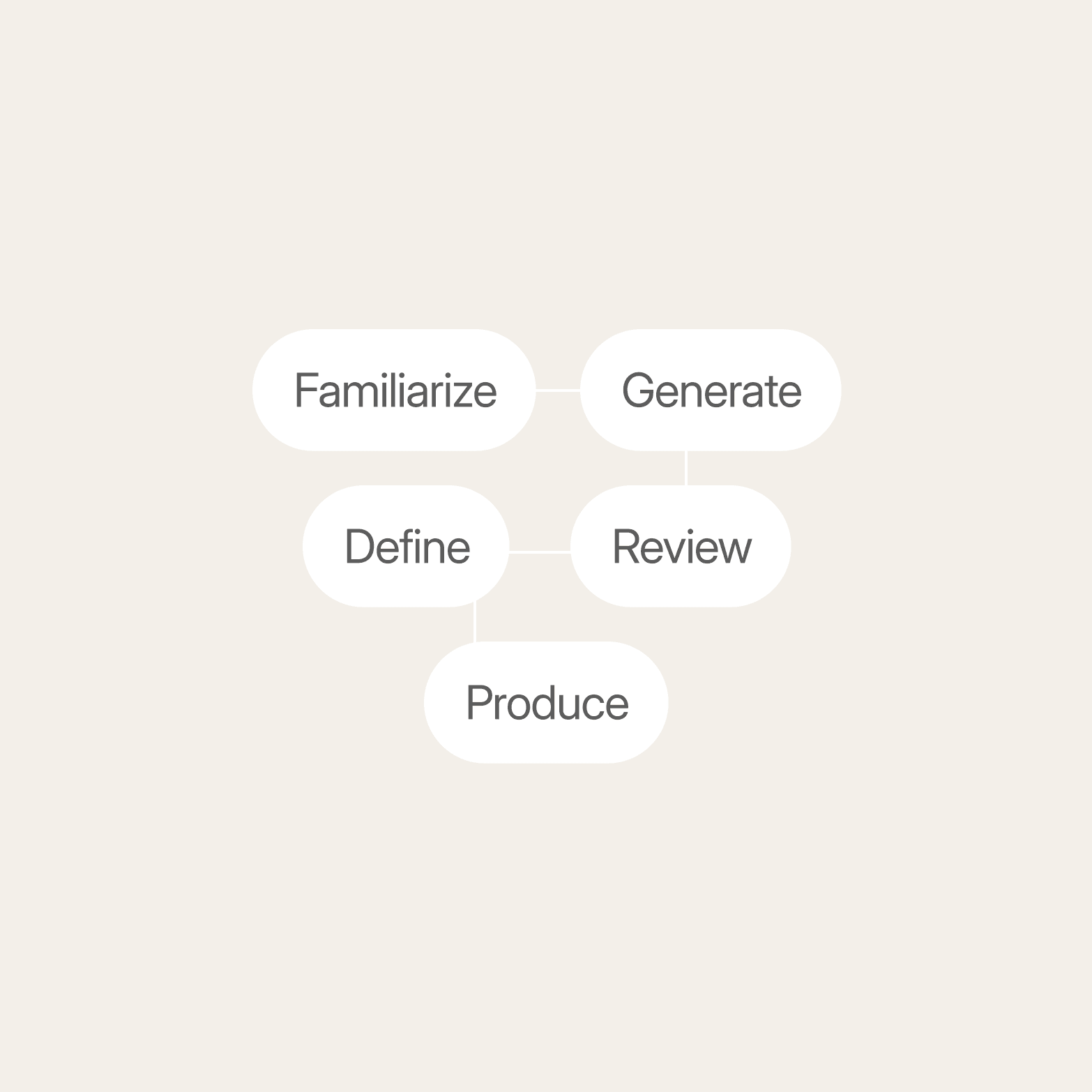
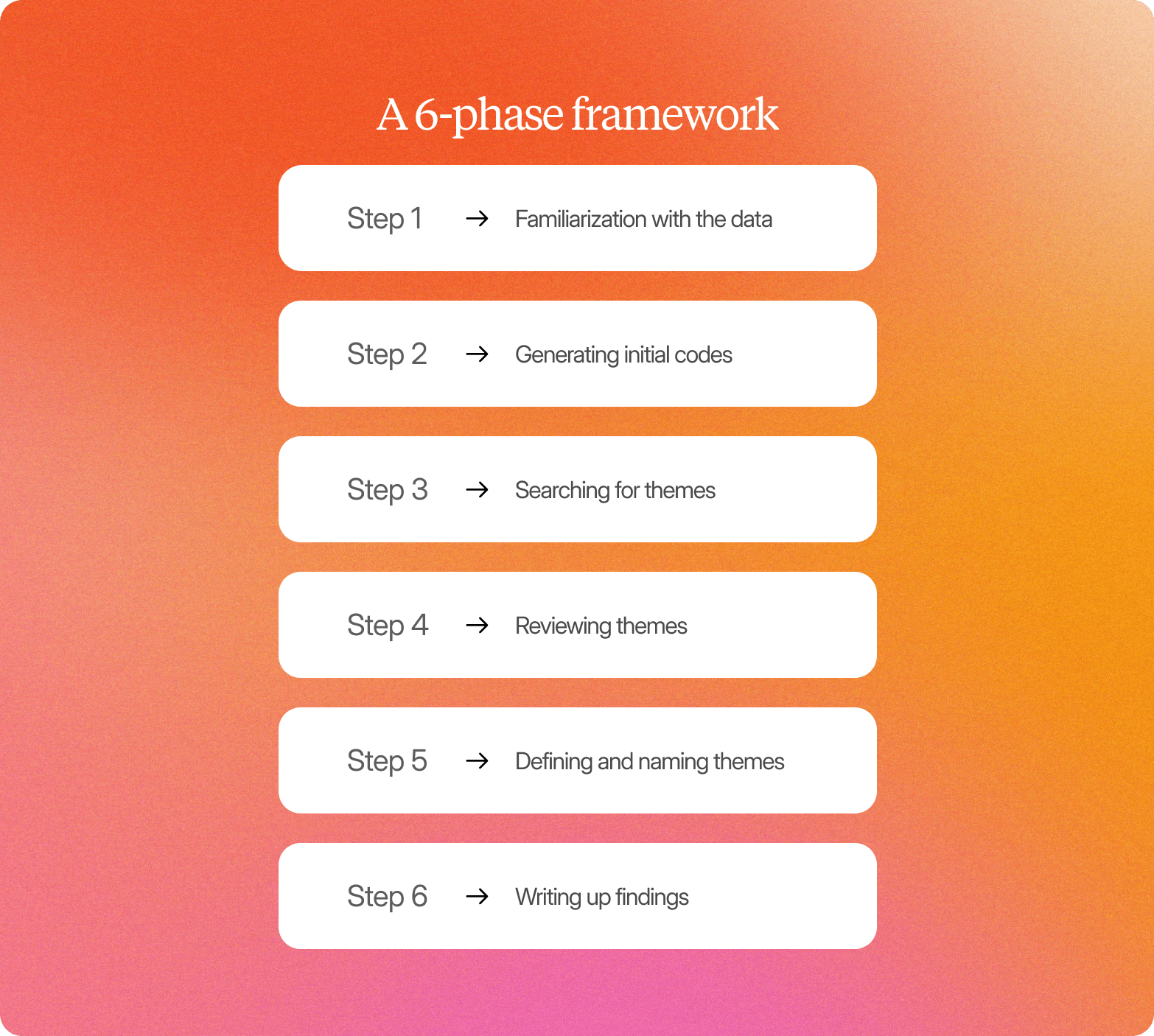
Most thematic analysis tools follow the six-phase framework introduced by Braun and Clarke (2006) in Using thematic analysis in psychology:
Familiarization with the data: Researchers review transcripts, notes, or recordings to understand the scope of the qualitative data and begin noticing early patterns.
Generating initial codes: Segments of relevant text are labeled to capture meaningful features related to the research questions.
Searching for themes: Related codes are grouped together to identify broader patterns that explain recurring ideas across the dataset.
Reviewing themes: Candidate themes are checked against the coded material and the full dataset to confirm they accurately reflect the evidence.
Defining and naming themes: Each theme is refined, clearly described, and distinguished from others so stakeholders can interpret findings consistently.
Writing up findings: Themes are presented with supporting quotes, examples, or clips to communicate actionable insights from the analysis process.
AI thematic analysis tools can now support several of these six steps in the thematic analysis process. They are especially effective during familiarization with the data, generating initial codes, searching for themes, and reviewing themes across large qualitative datasets.
Defining and naming themes still requires the researcher’s interpretation to ensure themes reflect the study’s research questions and context. Writing up findings also remains primarily a human task, since translating themes into stakeholder-ready insights depends on narrative judgment and domain expertise.
AI can structure transcripts during familiarization, suggest initial codes during thematic coding, identify patterns across responses when searching for themes, and automatically identify themes across datasets during review.
This makes the relationship to the six-step framework explicit and avoids sounding like a generic feature list. It also strengthens continuity between the bullets, the step evaluation, and this capability sentence.
Researchers still guide interpretation, refine meaningful themes, and ensure the analysis reflects the right context and research goals.
Understanding which parts of the workflow an AI thematic analysis tool supports makes it much easier to choose the best AI tools for thematic analysis for your team.
How to choose an AI tool for thematic analysis
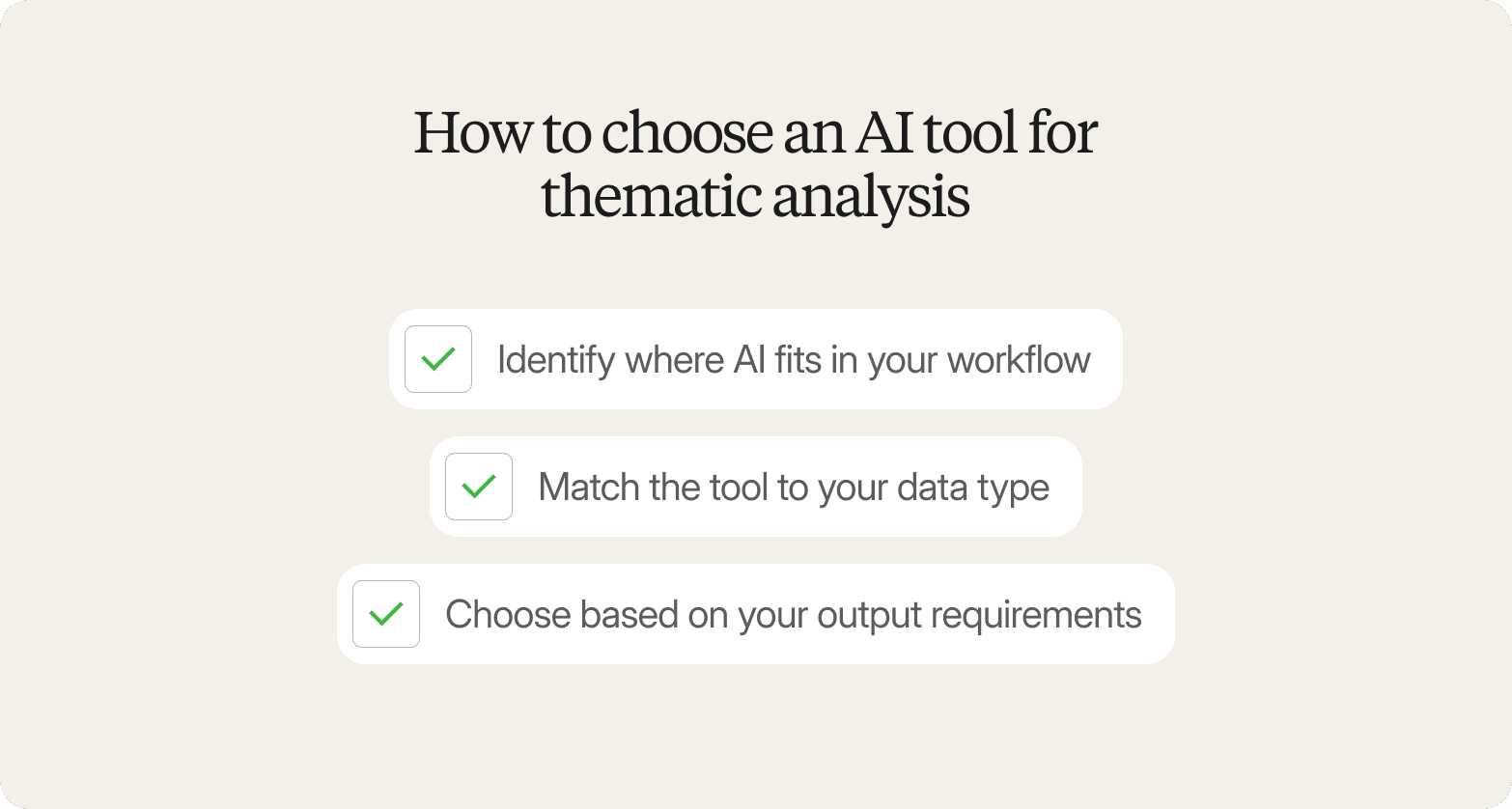
The right AI tool for thematic analysis depends on three things: where you need support in your workflow, the type of qualitative data you analyze, and the outputs your team expects from the thematic analysis process.
Step 1: Identify where AI fits in your workflow
Start by deciding whether you need help collecting data, analyzing it, or documenting results.
If you need to collect and analyze qualitative data in a single platform, choose an end-to-end platform. If you already have interview transcripts or recordings, analysis tools built for thematic coding are a better fit.
Teams in academic or regulated environments often need qualitative data analysis software with audit trails. Choosing the right category early helps streamline thematic analysis and reduces tool switching later.
Step 2: Match the tool to your data type
Your data sources should guide the decision.
Video and audio interviews typically require transcription, natural language processing, or multimodal analysis. Open-ended survey responses and customer feedback fit text-focused tools such as Thematic or Dovetail.
Mixed-methods research programs often benefit from structured platforms like MAXQDA or NVivo. Aligning tools with your qualitative data makes it faster and more reliable to identify patterns.
Step 3: Choose based on your output requirements
Different tools support different outcomes.
End-to-end platforms work best when teams need clips, summaries, and evidence-linked themes. Repository-first platforms such as Dovetail or Marvin support organizing data across studies.
For publishable or auditable qualitative research, QDA platforms remain the strongest option. Matching tools to outputs helps turn raw data into actionable insights more efficiently.
| Tool | Category | Best for | Data types | Workflow coverage | Pricing model |
|---|---|---|---|---|---|
| Conveo | End-to-end platform | Enterprise insights teams, continuous qualitative research | Video, audio, text | Full (recruit → interview → analyze → report) | Subscription |
| Marvin | Analysis tool | UX and product teams, repository plus synthesis | Video, audio, text | Analysis plus storage | Subscription |
| Thematic | Analysis tool | CX and VoC teams analyzing survey responses at scale | Text | Analysis only | Subscription |
| Looppanel | Analysis tool | UX researchers synthesizing interviews | Video, audio | Analysis plus notes | Subscription |
| Maze | End-to-end (UX) | Product and UX unmoderated research | Text, audio, video | Collect plus analyze | Freemium or subscription |
| MAXQDA | Legacy QDA plus AI | Academic and mixed-methods research | All | Analysis plus QDA | License |
| NVivo | Legacy QDA plus AI | Enterprise compliance and policy research teams | All | Analysis plus QDA | License |
| Dovetail | Repository plus AI | Product organizations centralizing qualitative research | Video, audio, text | Analysis plus storage | Subscription |
For a broader comparison of AI qualitative research platforms, see The 10 Best AI Qualitative Research Software Platforms for 2026.
Together, these categories cover most thematic analysis workflows used in modern qualitative research and help narrow down which platform fits your team.
Why Conveo is the AI thematic analysis tool you should actually use
Most teams can narrow the choice quickly by focusing on three factors: where AI fits in their thematic analysis workflow, the type of qualitative data they analyze, and the outputs they need.
The right decision usually comes from matching these requirements, not comparing long feature lists across thematic analysis tools.
Teams running ongoing qualitative research typically benefit most from faster theme generation, stronger evidence for their findings, and fewer handoffs between the interview, coding, and reporting stages. Conveo enables this by supporting the full thematic analysis lifecycle in one platform, generating themes directly from AI-moderated voice and video interviews, and preserving traceable links between source evidence and stakeholder-ready outputs.
Instead of relying on disconnected transcripts or standalone thematic analysis tools, research teams can move from raw conversations to credible insights more quickly and with greater confidence. For enterprise and mid-market insights teams that need scalable, evidence-linked thematic outputs,
Conveo was built for exactly that workflow.
Frequently Asked Questions
How accurate is AI thematic analysis compared to a human researcher?
AI thematic analysis can identify patterns across large qualitative data sets faster than manual analysis, especially in interview transcripts and survey responses. Researchers still review outputs to confirm meaningful themes and gain deeper insights before reporting results.
How long does AI thematic analysis take compared to manual coding?
AI thematic analysis can reduce the time spent analyzing data from days or weeks to hours. Most time savings come from faster thematic coding, clustering, and suggesting potential themes early in the analysis process.
What’s the difference between thematic analysis and sentiment analysis, and do I need both?
Thematic analysis identifies key themes and overarching themes in qualitative research. Sentiment analysis measures emotional tone. Many teams combine both approaches to support stronger qualitative analysis and interpretation.
How much researcher oversight does AI thematic analysis still require?
Researchers still review code definitions, refine coded segments, and validate outputs. AI supports the thematic analysis process, but human analysis remains essential for interpretation and reporting.
How do I validate AI-generated themes before presenting them to stakeholders?
Check whether themes link clearly to source evidence, align with research questions, and remain consistent across data sources. Reviewing supporting excerpts helps confirm reliability and supports report writing.
Can AI thematic analysis tools handle video and audio data, or only text?
Many AI tools for thematic analysis support video, audio files, and textual data through transcription and natural language processing before identifying patterns and generating themes.

About the author
Dieter De Mesmaeker
Co-Founder & CEO
Dieter is CEO and co-founder of Conveo. Before starting the company, he founded DataCamp and scaled it into one of the leading edtech platforms in the world.
More by Dieter →Qualitative insights at the speed of your business.
Conveo runs AI-moderated video interviews and structures everything they say.