


Download a QR code for your recruit link to print or show in person
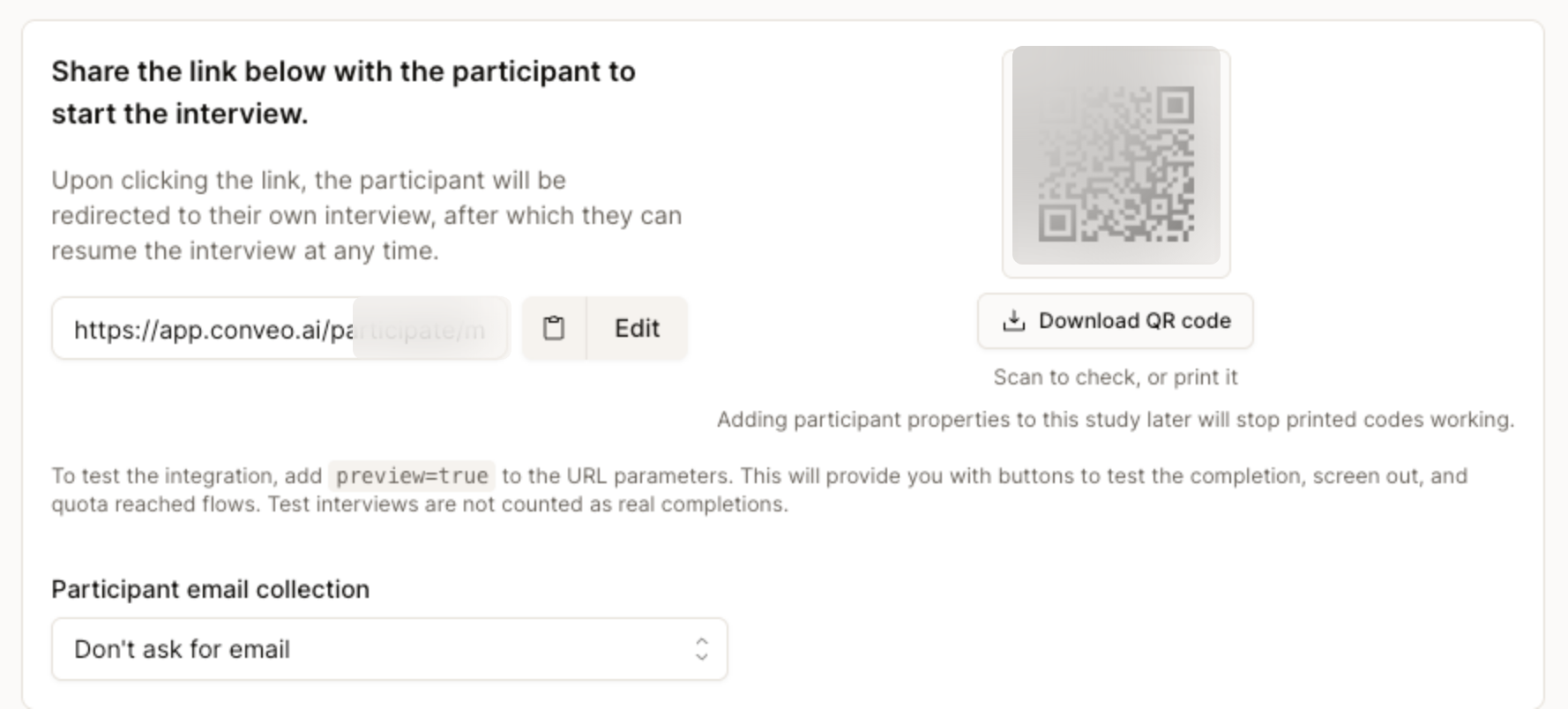
The Share a link panel now shows a downloadable QR code next to your participant link, so people can join an interview from a flyer, pack or poster.
 Florian Hendrickx
At a glance
- A QR code next to your participant link in the Share a link panel
- Download it in one click for flyers, posters, packaging or events
- Scan it yourself to check where it leads before you print
Release details
- Shipped
- Area
- Recruitment
- Kind
- New
- Author
- Florian Hendrickx
Some participants are easiest to reach away from a screen: shoppers in a store, visitors at an event, people holding your product. Until now, getting them into a Conveo interview meant typing a long link or making a QR code in another tool. The Share a link panel for self-recruited studies now shows a QR code next to the participant link, ready to download.
The whole loop in under a minute and a half: download the code, put it on a shelf card, an event sign or a pack, and every scan lands in your study as a video conversation.
How it works
Open Share a link. In your study's recruitment, choose to share a link with your own participants.
Download the QR code. Select Download QR code. It points to the same participant link, so everyone who scans it starts their own interview.
Check it, then print. Scan it with your phone to test it, then put it on a flyer, a pack insert, a poster or an event badge.
Finish participant properties before you print
A printed code cannot change. If you add participant properties to the study after printing, the printed codes stop working, and the panel warns you about this. Set up properties first, then download the code. To test the flows without counting a completion, add `preview=true` to the link.
Research teams asked for it in four situations
These come from teams in consumer goods, retail, financial services and technology, and from research agencies. We kept them anonymous.
On-pack feedback. A code on the packaging that takes buyers to a short interview after they use the product.
In-store moments. Shoppers recruited in or right after a store visit.
Events and print. Flyers, merchandise and event materials that send people straight into the interview.
As few steps as possible. Agencies wanted participants to scan, answer on video and be done.
What this means for your research
You can recruit where the moment happens. People who scan the code join the same study as everyone who uses the link, with the same screener and quotas.
One thing to plan for: anyone who scans the code can start an interview, so use screener questions and quotas to keep the sample on target.
Read the recruiting guide to set up a self-recruited study.