


Follow a ten-step checklist to set up your new Conveo workspace
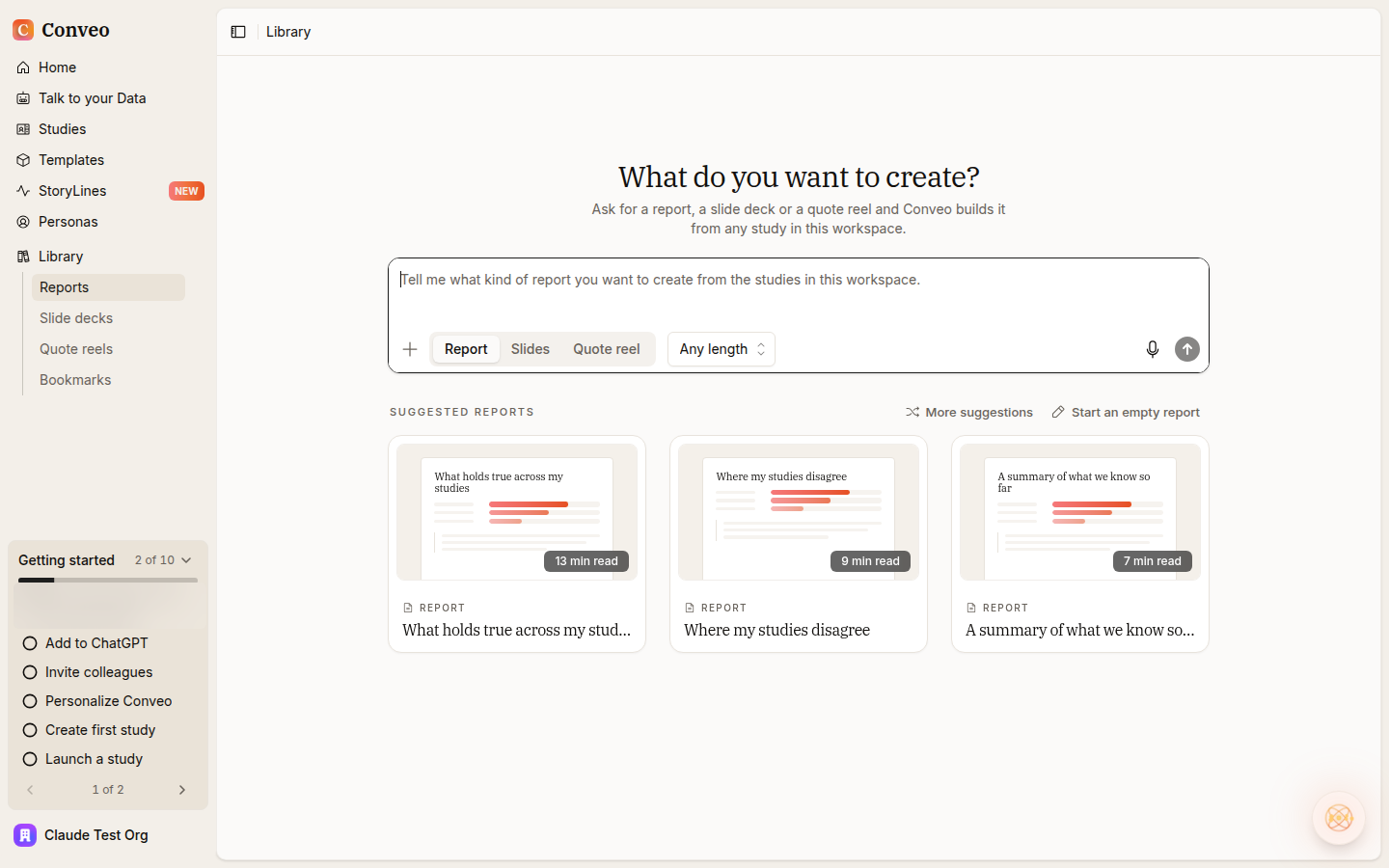
New accounts see a Getting started card in the sidebar with ten milestones, from connecting an AI assistant and inviting colleagues to a first report.
 Florian Hendrickx
At a glance
- A Getting started card in the sidebar for new accounts
- Ten milestones, from connecting your AI assistant to a first report
- A progress bar shows how many steps your team has done
A new Conveo workspace has a lot in it: studies, Talk to your Data, StoryLines, reports, slide decks, brand kits and integrations. New teams asked for a clear first path through it. New accounts now get a Getting started card in the sidebar with ten milestones that take a team from first login to a first finished output.
How it works
Find it in the sidebar. The card sits at the bottom of the main sidebar with a progress bar and a count, such as 2 of 10.
Work through ten milestones. They include connecting your AI assistant, inviting colleagues, personalizing Conveo, creating and launching a first study, asking a question of your data, importing past research, setting up a brand kit and building a first slide deck or report.
Page through the list. The steps are split over two pages in the card.
Research teams asked for it in three situations
These come from teams in consumer goods, beverages, food delivery and advertising, and from research agencies. We kept them anonymous.
A clear first step. People new to the platform asked what to do first after signing up.
Bringing colleagues on board. Teams asked how to get their wider team set up after the first users.
Trying it hands-on. Teams wanted to get into the platform and set up a study themselves.
What this means for your research
Your team gets from sign-up to a first study and a first report with a clear next step at each point, and the colleagues you invite land in the same workspace.
One thing to know: the checklist shows for new accounts. Existing workspaces won't see it.
Read the getting started guide for an overview of studies in Conveo.