In this article
TL;DR
When UX research tools separate interviewing from analysis, teams often have to choose between speed and depth.
Qualitative research doesn't have to take weeks. Conveo combines AI-moderated interviews, automated analysis, and a searchable insight library on a single platform, eliminating the need for separate tools.
This guide covers 15 UX research tools categorized by qualitative interviewing, usability testing, repositories, and survey platforms.
You'll find it useful if you're a UX researcher, product manager, or design lead evaluating tools for continuous discovery or bringing qualitative research in-house.
User research is most valuable when it informs decisions while there is still time to act. But for many product and design teams, turning a research question into usable insight is a slow process. Finding participants, running sessions, and making sense of conversations all add friction that makes continuous research difficult.
This is the challenge UX research tools aim to solve, but they approach it in different ways. Usability testing platforms prioritize speed, helping teams understand what users do, but often provide less context on why. Traditional qualitative research delivers deeper insights but requires more time and manual effort to translate conversations into findings.
That makes the research process the key factor when evaluating tools. A platform can have plenty of features, but it only helps if it makes it easier to move from research question to usable insight.
This guide helps product and design teams evaluate UX research tools based on how they fit into that process, rather than comparing features alone. We’ll cover the criteria that matter when choosing a platform, the main categories these tools fall into, detailed breakdowns of 15 tools, and how different options fit teams at different stages of research maturity.
What Makes a UX Research Tool Worth Evaluating?
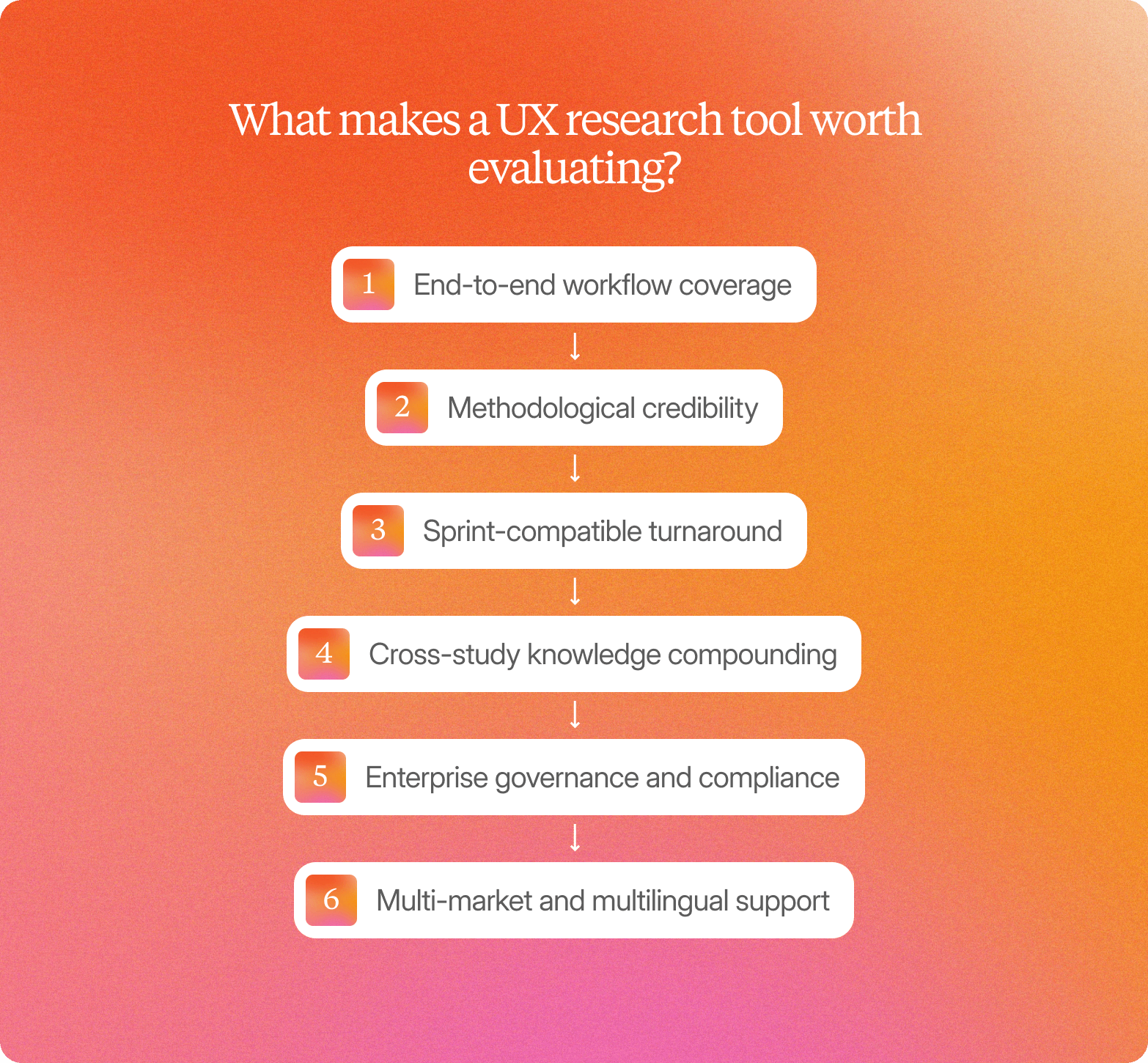
The best user research tools are defined by how well they support the full research process, from collecting feedback to turning it into decisions. For teams running continuous discovery, these are the key features to consider when evaluating platforms.
End-to-end workflow coverage
A strong platform should reduce the gaps in your existing workflow. Does it support recruitment, interviewing, synthesis, and reporting in one place, or does your team need to connect several platforms to complete a study? Every additional handoff adds time and makes it harder to keep context between conversations and final findings.
Methodological credibility
Research findings need to be trusted by the people making product decisions. Can stakeholders trace an insight back to the original video clip, recording, or quote, or are they relying on a generic AI summary? Outputs like feature feedback or UX personas without clear source evidence are harder to validate and often struggle to hold up.
"Conveo's video-first approach is a real differentiating methodological advantage. The ability to distill insights from reactions and not just hear answers adds context you simply can't get from transcript-only tools - or any other tool in the market for that matter"
Senior Marketing Research & Insights Manager, Google
Sprint-compatible turnaround
Research only influences decisions when it arrives in time. A platform that delivers findings in six weeks can't support a two-week sprint cycle, no matter how rigorous the methodology. Product research tools should help teams move from research questions to actionable insights at the pace of their existing development process.
Cross-study knowledge compounding
Continuous discovery creates a growing body of research that should become more valuable over time. Does the platform create a searchable library of previous interviews and key insights, or does each study end as a presentation that is difficult to revisit? A good research repository helps teams answer "have we heard this before?" without starting from scratch.
Enterprise governance and compliance
For larger teams, security and compliance can determine whether you can use a tool in the first place. SOC 2 certification, GDPR compliance, and regional data hosting requirements may be necessary for procurement approval, particularly when research involves customer data or multiple markets.
Multi-market and multilingual support
Teams researching global audiences need tools that support multiple languages and regions without requiring separate workflows for each market or target audience. AI moderation and transcription capabilities make international research easier to manage and more consistent across locations so you can build diversity in your research.
Before comparing individual platforms, it helps to understand the different types of UX research tools available.
UX Research Tool Categories (And Where They Break Down)
UX research tools fall into a few broad categories, each with different strengths and limitations. The table below breaks down the main categories and the gaps they leave for teams running continuous discovery.
| Category | What it does well | Where it creates friction for continuous discovery | What teams often pair it with |
|---|---|---|---|
| Qualitative interviewing platforms | Help teams understand user motivations, behaviors, and experiences through in-depth conversations with real users. | The interview is only one part of the process. Teams may still need other tools or manual work to turn conversations into usable findings. | Tools for storing research, analyzing conversations, or managing other parts of the research process. |
| Usability testing platforms | Provide quick, quantitative data on how users interact with a product or prototype. | They capture what users do but often miss the reasons behind their behavior. A failed task doesn't always explain why users ignore a feature or hesitate before abandoning it. | Qualitative interviews or feedback tools that add context behind usability issues. |
| Research repositories | Make existing research easier to find and reuse across teams. | They organize insights but depend on other tools to generate new research. A repository can't solve gaps in the research process itself. | Interviewing, testing, or UX survey platforms that provide new research inputs. |
| Survey and feedback platforms | Help teams collect input from a large number of users quickly using quantitative methods. | They provide breadth but limited context. Written responses rarely offer the depth of a conversation in which researchers can ask follow-up questions. | Qualitative research methods that help explain patterns found in survey data. |
| End-to-end qualitative platforms | Combine multiple stages of qualitative research into a single workflow, reducing handoffs between tools. | Their focus is qualitative research, so teams may still need specialist tools for other research methods. | Point solutions for specific research needs outside qualitative studies. |
Most teams end up running two or three of these categories side by side. The question worth asking isn't "which category is best" but "which combination gets me from research question to decision without losing context at every handoff."
Comparison Table: End-to-End Workflow vs. Point Tools
Teams can build a research workflow using specialized tools for each stage, or choose platforms that combine more of the process in one place. The comparison below shows how each approach handles key parts of the qualitative research workflow.
| Capability | Conveo | Point Solutions (Single Research Stages) | Usability Testing Platforms | Traditional Agency Workflows |
|---|---|---|---|---|
| End-to-end workflow (recruitment through synthesis) | ✓ | Requires additional tools | Requires additional tools | ✓ |
| Video-first participant verification | ✓ | Depends on platform | Partial | ✓ |
| Cross-study insight library | ✓ | Depends on platform | Requires additional tools | Requires manual storage |
| AI moderation in 58+ languages | ✓ | Depends on platform | Depends on platform | Requires specialist support |
| Usability testing and click-tracking | Not applicable | Depends on platform | ✓ | Partial |
| Turnaround time | Sprint-compatible | Sprint-compatible | Sprint-compatible | Weeks-long timelines |
Conveo combines recruitment, interviewing, and synthesis into a single qualitative workflow, reducing the handoffs required to move from research conversations to usable findings.
15 UX Research Tools To Improve The User Experience
Here are 15 user experience research tools worth evaluating, grouped by what they're built to do.
Qualitative Interviewing Platforms
1. Conveo
Conveo is a video-first AI research platform that covers the full qualitative workflow from recruitment through analysis.
Best For
Enterprise product and UX teams running continuous discovery, or replacing agency-dependent qualitative workflows.
Core Strength
AI-moderated video interviews run hundreds of conversations in parallel, in over 58 languages, so a study that would take an agency six or more weeks can finish in as few as three days.
Conveo integrates with panel partners, including Respondent.io and User Interviews, and supports bring-your-own lists, CSV uploads, QR codes, and WhatsApp recruitment, so teams aren't locked into a single participant source.
Key Differentiator
Every interview is video-based, with built-in participant verification, so teams can review the source of each finding. A searchable insight library keeps findings accessible across studies, making it easier to reuse past research rather than start from scratch.
"We are heavy users... so much knowledge there. The differentiation from Conveo is the qualitative results"
Cassia, Unilever
Key Limitation
Conveo isn't built for usability testing or click-tracking. Teams that need task-based interface testing should pair it with a dedicated usability platform.
Pricing
Enterprise pricing based on study volume and team size, available on request.
Usability Testing Platforms
2. UserTesting
UserTesting is a human insights platform combining unmoderated usability testing and moderated live sessions with AI-powered analysis.
Best For
Product and UX teams running high volumes of unmoderated testing.
Core Strength
The panel returns most sessions within a few hours.
Key Limitation
The AI-powered cross-study search is gated to the top pricing tier and doesn't yet cover live moderated conversations.
Pricing
Not publicly listed.
3. Maze
Maze is a product research platform combining unmoderated usability testing, prototype testing, and AI-moderated interviews.
Best For
Product and UX teams running usability testing tied to sprint and release cycles.
Core Strength
The panel marketplace typically delivers a first participant match in under 15 minutes.
Key Limitation
The AI moderator is an Enterprise add-on rather than a standard feature.
Pricing
A free tier covers one study a month. Panel access runs on pay-per-use credits, and the Enterprise plan is priced on request.
4. Lookback
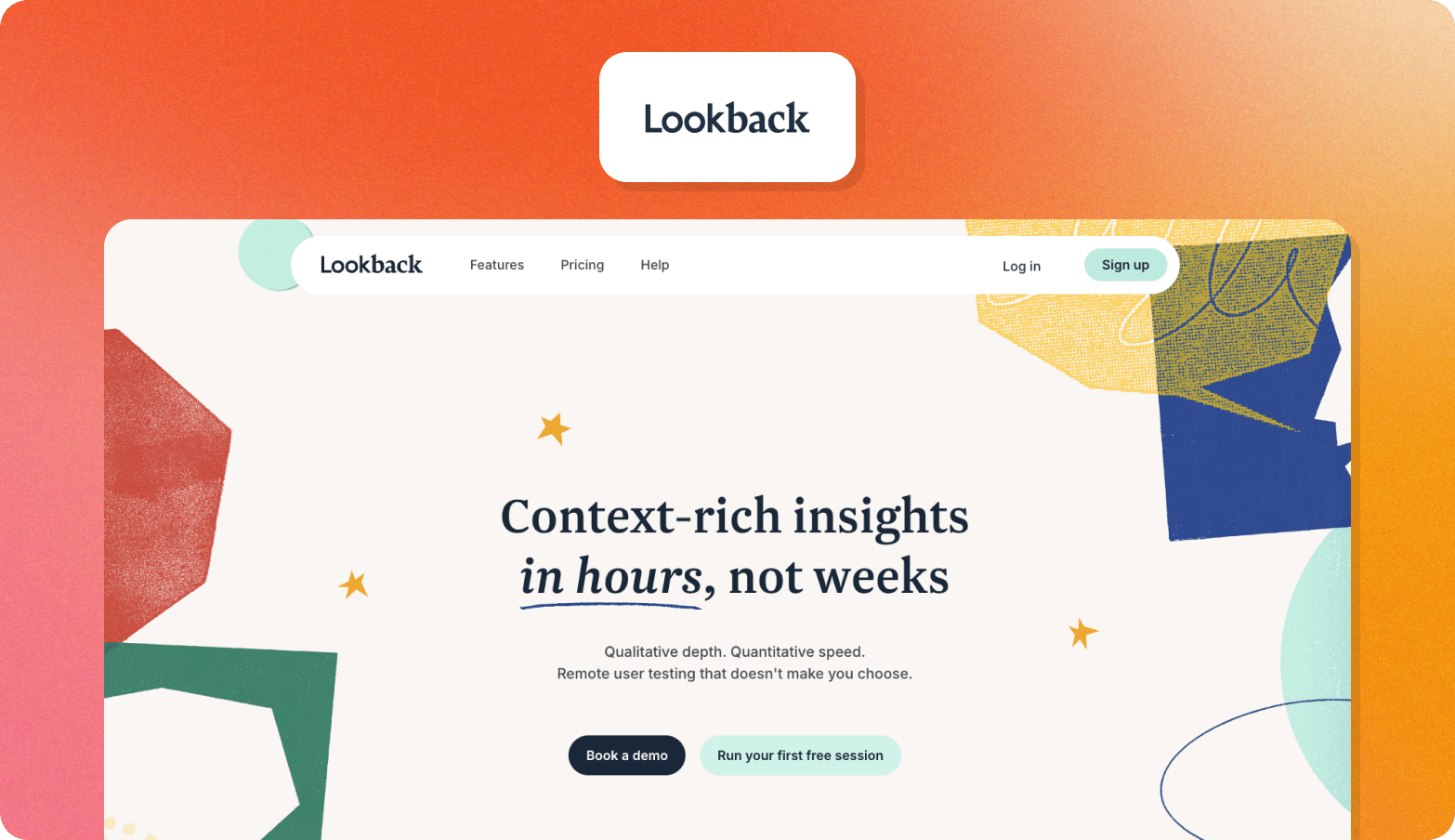
Lookback is a UX research platform built for moderated remote usability testing, with live session observation and cloud recording.
Best For
Product and UX teams that run regular usability testing and want flexible session formats.
Core Strength
Participants don't need to create an account to join a session, which reduces drop-off in self-guided studies.
Key Limitation
Lookback is built around usability testing specifically. Teams that need broader qualitative interviewing, synthesis, or a cross-study repository will need to add another tool.
Pricing
Standard plans start from $25 per user per month. Pro plans start from $52 per user per month.
5. Optimal Workshop
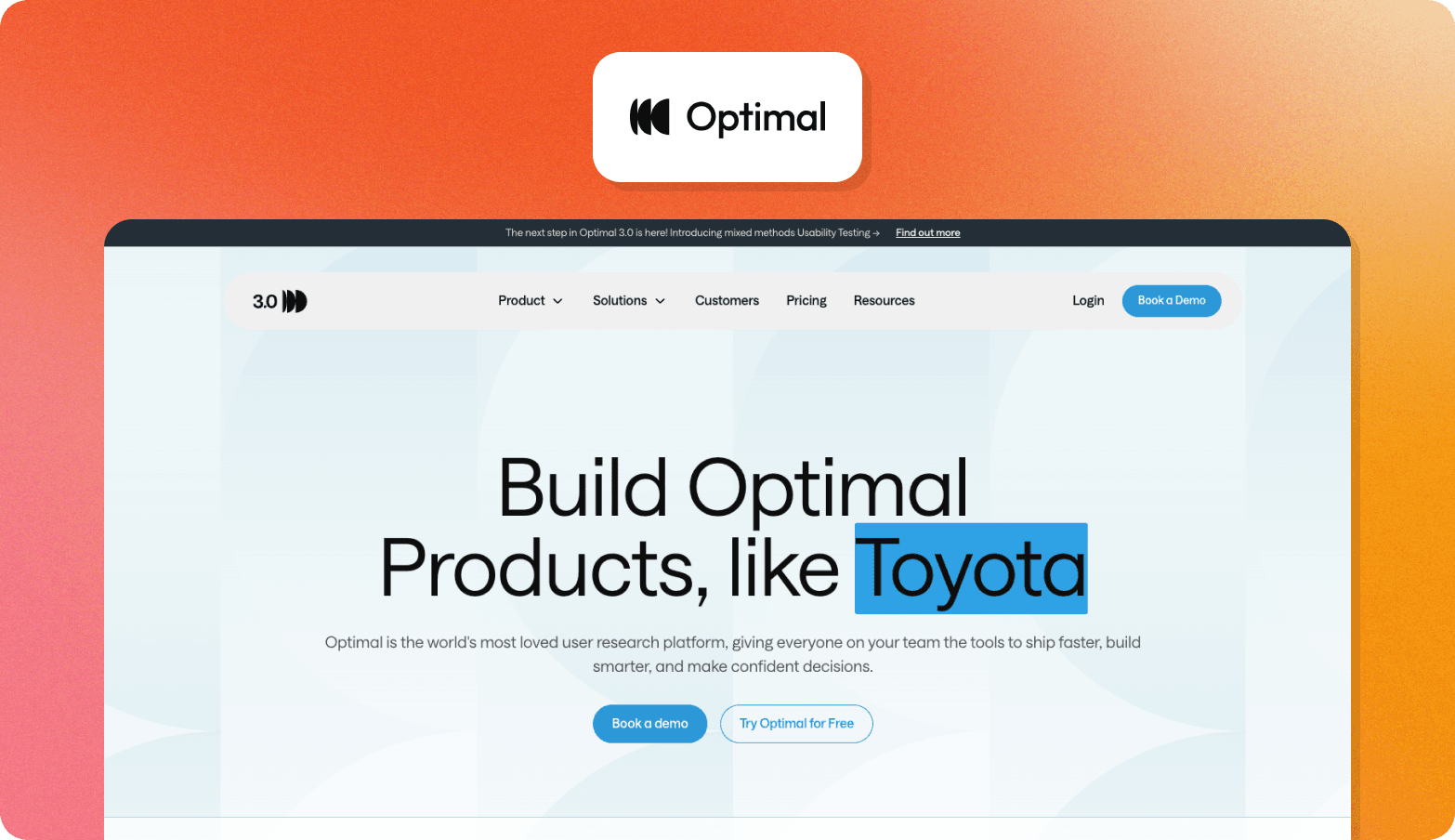
Optimal Workshop is an information architecture research suite that includes tools for tree testing, card sorting, first-click testing, and qualitative analysis.
Best For
Teams running a focused round of navigation or content structure research, rather than continuous qualitative discovery.
Core Strength
The tree testing and card sorting analysis is deep, with automated visualizations that surface how users naturally group and label content.
Key Limitation
Optimal Workshop is narrow by design, built specifically for information architecture research. You’ll need a separate tool for qualitative interviewing or a cross-study repository.
Pricing
Paid plans start at roughly $150 to $200 per month depending on the tier; a limited free plan is also available.
Research Repositories
6. Dovetail
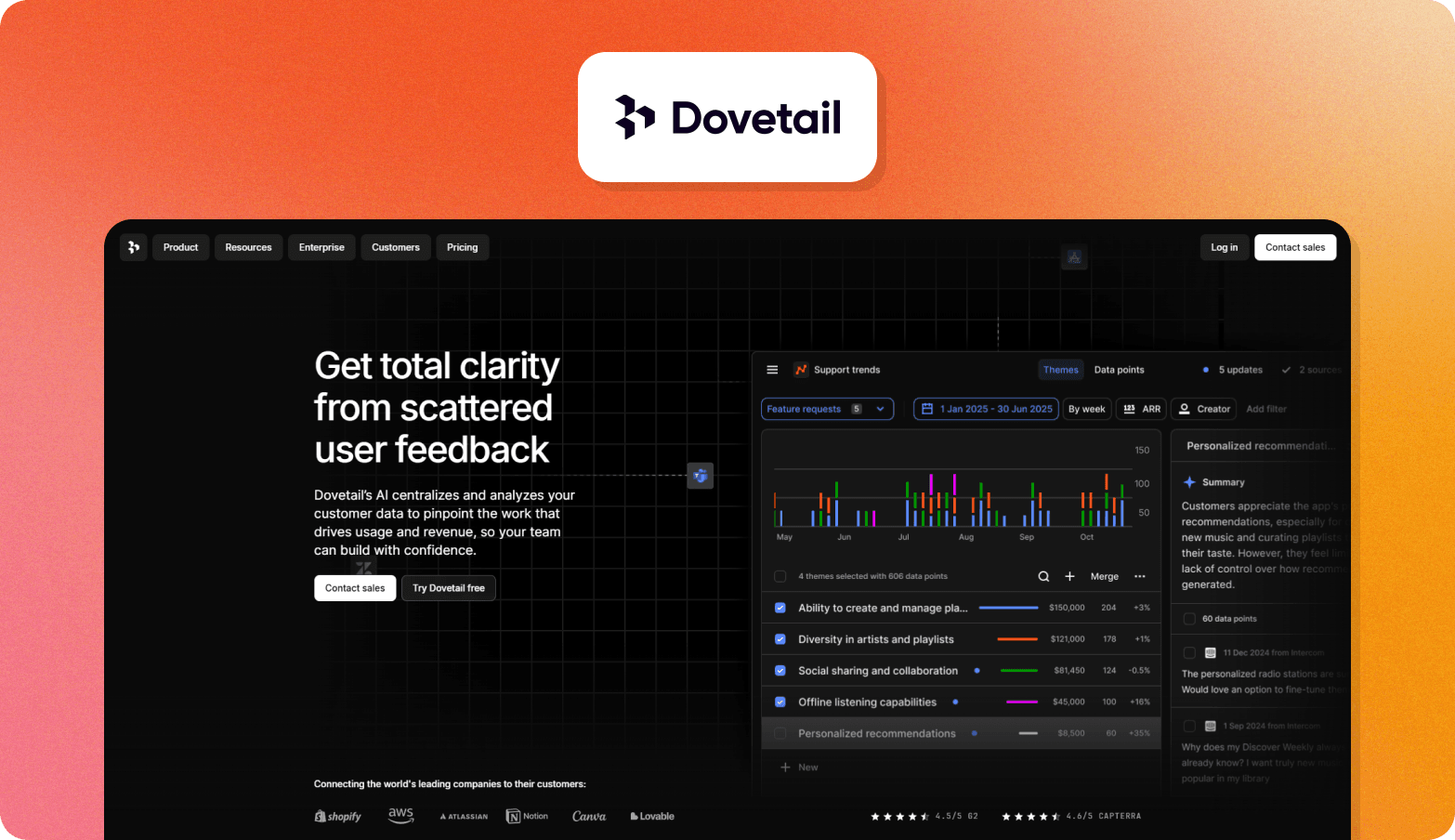
Dovetail is an AI-native customer intelligence platform that turns existing research assets into a searchable repository.
Best For
Research teams with an existing primary research workflow who need an organized, searchable place to share findings.
Core Strength
Integrations with tools like Gong, Zoom, and Salesforce pull real conversations into the same repository as your primary research.
Key Limitation
Dovetail has no built-in interview moderation or participant recruitment.
Pricing
A free plan is available for individuals. Enterprise plans are custom-priced on request.
7. Marvin
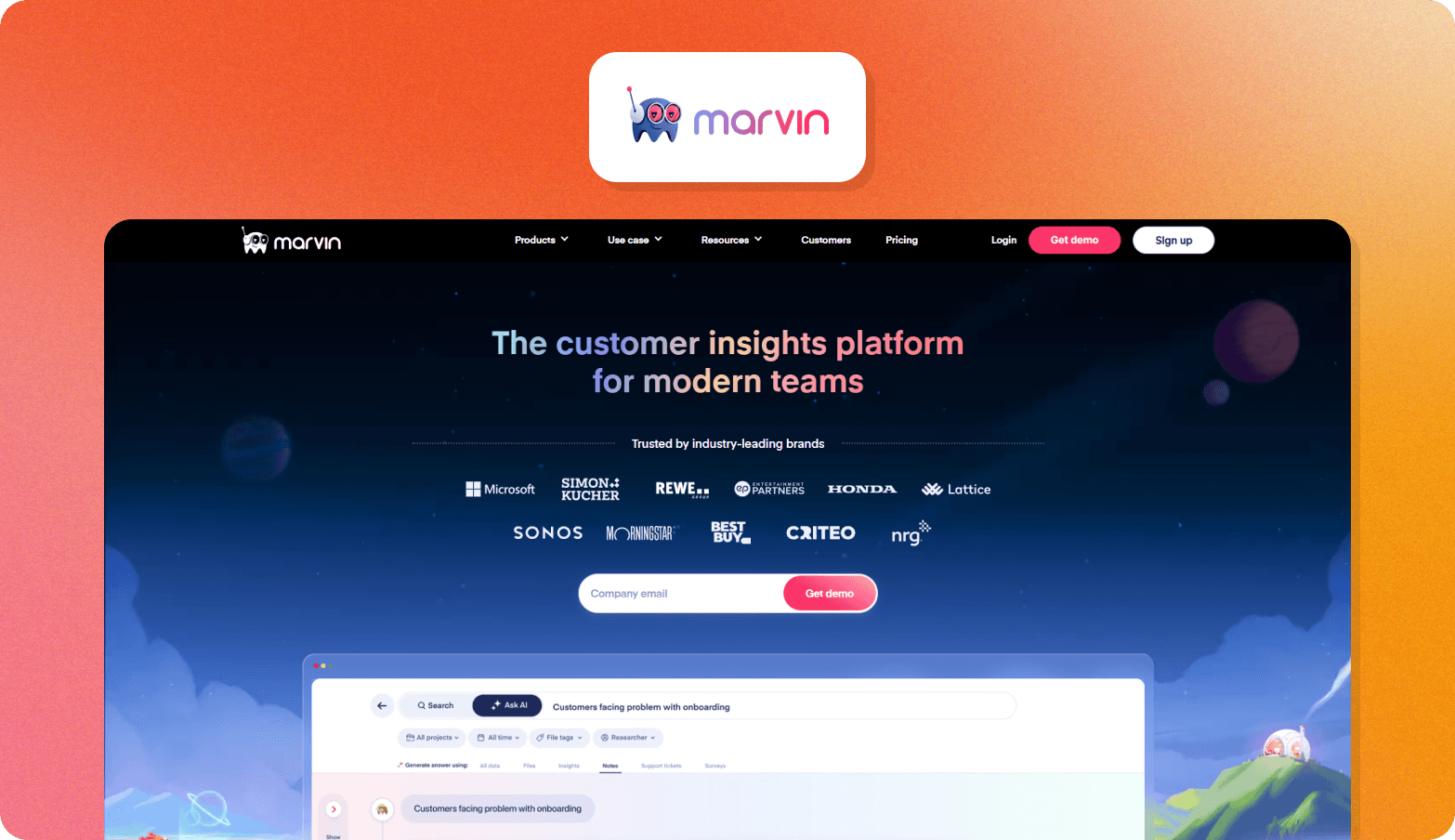
Marvin is an AI-powered research repository with a lightweight, AI-moderated interview layer to gather new data when you need it.
Best For
UX research and research ops teams where making sense of existing findings matters more than running new studies.
Core Strength
Every finding links back to its original video clip, transcript, or survey response.
Key Limitation
There's no native participant recruitment, and full repository-wide search sits behind the higher-priced plan.
Pricing
A free plan covers repository access. Paid plans unlock the full platform; pricing is available on request.
8. Condens
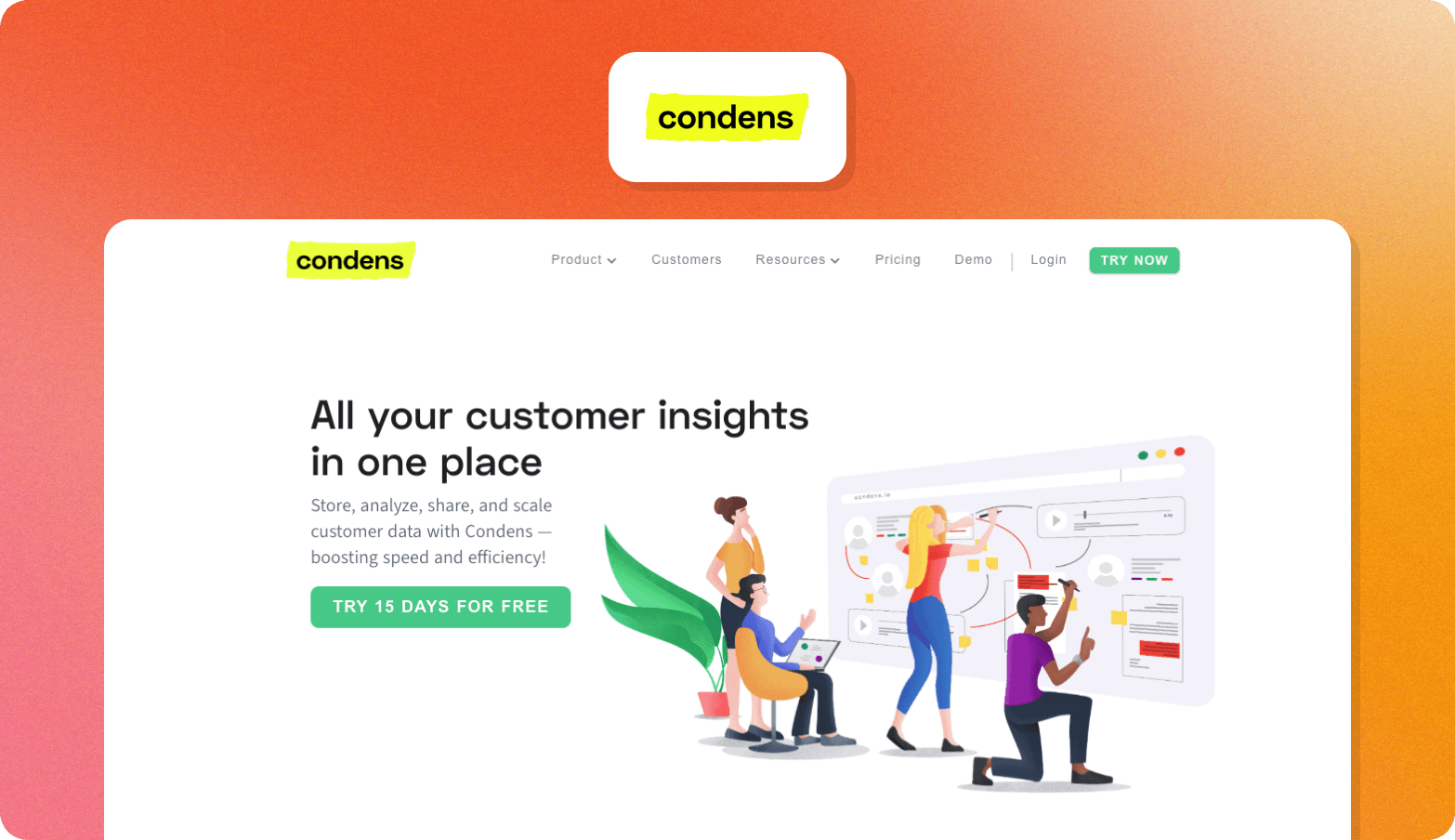
Condens is a research repository and analysis platform that brings interviews, usability tests, and feedback into an AI-powered knowledge base.
Best For
UX research teams that need strong analysis tools and a straightforward way to share insights with other teams.
Core Strength
The Insights Magazine feature gives non-researchers a self-serve portal to explore published findings and ask questions directly.
Key Limitation
Condens doesn't moderate interviews or recruit participants, so teams still need a separate tool to generate primary research.
Pricing
Pricing starts from €15 per month for the Lite plan and €500 per month for the Business plan.
Survey and Feedback Platforms
9. Qualtrics
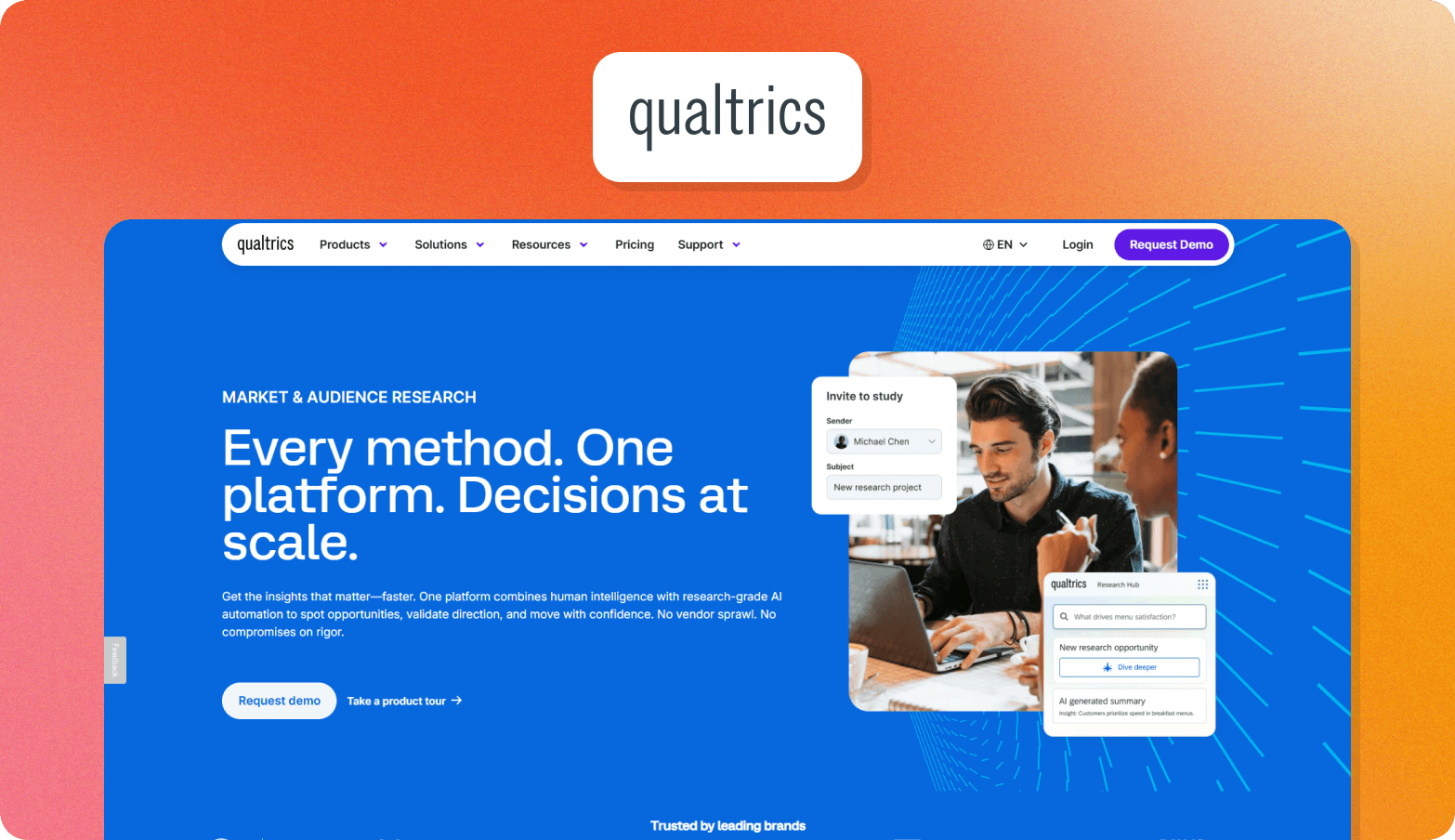
Qualtrics Strategy & Research is an enterprise market research platform within the broader Qualtrics XM suite, covering surveys, video feedback, concept testing, and brand research.
Best For
Large enterprises already invested in the Qualtrics ecosystem who want research folded into a broader experience management program.
Core Strength
A cross-study Research Hub lets teams search across all surveys and dashboards on a Qualtrics license.
Key Limitation
Teams that only need standalone UX research may find it has a steep learning curve and is more platform than they need.
Pricing
Not publicly listed.
10. SurveyMonkey
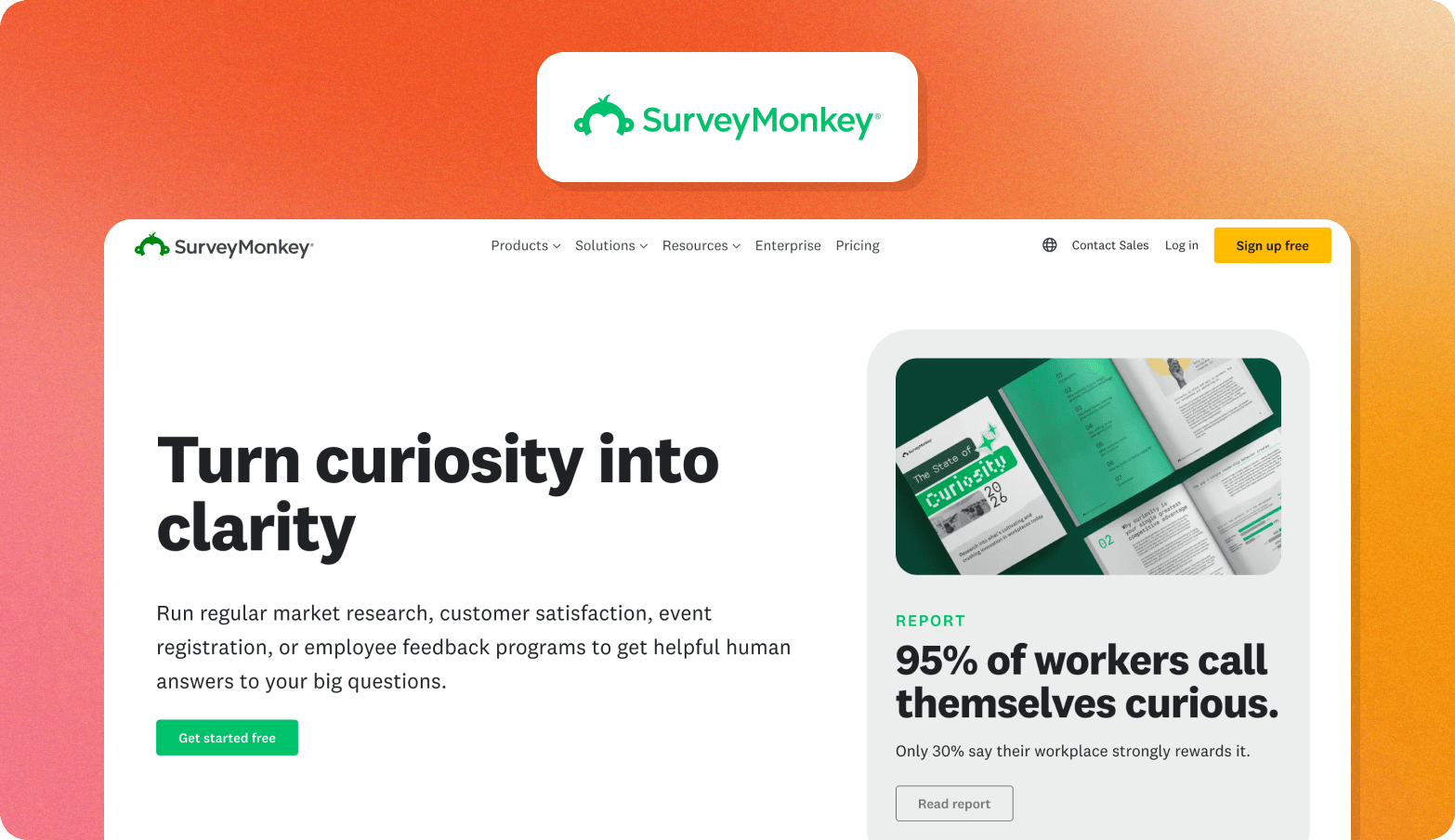
SurveyMonkey is a survey platform with AI-powered creation and analysis, and an integrated global panel.
Best For
Product and UX teams running quantitative feedback programs, such as post-task surveys and feature prioritization.
Core Strength
Built-in research methodologies mean teams can run studies without designing the analysis from scratch.
Key Limitation
Everything is survey-based, with no capability for qualitative interviews.
Pricing
Team plans start at $30 per user per month, billed annually with a minimum of three users. Panel responses start from $1 each.
11. Hotjar
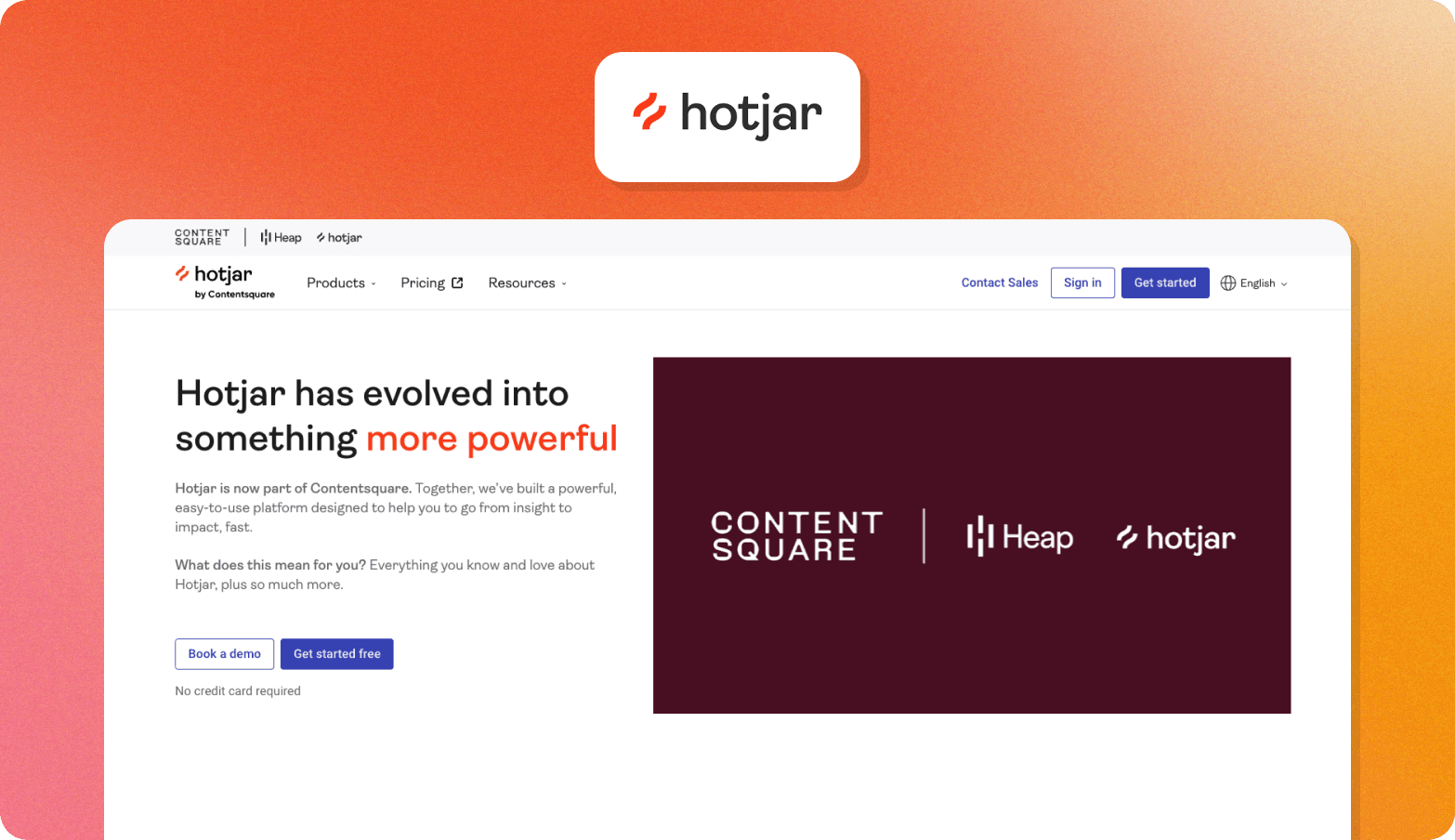
Hotjar is a behavior analytics platform, now part of Contentsquare, combining heatmaps and session recordings with in-product surveys and moderated video research.
Best For
UX and product teams that want to connect behavioral data with in-context feedback and run occasional moderated sessions.
Core Strength
Survey responses link directly to the key moments of the user’s session recording.
Key Limitation
Since joining Contentsquare, Hotjar's products are sold in modules. Teams that want the full stack, including surveys and moderated research, need to budget for multiple plans.
Pricing
Plans start at $39 per month, billed annually.
12. FullStory
FullStory is a digital experience analytics platform that autocaptures user behavior on websites or apps.
Best For
Product and engineering teams that want to see where customers struggle in real user flows.
Core Strength
Tagless autocapture means every interaction is recorded by default.
Key Limitation
There’s no functionality to dig deeper into why a user is struggling.
Pricing
Custom, based on session volume and features.
Multi-Method and Utility Tools
13. Lyssna
Lyssna, formerly UsabilityHub, is a UX research platform that combines unmoderated testing, surveys, moderated interviews, and participant recruitment.
Best For
UX and design teams that want a wide range of research methods without having to manage multiple tools.
Core Strength
Teams can move from a five-second test through to a moderated interview inside the same platform
Key Limitation
AI features such as follow-up questions and summaries are available only on the Growth plan and above.
Pricing
A free tier covers 15 self-recruited responses. Growth plans start at $165 per month, billed annually. Panel responses are priced separately on every tier.
14. Great Question
Great Question is a self-serve UX research platform built for product managers and designers to run their own interviews, surveys, and usability tests.
Best For
Product managers and designers who need to run their own research studies without relying on a dedicated research function.
Core Strength
Teams can run research directly from Claude and ChatGPT.
Key Limitation
The self-serve plan caps out at five seats.
Pricing
Self-serve is $1,290 per seat per year, and Enterprise pricing is custom.
15. Otter.ai
Otter.ai is a general-purpose AI meeting transcription tool researchers can use to capture and transcribe moderated interviews.
Best For
Teams that need fast, accurate raw interview transcripts and don't yet need dedicated research features.
Core Strength
It plugs into the video calling tools most teams already use for interviews.
Key Limitation
Otter isn't purpose-built for research and has no features for recruiting participants or grouping findings across interviews by theme.
Pricing
A basic free plan is available, with paid plans starting from $16.99 per user per month.
How to Choose the Right UX Research Tool for Your Team
The right user research tools depend on your team's size, research maturity, and where research currently breaks down in your workflow. The table below outlines the approaches that fit different team needs, along with the tradeoffs to expect.
| Team type | What they're trying to solve | Best fit | Tradeoffs to expect |
|---|---|---|---|
| Small product teams1–2 researchers serving 3–5 squads | Need repeatable research that fits into sprint cycles without adding operational overhead. A two-person UX team serving five product squads can't run 20 interviews per sprint using traditional recruiting and synthesis workflows. | End-to-end platforms that automate recruitment, interviewing, and synthesis. | Less control over individual research steps compared with fully manual workflows. |
| Mid-size insights teams3–5 researchers serving 10+ stakeholders | Need to scale qualitative research without adding headcount and make findings accessible across teams. | Platforms with cross-study search and insight libraries. | These systems become more valuable over time, so teams need a process for maintaining research knowledge. |
| Enterprise research functions: 5+ researchers, global teams | Need governance, compliance, and global research support before a tool can be widely adopted. | Platforms with enterprise security, GDPR compliance, regional hosting, and multilingual capabilities. | Enterprise requirements can narrow the available options and add procurement complexity. |
| Agencies running client research | Need to deliver research faster while maintaining the quality clients expect. | Platforms that support researchers by reducing manual work while keeping human analysis involved. | AI can speed up parts of the workflow, but expert interpretation is still needed for complex studies. |
| Teams moving beyond agency-dependent workflows | Need agency-quality qualitative insights faster and with more control in-house. | End-to-end qualitative platforms that support recruiting through synthesis. | Teams need to decide which parts of the research process should remain human-led. |
Finding the right fit is only the first step. For larger teams, a platform also needs to meet the practical requirements that determine whether your organization can use it.
Enterprise Procurement Checklist for UX Research Tools
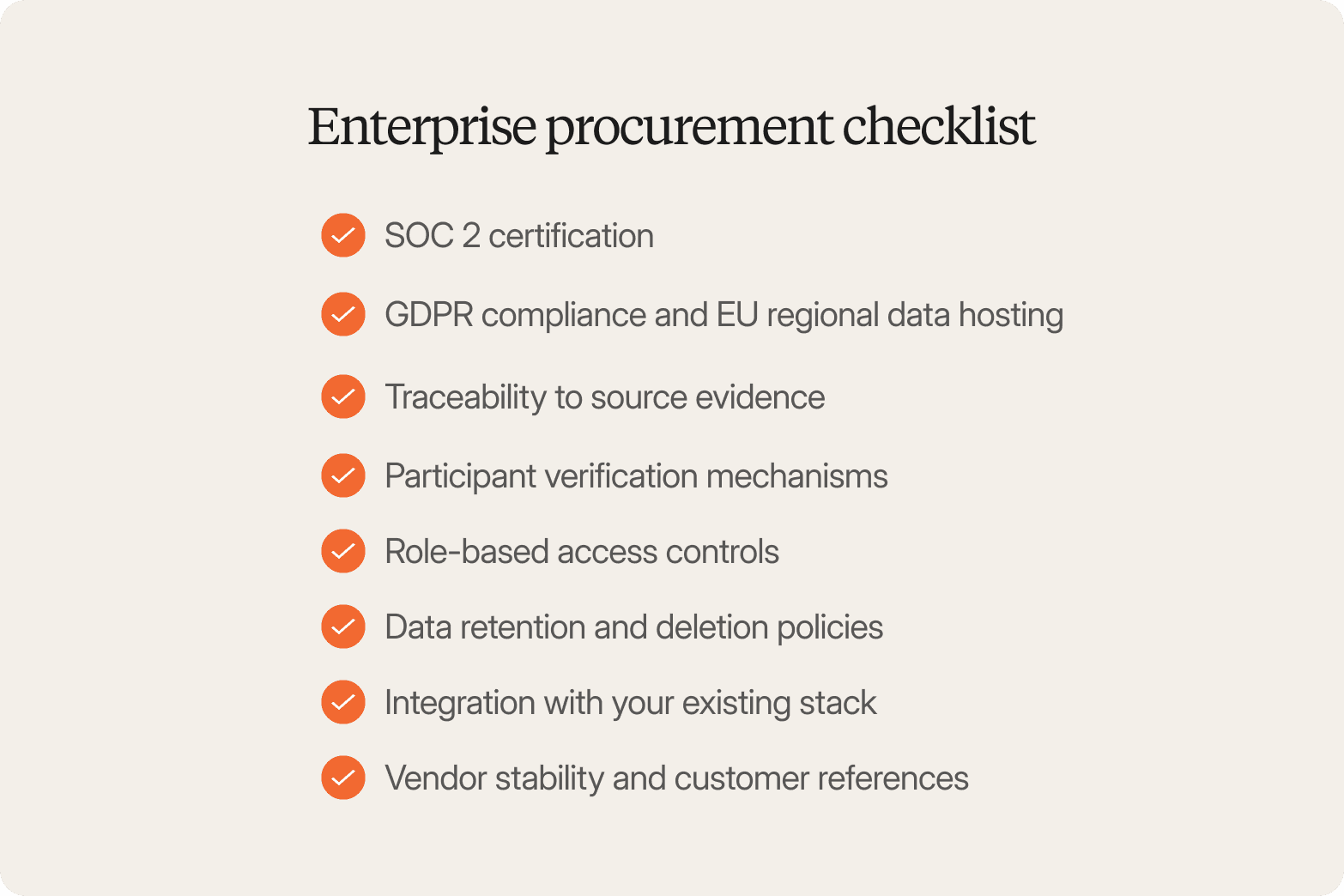
Security and legal teams need confidence that a tool can handle sensitive research data and meet compliance requirements. Here’s what to check for when evaluating UX research tools.
SOC 2 certification. Confirms that a third-party auditor has verified the vendor's security controls, rather than taking the vendor's word for it.
GDPR compliance and EU regional data hosting. Required for any study involving European participants, and often a hard requirement for enterprise buyers with EU subsidiaries.
Traceability to source evidence. Findings need to link back to timestamped video clips and verbatim quotes. Generic AI summaries without traceable quotes fail stakeholder scrutiny in roadmap meetings and create audit risk for regulated industries.
Participant verification mechanisms. Video-first interviews with identity checks help prevent fraud and synthetic responses from entering your research.
Role-based access controls. Restrict who can view raw interviews, export data, or share findings outside the team.
Data retention and deletion policies. Support right-to-be-forgotten requests and whatever internal data governance policy your organization already has in place.
Integration with your existing stack. SSO, API access, and integrations with tools like Slack, Jira, and Confluence keep research data connected to where decisions actually get made.
Vendor stability and customer references. Enterprise adoption signals, existing case studies, and multi-year contracts all indicate whether a vendor will still support you in two years.
Conveo is SOC 2-certified and GDPR-compliant, with regional data hosting available.
Why Product Teams Choose Conveo for Continuous Discovery
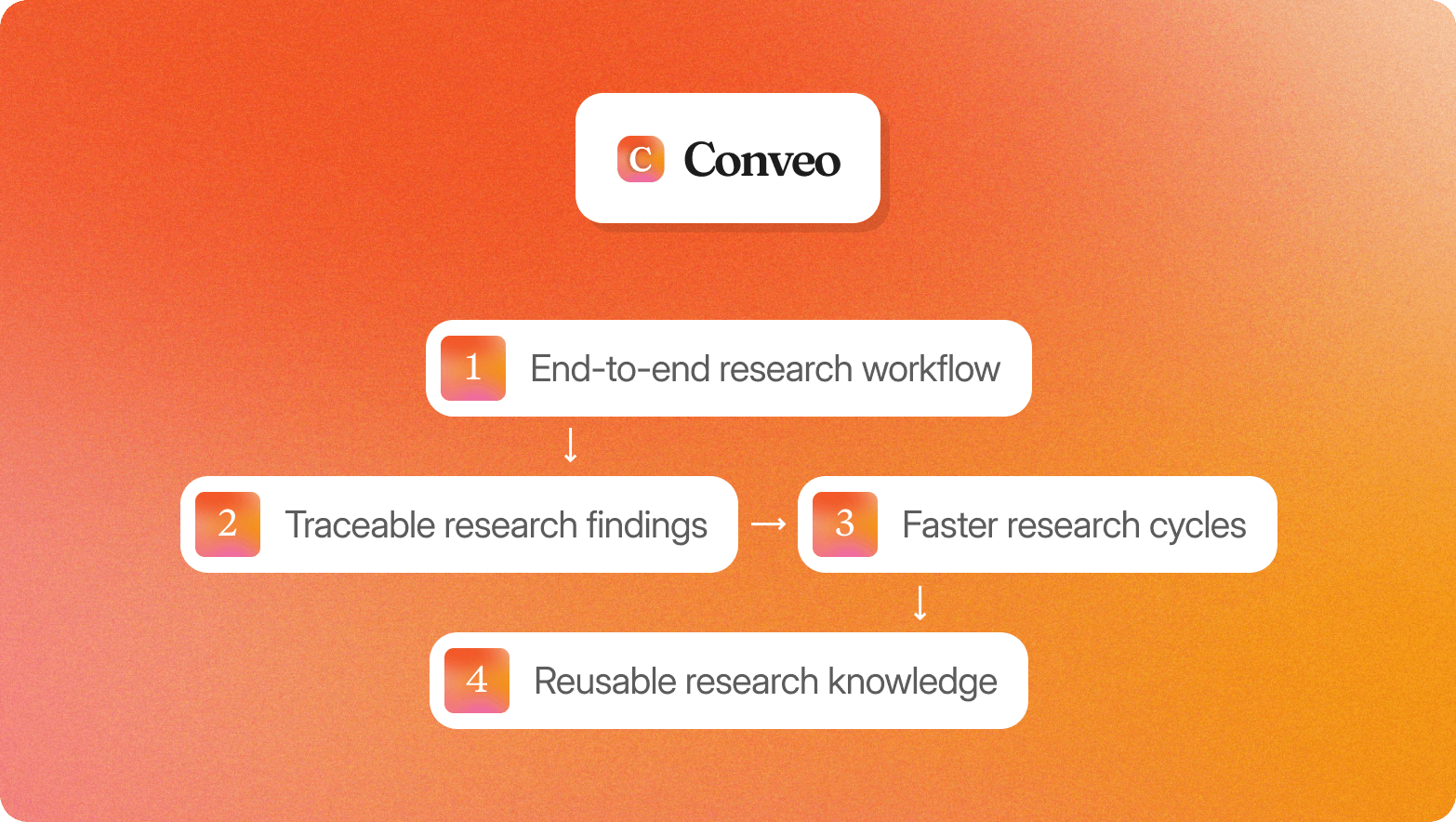
Among the ux research tools covered in this guide, Conveo is designed for teams that want to run qualitative research more regularly without piecing together different platforms.
End-to-end research workflow
Conveo supports the full qualitative process, including high-quality participant recruitment through integrated panel partners and your own users, AI-moderated video interviews, automatic analysis, and a searchable insight library.
Traceable research findings
Video interviews with participant verification, SOC 2 certification, GDPR compliance, and regional data hosting help teams understand how findings were created and support internal security reviews.
Faster research cycles
AI-moderated interviews allow teams to run research at a larger scale and get findings back in days rather than weeks, making it easier to fit qualitative research into regular product cycles.
See it in action: How AI-Moderated Interviews Actually Work

Reusable research knowledge
Every interview, theme, and video clip is added to a searchable library, so teams can revisit prior research when new interview questions arise rather than starting from scratch.
Who Conveo isn’t for
Conveo isn’t designed for usability testing, heatmaps, or click-tracking. Teams focused on evaluating interfaces through task-based testing may need a dedicated usability platform alongside it. Teams that only run occasional research or primarily collect quantitative feedback may find a simpler tool is a better fit.
Frequently Asked Questions
What are the best free UX research tools?
The best free UX research tools depend on the type of user research you're doing. Many usability and survey platforms offer a free plan for basic user testing, while tools like Google Forms and Google Sheets can support simple surveys and data analysis. Free plans are usually best for occasional projects rather than continuous research.
What is the difference between UX research tools and usability testing tools?
UX research tools support a wider range of research methods, including user interviews, surveys, focus groups, and usability testing. Usability testing tools focus on how users interact with a product, whether they can complete tasks, and where they struggle, while broader UX research platforms help teams understand user behavior and turn findings into actionable insights.
How do AI-moderated interviews compare to human-moderated interviews?
AI-moderated interviews make it easier to collect rich qualitative data at scale by running many research sessions in parallel. Human moderators are better suited to sensitive topics or studies that require flexibility and follow-up questions. Many UX researchers use both approaches depending on the goals of the research.
How much do UX research tools cost?
Pricing varies by platform and features. Some UX research tools offer a free plan or pay as you go pricing, while enterprise UX research platforms typically provide custom quotes based on team size, panel management, AI capabilities, and collaboration needs.
Can AI replace human UX researchers?
No. AI can support recruiting participants, data analysis, sentiment analysis, and identifying patterns in research findings, but human UX researchers still choose the right research methods, interpret results, and turn them into meaningful insights that inform product decisions.
What UX research tools work best for remote teams?
Remote teams benefit from UX research tools that support asynchronous user interviews, unmoderated usability testing, cloud-based collaboration, and a shared research repository. These features make it easier for a research team to gather customer feedback, share research data, and build on previous studies without working in the same location.

About the author
Alex de Hemptinne
Business Impact Lead
Alex is a Business Impact Lead at Conveo, partnering with enterprise teams to embed AI-led research into their workflows. From the first study to full-scale rollout, she helps customers shift from project-based research to continuous customer intelligence.
Meet Alex on film →Qualitative insights at the speed of your business.
Conveo runs AI-moderated video interviews and structures everything they say.