

TL;DR
UX survey tools help teams understand what users think and do, while interviews help you understand why
The survey tools for UX in this article are compared across six factors: survey logic, distribution, analysis depth, integrations, governance, and the ease of tracing findings back to real responses.
Weak tooling often produces fragmented UX survey data that’s hard to act on, even if response volumes are high.
Strong UX survey tools turn user feedback into clear, stakeholder-ready insights, fast enough to be used within sprint cycles.
Finding the best survey tools for UX research means looking beyond how easy they make it to create surveys. It means asking whether the tools help you explain what's driving the survey data, and whether those explanations will hold up under scrutiny.
This guide covers 15 of the best UX tools for surveys across the full range of use cases, from lightweight in-product microsurveys to enterprise platforms built for mixed-method research programs. By the end, you'll have a clear framework for choosing the right UX survey tool for your team and enough detail on each platform to shortlist with confidence.
What Are UX Survey Tools and Why Teams Use Them
UX survey tools collect structured user feedback through rating scales and open-text questions. They're designed for scale, making it easy to gather consistent feedback from hundreds or thousands of users over time.
They work best when you need to track metrics such as the Net Promoter Score (NPS) to evaluate customer loyalty or the Customer Effort Score (CES) to gauge how easy it is for a user to work with you. Because every participant answers the same set of questions, user experience survey results are easy to aggregate and track over time.
However, they also have limitations. Surveys tell you what users think or do, but they rarely explain why. Open-text responses can reveal useful themes, but large volumes of survey feedback are difficult to review and organize. Surveys also struggle to capture emotional context or unmet needs, which only come out in conversation.
How to Evaluate UX Survey Tools (Decision Framework)
Many UX survey tools look similar at first glance. But the real differences appear when you evaluate them against the requirements that matter for an ongoing research program. These six criteria are the most important to consider:
UX research tool criterion | What to look for | Why it matters |
Targeting and logic | Conditional branching and audience segmentation | Different users need different questions. Without this, everyone gets the same survey regardless of their situation. |
Distribution | Email, in-app surveys, and shareable links | More distribution options make it easier to reach the right users at the right time. |
Analysis depth | Automated tagging and sentiment analysis | These features reduce the amount of manual work needed to find patterns in responses. |
Integrations | Slack and product analytics tools | Insights are more likely to drive action when they flow into existing workflows. |
Governance | SOC 2 certification, GDPR compliance, SSO, and data retention controls | Enterprise teams often need these capabilities before a tool can be approved. |
Evidence traceability | Transcript quotes and video clips | This helps teams understand the reasons behind the trends they see in the data. |
The first five criteria are important, but evidence traceability is often what sets the best UX survey tools apart. It helps teams connect changes in metrics like NPS or customer satisfaction to the feedback that explains them. That makes it easier for stakeholders to trust and act on the findings.
Comparison Table: UX Survey Tools at a Glance
Use this table for a quick overview. You’ll find complete profiles for each platform below.
Tool | Best For | Logic / Targeting | Analysis Depth | Compliance | Evidence Traceability |
Conveo | UX teams that need to explain what's driving their survey results | Yes | AI-assisted with multimodal video analysis, including non-verbal cues |
| AI insights link to the precise quote and timestamped video clip; findings are fully auditable back to source |
Maze | Usability testing tied to sprint and release cycles | Yes | AI-assisted |
| Video clip + quote |
Qualtrics | Teams already running Qualtrics for CX or market research | Yes | AI-assisted |
| Video clip + quote |
UserTesting | High-volume unmoderated usability testing at scale | Yes | AI-assisted |
| Video clip + quote |
Typeform | Teams that want higher survey completion rates through a conversational format | Yes | AI-assisted |
| Quote only |
SurveyMonkey | Straightforward surveys without a steep learning curve | Yes | AI-assisted |
| Quote only |
Google Forms | Free screeners and basic post-task surveys | Limited | Basic |
| Quote only |
Alchemer | Teams that have outgrown basic survey tools | Yes | AI-assisted |
| Quote only |
Hotjar | Connecting behavior data with in-context feedback | Limited | AI-assisted |
| Video clip + quote |
Sprig | Teams that want AI to handle the operational side of survey-based research | Yes | AI-assisted |
| Quote only |
Pendo | Consolidating product analytics and in-app feedback | Yes | AI-assisted |
| Video clip + quote |
Survicate | Surveys triggered at specific moments in the user journey | Yes | AI-assisted |
| Quote only |
Qualaroo | In-context micro-surveys triggered by user behavior | Yes | AI-assisted |
| Quote only |
Lyssna | Design teams that need unmoderated testing methods alongside surveys | Yes | AI-assisted |
| Video clip + quote |
Refiner | In-product surveys for SaaS teams | Yes | AI-assisted |
| Quote only |
Compliance data reflects publicly available information as of June 2026. Verify directly with vendors.
15 Best UX Survey Tools for User Feedback
See what the 15 best survey tools offer, including core strengths, survey features, and depth of user insights, so you can make the best choice for your business.
1. Conveo
Conveo is a video-first AI research platform that sits alongside your existing survey stack, running AI-moderated video interviews that surface the reasoning behind your survey scores.
Best For
UX and product research teams in mid-market and enterprise companies who need to understand the underlying drivers of their survey results, especially when stakeholders want specific evidence rather than a summary.
Core Strength
Every study in Conveo creates a clear link from insight to evidence, so teams can trace findings back to real participant quotes and specific video moments. This makes it easier to defend results when they’re challenged. Key capabilities include:
The AI moderator asks follow-up questions in real time when answers are unclear or surprising, which means much of the insight comes from the conversation itself rather than the original script.
See Conveo's AI moderator in action:
Conveo analyses video, audio, and transcripts together, so tone and non-verbal signals are captured alongside what people say.
Studies support more than 50 languages to improve diversity in your user research. Participants can respond in their own language while the AI adapts in real time.
Teams can recruit participants through 12+ panel providers or use their own participants, so they aren’t tied to a single source.
Customers can choose where data is stored, which helps with regional requirements.
Insights build up across projects, so teams don’t start from scratch each time and can reuse what they’ve already learned.
For larger UX teams, shared guides and locked templates help keep studies consistent, so you can compare results over time.
“Conveo's video-first approach is a real differentiating methodological advantage. The ability to distill insights from reactions and not just hear answers adds context you simply can't get from transcript-only tools, or any other tool in the market for that matter."
Senior Marketing Research & Insights Manager, Google
Key Limitation
Conveo is built for video-based qualitative research, so teams that only need survey measurement and have no need for the video and analysis layer will find the platform overly comprehensive.
Pricing
Conveo offers credit-based and enterprise plans, both priced on request.
2. Maze
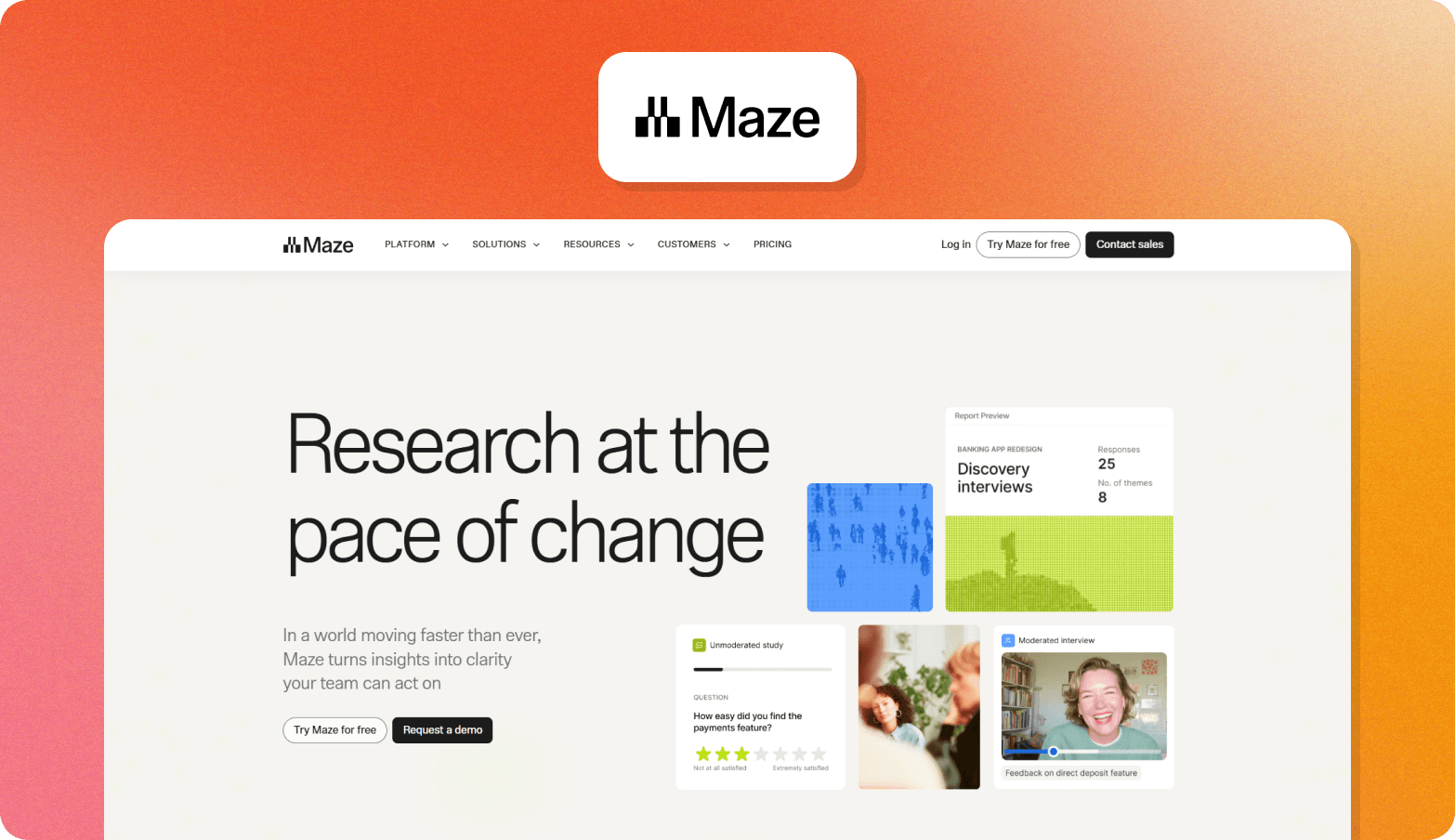
Maze is a product research platform combining unmoderated usability testing, prototype testing, and AI-moderated interviews.
Best for: UX and product teams running usability testing tied to sprint and release cycles
Core strength: The panel marketplace delivers a first participant match in under 15 minutes, so teams can run a quick usability test without the extra effort of recruitment and scheduling.
Key limitation: The AI moderator is an Enterprise add-on rather than a standard feature, which means teams on lower tiers are limited to unmoderated testing and lose the ability to dig into the reasoning behind task failures.
Pricing: Maze has a free tier for one study a month and pay-per-use panel credits. An enterprise plan is the other option, but you’ll have to contact sales for a quote.
3. Qualtrics
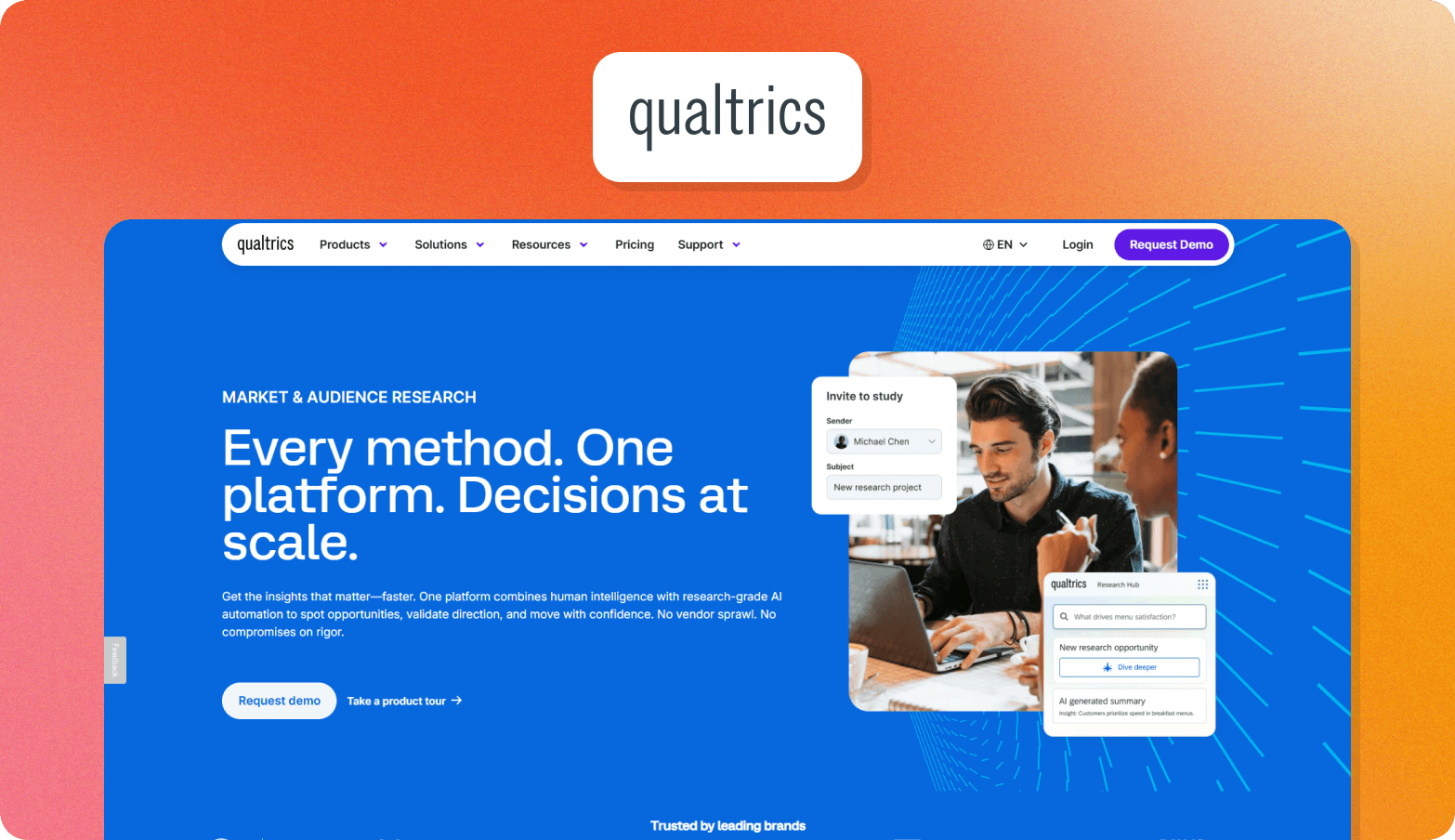
Qualtrics Strategy & Research is a research platform that covers the UX design lifecycle from early prototype validation through to usability testing.
Best for: Companies already running Qualtrics for CX or market research who want to bring user research into the same ecosystem.
Core strength: Qualtrics offers a broad range of research methods, including moderated and unmoderated usability testing, prototype testing, first-click testing, tree testing, card sorting, and video diaries.
Key limitation: AI-moderated interviews aren't available yet, so teams that need to explore the reasoning behind usability findings in depth will need a separate platform for that.
Pricing: Available on request.
4. UserTesting
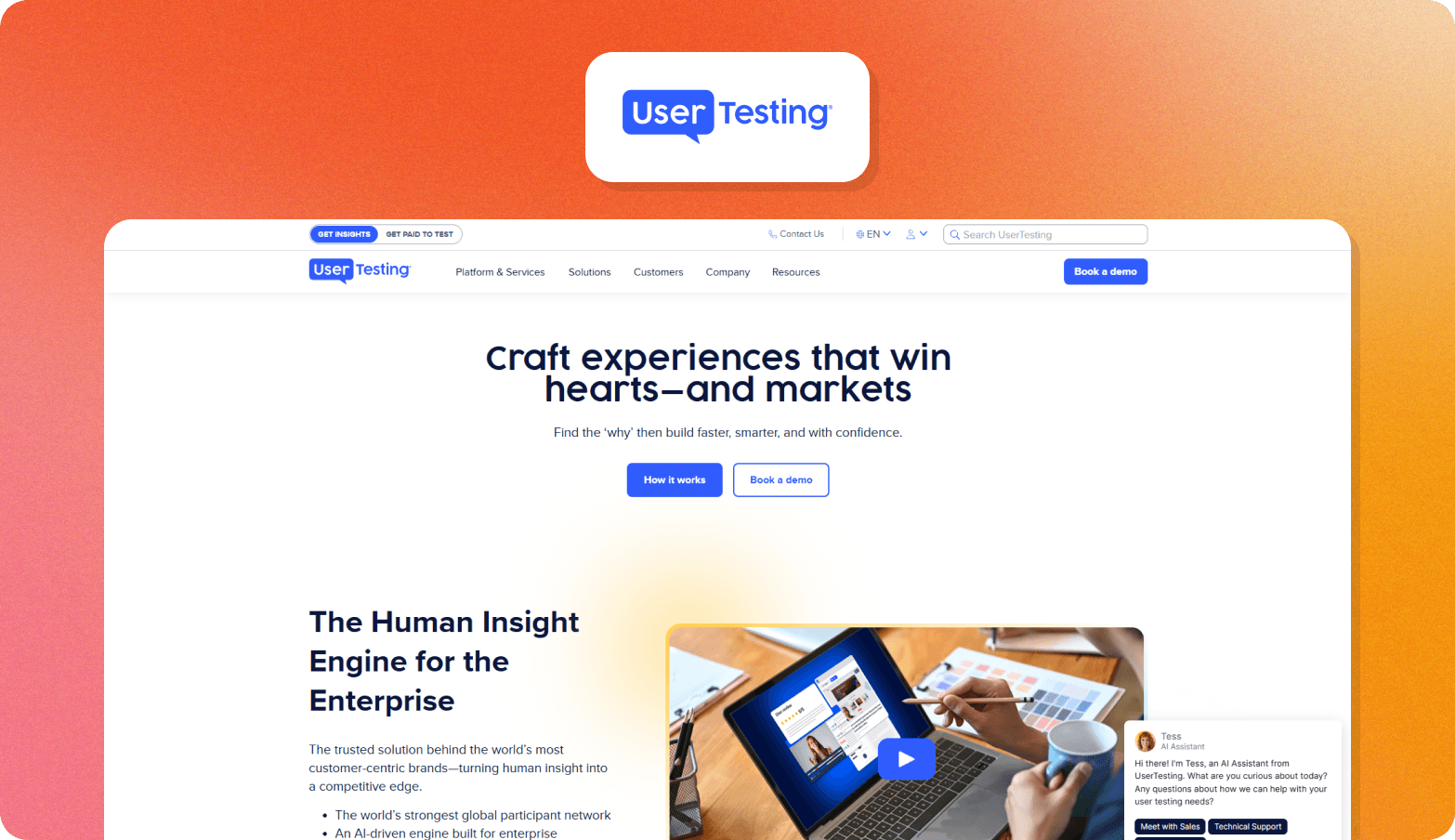
UserTesting is a human insights platform built around unmoderated usability testing and think-aloud studies, with AI-powered analysis and a cross-study research repository.
Best for: UX and CX teams running high volumes of usability tests who need consistent panel access across markets
Core strength: The first-party panel returns 80%+ of sessions within a few hours.
Key limitation: With only 22 supported study languages and no automated translation, teams running usability research across international markets will hit coverage gaps.
Pricing: Available on request.
5. Typeform
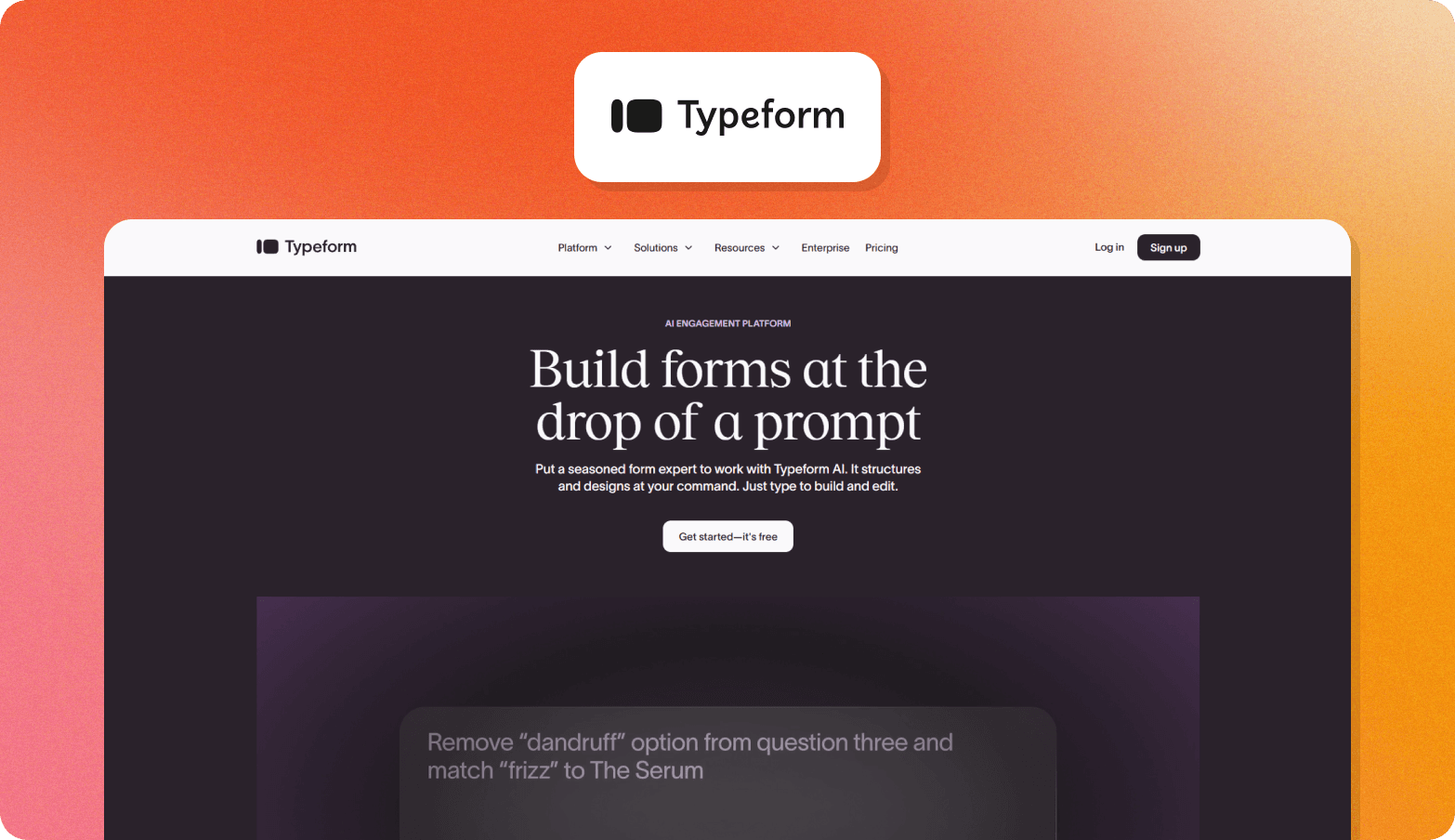
Typeform is a conversational survey platform with an upcoming Research Flow product that adds AI-moderated video interviews, participant recruitment, and automated insight summaries.
Best for: UX teams that combine ongoing surveys with qualitative market research, especially lean teams that need more user input without spending time scheduling interviews.
Core strength: Teams can use conditional logic to show different follow-up questions based on a participant's experience. For example, users who struggled with a task can be asked different questions than those who completed it successfully, leading to more relevant feedback.
Key limitation: Research Flow is still in beta, with a 10,000-response/month cap, and is priced and sold separately, so teams that want the full qual and quant workflow need to factor in two purchase conversations rather than one.
Pricing: Survey plans (without Research Flow) start at $28/month (billed annually and limited to one user).
6. SurveyMonkey
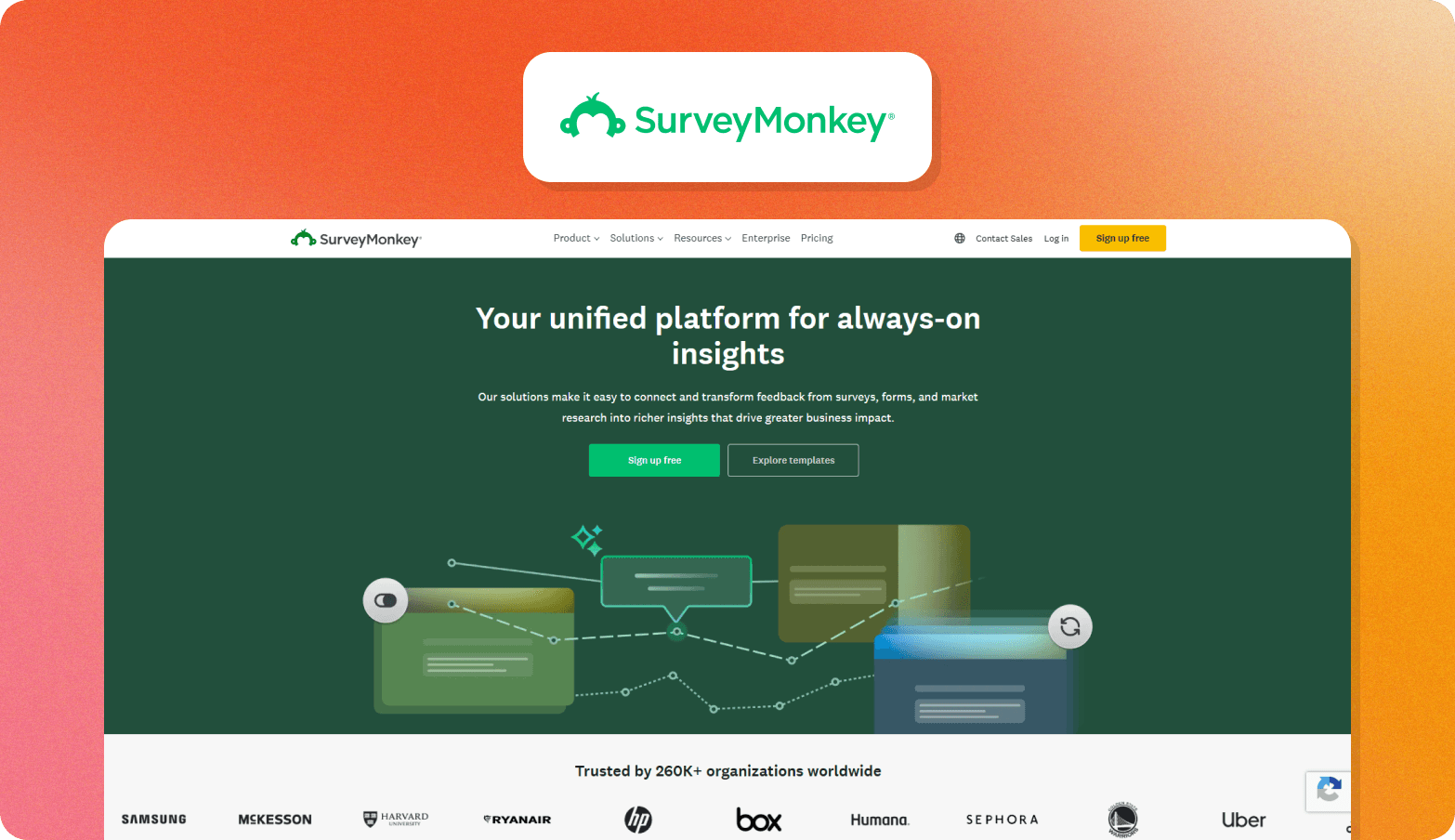
SurveyMonkey is a survey platform with a broad template library and built-in advanced research methodologies, and it is connected to an integrated global panel.
Best for: Teams that need a straightforward survey tool without a steep learning curve, particularly where budget is a factor.
Core strength: Built-in methodologies like MaxDiff and Van Westendorp mean teams can run studies like feature prioritization and price optimization without needing a specialist to design the analysis from scratch.
Key limitation: Everything is survey-based, with no qualitative interview capability, so teams that need to understand the reasoning behind task failures or usability scores will need a separate tool.
Pricing: Team plans start at $30 per user per month (billed annually with a minimum of three users). Panel responses are available for $1 each on a pay-per-project basis.
7. Google Forms
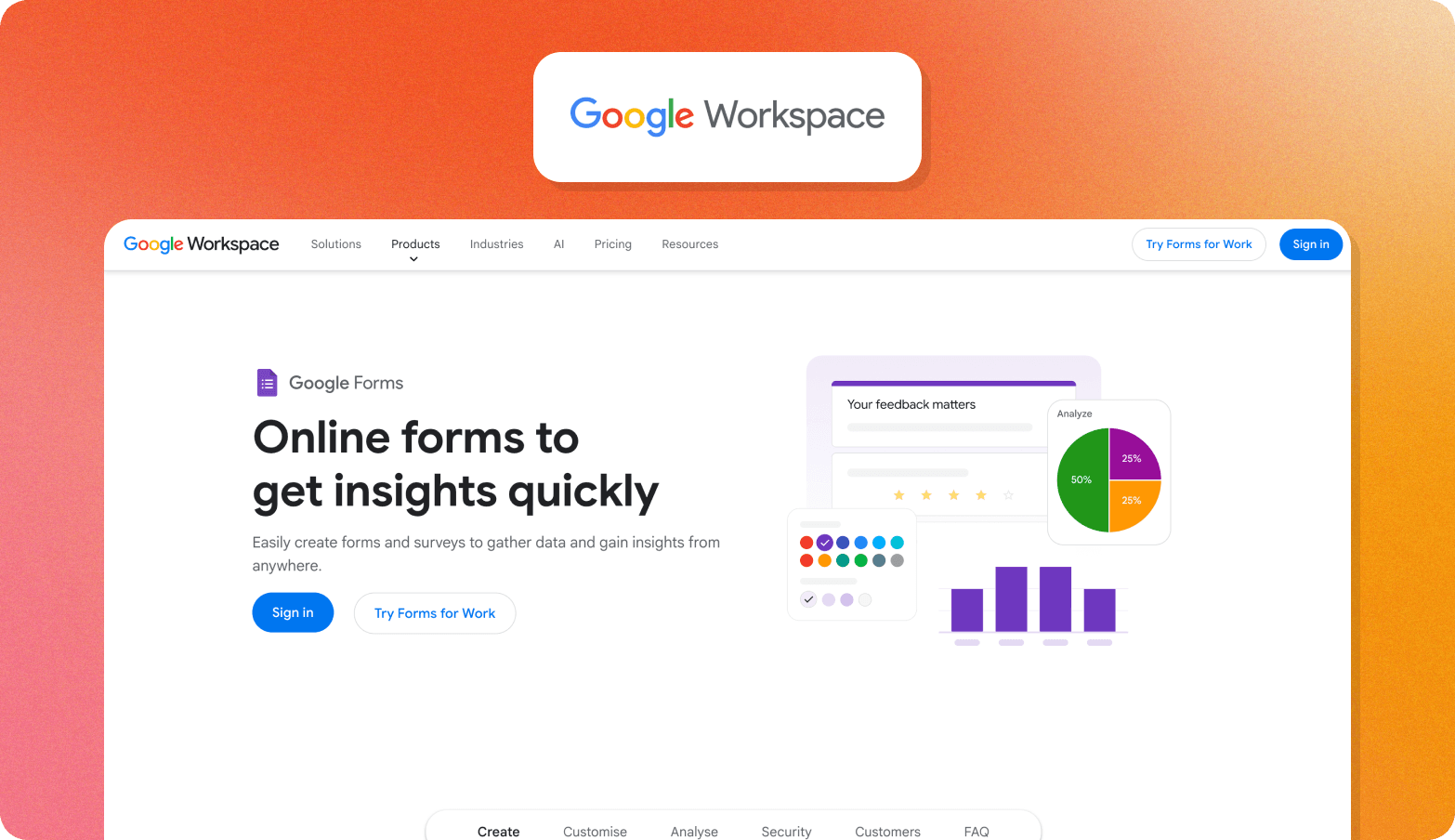
Google Forms is a free form builder included with Google Workspace that automatically collects responses in Google Sheets.
Best for: Teams that need a free, no-setup option for lightweight screeners and post-task surveys
Core strength: Responses feed directly into Google Sheets in real time, which works well for small teams already living in Google Workspace and don't need a dedicated analysis layer.
Key limitation: There's no logic complexity or depth of analysis, so teams that outgrow basic data collection will hit the ceiling quickly.
Pricing: Free with a Google account.
8. Alchemer
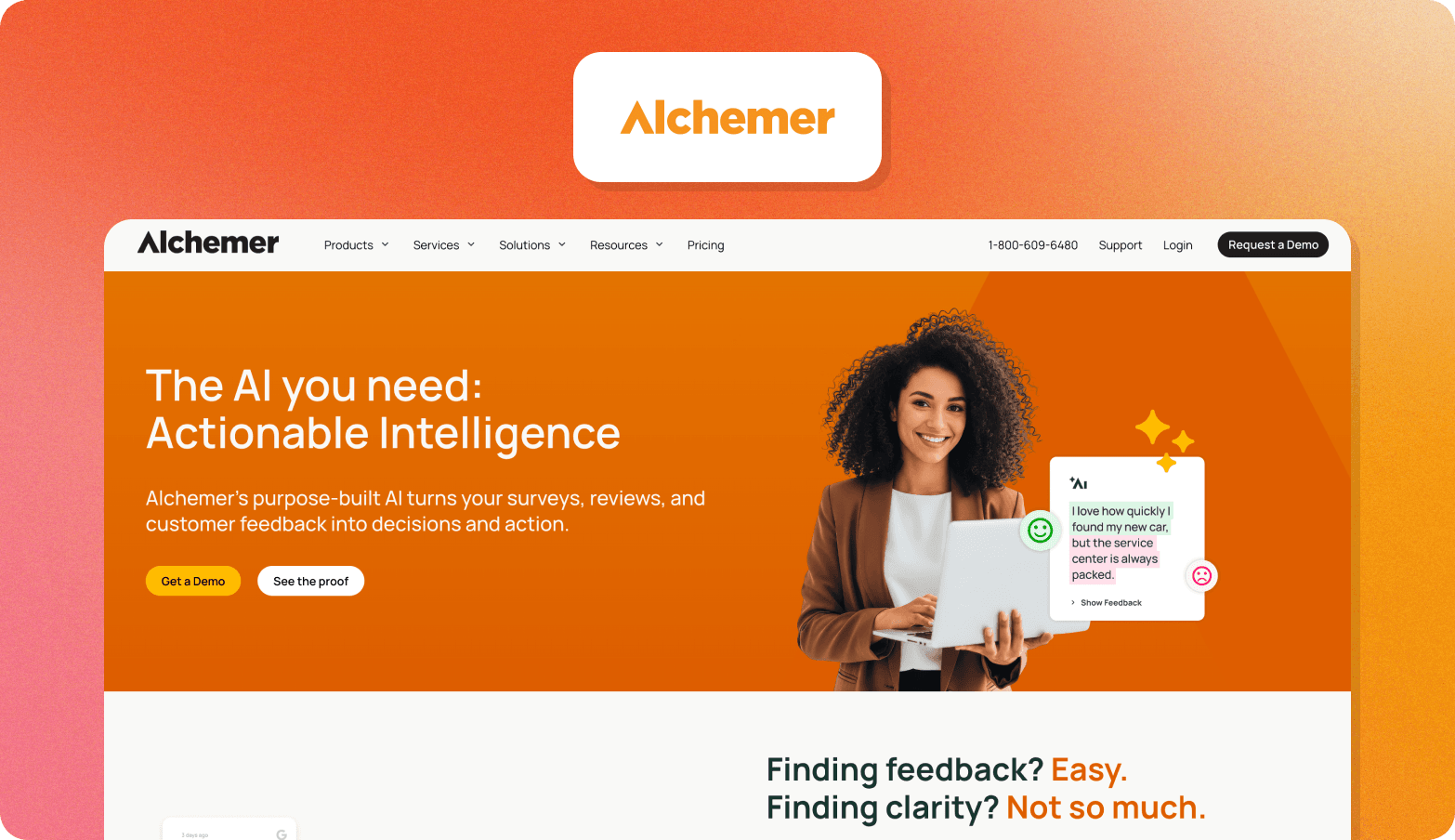
Alchemer is a feedback platform that covers survey creation and in-app feedback collection, with built-in AI-powered analysis of open-text responses.
Best for: Teams that have outgrown basic survey tools but don't need a full enterprise platform
Core strength: The compliance coverage is strong for the price tier, which makes it a practical option for teams with strict procurement requirements who can't justify a larger platform budget.
Key limitation: Everything is text-based, so there's no way to capture how users behave or what they sound like when they describe a problem.
Pricing: Plans start at $55 per user per month (billed annually).
9. Hotjar
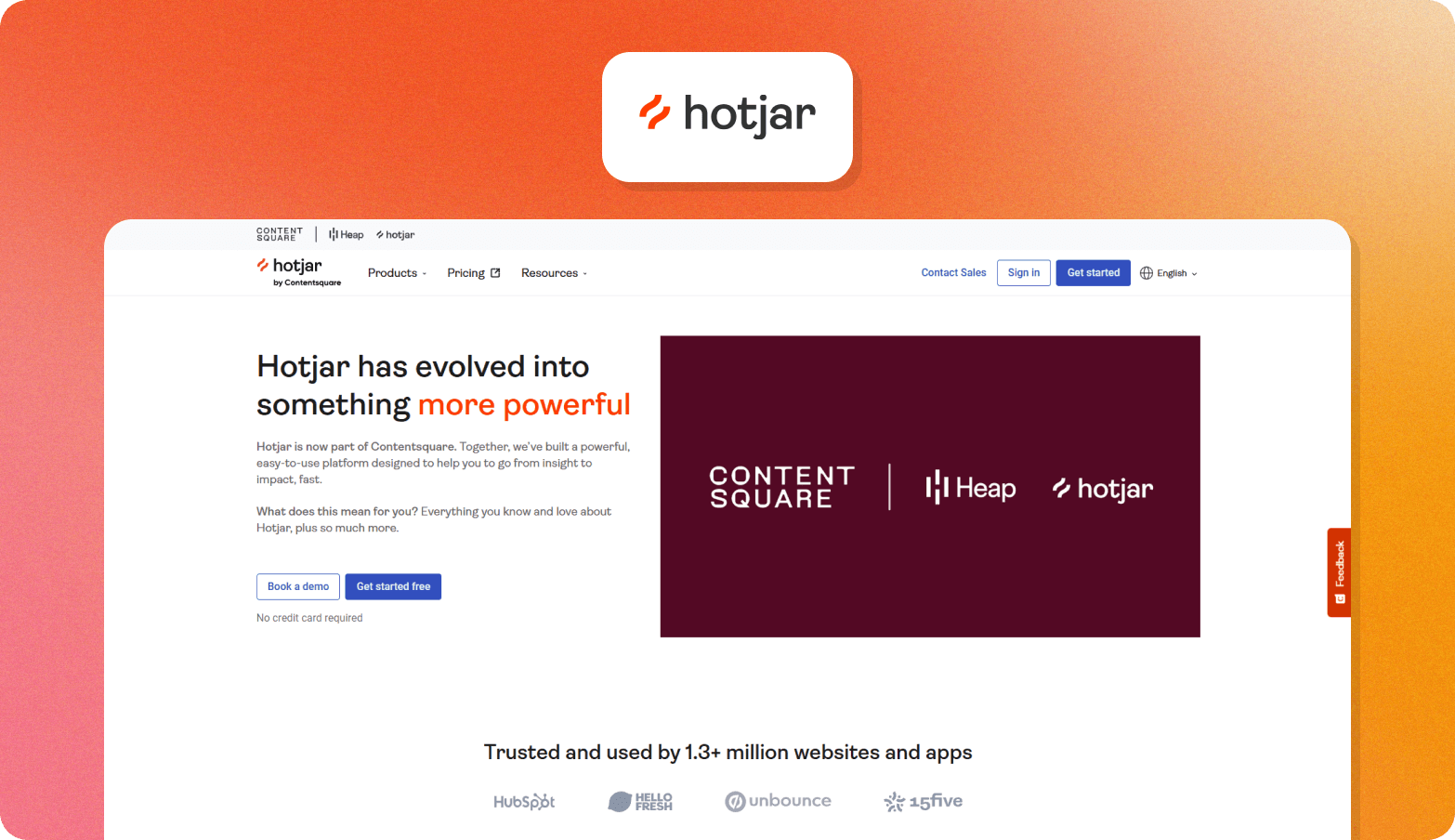
Hotjar is a behavior analytics platform that combines session recordings and heatmaps with in-context surveys and moderated video research sessions. It's now part of Contentsquare.
Best for: UX and product teams that want to see how users behave on a product and connect that directly to feedback collected in the same session.
Core strength: Survey responses link directly to the session recording of the user who gave them, which removes the guesswork when a piece of feedback is too vague to act on by itself.
Key limitation: Since joining Contentsquare, the product is sold in modules, so teams that want the full stack, including surveys and moderated research, will need to budget for multiple plans rather than one.
Pricing: Plans start at $39/month (billed annually)
10. Sprig
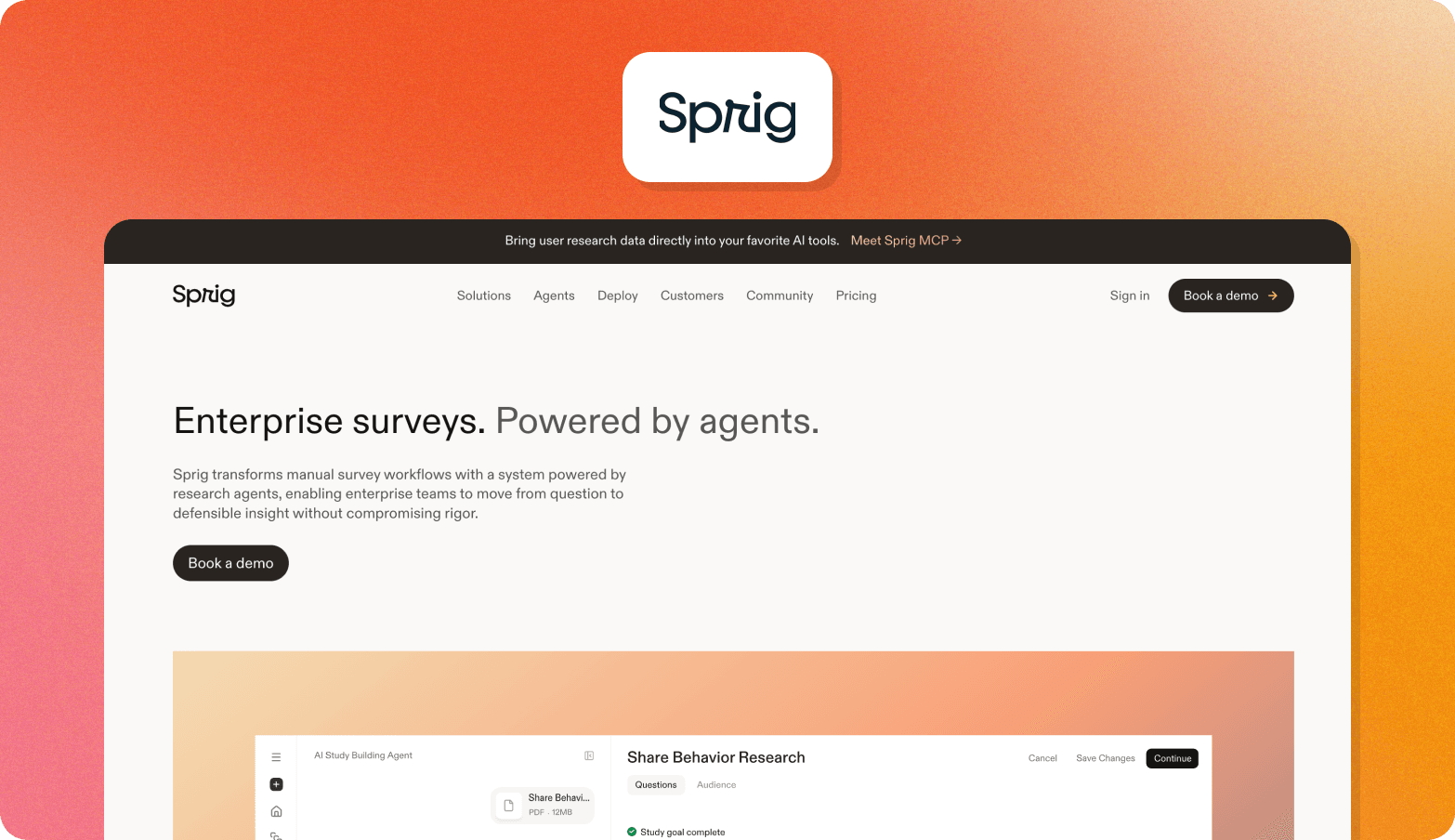
Sprig is a continuous research platform where AI agents handle study design, survey delivery, and analysis.
Best for: Product and UX teams who want AI to take the operational side of each study off their plate.
Core strength: Because each stage of the research cycle runs through an agent, a small or embedded team can run research at a volume that would normally require dedicated research ops support.
Key limitation: The data analysis agent surfaces themes and patterns across responses, but teams that need more nuanced qualitative analysis may need other tools to dig deeper.
Pricing: A forever-free plan is available, and paid plans are priced on request.
11. Pendo
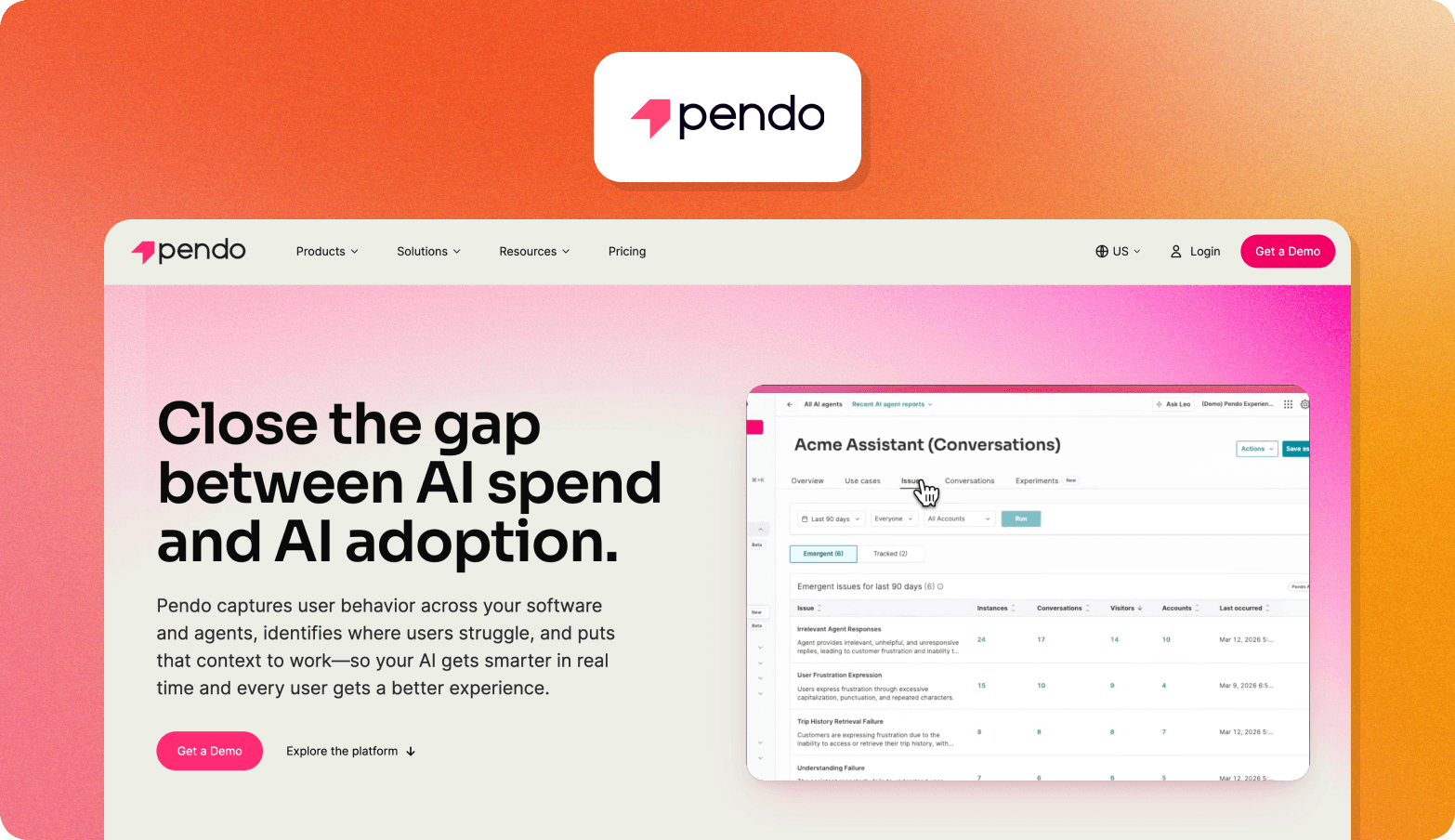
Pendo is a product analytics platform where in-app surveys sit alongside session replay and product usage data.
Best for: Product teams that want to consolidate their analytics and feedback tooling.
Core strength: Every survey response links automatically to the respondent's session replay and product usage history, so when a CSAT score drops after a release, teams can see what low scorers were doing differently rather than guessing.
Key limitation: Pendo is primarily a product analytics platform, so teams evaluating it solely as a survey tool may find many features they don’t need.
Pricing: A free tier is available with three paid plans priced on request.
12. Survicate
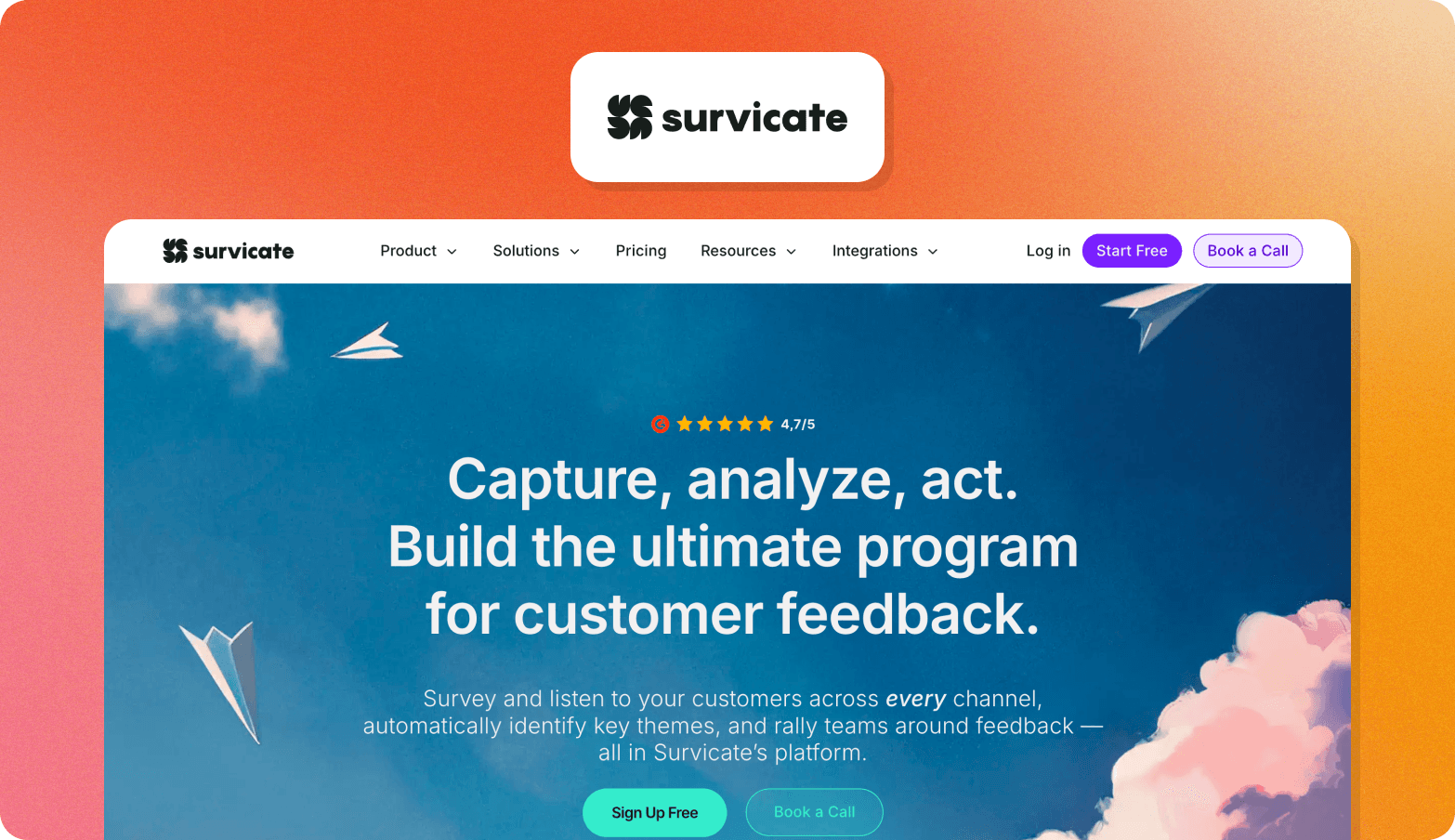
Survicate is a multi-channel survey platform covering web, mobile, email, and in-product feedback collection.
Best for: Product teams that want to trigger targeted surveys at specific moments in the user journey rather than sending them to the whole user base at once
Core strength: The Research Hub pulls in feedback from other sources, so analysis draws on the full picture of what users are saying.
Key limitation: There's no video survey or interview capability, so the analysis doesn’t account for cues such as tone of voice or facial expressions.
Pricing: Plans start at $114/month (billed annually).
13. Qualaroo
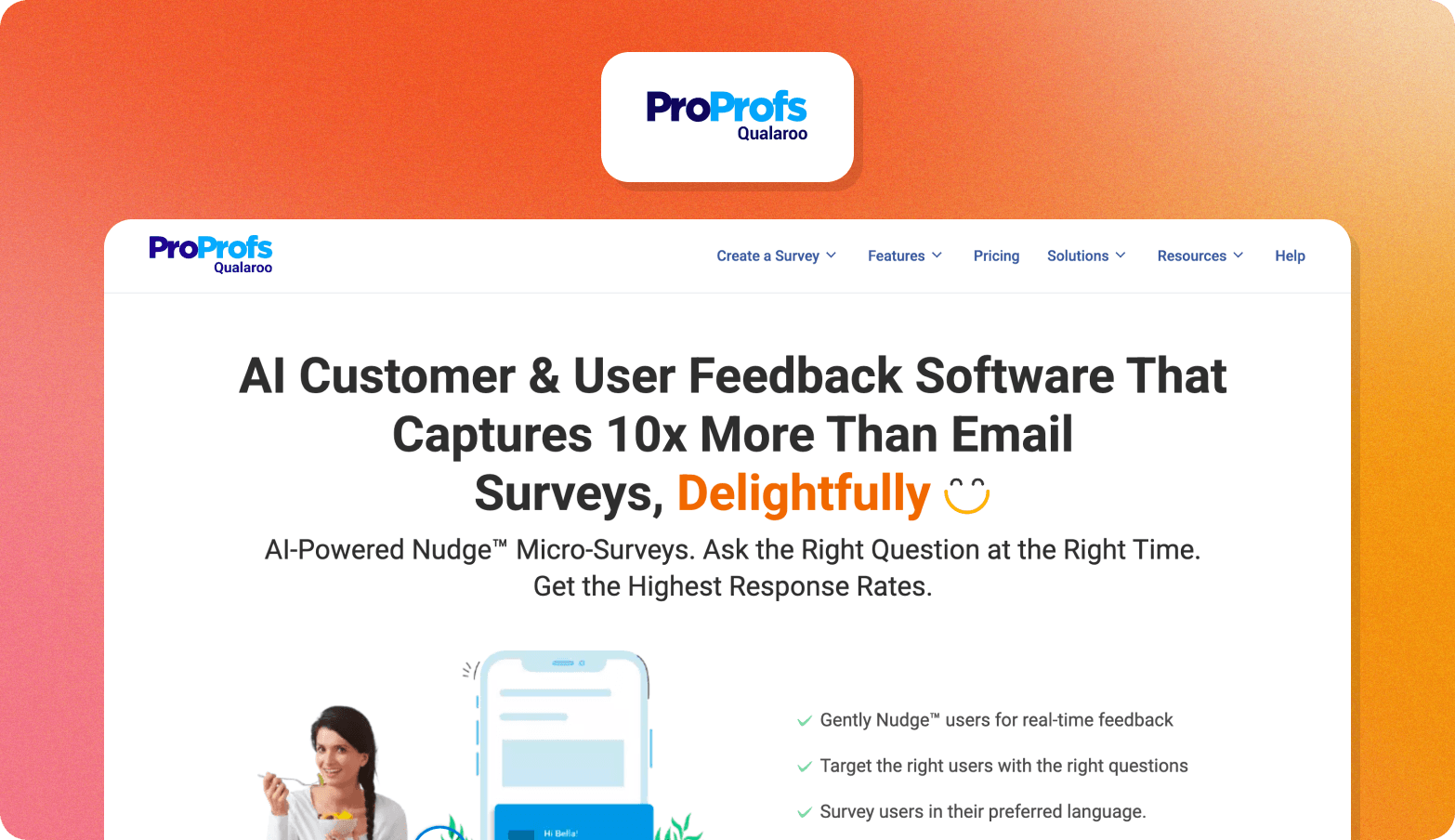
Qualaroo is a multi-method survey platform for SaaS products, built around micro-surveys triggered by user behavior.
Best for: UX and product teams that want lightweight in-context surveys at specific moments in the user journey.
Core strength: Surveys can be embedded directly into prototype tools, enabling UX teams to collect feedback on designs before committing to development.
Key limitation: Analysis is primarily sentiment tagging and word clouds rather than structured qualitative synthesis, so teams that need deeper thematic analysis will need to process responses manually or export to another tool.
Pricing: Plans start at $19.99/month (billed annually), and a free tier is available.
14. Lyssna
Lyssna is a UX research platform combining unmoderated testing, surveys, and moderated interviews with built-in participant recruitment.
Best for: UX and design teams that want to run the full range of UX research methods without managing separate tools.
Core strength: Design teams can move from a quick five-second test through to a moderated interview in the same platform, which means the tool doesn't become a bottleneck as research needs change across a project.
Key limitation: The generative AI capabilities are fairly light compared to dedicated research platforms. Summaries and follow-up questions are available on paid plans, but there's no automated or cross-study analysis.
Pricing: Growth plans from $165/month billed annually, but panel responses are priced separately.
15. Refiner
Refiner is an in-product and multichannel survey platform built for SaaS teams, focused on microsurveys triggered at specific moments in the user journey.
Best for: SaaS product teams that want survey responses synced directly to their product analytics stack.
Core strength: Paid plans are priced based on monthly active users rather than response volume, so teams running high-frequency in-product surveys don't hit caps as their user base grows.
Key limitation: The platform is built entirely around surveys, so teams that need to go beyond structured questions to understand how users behave in the product will need a separate tool.
Pricing: Plans start at $83/month (billed annually), and a free tier is available.
When Surveys Aren't Enough
Online surveys are a go-to research method for product teams thanks to their quick setup and cost-effectiveness, but they have limitations.
The rating scales and multiple-choice question surveys produce clear, comparable data. What they rarely provide is an insight into why the users answered the way they did. This leaves teams with a high-level view of what users think, but not enough context to make meaningful business decisions.
The most effective UX research treats surveys and interviews as parts of the same workflow rather than competing research methods. Surveys identify where friction exists and where customer metrics are changing. Interviews explore the underlying causes and capture the depth and nuance surveys can’t.
AI moderation means that you can now run those interviews at the same scale as surveys. You get analysis of non-verbal cues like hesitation and facial expressions that surveys can’t capture and stakeholder-ready findings in days, not weeks.
How to Make Survey Findings Stakeholder-Ready
A drop in NPS is easy to show, but hard to explain when a stakeholder asks you why it happened. Pairing quantitative research methods, such as surveys, with video interviews provides traceability. Rather than just having a score, you can trace the pattern back to the exact quotes and video clips that explain it. Here’s how those two approaches differ in practice:
Scenario | Findings from surveys alone | Findings from surveys paired with video interviews |
NPS drops 12 points after a product update | A chart showing the drop with no explanation of the cause | Chart paired with clips of users describing friction with the new navigation |
Feature request spike for "bulk export." | A bar showing volume, with no context on the urgency or use case | Volume data linked to quotes explaining the workflow it's blocking |
Onboarding satisfaction scores fall below the benchmark | A trend line flagging the problem | Trend line paired with session clips showing where users stall |
With the context behind the quantitative findings, stakeholders can make evidence-based decisions.
Enterprise Buying Criteria for UX Survey Tools
Even the best UX survey tool will hit a blocker with your legal team if it doesn’t meet your business’s compliance requirements. If you’re an enterprise company, make sure each survey software meets these criteria before you present it:
Criterion | What to look for | Why it matters for enterprise buyers |
GDPR compliance | Regional data hosting and right-to-deletion workflows | Participants' data needs to be stored in the right jurisdiction, and your team needs a reliable process for handling deletion requests. |
SOC 2 certification | Current, valid certification | An independent audit has confirmed the vendor's security controls meet an established standard. |
SSO | SAML support and compatibility with Okta and Azure AD | IT can provision and deprovision access centrally instead of managing credentials on a per-tool basis. |
Data retention | Configurable purge schedules | Legal and compliance teams need control over how long participant data is held, not a one-size-fits-all default. |
API access | REST API and webhooks | Research data can connect to internal systems without manual exports. |
User roles and permissions | Admin, researcher, and viewer roles | Teams can control who designs studies, who views data, and who can change settings. |
Conveo is built for enterprise procurement: SOC 2-certified, GDPR-compliant, with EU data hosting, SSO, role-based access, and API integrations included as standard.
How Conveo Bridges the Survey-to-Insight Gap
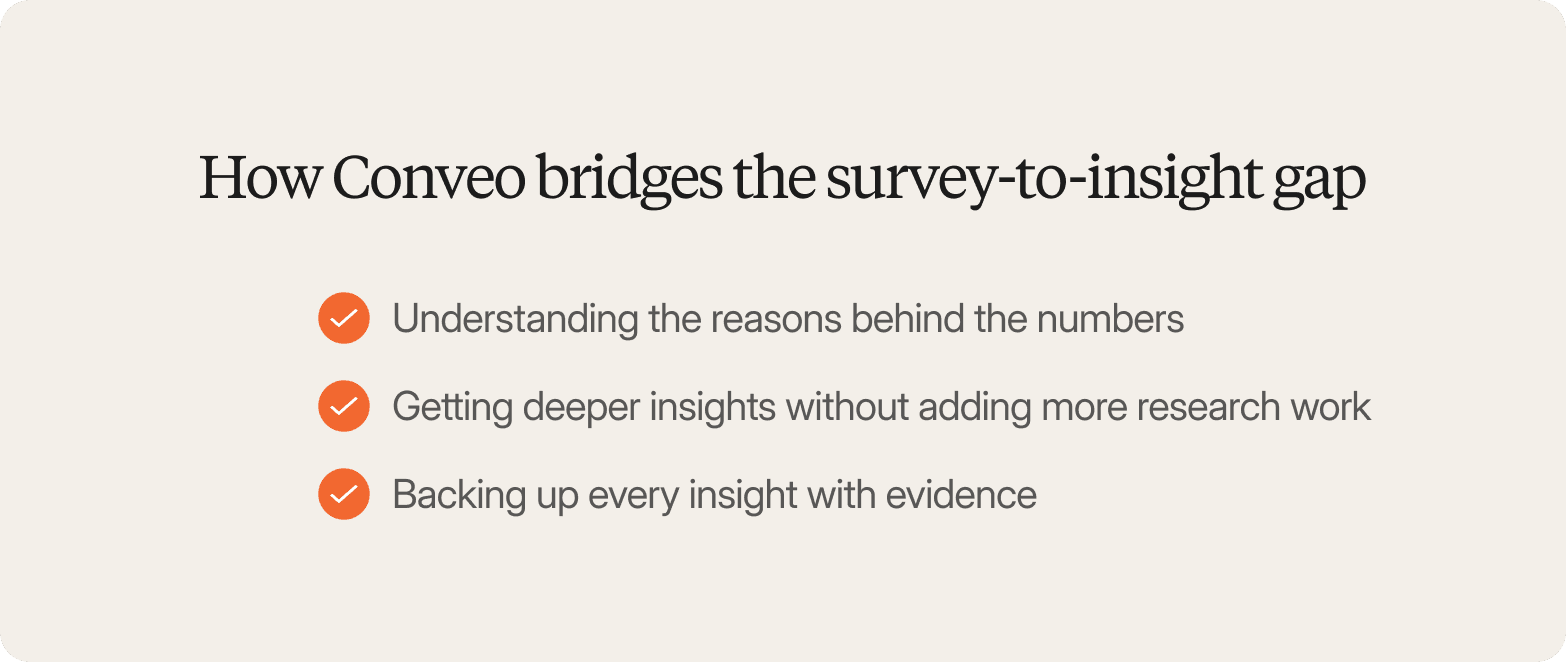
Conveo’s video-first approach gives product and innovation teams the valuable insights they need to translate high-level survey metrics into defensible business decisions. Here’s how:
You understand the reasons behind the numbers. Conveo's AI moderator asks follow-up questions in real time. If someone gives a low brand trust score, it asks why, so you get the context behind the response instead of just a rating.
You get deeper insights without adding more research work. The AI moderator can interview hundreds or thousands of participants simultaneously, helping you gather qualitative feedback at scale.
You can back up every insight with evidence. Findings are linked to the original quotes and video clips, making it easy to show stakeholders exactly where conclusions came from.
Frequently Asked Questions
What are the best free UX survey tools?
What UX tools does Google offer?
What is the best tool for UX surveys?
Where can I find a list of UX tools?
What is UX Booth?