In this article
TL;DR
Usability testing involves watching real users complete tasks with a product to find problems that may otherwise go unnoticed.
Good usability testing gives product teams evidence they can use to improve the experience before problems become harder to fix.
AI-moderated asynchronous video sessions let teams test with more participants while still probing their responses and keeping the evidence behind each finding traceable.
Conveo runs AI-moderated sessions like these, so traceable findings land inside the sprint before the design decision ships.
When teams are building and improving digital products, usability testing helps them understand how people experience those products. The challenge is making that research useful enough to guide the next product decision.
This guide is for UX and product teams who want to use usability testing to find problems early, with practical guidance on choosing a testing method, planning effective sessions, and using AI-moderated research to gather deeper evidence at scale.
What is usability testing?
Usability testing involves real users performing tasks on a website or app to find where they struggle, helping teams understand what needs to change to improve the experience. Teams use usability testing to answer questions such as:
Can users complete an important task? Find out whether people can complete a task successfully and where they fail.
Where do users struggle? Identify points where people get stuck, hesitate, make mistakes, or give up.
What is causing the problem? Understand why users struggle instead of relying on assumptions about what went wrong.
Do users understand the interface? See whether labels, instructions, navigation, and other elements make sense to the people using them.
Can users find what they need? Test whether people can find information, features, or products without being shown where to look.
Does a design change improve the experience? Compare different versions of a design or test whether a change has solved a problem found in earlier research.
What should the team fix first? Gather evidence about which usability problems have the biggest effect on users and their ability to complete key tasks.
Usability testing is different from concept testing, which explores reactions to an idea or proposed design before it has been built. It’s also different from user acceptance testing, which checks whether a completed feature meets defined requirements.
Why usability testing matters for product teams
Usability issues affect broader business outcomes. Conducting usability testing helps teams prevent or reduce problems such as:
Abandoned purchases. Confusing checkout steps, forms, or payment flows can cause customers to leave before completing a purchase, reducing conversion and revenue.
Low feature adoption. If users can't understand or find a new feature, the team may see low adoption despite investing significant time and money in building it.
High support volume. When users can't figure out how to complete common tasks, they're more likely to contact support, which increases the cost of serving customers.
User churn. Repeated friction in important workflows can make a product frustrating to use, which can lead customers to reduce their use or leave altogether.
Wasted development work. Building a feature on incorrect assumptions can leave engineering teams with rework when testing or real-world use reveals the design doesn't work as intended.
Delayed product launches. Problems discovered late can require changes to designs, code, documentation, or training, pushing other roadmap work back.
Poor return on product investment. A feature can technically work and still fail to deliver its expected value if users can't use it successfully.
Higher cost of fixing problems. An issue found while a team is still working on a prototype is usually easier to address than one that requires changes after development or launch.
Slower product decisions. Without user evidence, teams can spend time debating competing ideas internally instead of resolving the question through research.
Roadmap disruption. Repeated late-stage fixes can take engineering and design capacity away from planned product work, making usability problems a roadmap cost as well as a UX problem.
Testing early gives teams a chance to change the design before development. Testing after launch can still uncover valuable problems, but those findings may become fixes competing with other priorities for time and resources.
For product teams, usability testing is a way to reduce the risk of investing in products and features that users struggle to adopt or use.
3 usability testing methods: how to choose the right approach
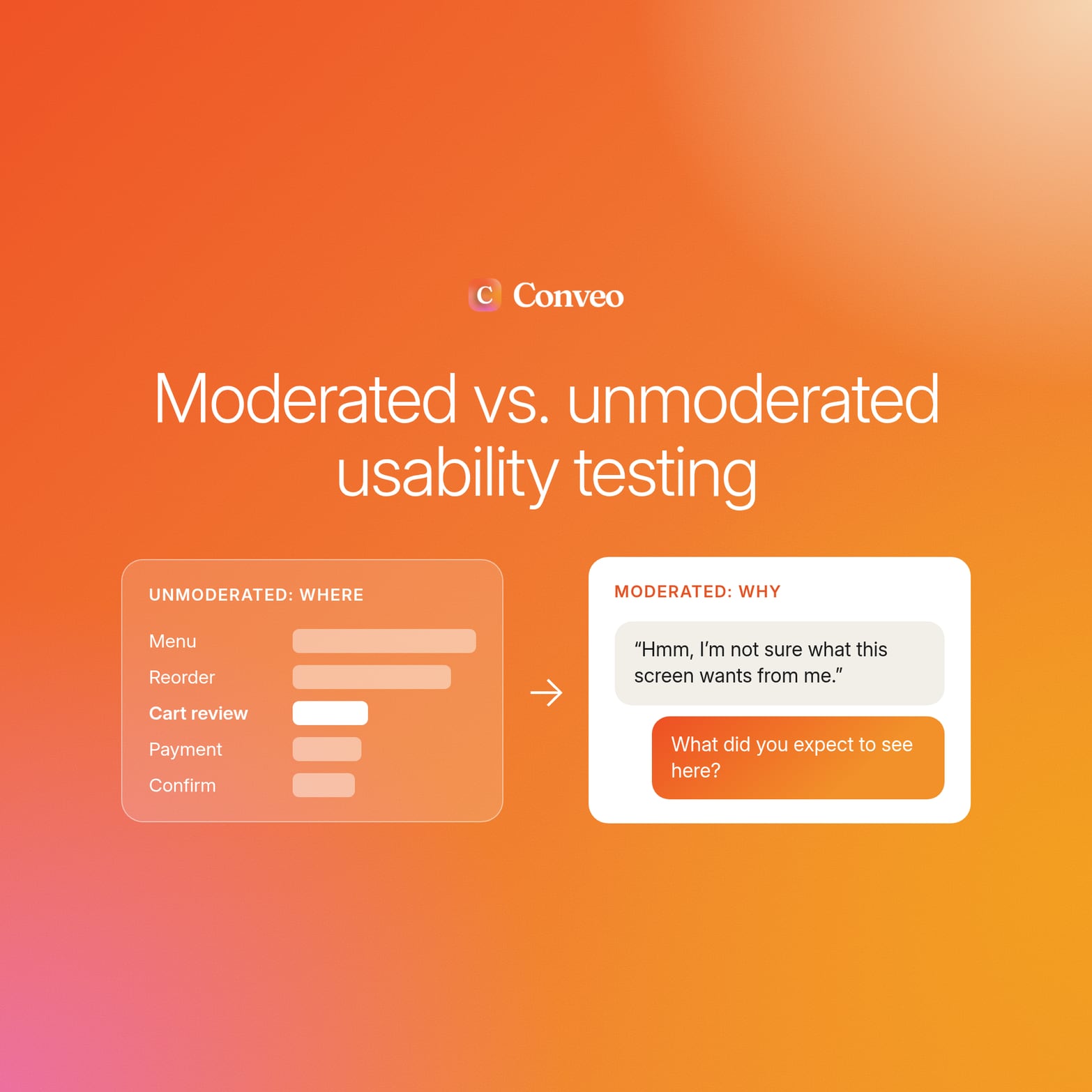
The main difference between types of usability testing is how much interaction you have with participants and how easily you can scale the research. Here’s how the three approaches work along with their pros and cons.
1. Moderated usability testing
With moderated usability testing, a person guides the participant through usability tasks in real time. If a user pauses or gets confused, the facilitator asks follow-up questions to understand their thought process. Moderated usability testing can be conducted in person in a UX lab or via remote testing using a video conferencing tool.
A skilled facilitator can explore unexpected issues as they arise and adjust their questions based on what they observe, enabling in-depth insights from each session. However, because of human involvement, moderated usability testing takes longer to schedule and run. As there are only so many sessions real people can run, your sample size is often limited.
2. Unmoderated usability testing
Unmoderated usability testing is where users complete tasks on their own with automated guidance. It’s convenient for participants as they can carry out the tests on their own time, and it means you can test large groups of users fairly quickly.
However, because there’s no moderator or researcher present, there’s no opportunity to ask follow-up questions to dive deeper into the user’s actions. The participants also can’t ask questions if they get stuck.
3. AI-moderated usability testing
AI-moderated usability testing uses an AI research assistant to guide participants through usability tasks and ask follow-up questions based on what they say and do. Participants can complete video sessions on their own time, so you don't need a researcher to attend every session live.
AI-moderated interviews give you the best of both worlds. You can conduct usability tests while also asking follow-up questions to understand the “why” behind user actions.
See it in action: how AI-moderated interviews work.

How to choose a usability testing method
Each approach works well in different research situations, so the best choice depends on what you need the study to achieve.
| Choose... | When... |
|---|---|
| Moderated testing | You need to explore complex problems and ask detailed follow-up questions. |
| Unmoderated testing | You need to test a straightforward task quickly with a larger number of participants. |
| AI-moderated testing | You need to test at scale while still asking participants follow-up questions. |
With a suitable method in mind, it’s time to start planning your usability test to ensure the results answer your core product questions.
How to build a usability test plan
A good test plan gives you enough structure while leaving room to explore what participants naturally do. Follow these steps to plan your usability test tasks and questions.
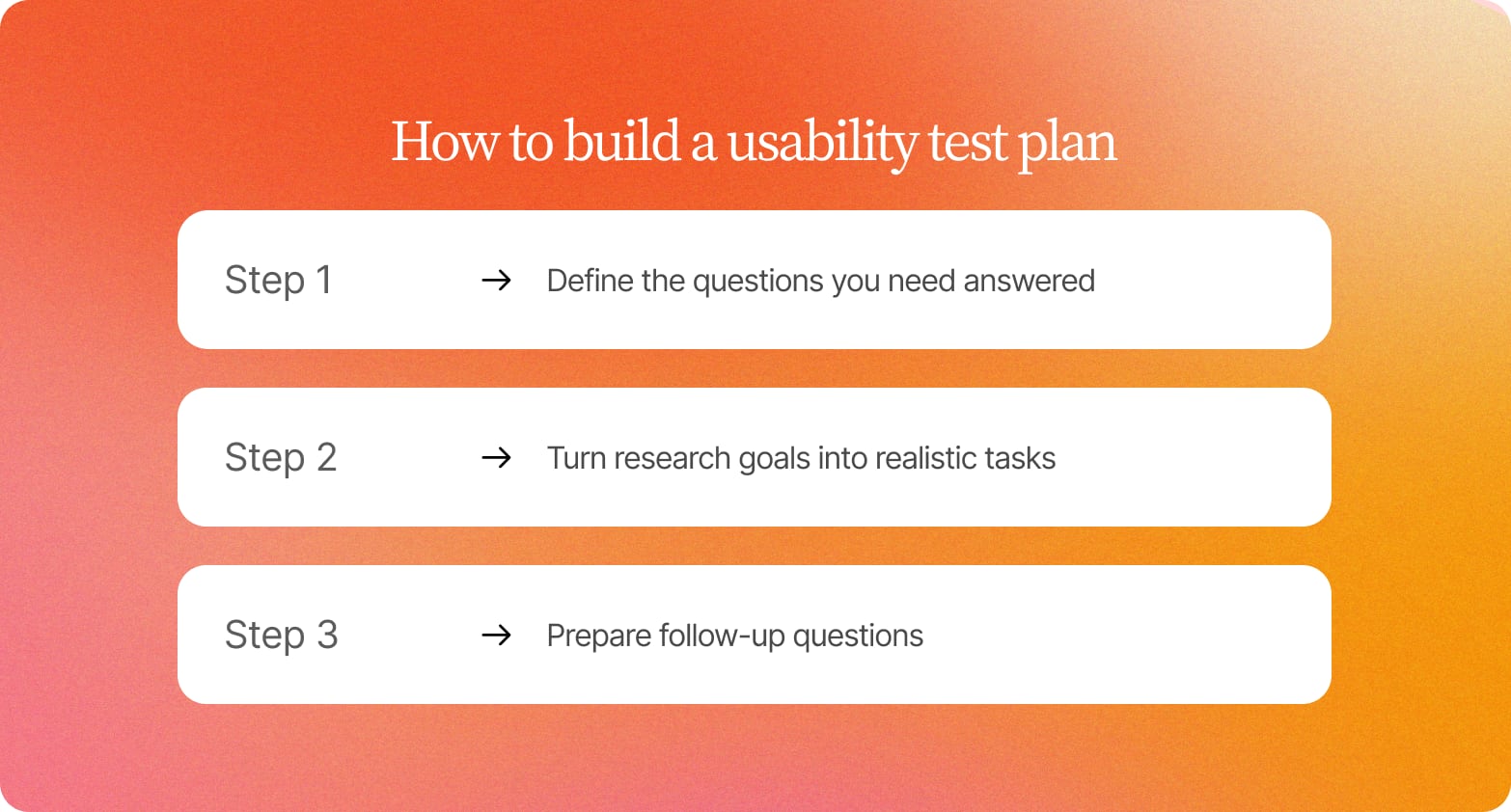
Step 1: Define the questions you need the research to answer
Having clear research objectives from the beginning helps ensure the tasks you design are specific and relevant and helps keep the study focused.
Start with the specific feature or flow you want to test and determine what success looks like. For example, you might want to improve your onboarding flow’s completion rate from 50% to 70%.
Then turn that goal into specific research questions. What do you need to find out to understand whether the experience is working? This could include whether users know what to do at each stage, or if the onboarding flow feels too long or complicated.
Step 2: Turn research goals into realistic tasks
Use your research questions to create tasks that reflect what users would do in the product. Good UX research principles include giving participants a clear goal without telling them which steps to take or what you want them to notice.
For example, you could ask:
*“Imagine you’ve just signed up for this product and want to get your account ready to use. Show me how you would complete the setup.”*
This lets you observe how participants move through the flow and where they encounter problems. You can then compare what happens against the questions you defined in Step 1.
Step 3: Prepare follow-up questions for moments of difficulty
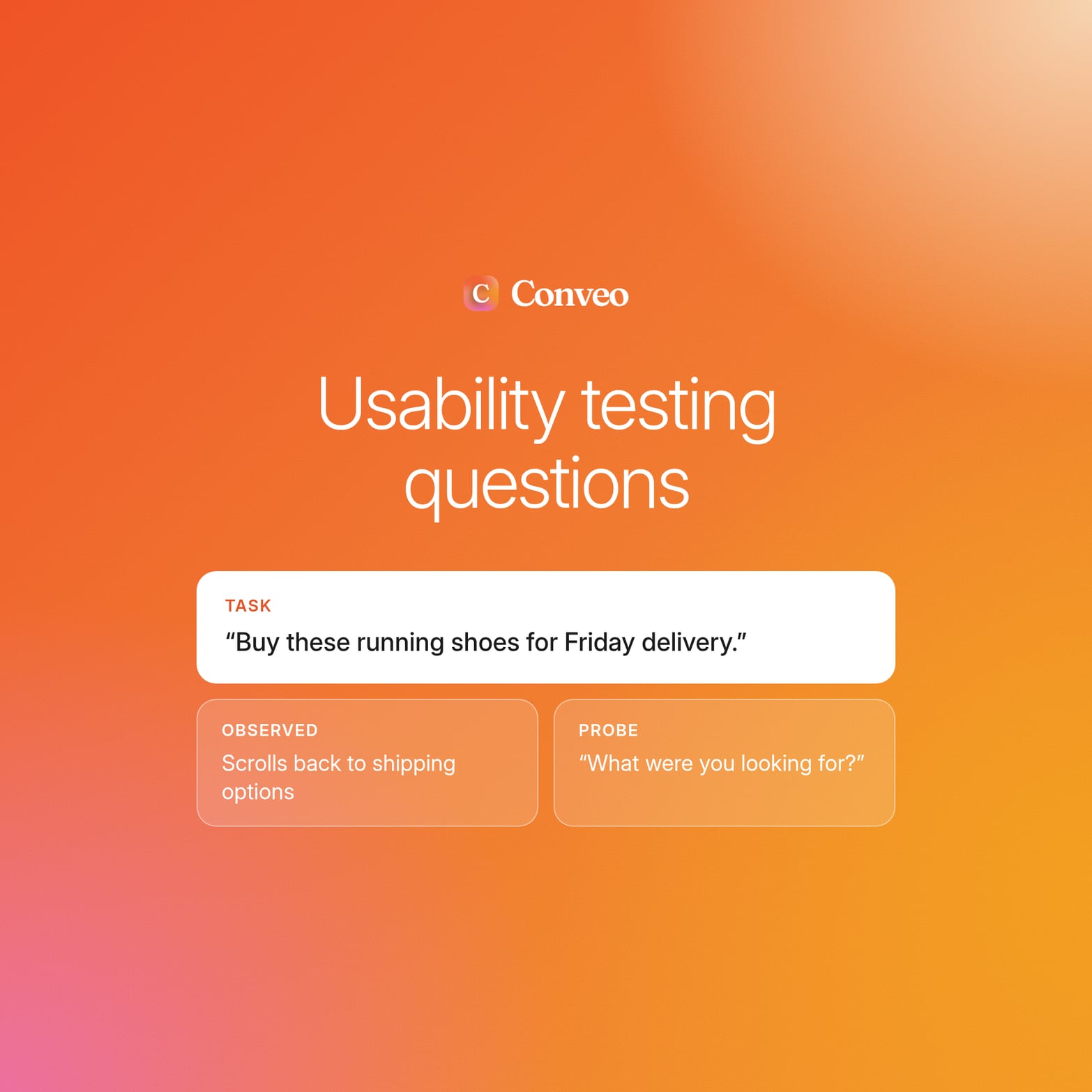
Preparing potential follow-up questions in advance helps you explore moments of difficulty without inadvertently leading participants toward an answer. You don’t need to script every question, but it’s useful to have a few neutral prompts ready for situations you expect to come up.
For example, if you want to understand why users struggle with a particular onboarding step, you could ask:
“What are you thinking right now?”
“What would you expect to happen here?”
“What were you looking for?”
“What would you do next?”
Avoid questions that suggest the problem you’re expecting to find, such as “Was this step confusing?” This can influence how participants respond and make it harder to understand what they would have done without your input.
Sample size guidance for qualitative usability tests
There’s no single sample size that works for every usability test. A focused study with one user segment may require only a handful of participants to uncover recurring usability problems, whereas research spanning different user groups, markets, or higher-risk workflows requires broader coverage.
Think about sample size in terms of who you need to hear from and how much variation you need to capture:
| Sample size | Good fit for | Consider a larger sample when... |
|---|---|---|
| 2 to 3 participants | Early checks on a new concept or low-fidelity design | You need to identify recurring problems rather than get an initial reaction |
| 5 participants | A focused qualitative study with one user segment | You’re testing different user groups or need broader coverage of user behavior |
| 8 to 12 participants | Studies covering multiple user segments or workflows | You need coverage across markets or more complex user journeys |
| 15+ participants | International research, complex products, or higher-risk decisions | You need to measure how common a problem is across a wider population |
| 30 to 40+ participants | Quantitative usability testing where the goal is to produce reliable numerical measures | The study requires stronger statistical confidence or broader benchmarking |
These ranges aren’t hard cutoffs. If you expect users to approach the product in different ways, increase the sample until you’re confident you’ve seen enough of that variation. For example, new and experienced users may take very different paths through the same checkout flow, so testing only one group could leave important usability problems undiscovered.
3 common usability testing mistakes and how to avoid them
When planning usability testing, a lot of thought and effort tends to go into question design. While that’s an important part of the process, good research can still fall short when other parts aren’t given the same attention. Here are three common pitfalls to avoid.
1. Recruiting the wrong participants
The people you test need to reflect the users and situations you’re designing for. A test with experienced users, for example, may reveal very different problems from a test with users interacting with the product for the first time.
Define the user segment and use case before recruiting, then screen for the characteristics that matter to the study. Conveo connects with eight panel providers, giving teams access to a wider pool of potential participants and making it easier to recruit for specific requirements, such as first-time users in a particular market.
2. Testing too late
Usability findings are easier to act on when they reach the team while there’s still time to make changes. If research takes weeks to organize, the product team may have moved on to other work by the time the findings are ready.
Build usability testing into the product development process so research can happen while a design is still being explored and refined. AI-moderated sessions can run asynchronously, removing the need to coordinate a researcher’s calendar with every participant and enabling feedback within the same sprint.
3. Treating testing as a one-time exercise
A usability test tells you how people respond to the version of an experience you tested. When the product changes, the evidence can become outdated. A new onboarding step or navigation change can introduce problems that weren’t present in the original version.
Build testing into your regular product workflow and revisit important experiences as they change. Running smaller studies throughout the development process can help teams check whether changes have improved the experience and catch new usability problems before they become established.
Conveo supports this approach as part of continuous consumer understanding, helping teams build an ongoing view of how users respond as the product evolves.
"The pace, responsiveness, and research expertise of the Conveo team, on top of the top AI-moderated qual platform, have been invaluable to us in scaling brand advertising internationally."
Matt Harris, Research & Insights Lead, EMEA, Canva
How to get reliable results from asynchronous, remote moderated testing
Remote, asynchronous testing gives participants more flexibility, but researchers have less control over the testing environment. A few simple practices can help keep the research consistent and ensure findings accurately reflect what participants do.
Keep the testing environment consistent. Give participants the same starting point and control what they see and when they see it. This reduces the chance that differences in their environment affect the results.
Make sure participants understand the task. Give clear instructions and sufficient context so participants understand what they need to accomplish. Avoid explaining how they should complete the task, since this can influence their behavior.
Pay attention to what participants do. Video can capture hesitation, backtracking, and repeated attempts that participants might not mention themselves. These behaviors can reveal usability problems that a written response might miss.
Prioritize observed behavior over stated preferences. What participants say can help explain their actions, but it shouldn’t replace behavioral evidence. Someone might say a checkout flow was easy, even though it took several attempts to complete.
When the quality of the interview is high, the insights you’ll extract will be more reliable, giving you stronger evidence to understand usability problems and decide what to improve.
How to analyze findings and turn sessions into reportable evidence
Usability test results only become useful once you’ve analyzed them for patterns and themes you can act on. A single participant struggling with a task tells you what happened in one session, but seeing the same problem across participants shows you where the experience needs attention and gives the team stronger evidence for what to change.
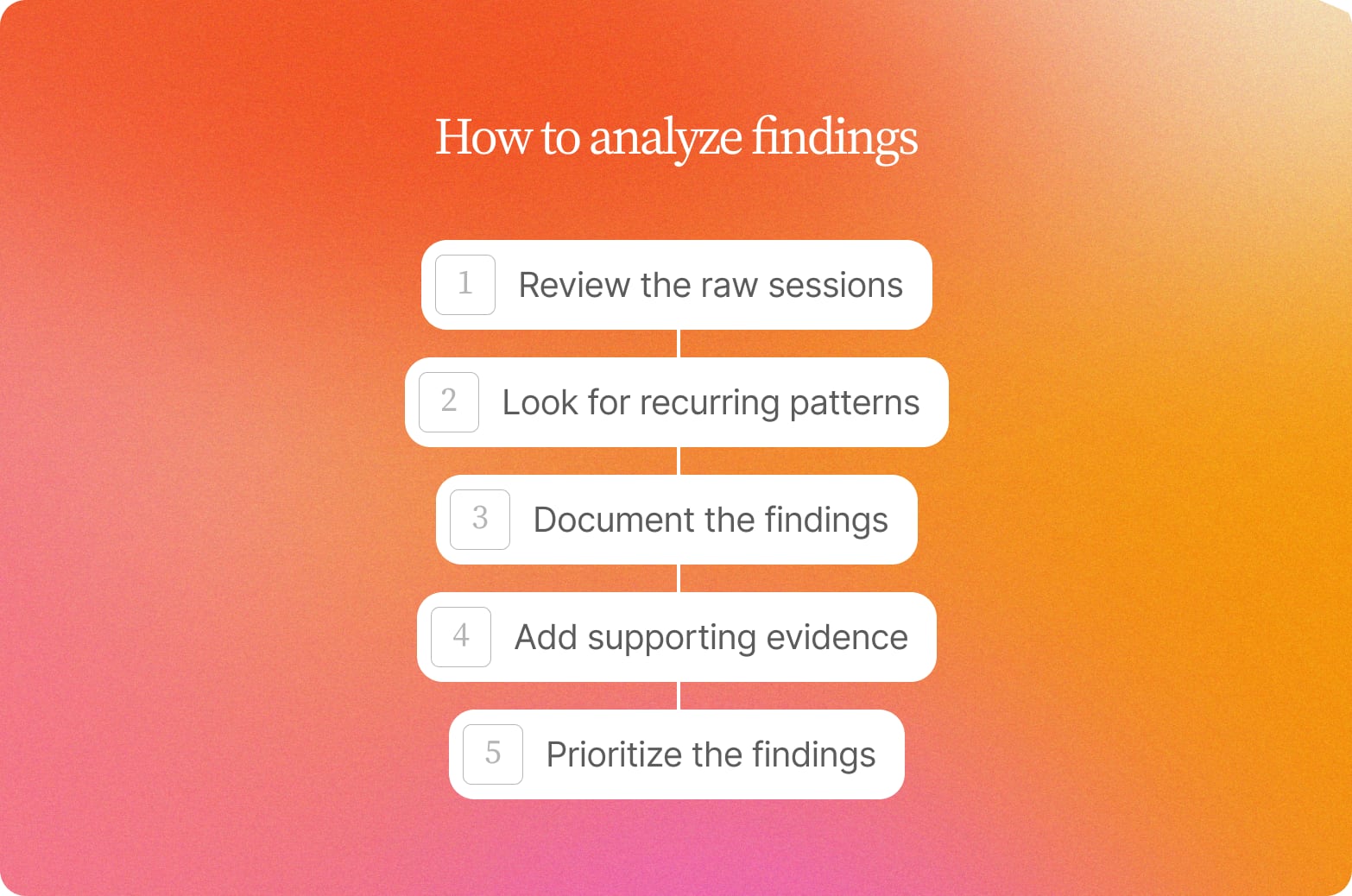
Review the raw sessions during the testing process. Watch the recordings and mark moments where participants struggle or take an unexpected path. These moments give you the raw observations to work from.
Look for recurring patterns. Compare those observations across participants to see which problems repeat and which appear to be isolated. This is where individual moments become evidence of a broader usability issue.
Document the findings. Capture each recurring issue in the research report, explaining what happened and how it affected task completion. This gives the product team a clear description of the problem they need to address.
Add supporting evidence. Link each finding to timestamped video clips so stakeholders can see the participant behavior for themselves. Where possible, support a finding with at least three participant moments.
Prioritize the findings. Rate each issue based on its impact on task completion and how often it occurred. This helps the team decide which problems need attention first.
Usability evidence should build from one round to the next. Carry recurring findings into future tests to see whether changes resolve the problem and improve user satisfaction, or whether it continues to affect users.
Bring async, AI-moderated testing into the product development process
Using async, AI-moderated interviews as a UX research tool makes it easier to bring usability testing into the regular product development process. Teams can collect feedback without having to find time for every session on a researcher’s calendar. Participants can complete the test in their own time, while video captures their user interactions and verbal feedback.
Here’s how Conveo supports that workflow:
See the evidence behind each finding. Participants share their screen while Conveo observes where they get stuck and probes on the actions it sees, so the follow-up lands at the moment of difficulty. Findings link back to timestamped video, so stakeholders can see the relevant user interactions for themselves.
Keep track of recurring usability issues. Conveo connects findings across research rounds, making it easier to identify patterns as the product changes. Teams can see whether an issue continues to affect users and check whether changes have resolved it in later rounds.
Run usability research as the product develops. Because participants complete sessions asynchronously, teams can gather feedback without coordinating live sessions for every study. This makes it easier to revisit important user needs as new features and changes are introduced.
Test with around 100 participants in three days. Conveo runs sessions in parallel, giving teams access to a larger body of evidence without the scheduling effort of traditional moderated testing. This can be particularly useful when you need to test complex tasks or compare how different user groups interact with an experience.
Frequently asked questions
What is the difference between usability testing and user testing?
Usability testing is a type of user testing that assesses how easily real users can complete tasks using a product or user interface. User testing is a broader term that can include research into user behavior, preferences, or expectations beyond how well an interface supports a specific task.
When should you use moderated vs. unmoderated usability testing?
Use moderated usability testing when you need a researcher to observe participants and ask follow-up questions during the session. Unmoderated testing is a better fit when participants can complete realistic tasks independently, and you need to run sessions without live scheduling. The choice depends largely on how much probing the study requires.
What is remote usability testing?
Remote usability testing allows participants to complete tasks from their own location rather than attending an in-person testing session. It can be moderated through video conferencing or run as unmoderated testing. Because participants use the product in their own environment, remote testing can also make it easier to recruit target users who live in different locations.
What is guerrilla usability testing?
Guerrilla usability testing (also known as hallway testing) is a lightweight approach in which researchers recruit readily available participants and ask them to complete specific tasks. It often involves testing in public spaces like cafes or libraries. Guerrilla testing can help identify obvious usability problems early in the design process. It is less suitable when the research requires participants who closely match a specific target audience.
How many participants do you need for a usability test?
The number of test participants depends on the research question and the number of user segments you need to cover. A focused qualitative usability test with a single user segment may require only 5 participants. More participants may be needed when a study covers multiple segments or a higher-risk decision. These guidelines are for qualitative research rather than producing statistically representative results.
What is the difference between quantitative and qualitative usability testing?
Qualitative usability testing focuses on understanding how users experience a product and why they encounter problems. It relies on observed user behavior and qualitative feedback, including what participants say during a testing session. Quantitative testing focuses on numerical data that shows how users perform against defined measures. The two approaches answer different research questions and can be used together when a study needs both behavioral detail and measurable results.
What should you measure in a usability test?
The most important measure is whether users can complete the tasks they were given. You can also track measures such as how long a task takes or whether participants abandon it, depending on what the study needs to establish. User feedback can provide additional context, but observed behavior should remain central to a usability test.

About the author
Dieter De Mesmaeker
Co-Founder & CEO
Dieter is CEO and co-founder of Conveo. Before starting the company, he founded DataCamp and scaled it into one of the leading edtech platforms in the world.
More by Dieter →Qualitative insights at the speed of your business.
Conveo runs AI-moderated video interviews and structures everything they say.