In this article
TL;DR
SurveyMonkey alternatives range from tools that keep the same survey-based approach to platforms that support a broader research workflow.
The right choice depends on what you need next: collecting responses more simply, running more advanced quantitative research, or getting deeper context from participants.
One key difference is how much you learn from each study, and how easily you can carry that learning into future research.
Conveo is built for teams that want to explore the reasoning behind participant responses and connect findings back to the evidence behind them.
SurveyMonkey covers survey research well, with 400-plus templates, advanced methodologies like MaxDiff and Van Westendorp, and a panel of 335 million people. But qualitative research is where it stops. There's no way to ask a follow-up question in the moment, and analysis stays at the dashboard level, with no video or audio to trace a finding back to the person who said it.
This guide covers 15 alternatives, grouped into three categories. Each category solves a different kind of problem, so this guide is built to help you match a tool to the question you actually have.
By the end, you'll know which category fits your situation, how the specific tools compare on research methods, evidence, governance, and pricing, and how to move off SurveyMonkey without disrupting your research calendar.
When to move beyond SurveyMonkey
SurveyMonkey works well when you already know what you want to measure and need to collect structured responses at scale. If you just need greater control over sampling and quotas, integrated panel management, or support for multi-country tracking studies, switching to another survey platform may be enough.
However, if measuring what people said is no longer enough, and you need to understand the reasons behind their answers, it may be a sign that it's time to move beyond surveys completely.
Say you want to understand why customers are abandoning the checkout. A survey might tell you that 40% found the process difficult, but when you come to fix it, you still don't know which part caused the problem or what customers expected to happen instead. Customer interviews or moderated usability testing could let you explore the experience in more detail and ask follow-up questions about specific problems.
"The pace, responsiveness, and research expertise of the Conveo team, on top of the top AI-moderated qual platform, have been invaluable to us in scaling brand advertising internationally."
Matt Harris, Research & Insights Lead, EMEA, Canva
How we evaluated these alternatives
A SurveyMonkey alternative can be a different version of the same survey tool, or it can change how a research team collects and understands customer feedback. We focused on the criteria that distinguish between these two outcomes:
Research methods. What research questions can the platform help you answer?
Evidence captured. How much context can you gather from participants' responses?
Research capabilities. What level of control and support does the platform provide for the research you want to conduct?
Analysis and reporting. How easily can you move from collected responses to usable findings?
Governance and security. Can the platform meet your organization's security and data protection requirements?
Pricing. What will you pay to use the platform, and how does its pricing model work?
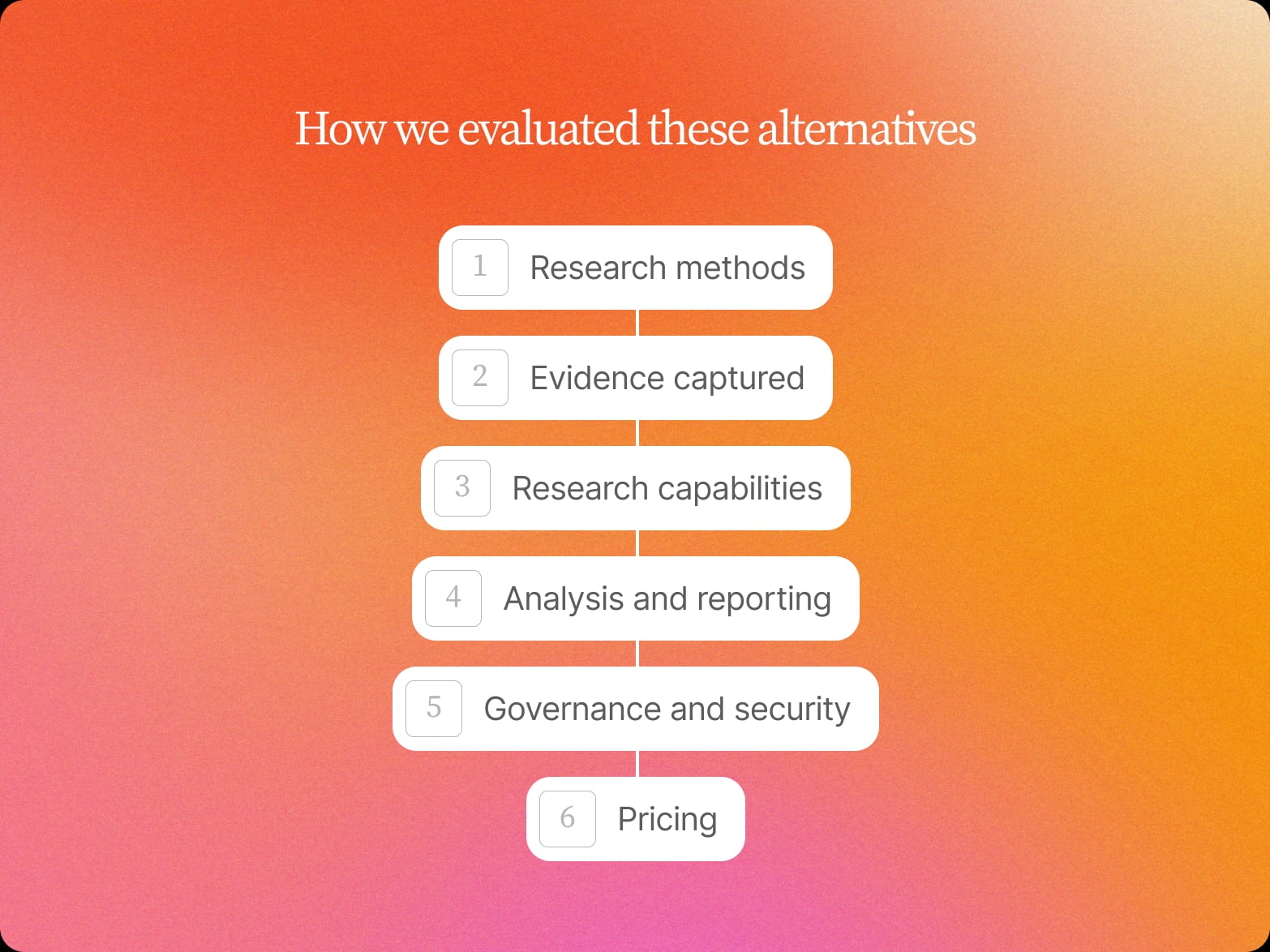
We applied these criteria to a mix of tools, from straightforward survey builders to platforms with advanced features for professional surveys and broader research.
Comparison table: find the right SurveyMonkey alternative
| Alternative | Evidence captured | Research capabilities | Analysis & reporting | Governance & security | Pricing |
|---|---|---|---|---|---|
| Typeform | Responses, open text, video | Conditional logic, participant recruitment, moderated + unmoderated research | AI analysis; transcription + tagging | SOC 2, GDPR; US or EU hosting on Enterprise | From €25/month |
| Jotform | Structured responses | Conditional logic, integrations, AI survey generation | AI-powered analysis | SOC 2*, GDPR; US or EU hosting | From €34/month |
| Google Forms | Responses, open text | Basic form logic | Google Sheets; Gemini summaries | Google Workspace security; EU residency varies by plan | Free |
| Microsoft Forms | Structured responses | Branching | Microsoft ecosystem | GDPR; hosting region not specified | Included with eligible plans |
| Qualtrics | Survey data, video | Advanced methodologies, quotas; human + synthetic panels | AI summaries, sentiment tagging; Research Hub | SOC 2, GDPR; EU hosting | From $420/month |
| Alchemer | Survey data, open text, reviews, social, in-app feedback | Advanced logic, 43 question types | Dashboards, AI queries, anomaly and root-cause analysis, sentiment + themes | SOC 2 Type II, GDPR; regional data isolation | From $55/user/month |
| Forsta | Survey data, open text, video | Smart sampling, panel management; enterprise research | AI-assisted summaries, recommendations and reporting | Multiple hosting regions; on-premise option | Custom |
| QuestionPro | Survey data, open text, video, audio | Conjoint, MaxDiff, A/B testing | Smart Dashboards; Survey Agent | SOC 2*, GDPR; EU hosting available | Free / from $99/user/month |
| Pollfish | Structured responses, open text | Audience targeting, Prodege panel; 160+ countries | Cross-tabs, visualizations, AI reports | GDPR; hosting not confirmed | From $0.95/response |
| Conveo | Video, quotes, themes | AI follow-ups, evidence-linked findings, cross-study research; StoryLines | AI synthesis; findings traceable to source evidence | SOC 2 Type II, GDPR; Belgium (EU) hosting | Custom |
| UserTesting | Video | Product and prototype research, first-party panel; 60+ countries | EnjoyHQ repository; cross-study AI analysis | SOC 2, GDPR; EU, US or APAC hosting | Not publicly listed |
| Discuss.io | Video, verbatim | Interview research; switch between AI and human moderation | Discuss Intelligence; cross-study AI search | GDPR; Virginia, US hosting; no EU option | Custom |
| Outset.ai | Video, voice, text | Adaptive interviews; Prolific + User Interviews recruitment | AI analysis; Dovetail export for repository use | SOC 2, GDPR; hosting not confirmed | Custom |
| Recollective | Video, audio, text, screen recordings | Longitudinal studies, research communities; AI-moderated interviews | Ask AI, AI summaries; verbatim traceability | GDPR; AWS hosting; EU residency not confirmed | From $750/month |
| Great Question | Quotes, transcripts, video | Self-serve UX research | Research repository, cross-study synthesis; source-linked quotes | SOC 2, GDPR; US hosting | From $1,290/seat/year |
15 SurveyMonkey alternatives by category
These alternatives serve different research needs, so we've grouped them into three categories. This makes it easier to compare tools that solve similar problems and see when you may need a different approach to research.
Category 1: Form builders
Form builders are the closest SurveyMonkey alternatives for teams that mainly need to create and distribute surveys without adding a more involved research workflow. Tools like this make it easy to start building custom surveys, with options ranging from conversational forms with basic customization to more advanced conditional logic.
They're a practical choice for straightforward feedback, lead collection, and other forms like payment collection where ease of use matters most. They're also often a good fit for small businesses that want to run an online survey without facing a steep learning curve.
1. Typeform
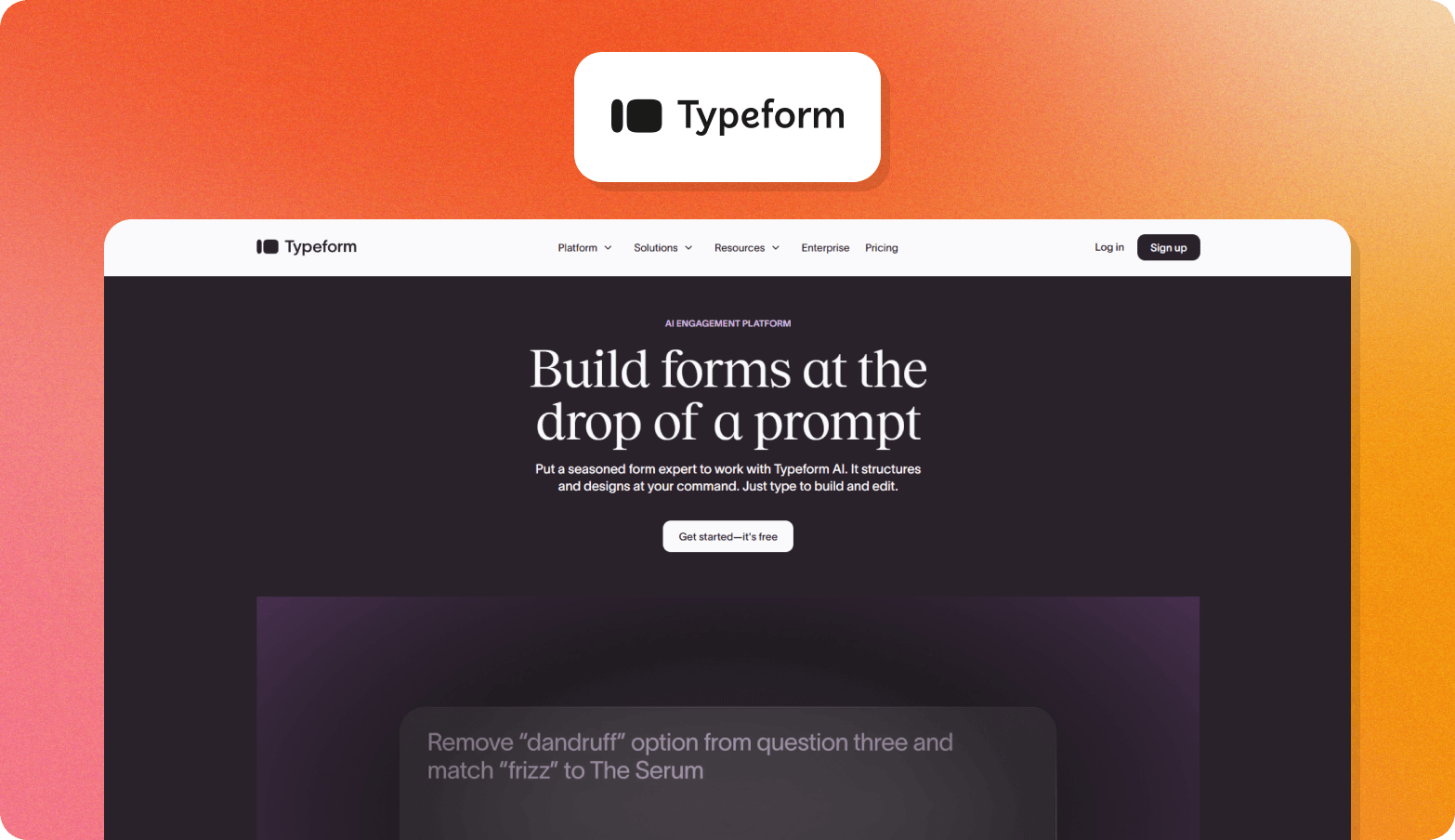
Typeform is a conversational survey platform that guides respondents through each question on a single screen, using conditional logic. Its design and customization options make it a good choice for teams that want surveys to feel more engaging than a standard form, and the conversational style may lead to higher completion rates.
Its separate Research Flow product adds participant recruitment, moderated and unmoderated video research, automatic transcription and tagging, and AI-powered survey data analysis. These capabilities are a newer addition that sits alongside Typeform's core survey product.
Typeform offers a free plan, but has a response limit of only 10 per month. Typeform's core plans start at €25 per month for 100 responses, while Research Flow requires a custom quote.
2. Jotform
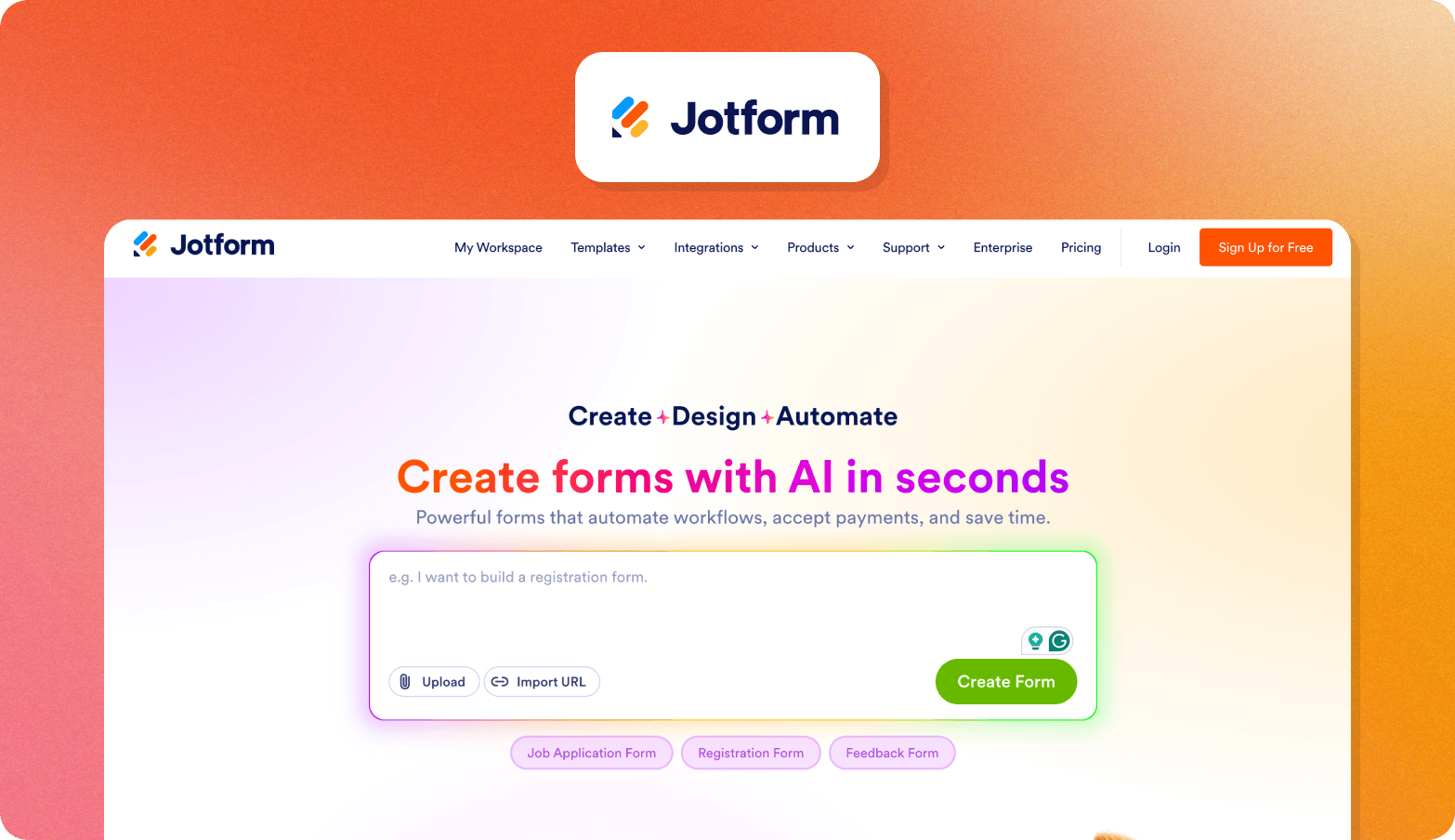
Jotform is an AI-powered form and survey builder with a drag-and-drop editor and more than 20,000 templates. Its AI Survey Generator can create surveys from prompts or uploaded documents, while conditional logic and integrations support more structured data collection.
Jotform works well for teams that want to launch surveys quickly without having to build them from scratch. Its research capabilities focus on collecting structured responses, and it has no interview-based layer for exploring the reasons behind those responses.
A free Starter plan is available with up to 100 monthly submissions. Paid plans start at €34 per month when billed annually.
3. Google Forms
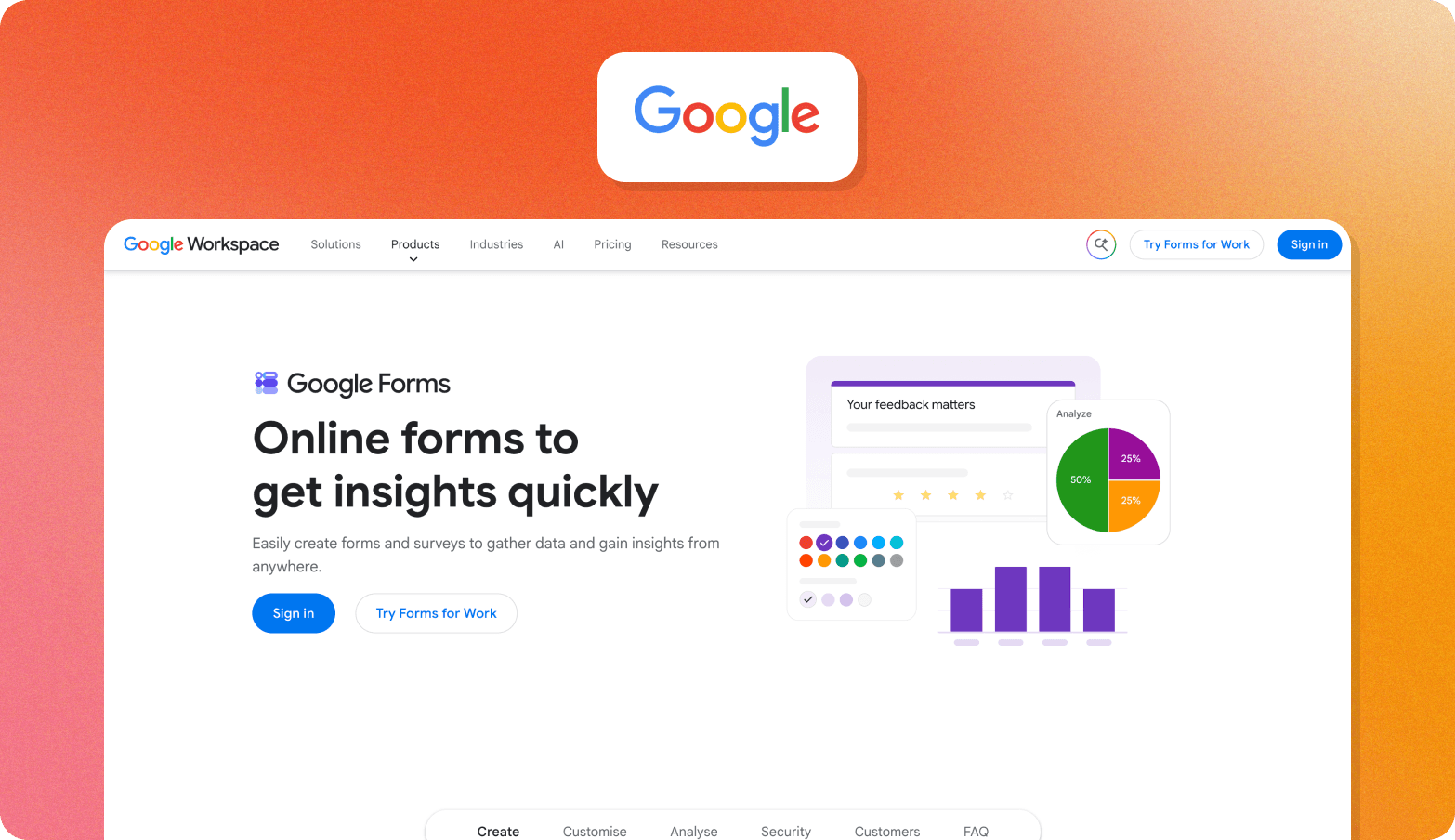
Google Forms is a free form and survey builder that connects directly with Google Sheets, making it easy to collect responses within Google Workspace. Gemini can also help eligible users create forms and summarize open-text responses.
Google Forms is a good fit for lightweight surveys and screeners where teams mainly need to collect structured responses. It offers less support for deeper research workflows, so teams looking to explore the reasons behind responses will need a more specialized research platform.
Google Forms is free with a Google account. Gemini features require an eligible Google Workspace or Google AI plan.
4. Microsoft Forms
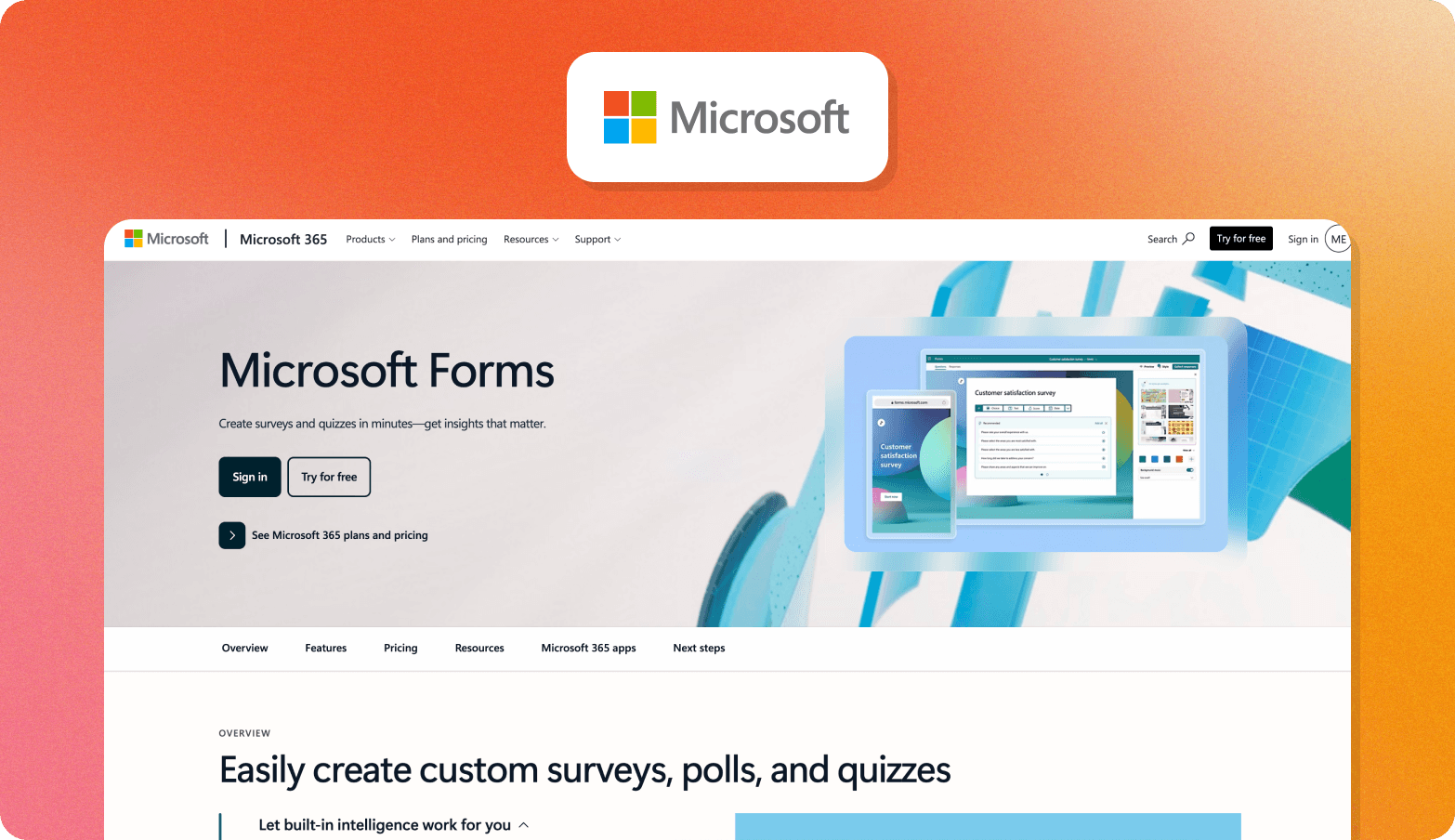
Microsoft Forms is a straightforward survey and form builder included with Microsoft 365. It supports branching and gives teams a simple way to collect and review responses within the Microsoft ecosystem.
However, it offers less support for deeper research workflows, and Microsoft directs users toward Dynamics 365 Customer Voice for more advanced workflows and survey capabilities. It also offers minimal design customization, so it may be less appealing if branding is important to your team.
Microsoft Forms is included with eligible Microsoft 365 and Office 365 plans, and is also available to people with a personal Microsoft account.
Category 2: Advanced survey software
Advanced survey research platforms give teams more control over how they design and run quantitative research. Compared with basic form creation, they support various survey methods and offer researchers more options for managing complex studies.
These tools are suited to teams that need powerful features for professional surveys, whether that's more control over study design or more advanced analysis. They can involve a higher cost and learning curve than simpler survey tools.
5. Qualtrics
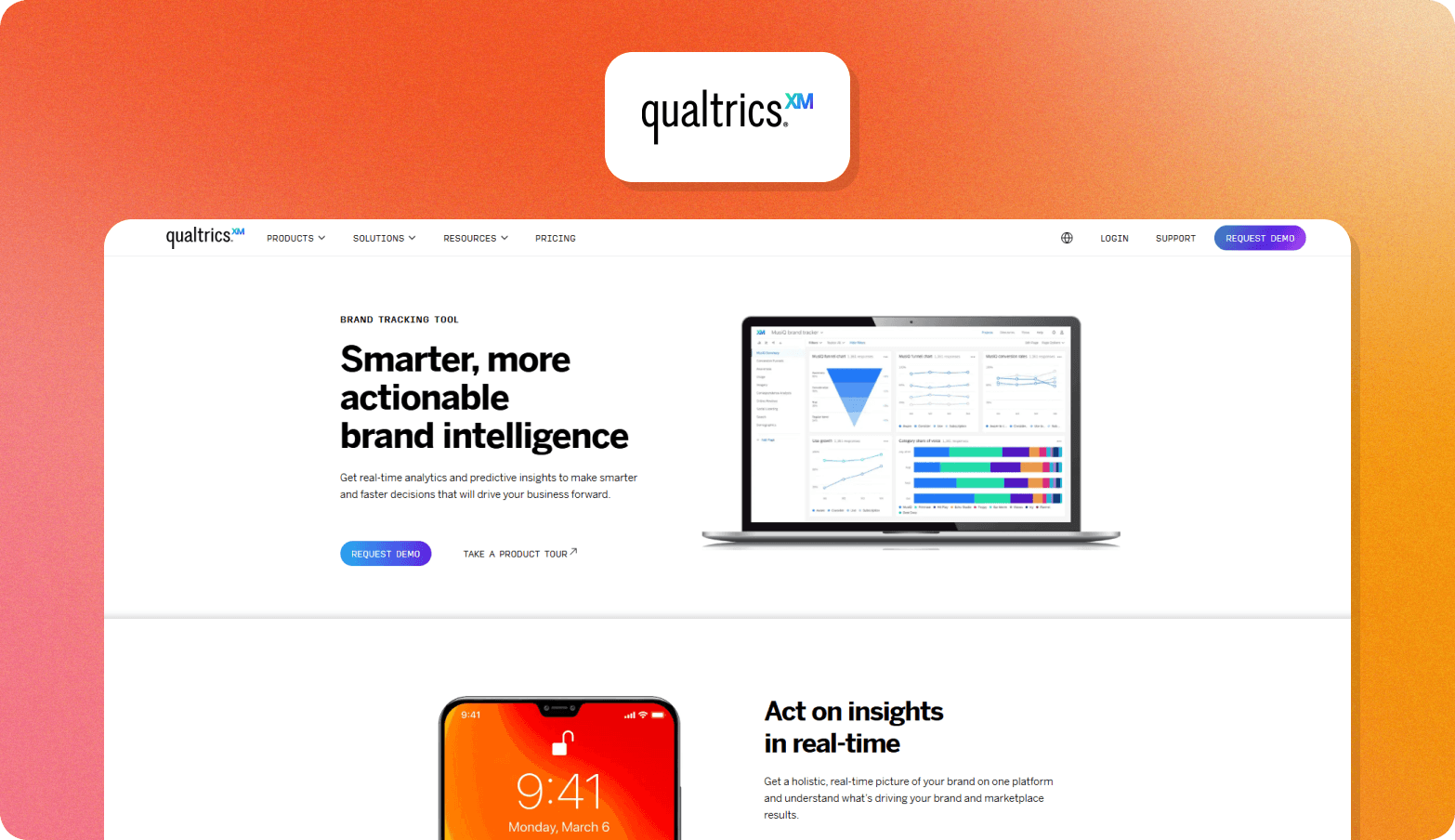
Qualtrics is an enterprise experience management platform built for more complex survey research. Its Strategic Research offering supports advanced survey design and research methods, including quotas and access to survey panels.
It is suited to teams that need greater control over research design and methodology than a basic survey platform provides. Qualtrics also supports qualitative research through video and audio feedback, although its offering stays centered on structured research, without an interview-first workflow.
Strategic Research starts at $420 per month when billed annually and covers 1,000 responses shared across users, which might feel expensive compared to Qualtrics competitors. Enterprise plans are priced according to research volume and require a custom quote.
6. Alchemer
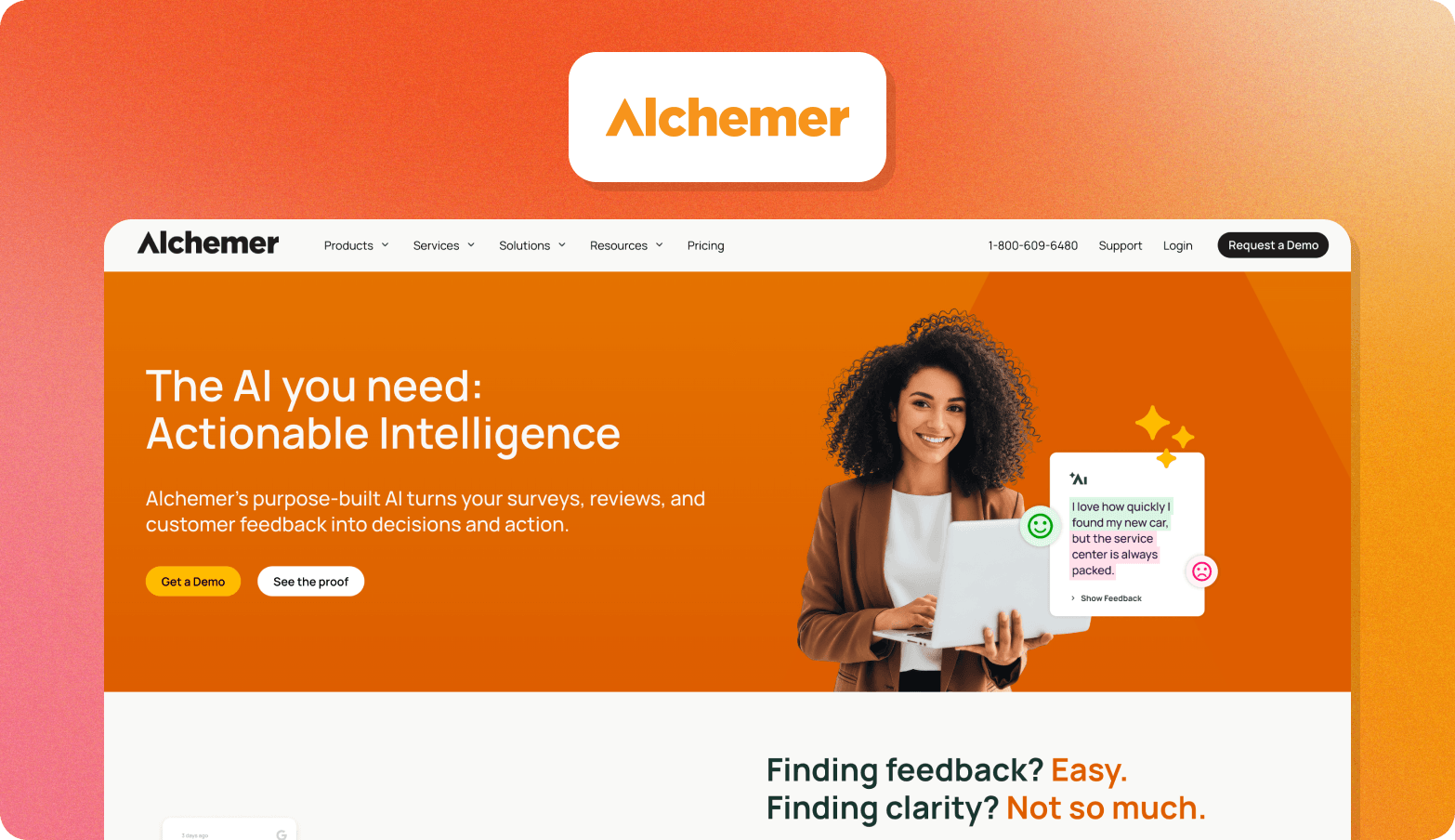
Alchemer is a feedback and customer intelligence platform with advanced survey capabilities. It gives teams more control over survey design through features such as complex logic and branching, while supporting distribution across multiple channels.
Alchemer also lets teams bring other customer feedback into the platform, including reviews and in-app feedback. This makes it a good fit for organizations that want to combine survey research with broader feedback collection.
Plans start at $55 per user per month. Higher tiers add more advanced research capabilities, while enterprise pricing is available on request.
7. Forsta
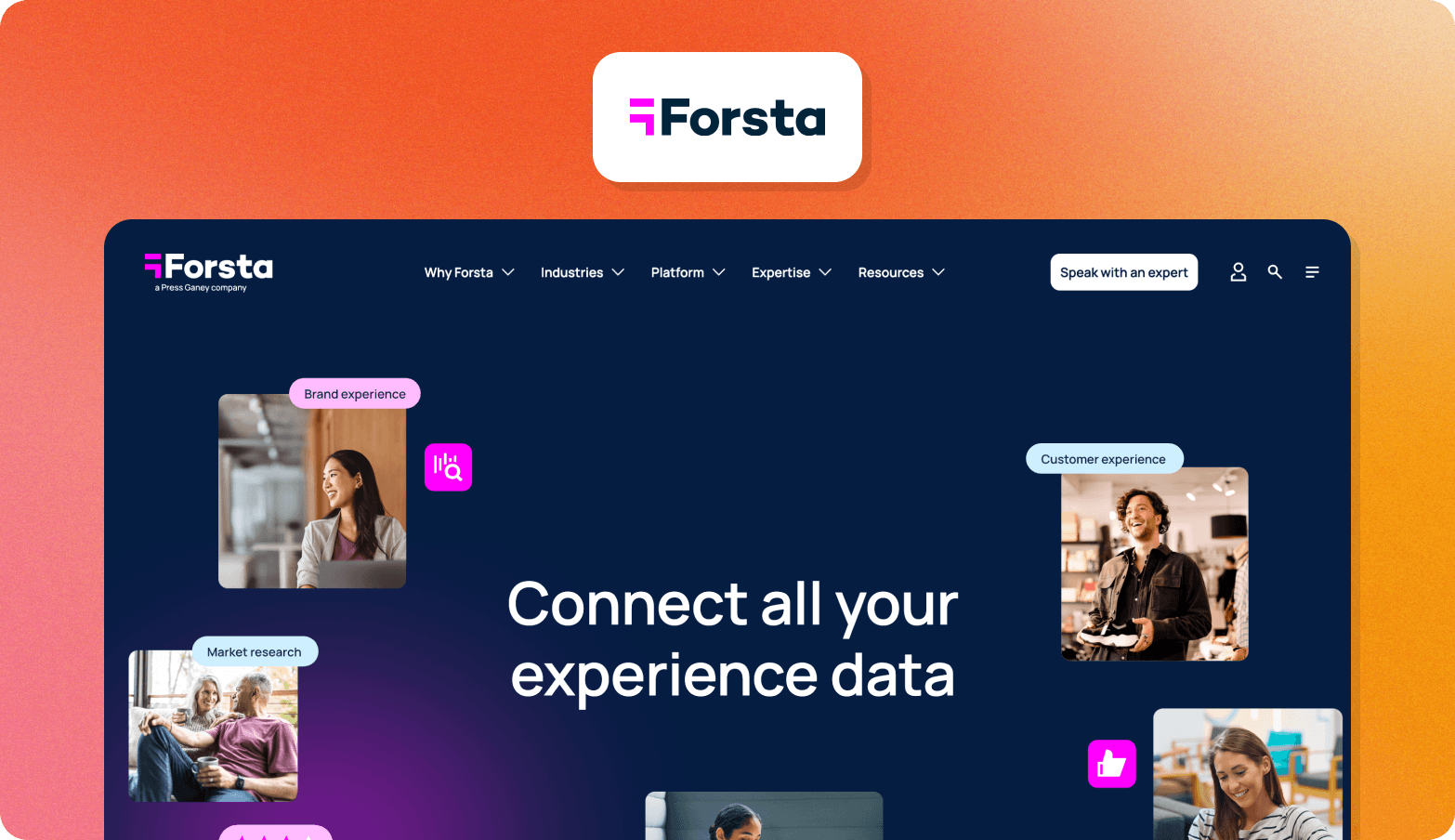
Forsta is built for large organizations that run research alongside customer, brand, or employee experience programs. A research team might use it to run a large survey or focus group and bring the resulting data into the same platform used for other experience programs.
Forsta also adds AI survey tools to parts of that workflow, helping researchers identify themes in responses and turn research data into reports. Its broader enterprise setup includes options for hosting in Germany or the UK, as well as on-premise deployment, which can matter to organizations with specific data requirements.
Forsta doesn't publish pricing, so enterprise plans are available on custom terms.
8. QuestionPro
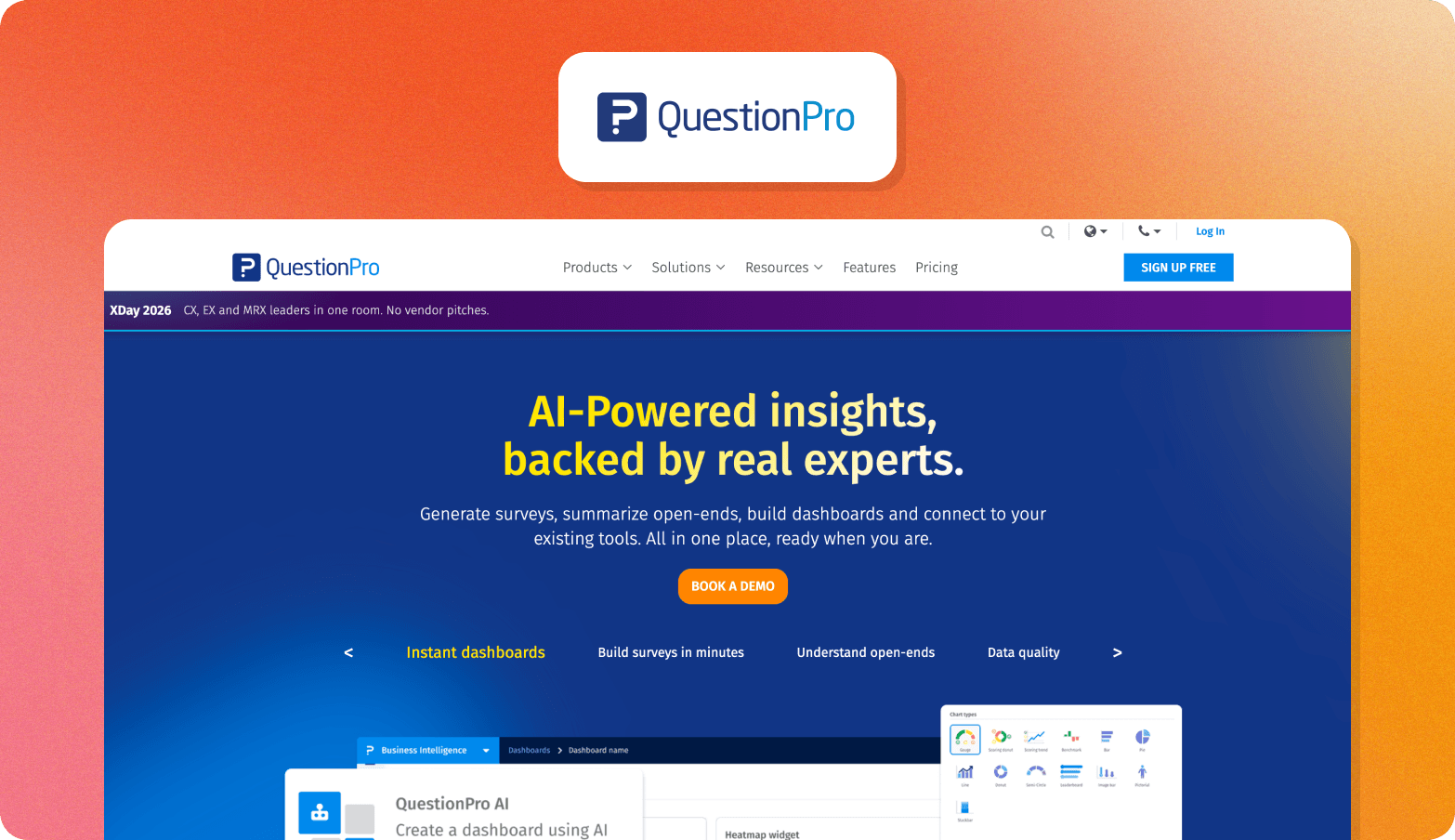
QuestionPro is an AI-powered survey and insights platform that supports both standard surveys and more advanced quantitative research. Its Research Suite adds methodologies such as conjoint analysis, MaxDiff, and A/B testing, making it suitable for teams running more complex research than a basic survey tool can support.
QuestionPro also extends beyond surveys into customer and employee experience programs, with tools for collecting and analyzing feedback across different parts of an organization. Its regional data centers include an EU option in the Netherlands, which can be useful for teams with specific data residency requirements.
A fairly generous free plan offers up to 200 responses per survey. Paid plans start at $99 per user per month when billed annually, while the Research Suite uses custom pricing.
9. Pollfish
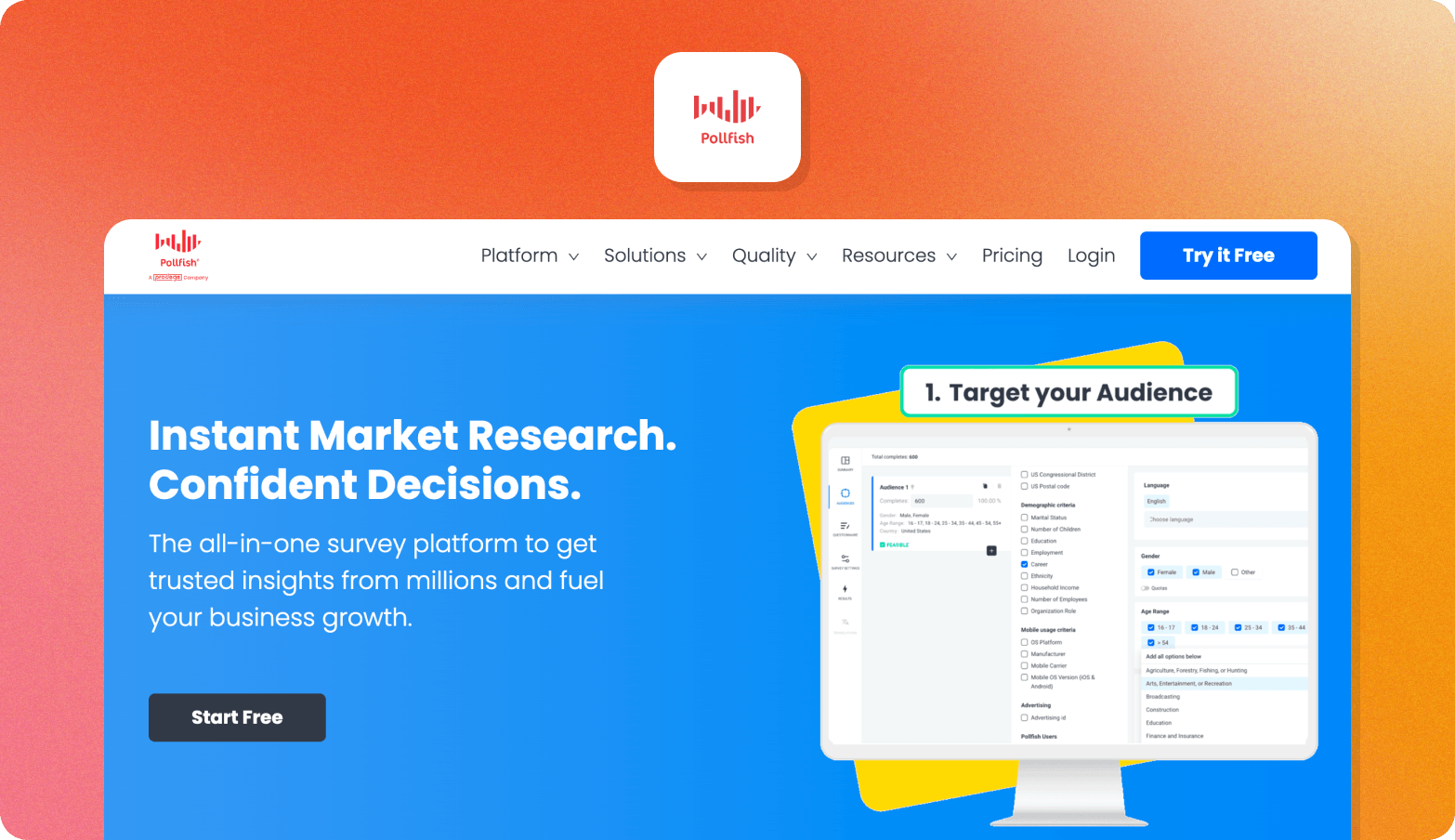
Pollfish is a self-serve market research platform built for fast B2C research. It combines a survey builder with access to Prodege's first-party panel, enabling researchers to target specific audiences and collect responses in more than 160 countries.
Pollfish also uses AI to help researchers build surveys and analyze results, including an adaptive conversational layer within survey questions. Its reporting tools provide cross-tabs and data visualizations, while research stays focused on structured survey responses, with little room for qualitative depth or ongoing research programs.
DIY pricing starts at $0.95 per response, with additional targeting filters charged per response. Full-service projects start at $5,000, while enterprise plans start at a $10,000 annual commitment.
Category 3: Consumer understanding infrastructure
Consumer understanding platforms are designed for teams that want to go beyond asking questions and collect richer evidence about what people think, feel, and do. Alongside survey responses, these platforms support qualitative research and help teams understand the reasons behind participants' responses.
They're a better fit when research needs to go deeper than a standard survey can support, particularly when teams want to connect findings across studies and build a stronger understanding of their customers over time.
10. Conveo
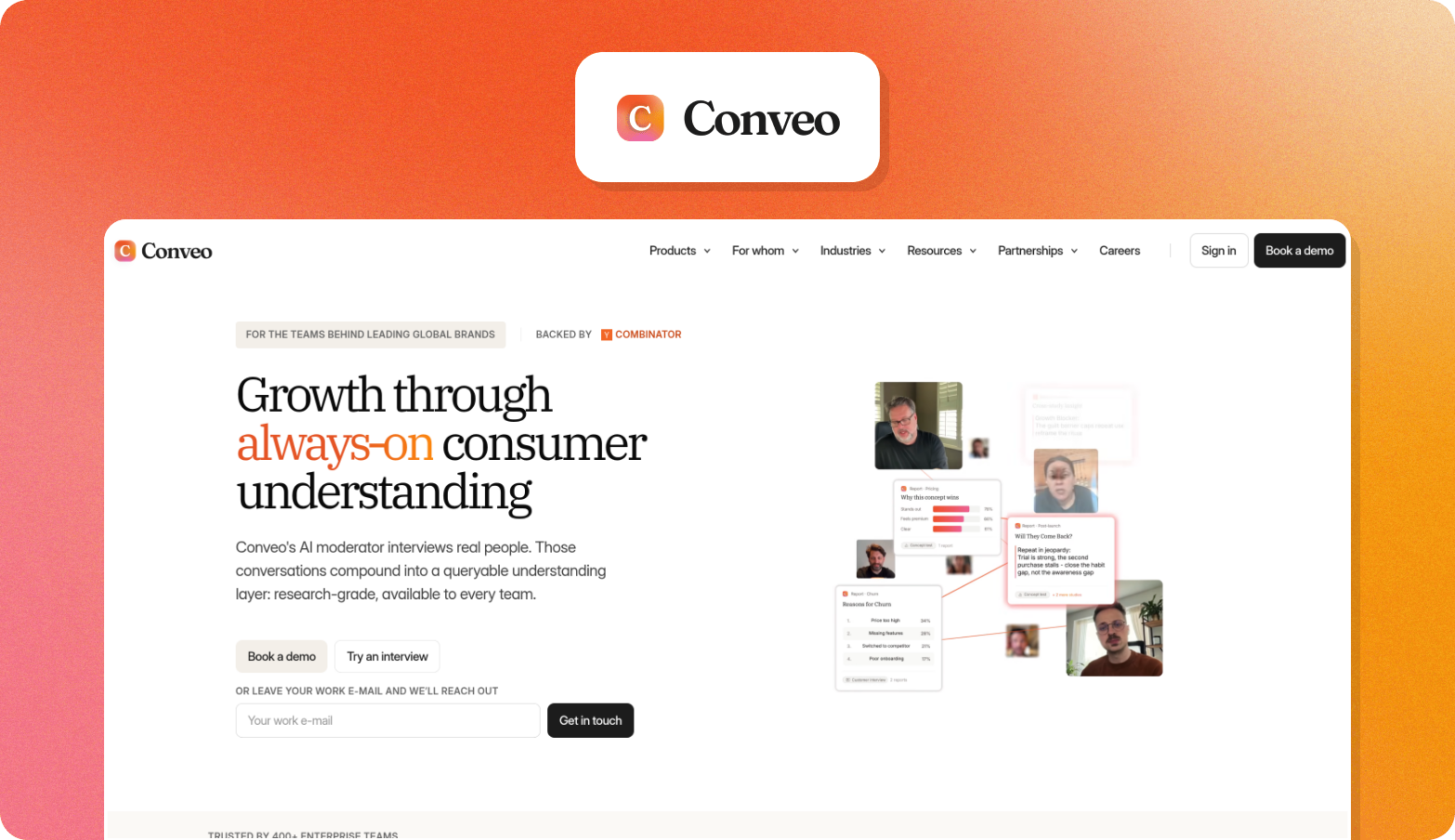
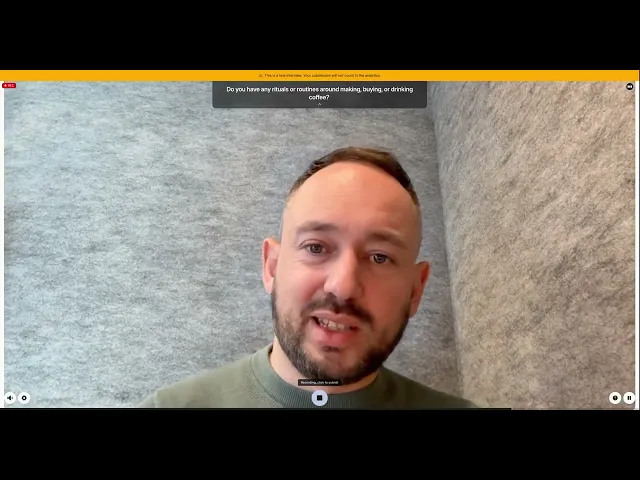
Conveo is designed for research teams that need to understand the reasoning behind a response. When a participant answers, Conveo's AI research assistant can ask follow-up questions to gather more detail in the same session. So if a participant says they prefer one concept, the research team can explore what shaped that preference without running another study.
See it in action: how AI-moderated interviews actually work.
That makes the resulting findings more useful when it's time to share them. A finding in Conveo can be traced back to the participant evidence behind it, with a timestamped video clip, quote, and theme tag indicating its source. Conveo is SOC 2 Type II certified and GDPR compliant, with European hosting in Belgium and moderation available in more than 50 languages.
The research can then become a source for future studies. Conveo's knowledge layer gives teams a searchable library of their findings, making it easier to find what they've already learned and build on it. StoryLines takes this further for teams running research in recurring waves, so each study adds to the body of evidence that came before it. Teams report moving from fielding to findings in days, which makes it easier to keep that cycle going.
11. UserTesting
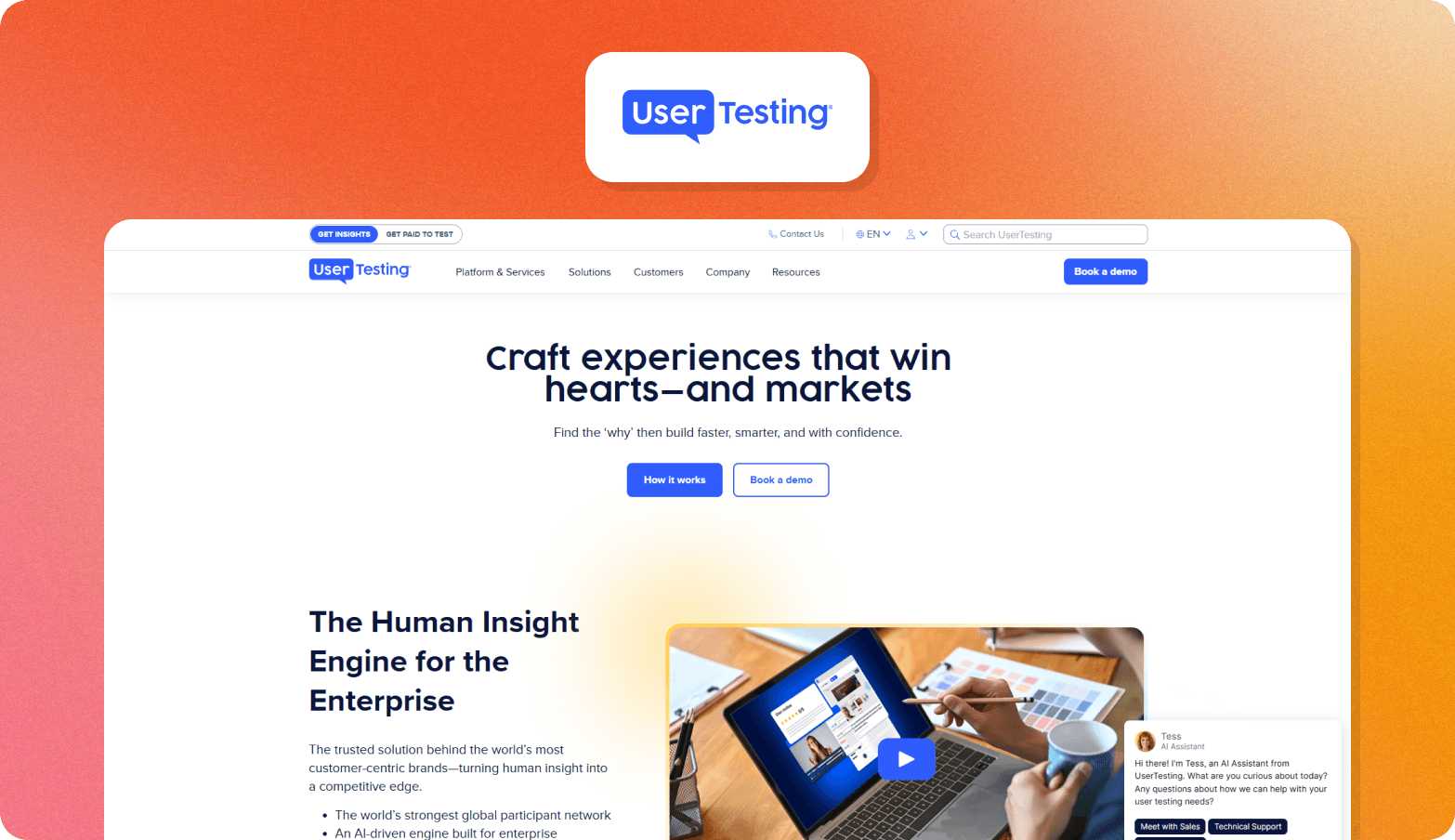
UserTesting is an experience research platform focused on seeing how people use products and prototypes. Teams can run unmoderated tests or speak to participants in moderated sessions, making it particularly useful for UX research where observing behavior matters.
Its research panel gives teams access to participants across more than 60 countries, while Insights Hub provides a place to bring research together across projects. Pricing isn't publicly listed.
12. Discuss.io
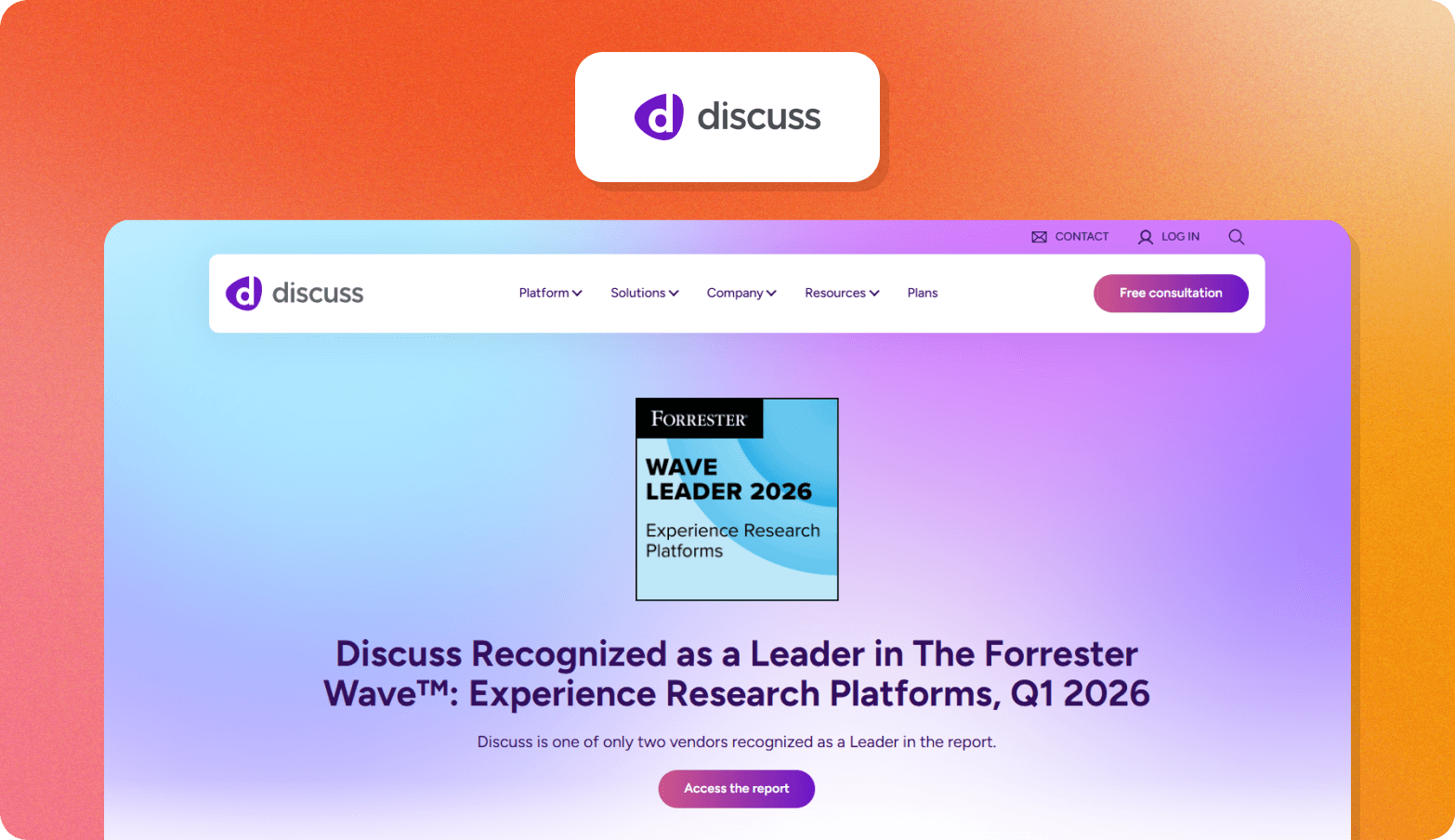
Discuss.io is a qualitative research platform built around interviews. Teams can choose between AI-moderated research and sessions led by a human moderator, depending on the study and the level of researcher involvement it requires.
Discuss Intelligence lets teams search across their research using AI, so findings from individual studies can be revisited later. Its data is hosted in Virginia, USA, with no EU hosting option, which may rule it out for organizations with EU data residency requirements. Pricing is available on request.
13. Outset.ai
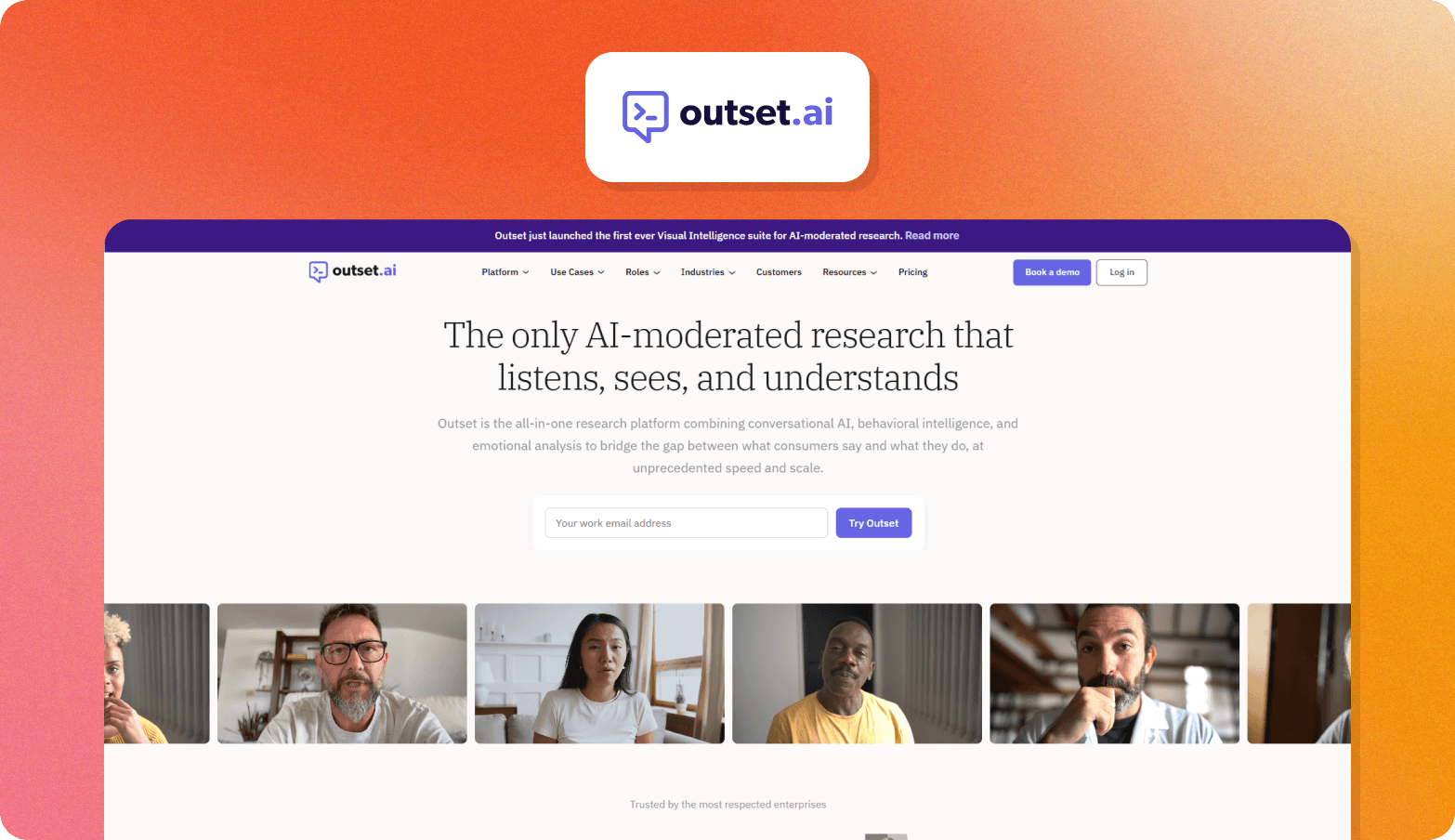
Outset.ai uses AI to conduct qualitative interviews at scale. Participants can respond by video, voice, or text, and the AI adapts its follow-up questions based on what each person says.
The platform is designed to take teams from interview setup through analysis, with research data that can also be exported to tools such as Dovetail. Outset doesn't publish standard pricing; costs are based on the research team's requirements.
14. Recollective
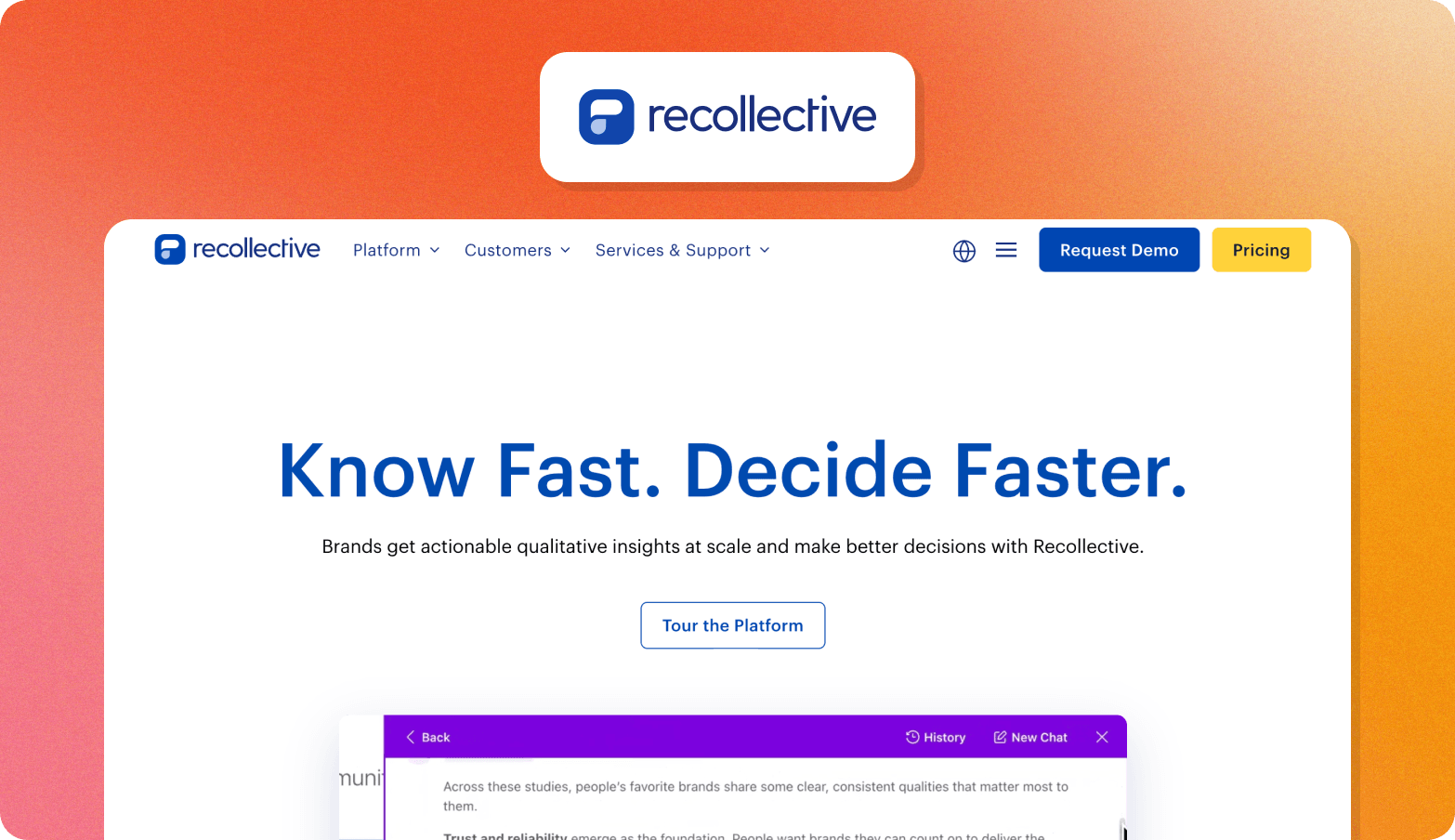
Recollective combines live qualitative research with asynchronous studies, making it suited to teams that want to follow participants over a longer period or use several research methods within the same study. It can also support always-on insight communities as well as one-off projects.
Its Conversation Task can conduct AI-moderated interviews and adapt its follow-up questions in response to participants' answers. The platform also lets researchers query qualitative data with Ask AI and trace answers back to participant verbatims. The full Qual Live + Async plan starts at $750 per month with an annual commitment.
15. Great Question
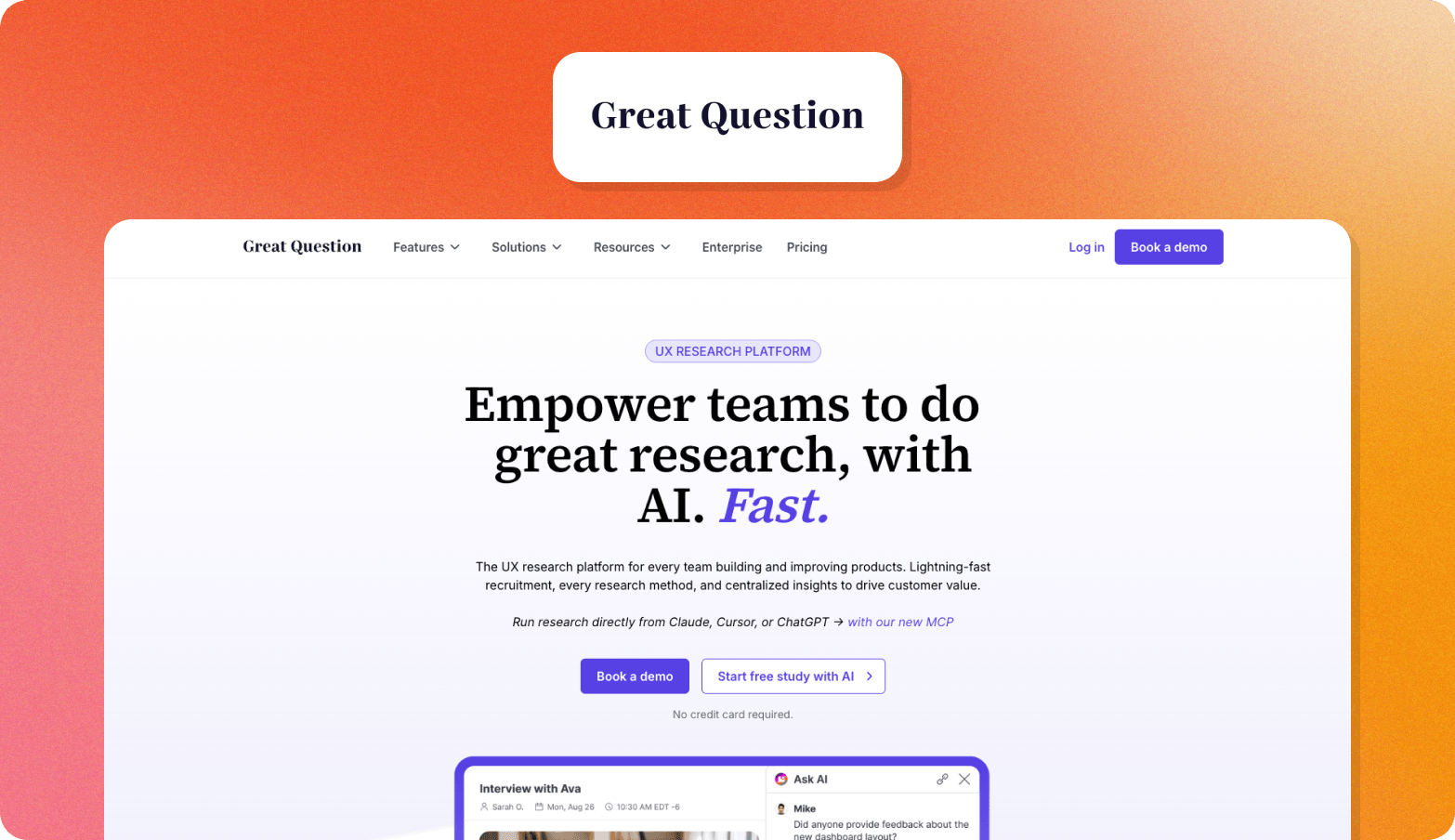
Great Question is a self-serve UX research platform aimed at product managers and designers who want to run their own research. It supports studies across interviews, surveys, and usability testing, without requiring a dedicated research team to manage the process.
Great Question also includes a research repository, so teams can bring findings from different studies together and trace quotes back to the original transcript and video. Self-serve pricing is $1,290 per seat per year for up to five seats, while Enterprise pricing is custom.
Migration guide: moving from SurveyMonkey to a consumer understanding platform
Switching platforms in one go can cause operational problems, such as data loss and time-consuming work for teams that need to rebuild research workflows and learn new systems. Here's a phased approach to make the switch smoother.
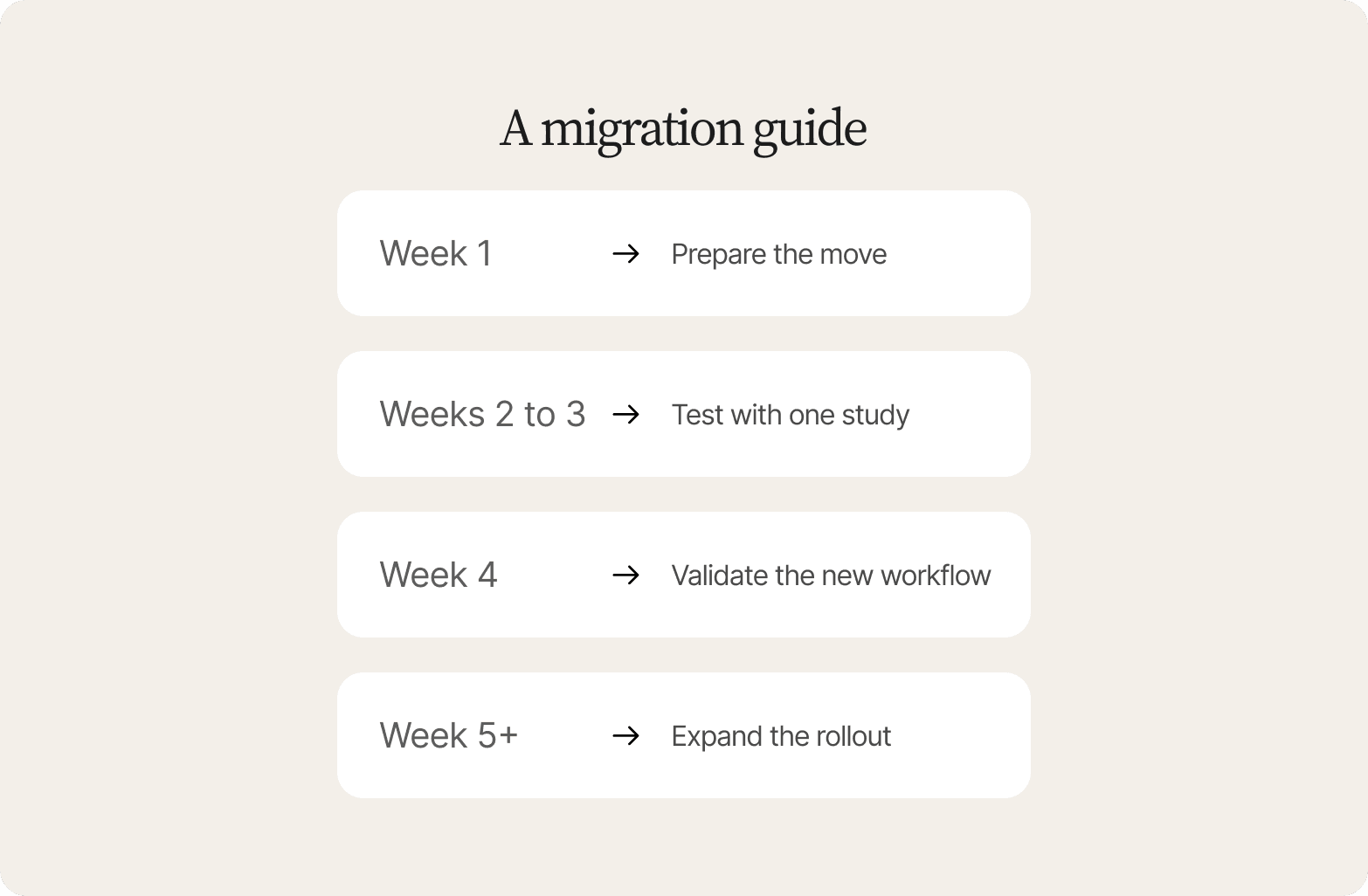
Week 1: Prepare the move. Export your SurveyMonkey data and map your existing question types to the new platform. This shows what can move across easily and what needs to be rebuilt before the team starts migrating live research. Complete the initial security review and confirm data residency at this stage so governance doesn't become a blocker later.
Weeks 2 to 3: Test with one study. Run a pilot with one stakeholder group before moving the whole research calendar. Working through a real study gives the team a chance to find problems in the new workflow while the impact is still limited.
Week 4: Validate the new workflow. Present the pilot findings using the new reporting template and get feedback from the people who will rely on those outputs. This helps the team resolve issues before the new process becomes standard. Use the same point to complete a second governance check and confirm the pilot meets your requirements.
Week 5+: Expand the rollout. Move the rest of the research calendar across gradually, starting with studies that are easier to migrate. This gives the team time to build confidence with the new platform without disrupting research that's already underway.
This approach lets the team keep its research program moving while gradually building a new workflow around richer, more reusable evidence.
Why consumer understanding infrastructure is the switch worth making
The right SurveyMonkey alternative depends on what your team needs to learn. If structured responses are enough for the questions you ask, a more advanced survey platform may be all you need. When research needs to uncover the reasons behind those responses, a consumer understanding platform can take the research further.
Conveo helps you do that with:
More context from every research session. Conveo's AI research assistant follows up on participant responses and probes for more detail, so researchers can explore the reasons behind a preference without running a separate interview.
Findings that are easier to trust and defend. Researchers can trace findings back to the participant evidence behind them, including timestamped video clips, verbatim quotes, and theme tags. Conveo is SOC 2 Type II certified and GDPR compliant, with European hosting.
Research that builds on what came before. The knowledge layer gives teams a searchable library of prior findings, while StoryLines supports recurring research waves. Teams can carry learning from one study into the next and build on it.
A workflow that moves from research to findings faster. Teams report moving from fielding to findings in days.
Frequently Asked Questions
What are the best free SurveyMonkey alternatives?
For simple surveys, Google Forms is one of the most accessible free alternatives to SurveyMonkey. Tally is another option for teams on a budget that want more customization without paying for advanced functionality. However, free plans usually come with trade-offs. You're unlikely to find any free survey software offering unlimited responses or unlimited surveys.
What do people on Reddit recommend as SurveyMonkey alternatives?
Reddit recommendations tend to depend on the use case. Google Forms and Typeform are common choices for simple forms and polished surveys, while research teams may look toward platforms such as Qualtrics when they need more advanced functionality. For teams that want to go beyond structured survey responses and understand the why behind them, a qualitative research platform such as Conveo is a better fit.
How do research-grade survey platforms compare to basic survey tools?
Basic survey tools are designed primarily for creating and distributing surveys. Research-grade platforms provide more advanced logic, workflows, analysis and customization for complex research projects. They can require more training, but that additional functionality becomes useful when research needs to support decisions.
When should I use a survey tool versus a qualitative research platform?
Use a survey tool when you need structured answers from a large number of people. Use a qualitative research platform when you need to explore why people think or behave a certain way, particularly through interviews, video research or open-ended conversations. Conveo is designed for the latter, helping research teams capture, analyze and synthesize qualitative evidence.
Will AI-generated insights pass stakeholder scrutiny?
They can, provided researchers can show where those insights came from. AI-generated findings are easier to defend when stakeholders can trace them back to participant responses and review the underlying evidence. Conveo supports this evidence-based approach by connecting insights to the research behind them, while keeping researchers involved in reviewing and interpreting the findings.
How long does it take to switch from SurveyMonkey to a new platform?
The time depends on what you are moving and why. Simple surveys can be recreated relatively quickly, while complex surveys with branching logic, integrations and established workflows require more work. If you're moving from SurveyMonkey because you need to do a different kind of research, such as qualitative interviews, the main job is setting up a new research workflow in the right platform.
How does Qualtrics vs SurveyMonkey compare?
Qualtrics and SurveyMonkey both support survey research, but they suit different research needs. Qualtrics offers more control for complex studies, with advanced research methods and workflows, while SurveyMonkey is generally better suited to teams that want a straightforward way to create and distribute surveys. Qualtrics is one of the best-known names in research software, but it isn't the only option for teams that need sophisticated research capabilities. Qualtrics alternatives can give teams the capabilities they need without the complexity of a platform designed for more demanding research programs.

About the author
Florian Hendrickx
Head of Growth
Florian is Conveo’s Chief Growth Officer, leading growth strategy and go-to-market execution as the company scales. He’s held growth leadership roles at companies like Deliverect, Robovision, and Aikido Security, and brings hands-on experience across marketing, sales, and product.
More by Florian →Qualitative insights at the speed of your business.
Conveo runs AI-moderated video interviews and structures everything they say.