In this article
TL;DR
A UX research repository stores and organizes past research so teams can quickly find and reuse insights across future studies.
Repositories become difficult to use when tagging is inconsistent, research is spread across different tools, or findings can’t be traced back to the original conversation.
Some repositories are built into end-to-end research platforms, while others focus mainly on storage and depend on separate tools for other parts of the research process.
Enterprise buyers should check security certifications, data hosting, access controls, data retention, and consent management before choosing a platform.
Conveo is a video-first AI research platform with AI-moderated interviews and a searchable repository that keeps every insight connected to the original video evidence.
UX teams run continuous discovery, but when findings accumulate, they can become scattered across different documents and tools. Many research repository tools promise to make this research easier to find, but storing research is the easy part. Finding the right evidence months later is much harder. If people can’t search, filter, and trust what they find, the repository is just another place to save files.
This guide explains what makes a UX research repository useful, the common problems that stop repositories from working well, and how end-to-end platforms reduce the need to move research between different tools.
What Is a UX Research Repository?
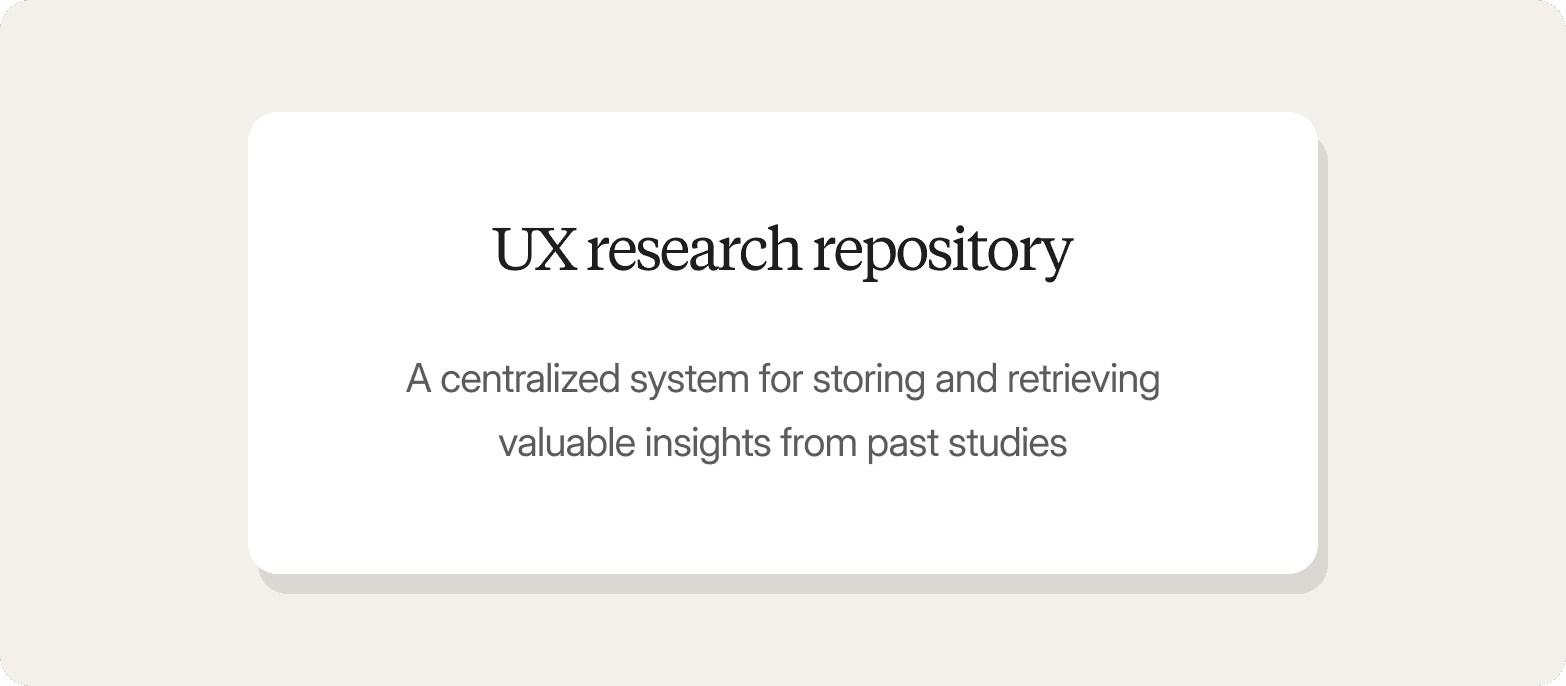
A UX research repository is a centralized system for storing and retrieving valuable insights from past studies. It's more than a shared drive or folder full of research reports. It contains user research data like:
Interview recordings and transcripts.
Participant information and study details.
Themes and findings linked back to the original evidence.
Reports, highlight clips, and other research outputs.
Teams use a repository to avoid repeating existing research. Instead of running another study every time a question comes up, they can search past interviews and compare findings across studies to get the most out of their research efforts. A good repository lets teams answer questions like "Have we seen this usability issue before?" in minutes.
The quality of a repository depends on the quality of the evidence it stores. Video-first interviews capture hesitation and the reasoning behind what people say, giving teams richer evidence than surveys or text alone. When that evidence is stored alongside every insight, it's easier to verify and share research insights with multiple stakeholders.
Why UX Research Repositories Fail (And What Actually Works)
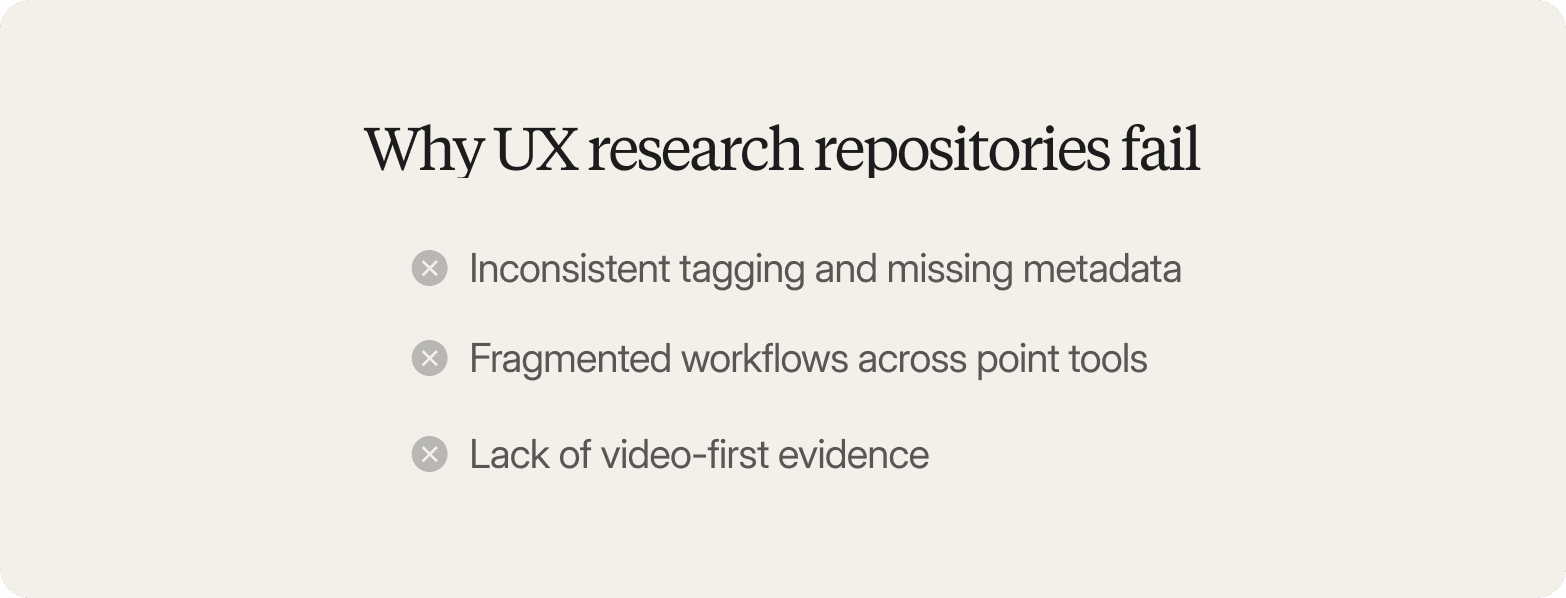
UX research repositories often fail because teams focus on where user research is stored rather than how users’ll find it later. Three problems cause most repositories to fall short.
Inconsistent tagging and missing metadata
A repository becomes difficult to use when every team member tags research differently or important metadata is missing. Six months later, nobody remembers whether a finding was filed under "checkout friction" or "cart abandonment," so searches miss relevant studies.
A better approach is to combine consistent thematic coding with structured metadata. Every theme should link back to the original interview, supporting quotes, and timestamped video clips, so anyone reviewing a finding can quickly understand where it came from and verify it for themselves.
Fragmented workflows across point tools
Many user research repository tools only cover one part of the research process. Teams recruit participants on one platform, run interviews on another, analyze data or transcripts elsewhere, and store the final report in a separate repository. Every handoff creates another place where information can be lost or duplicated.
An end-to-end workflow keeps each part of the research process in one place. Every study automatically becomes part of a searchable library, with interviews, themes, clips, and reports linked together instead of scattered across different systems.
Lack of video-first evidence
Text summaries and transcripts rarely capture the full picture. They miss the context behind a participant's behavior, making it harder for teams to understand what really happened during the interview. For example, a participant might say a feature is 'fine' while hesitating and re-reading the screen twice, a signal a transcript alone won't capture.
Video-first interviews preserve that context. When every insight links back to a timestamped video clip and quote, stakeholders can review the original evidence instead of relying on a summary. That makes findings easier to trust and reduces pushback when research is used to support product decisions.
The next step is deciding what information belongs in a repository and how to organize it so teams can find the right evidence months or even years later.
What Belongs in a UX Research Repository
A UX research repository should store the evidence behind each finding, not just the final report. Reports summarize the results of a study, but they rarely include everything someone needs to understand or verify a conclusion months later. A useful repository should include:
Interview recordings with searchable transcripts and translations.
Survey responses if you run quantitative data studies alongside qualitative research.
Themes linked directly to the interviews, quotes, and clips they came from.
Participant metadata that makes it easy to filter and compare studies.
Study context, including the research method and objective.
Shareable outputs such as highlight reels and stakeholder summaries.
When research findings are easy to reuse, teams don’t always have to start from scratch. The same interviews from an early generative research project can support a product decision today and later be reused to build assets such as user journey maps or user personas. This approach reduces duplicate research and helps teams get more value from every study.
As more studies are added, the research repository becomes more valuable. Instead of relying on isolated reports, teams build a growing body of evidence that makes it easier to see how customer needs change over time and make more user-centric decisions.
How to Organize a UX Research Repository
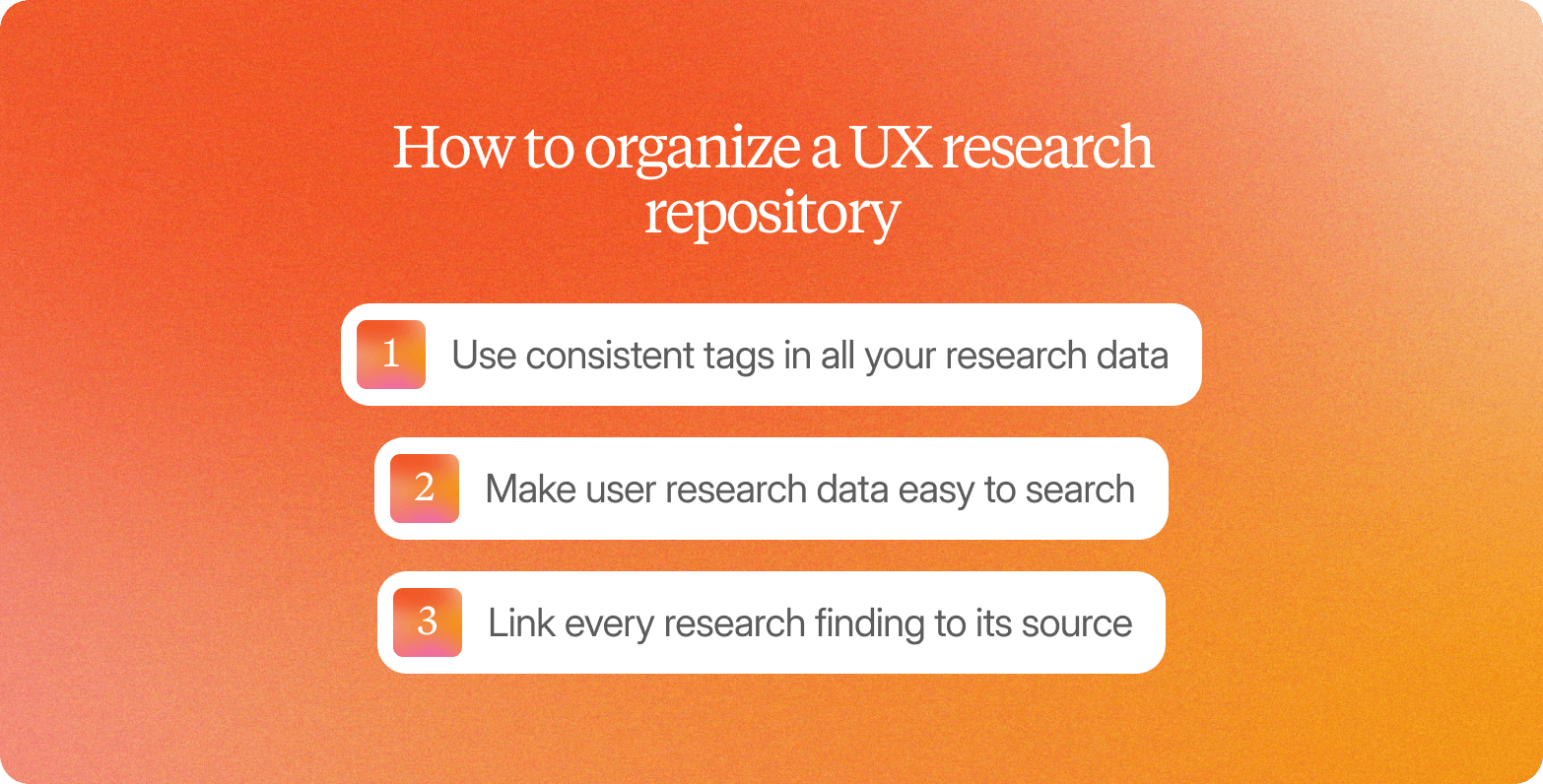
Good research repository UX depends less on folders and file names than on how studies, themes, and interviews are connected.
Use consistent tags in all your research data
Everyone on the research team should describe studies in the same way. If one study is tagged "checkout friction" and another "payment concerns," someone searching for either term may miss useful evidence. Agreeing on a shared tagging system before raw data from the first research project is added is much easier than trying to reorganize hundreds of studies later.
AI can help by applying the same tags across every study, making search results more consistent. Researchers should still review those tags, especially when new themes emerge, or a study doesn't fit neatly into an existing category.
Make user research data easy to search
A good repository lets teams search across every study instead of opening reports one by one. Researchers should be able to filter by participant type, study date, research question, or theme and immediately find the interviews, quotes, and clips that answer their question.
For example, say you wanted to find out whether checkout friction was turning away first-time buyers during Q1 2026. Combining a theme tag for "checkout friction" with a participant filter for "first-time buyers" and that date range should return every clip and quote tied to that question in seconds.
When search only returns report titles or summaries, people often end up relying on memory or manually reading old slide decks to find the evidence they need.
Link every research finding to its source
Every insight should link back to the interview it came from. When stakeholders can watch the original clip or read the exact quote behind a recommendation, they can judge the evidence for themselves instead of relying on a summary.
Without that link, findings turn into hearsay. A stakeholder who wasn't in the interview has to trust someone else's paraphrase, and paraphrases get simplified or overstated the more times they're repeated. Keeping every insight tied to its source keeps the evidence just as strong months later as it was on the day it was collected. . The next step is choosing software that supports this way of working.
6 UX Research Repository Tools: End-to-End Platforms vs. Point Solutions
Some UX research repositories are built into broader research platforms, while others are standalone tools that focus mainly on storing and organizing findings. The type of tool you choose affects how much research has to be moved between systems.
When other parts of the research workflow, like interviews or analysis, live in separate tools, links between findings and source evidence can get lost. A repository that sits inside a broader research platform can keep that connection intact from the original interview through to the final customer insight.
The UX research repository examples below show how each platform fits into the wider research process, how well it searches across studies, whether findings stay linked to the original evidence, and whether it meets common enterprise security requirements.
End-to-End Platforms
These platforms include a UX research repository as part of a broader research workflow. Because every step occurs within the same system, each study is stored with its context and evidence.
Conveo
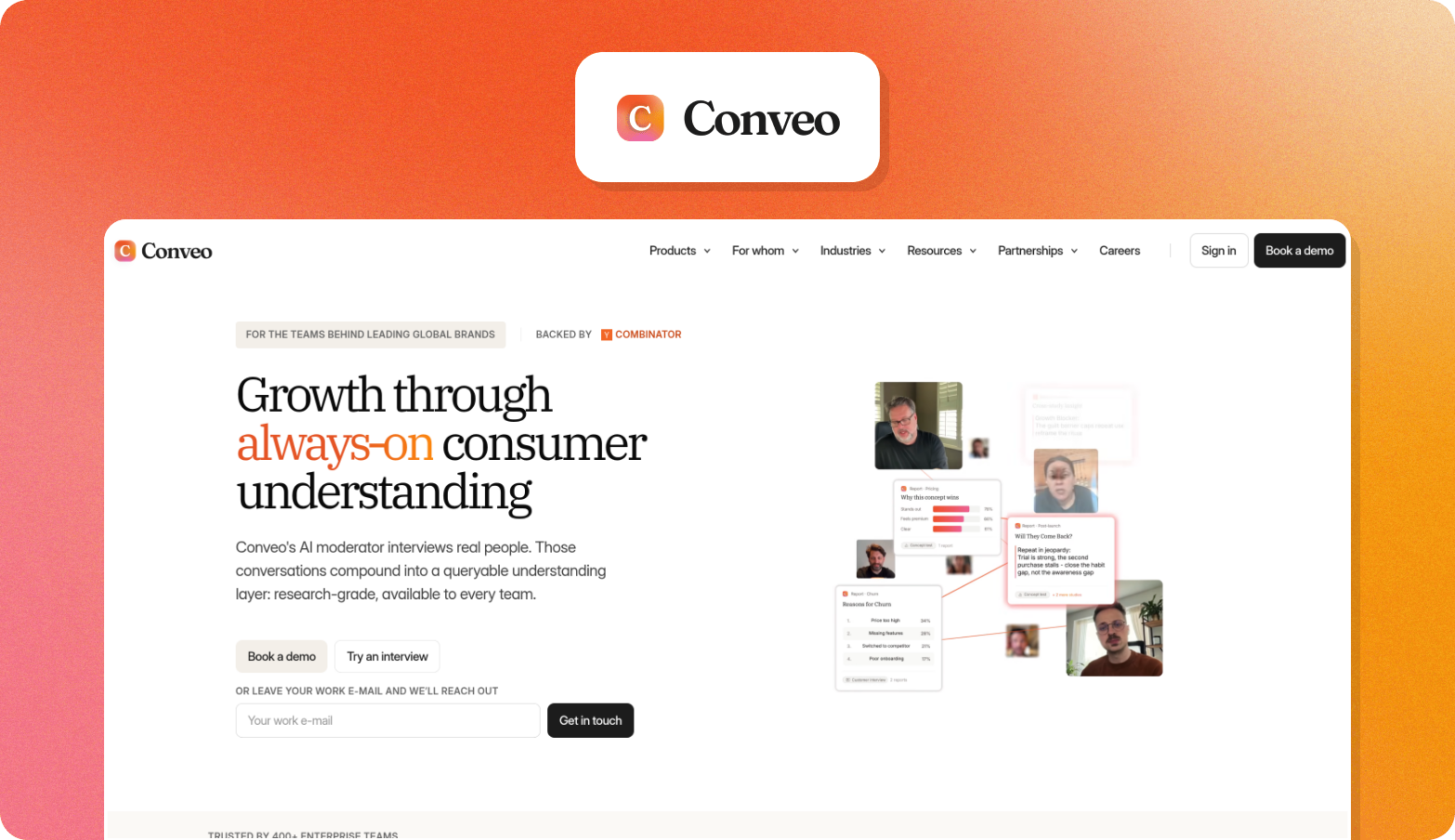
Conveo is the video-first AI research platform that helps teams build real customer understanding at enterprise scale, supporting the full qualitative workflow from study setup to stakeholder-ready reports.
It captures voice and video interviews with AI-moderated probing, then auto-codes themes with links back to the exact clip and quote each one came from. Everything lands in a searchable library that grows with each study, rather than resetting each time.
Three things set it apart from a standard repository:
Cross-study intelligence. Teams can filter by participant segment, study date, or theme across every study they've ever run, so a pattern from six months ago surfaces automatically when it's relevant again.
Video-first evidence. Every insight is linked to a timestamped clip of a real customer saying it, which carries more weight in a roadmap meeting than a bullet point.
Enterprise compliance. SOC 2, GDPR compliance, and EU regional data hosting are built in, which matters because compliance gaps are often what stall a repository purchase in procurement.
Conveo tends to fit teams of one to five researchers serving a much larger group of stakeholders, often with $40K to $100K or more in annual research spend, who need to compress a qualitative study from weeks to days without adding headcount.
"The pace, responsiveness, and research expertise of the Conveo team, on top of the top AI-moderated qual platform, have been invaluable to us in scaling brand advertising internationally."
Matt Harris, Research & Insights Lead at Canva
It's not the right fit for teams running purely quantitative usability testing with no qualitative data component, or for a solo researcher who doesn't need cross-study intelligence or enterprise-grade compliance. It works best for continuous-discovery teams who need insight they can trace back to a real customer, stored somewhere everyone can search.
Great Question
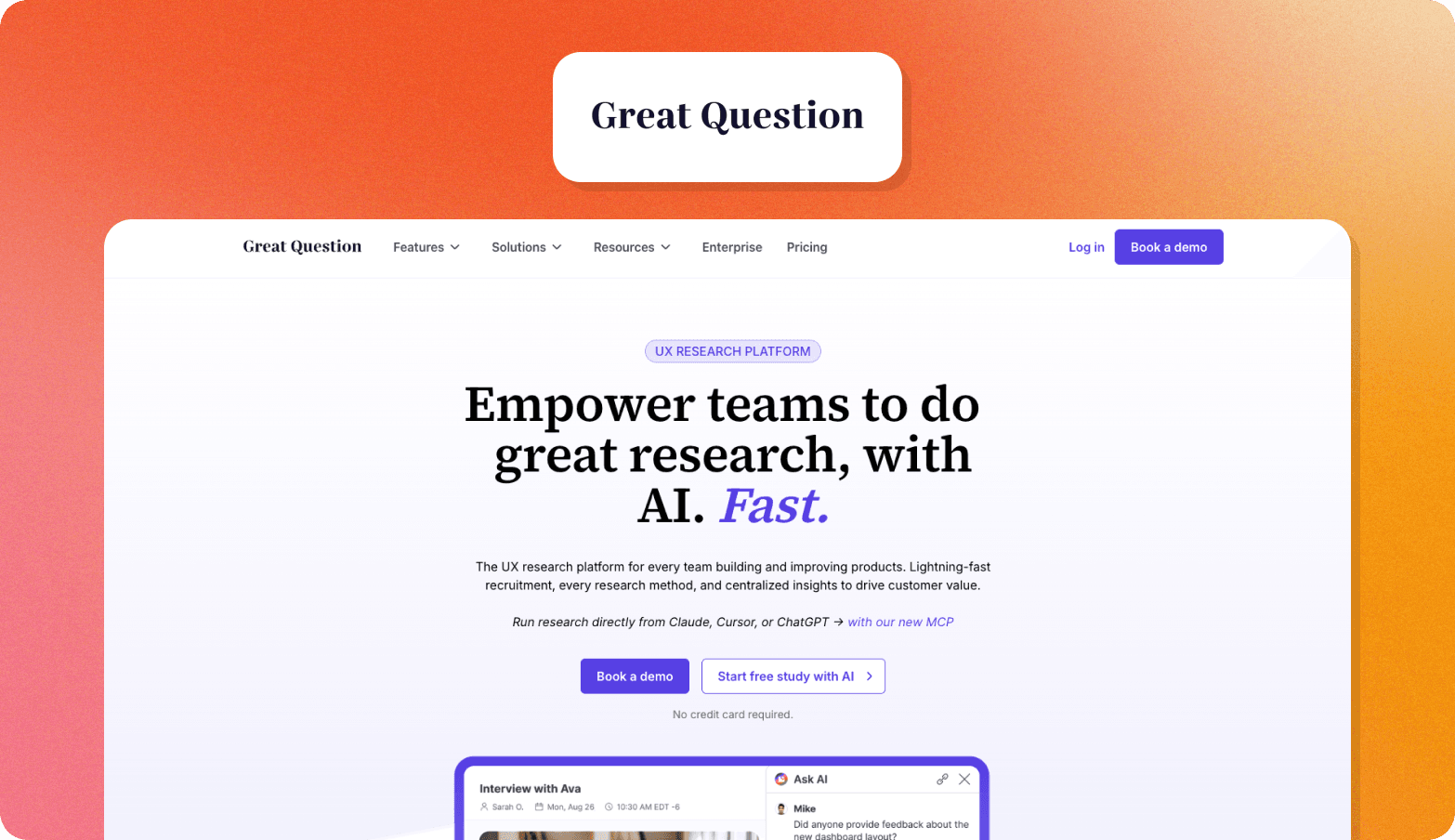
Great Question is a self-serve platform built for product managers and designers to run their own studies, covering recruitment, interviews, surveys, and usability tests, with an AI-assisted repository layer at the end.
Its strength is participant management: teams can build a panel from their own users and track them the way a CRM tracks contacts, which suits longitudinal work well. Where it's thinner is on the interviewing and evidence side.
It doesn't moderate interviews with AI or link insights back to video the way a dedicated qualitative platform does. It suits teams that prioritize control over their own participant relationships more than teams that need video-backed research insights.
Maze
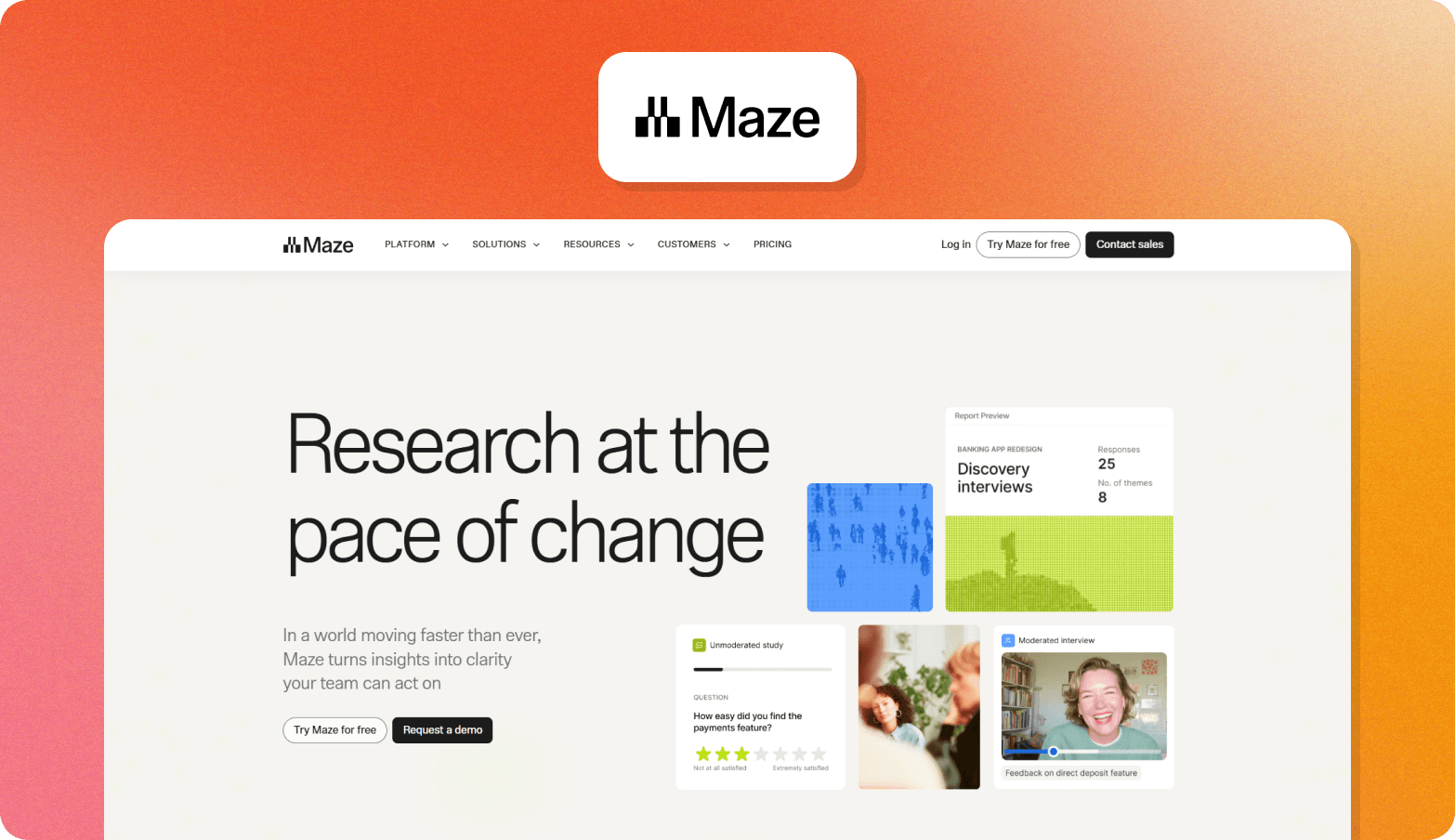
Maze is built around usability testing and prototype validation, with tight integration into Figma and other design tools. It also includes AI moderation on its Enterprise plan.
Maze’s repository is strongest for task-completion data and quantitative usability metrics, and thinner for open-ended qualitative interviews. It fits product teams running frequent usability tests tied to release cycles more than teams doing exploratory discovery work.
Point solutions
The tools below are repository platforms that also cover other parts of the research process. A team using one of these still needs a separate user research platform for the rest of the workflow.
Dovetail
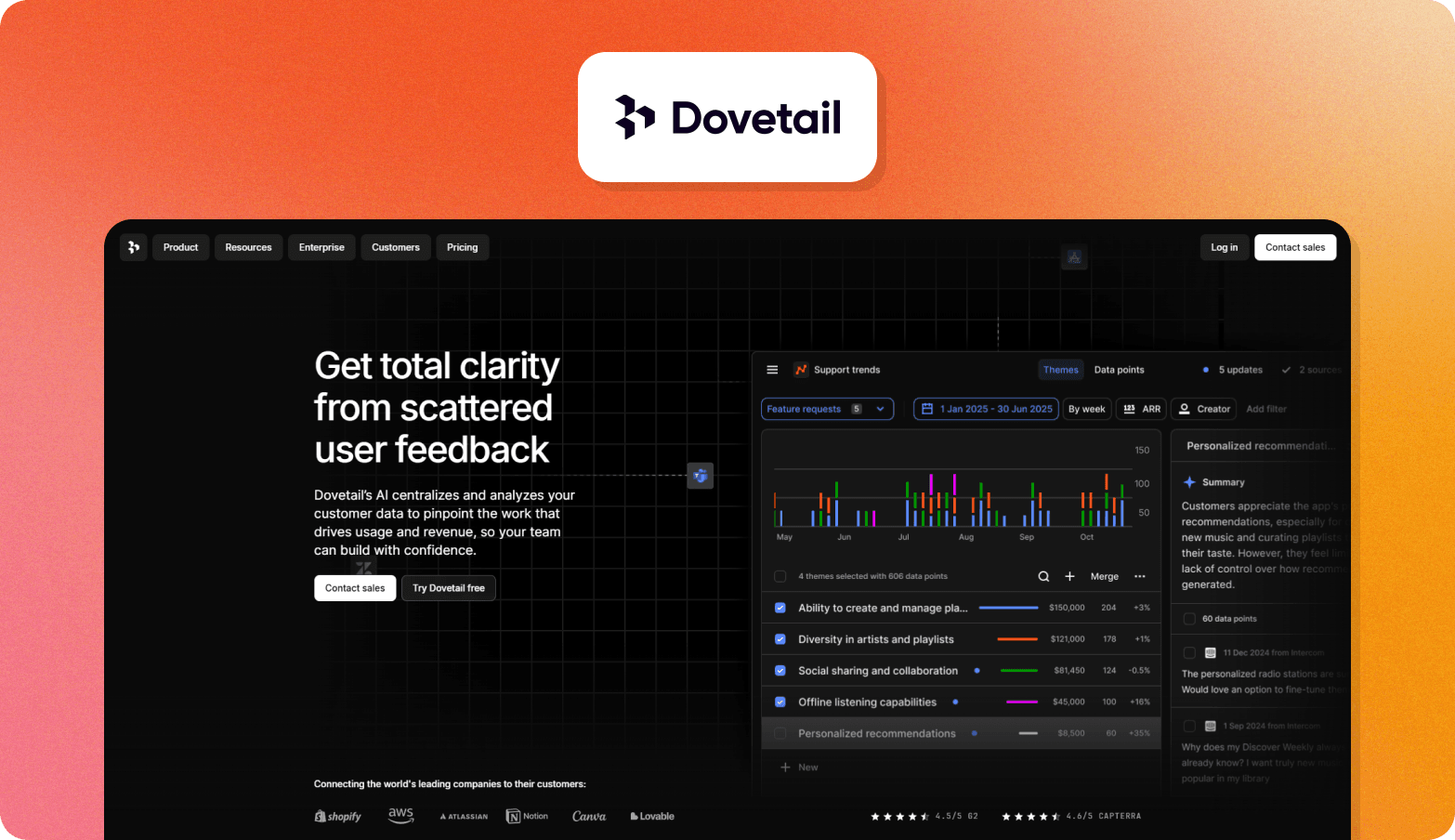
Dovetail is an analysis and repository platform for transcripts, notes, and themes, with flexible tagging and highlight-based analysis that suits teams already running an interview process. It doesn't interview or recruit anyone itself, so key insights only reach the repository after a separate tool has already collected them.
Marvin (HeyMarvin)
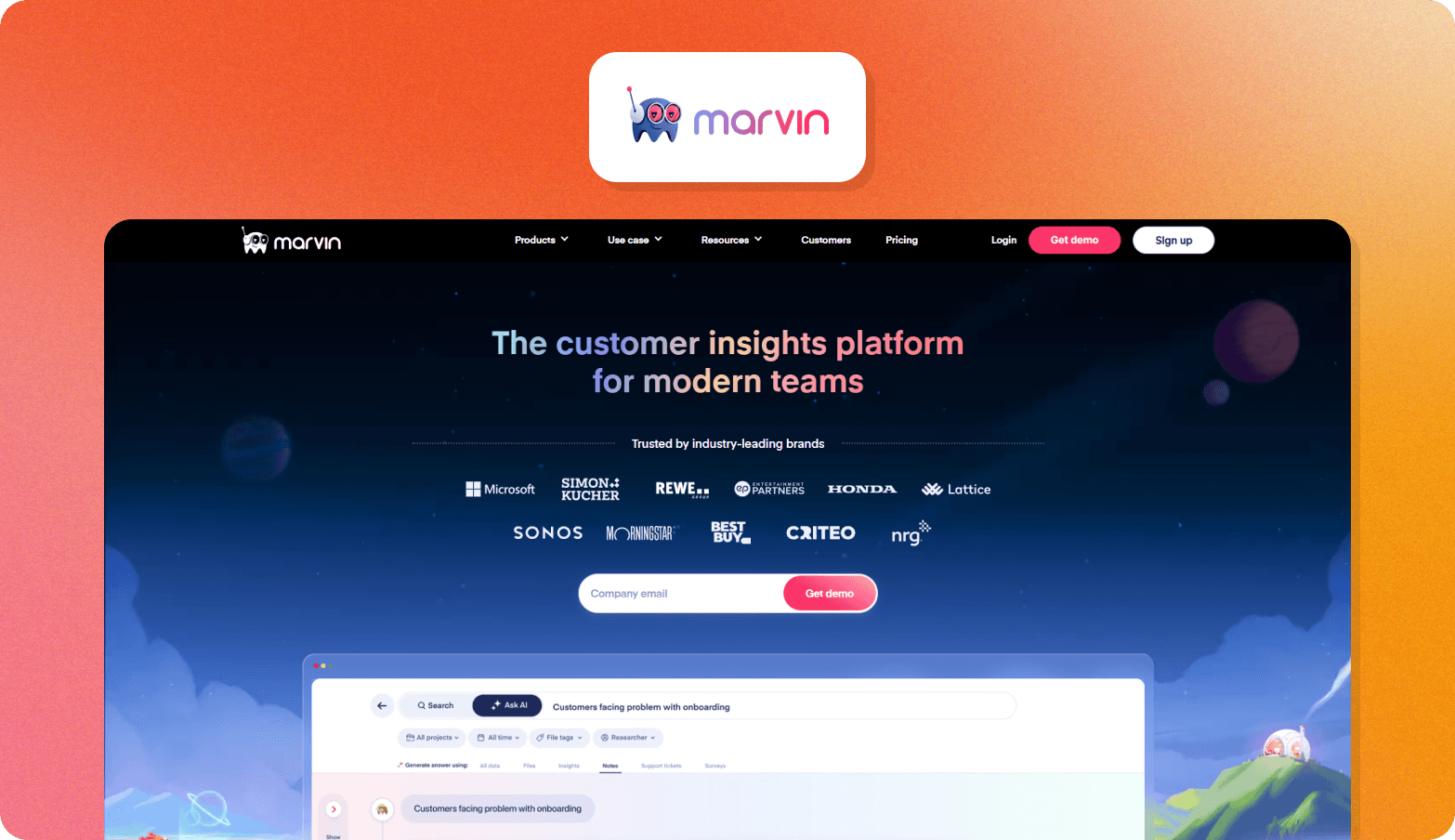
Marvin has repositioned itself as an AI-native customer feedback repository, pulling in interviews, surveys, support tickets, and sales data, not just research recordings. It does run AI-moderated interviews with an AI notetaker, so it's not transcription-only, but it has no native recruitment.
Teams bring their own participant list or a third-party panel, which suits teams already gathering feedback from several sources but not teams starting from scratch with participants.
Looppanel
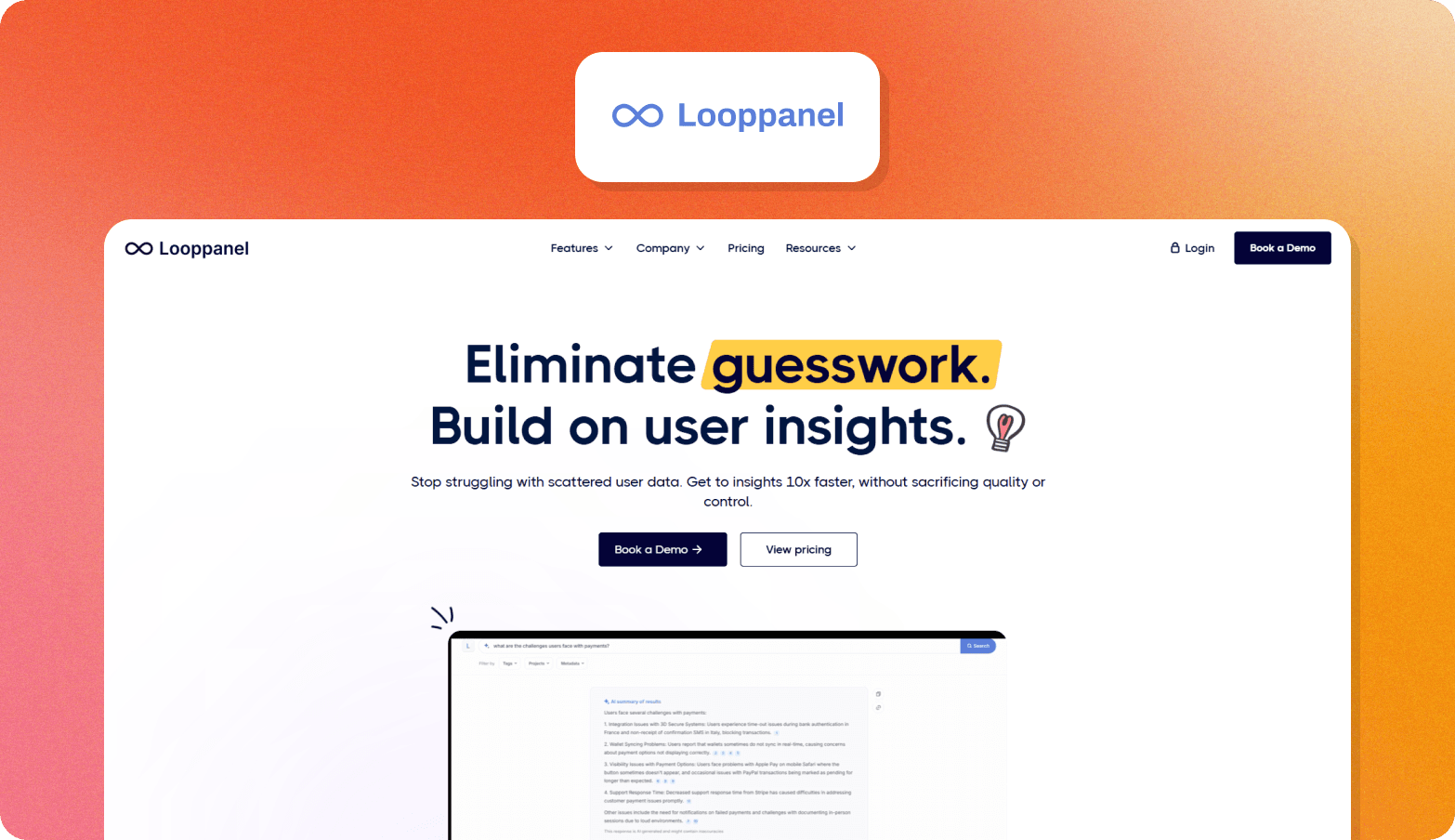
Looppanel transcribes interviews, identifies themes, and keeps a searchable knowledge base up to date automatically as new sessions come in. Like Dovetail, it has no built-in interviewing or recruitment. It works best for UX research teams already running their own user interviews who want AI handling the transcription and synthesis afterward.
Point solutions leave the interviewing and recruitment stages uncovered, which is exactly where repositories start to fragment and effort gets duplicated across tools. End-to-end platforms close that gap by handling the entire qualitative workflow in a single system, so nothing has to be recollected, re-tagged, or re-explained before it's usable.
Enterprise Procurement Checklist for UX Research Repository Platforms
Choosing a UX research repository isn't just about search or data analysis features. Enterprise procurement teams also assess how a platform protects user data and meets compliance requirements. These checks often determine whether a platform reaches the shortlist before the research team evaluates its workflow.
Security and Compliance Certifications
Enterprise buyers typically look for certifications and standards such as SOC 2, ISO 27001, GDPR compliance, and, for US organizations, CCPA compliance.
UX repository tools without SOC 2 certification often face additional scrutiny during enterprise security reviews, which can slow down the start of research studies. While certification alone doesn't guarantee security, it provides evidence that appropriate controls are in place, helping you avoid problems later on.
Data Residency and Hosting
Many organizations need to know exactly where participant data is stored. For European teams, EU regional data hosting can help meet GDPR requirements and internal data residency policies, whereas platforms that store data only in US data centers may require additional legal or procurement review.
Conveo provides regional data hosting, SOC 2 certification, and GDPR compliance, helping to address common procurement requirements for European organizations.
Access Control and Permissions
Research repositories should support single sign-on (SSO) or SAML integration, role-based access control (RBAC), and audit logs that record access to research data and exports. These controls help organizations manage who can view sensitive participant information and provide visibility into how research data is used.
For example, without RBAC, a stakeholder invited to review a highlight reel could end up with open access to every raw recording in the repository, not just the study they were asked to look at. Governance then only becomes more difficult as repository access grows across the business.
Data Retention and Deletion
Enterprise platforms should support configurable data retention policies and participant data-deletion requests to help organizations comply with the GDPR's "right to be forgotten" requirements. When a participant requests deletion, you should be able to remove the original file, the recording, the transcript, and any quotes pulled from it.
Automating these processes reduces manual work for research teams and makes it easier to apply consistent data retention policies across every study.
Consent Management and Participant Privacy
Participant consent should be captured before interviews begin and stored with the research record so organizations have a record of what each participant agreed to. This includes consent for recording interviews and for the use of participant data.
Conveo captures consent at the start of each session through configurable consent flows and stores consent records alongside interview data to support compliance requirements.
How Conveo Supports Continuous Discovery with Video-First Evidence
A UX research repository is only as useful as the research it contains. If findings are difficult to find, interviews are spread across different tools, or insights can't be traced back to the original conversation, the repository quickly loses its value. That's why continuous discovery works best when research happens in a single platform built around video-first interviews.
Conveo brings the entire workflow together in one place. Teams can recruit participants through integrated panel partners or invite their own users, run AI-moderated interviews, analyze responses, and store all studies in a single repository. Because each stage stays connected, research is ready to be searched and reused as soon as a study is complete.
See it in action: How AI-Moderated Interviews Actually Work

Cross-study search lets teams filter findings by participant segment, study date, or theme, making it easy to find relevant evidence instead of searching through old reports. Every insight also links back to a timestamped video clip from a real participant conversation, giving stakeholders the context they need to understand and trust the findings.
Frequently Asked Questions
What is the best UX research repository for product teams?
The best research repository tool depends on how your team works. Teams running continuous qualitative research often benefit from an end-to-end platform that handles the entire research process in one place. Others may prefer a repository that fits alongside their existing tools. The right choice depends on your research volume, team size, and the type of evidence you need.
What should a UX research repository include?
An effective UX research repository should store the evidence behind every finding, not just the final report. That includes interview recordings, study context, participant information, and the themes that connect research across studies. It should also make those findings easy to share with other teams.
How do AI-powered UX research repository tools improve insight retrieval?
AI-powered UX research repository software makes research easier to find by applying consistent themes across studies, rather than relying on manual tagging alone. They can search across past projects in seconds and link findings back to the original interview or quote. UX researchers should still review the results to make sure the themes remain accurate.
What is the difference between a research repository and a research database?
A research database is designed to store data. A research repository is designed to help people find and reuse research. Instead of simply keeping records, it organizes studies so teams can answer new questions without repeating the same research.
How do you evaluate UX research repository tools for enterprise procurement?
When comparing UX research repository tools, don't start with features alone. Check whether the platform meets your organization's security and compliance requirements before comparing search or analysis capabilities. For many enterprise teams, those requirements determine whether a platform is even considered.

About the author
Alex de Hemptinne
Business Impact Lead
Alex is a Business Impact Lead at Conveo, partnering with enterprise teams to embed AI-led research into their workflows. From the first study to full-scale rollout, she helps customers shift from project-based research to continuous customer intelligence.
Meet Alex on film →